
Candlear Booking Widget Wordpress Plugin - Rating, Reviews, Demo & Download
Plugin Description
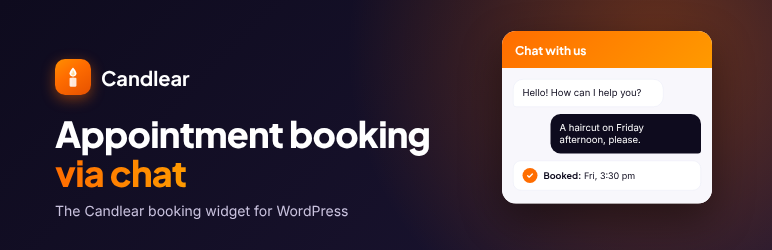
Candlear is a booking system for local businesses (hairdressers, physiotherapy, coaching, trades, restaurants and more). Customers book appointments by chat directly on your website.
What this plugin is for: Candlear is a hosted booking service. Businesses set up their services, opening hours and staff in the Candlear dashboard. Visitors of the business website can then chat with an AI assistant that checks free time slots and books the appointment. This plugin is the WordPress connector: it adds the Candlear chat bubble to your site, so you do not have to paste a script into your theme.
This plugin requires a Candlear account (candlear.de). It only connects your website to that service. Without an API key it does nothing.
Language and region: For now, the Candlear service is built for businesses in Germany. The chat widget, the AI assistant and the booking flow are in German, and appointments use the Europe/Berlin time zone. The plugin’s settings page is in English; a German translation will be provided through translate.wordpress.org. More languages and time zones may follow later.
How to get an API key: Register at https://candlear.de, open the dashboard and copy the API key under Chat bot -> Embed widget.
Plugin reviewers and testers: If you want to test the plugin without registering, write to support@candlear.de and ask for a test account. You will receive dashboard login data and an API key for a demo business. Enter the key and a privacy policy URL under Settings -> Candlear, then open the website and use the chat bubble to book an appointment.
The plugin adds the Candlear widget script to the footer of your pages and passes your settings to it:
- API key
- Widget title
- Greeting
- Position (bottom right / bottom left)
- Privacy policy URL (required)
No theme editor, no footer snippet, no additional Google Fonts. The widget uses Shadow DOM and stays visually isolated from your theme.
The script is loaded through the regular WordPress enqueue pipeline (wp_enqueue_script), so common consent manager plugins (for example Real Cookie Banner, Borlabs Cookie, Complianz) can detect it like any other script and delay it according to their own rules.
The plugin does not show the widget until an API key and a privacy policy URL are set. Under Settings -> Privacy -> Policy Guide the plugin adds suggested text for your privacy policy. You are responsible for adapting it to your website and for informing your visitors.
You will find your API key in the Candlear dashboard under Chat bot -> Embed widget. Test accounts are available on request at support@candlear.de.
External services
This plugin connects your website to the Candlear service operated by Synergic Systems – Jannick Mueller, Cologne, Germany. It is required for the chat widget to work.
What is loaded: On every public page, once an API key and a privacy policy URL are set, the browser of each visitor loads the widget script from https://candlear.de/chat-widget.js.
What data is sent and when: When a visitor opens the chat and sends a message, the message text (which may contain name, contact details and appointment wishes entered by the visitor), a chat session ID, your API key and the visitor’s IP address (as part of the request) are sent to https://candlear.de/api/chat. Chat messages are processed by an AI service (Google Gemini, Google LLC) to answer the visitor. No data is sent to Candlear before the widget is loaded in the visitor’s browser. The plugin itself does not send any data from your WordPress server.
- Service provider: Synergic Systems – Jannick Mueller, https://candlear.de
- Terms of service: https://candlear.de/agb
- Privacy policy: https://candlear.de/datenschutz
- Data processing agreement: https://candlear.de/avv
- AI sub-processor: Google Gemini API, terms at https://ai.google.dev/gemini-api/terms
Privacy
The plugin stores your settings in the WordPress options table (candlear_booking_widget_options) and deletes them when the plugin is deleted. The plugin itself does not set cookies. For the data sent to the Candlear service by the widget, see “External services” above. As the site operator you must mention the chatbot in your privacy policy.
Screenshots

Settings -> Candlear: API key, widget title, greeting, position and privacy policy URL.
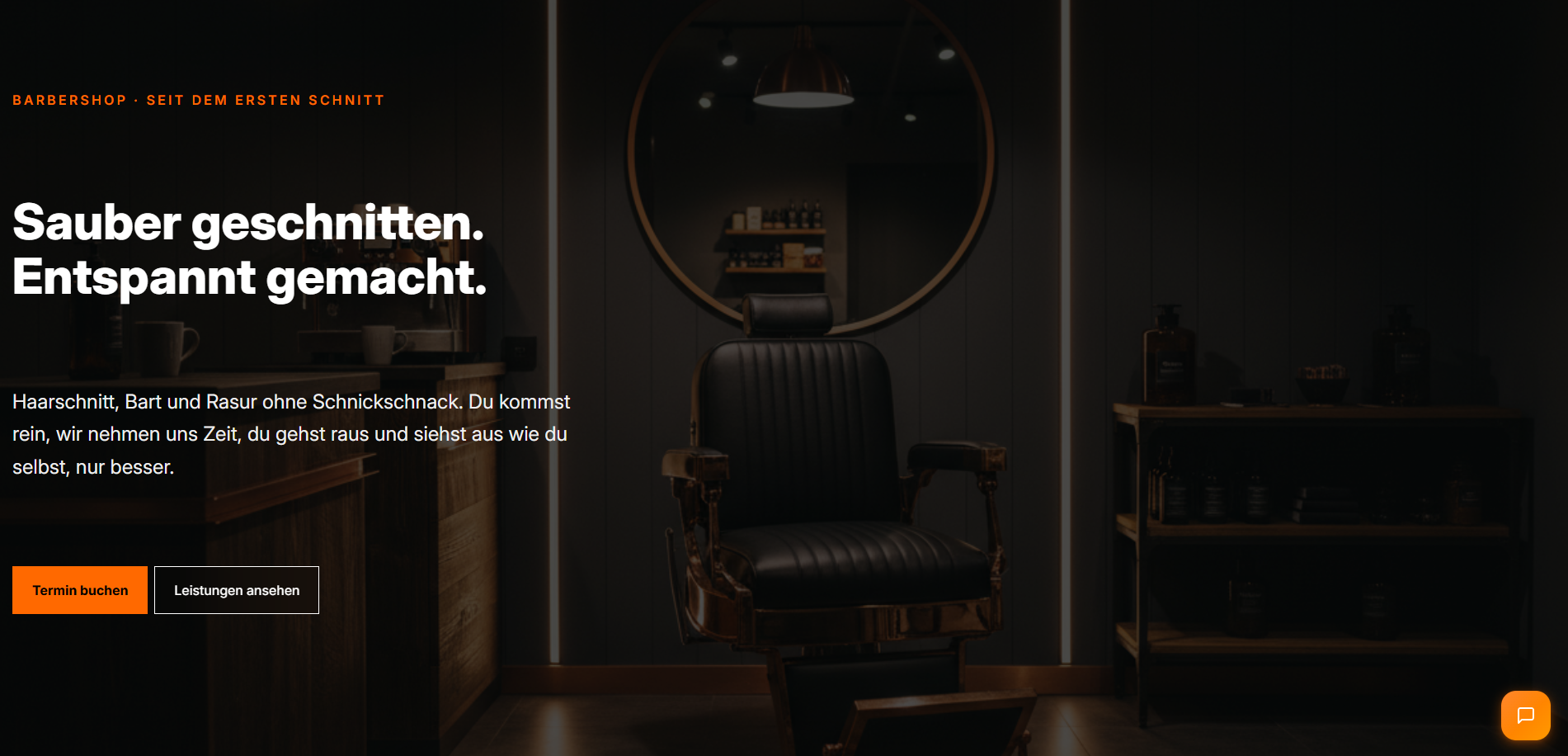
The Candlear chat bubble on the website.
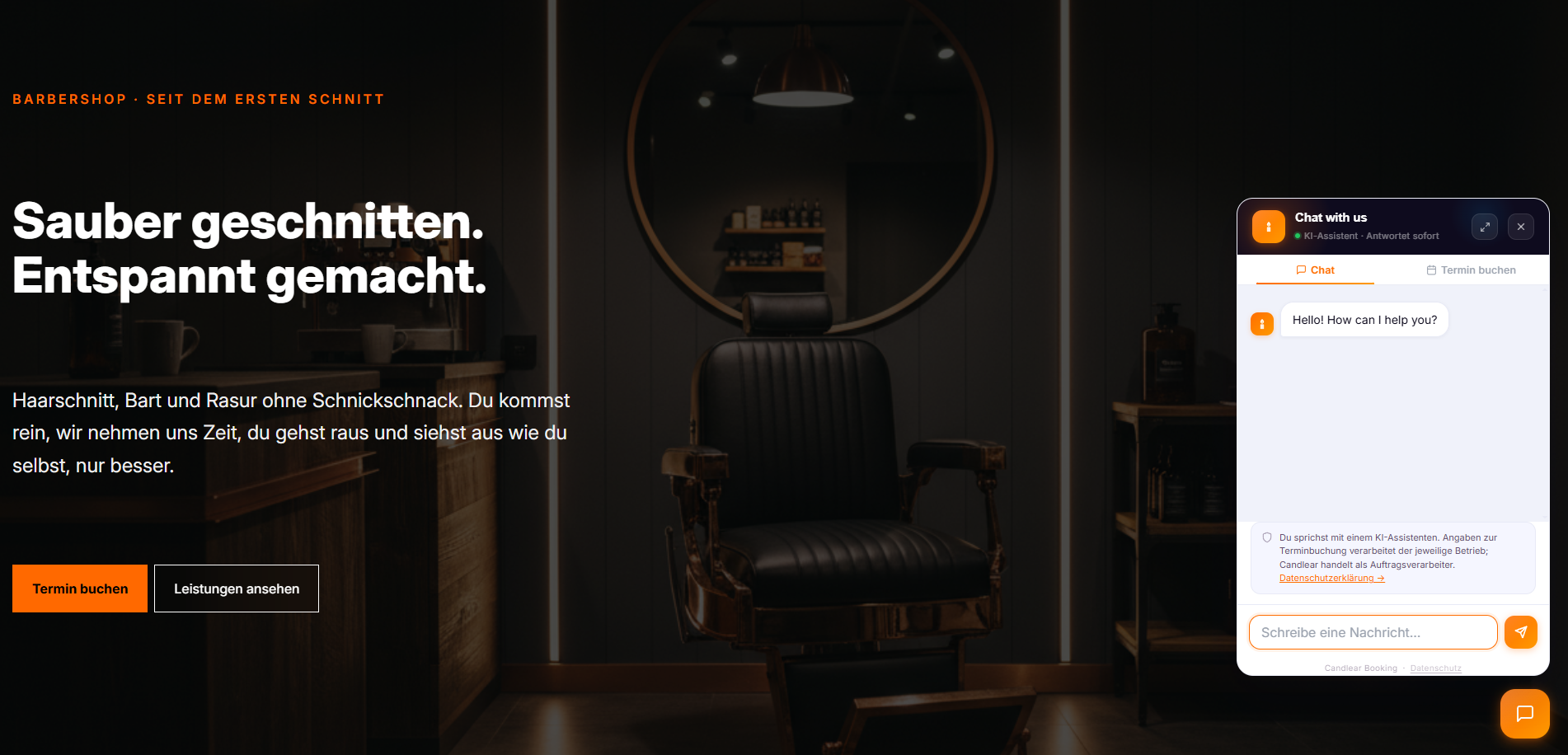
The chat tab: visitors talk to the AI assistant (German).
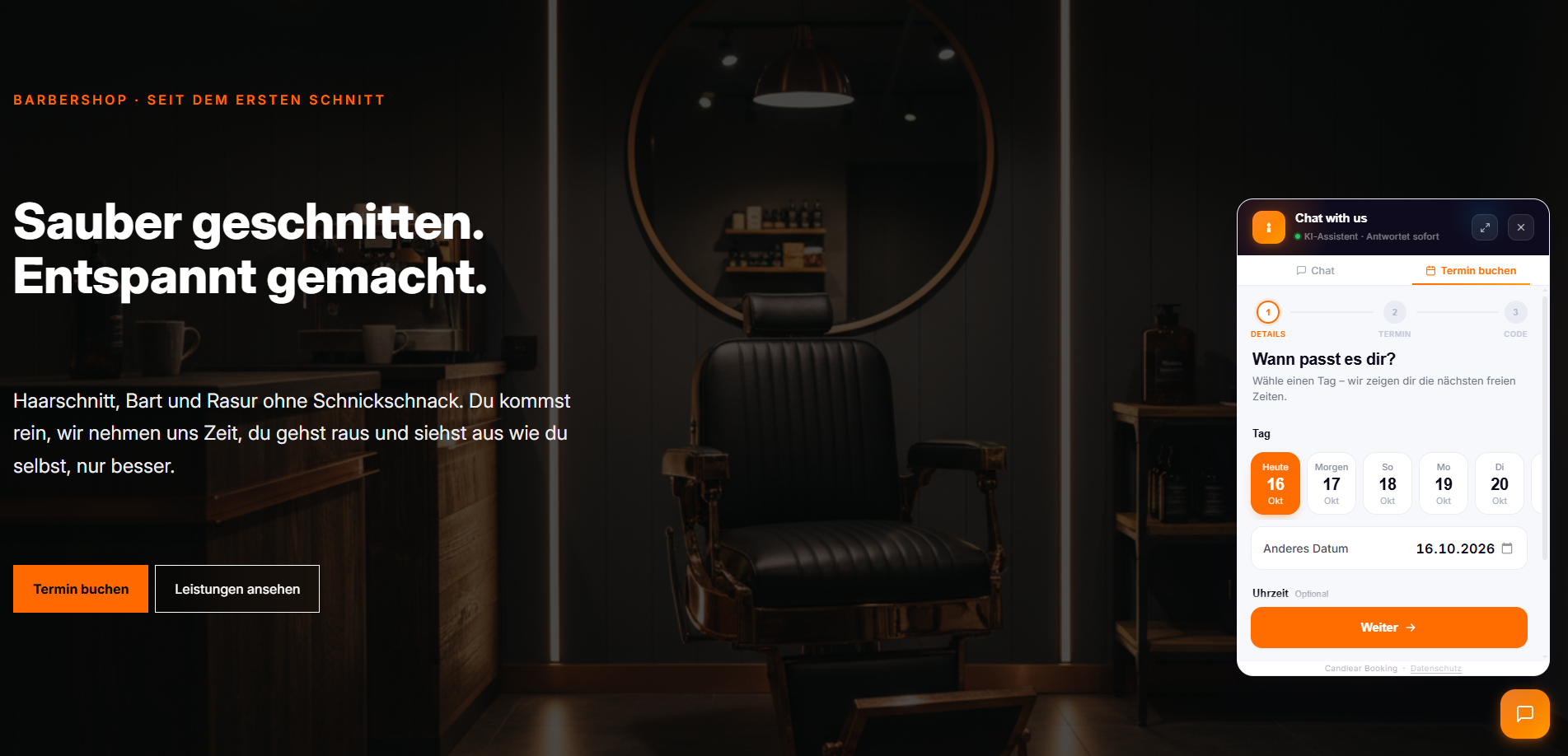
The booking tab: visitors pick a day and time for their appointment (German).


