
ChatBouncer Wordpress Plugin - Rating, Reviews, Demo & Download

Plugin Description
ChatBouncer is an AI chat box for any business’s website. It answers your customers around the clock from the info you give it (hours, prices, services, FAQs), sticks to that info instead of making things up, and emails you when a person is needed.
This plugin is the easy way to put ChatBouncer on a WordPress site. No code editing:
- Paste your widget key (or the whole embed code) under Settings > ChatBouncer.
- Turn the chat box on or off with one checkbox, without losing your key.
- The widget script is added to your site’s footer the WordPress way (
wp_enqueue_script, loaded async), so it does not slow your pages down. - Works with any theme.
What ChatBouncer does once it is on your site (managed in your ChatBouncer dashboard, not in WordPress):
- Answers 24/7 from your own saved info, and says “the owner will confirm” instead of guessing.
- Bounces spam, prompt tricks, off-topic chatter and abuse, with message limits per visitor, per IP and per business.
- Human takeover: reply from your dashboard or straight from the handoff email, and the AI pauses while a person is in the chat.
- Slack alerts and Zapier / webhook events for new leads and handoffs (Pro and Business plans).
- Team seats with Owner, Admin and Agent roles (3 seats on Pro, 10 on Business).
- Upload PDF and Word documents as extra knowledge (Pro and Business plans).
- White label: hide the “Powered by ChatBouncer” link (Business plan).
- Runs only on the website domains you allow.
Plans: Starter $29/month (1 website), Pro $59/month (up to 3 websites), Business $119/month (up to 10 websites). Every plan starts with a 14-day free trial.
You need a ChatBouncer account to use this plugin. You can create one at chatbouncer.com.
External services
This plugin connects your website to ChatBouncer, the service that runs the chat box. That connection is the whole point of the plugin, and it only happens after you paste a widget key and leave the chat box turned on.
- What is loaded: the ChatBouncer widget script (
/w/v1.3.0.js, pinned with Subresource Integrity) from the ChatBouncer app athttps://app.chatbouncer.com. It is loaded on the public pages of your site, never in wp-admin. - What is sent, and when: when a visitor’s browser loads the script it sends your widget key and a random visitor ID. When a visitor opens the chat box and types, their messages (and any contact details they choose to type in) are sent to ChatBouncer so it can answer. If the chat box cannot answer a question and the visitor chooses to leave their email address, that address and question are sent to ChatBouncer so the business owner can reply. The plugin itself sends nothing from your server.
- Who provides it: ChatBouncer. Terms of Service and Privacy Policy.
Screenshots
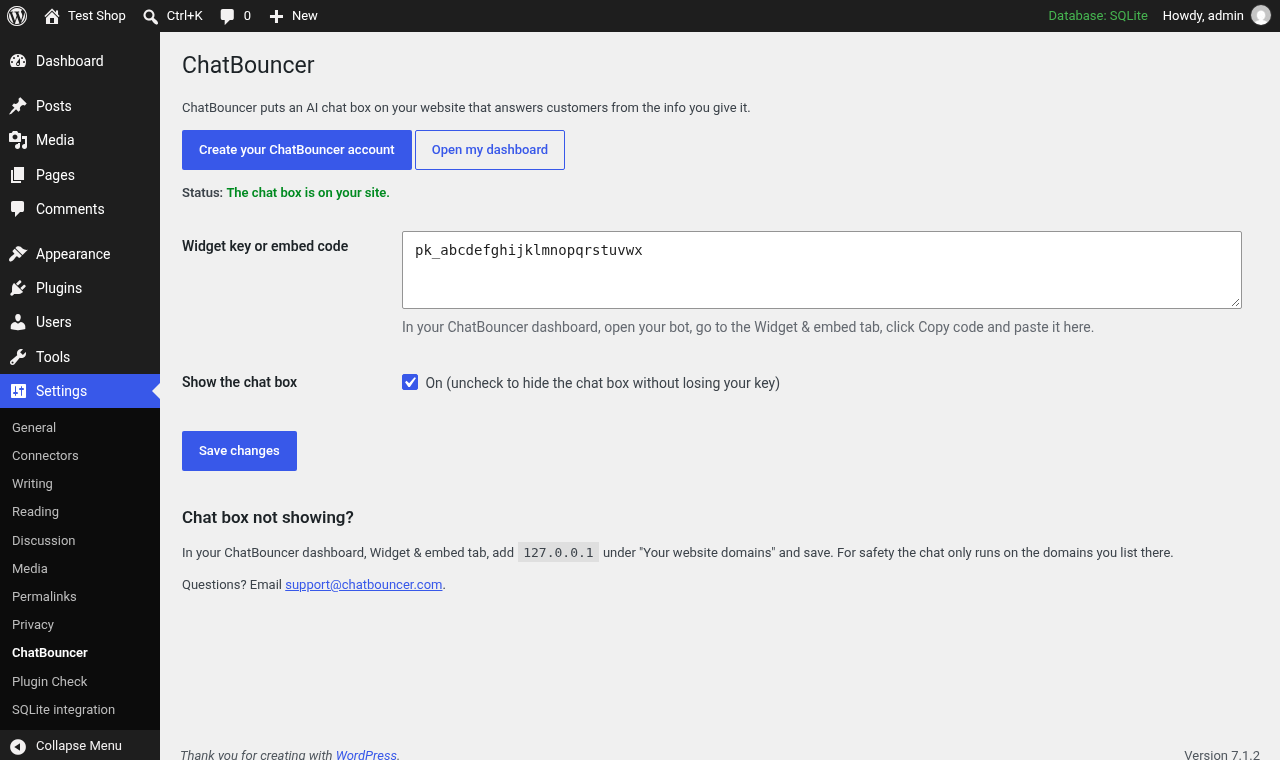
Settings > ChatBouncer: paste your widget key and turn the chat box on.
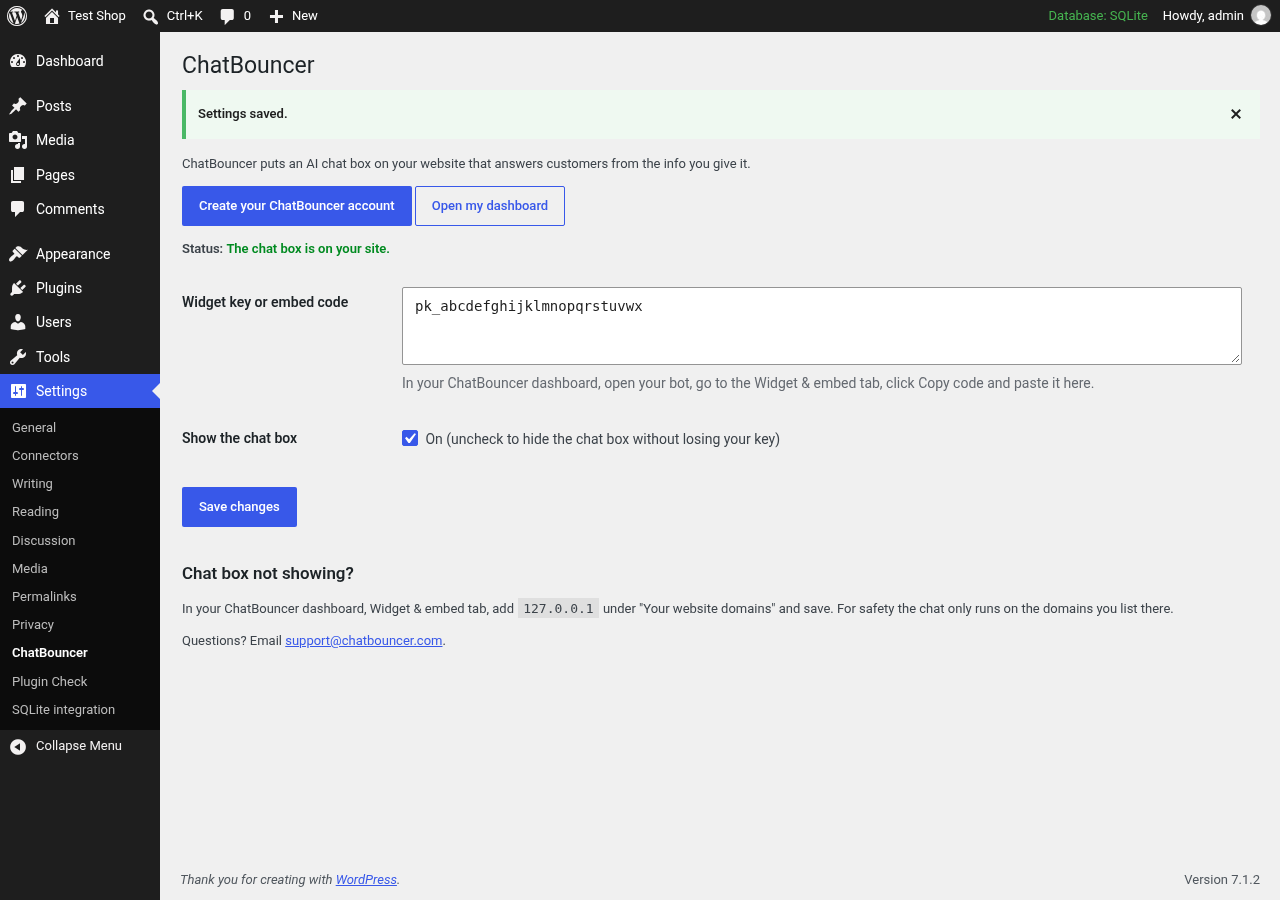
Settings saved: the chat box is connected and switched on.
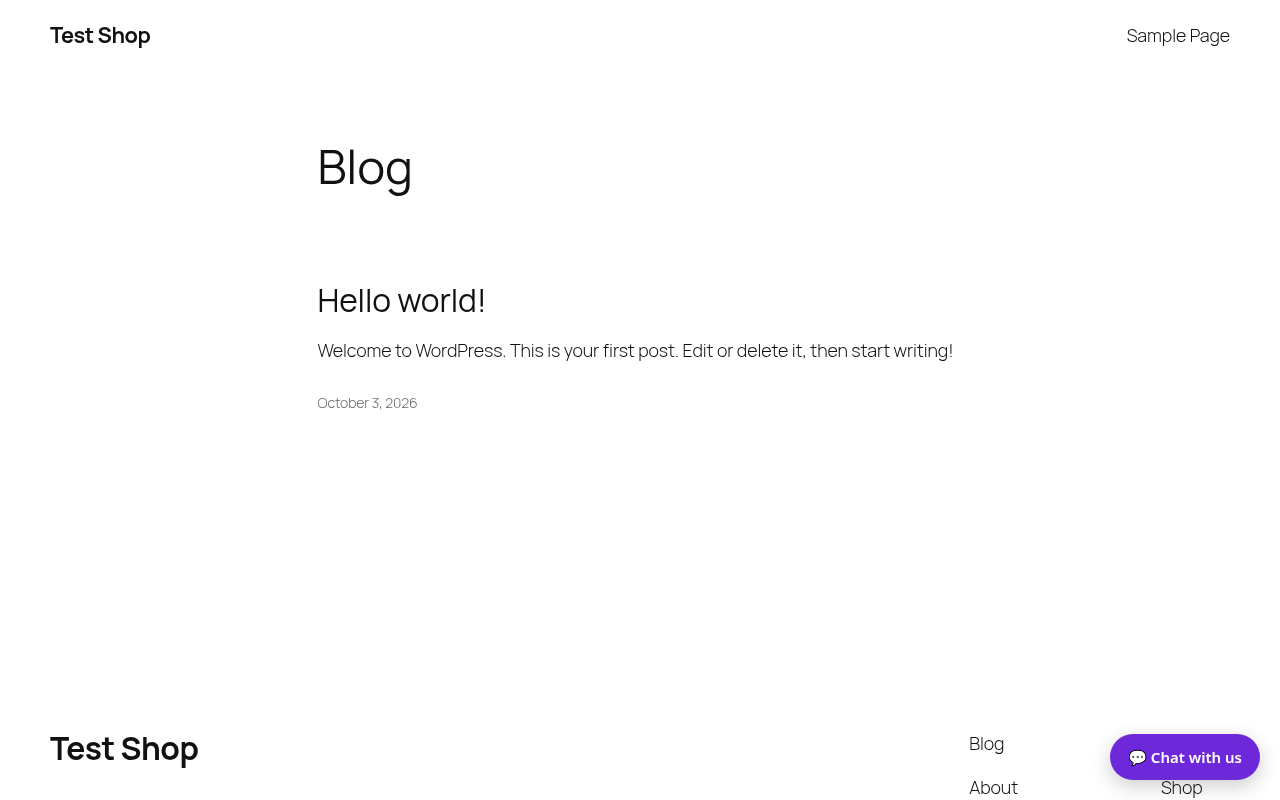
The ChatBouncer chat box on a WordPress site.


