
Clarke Template Debug Wordpress Plugin - Rating, Reviews, Demo & Download
Plugin Description
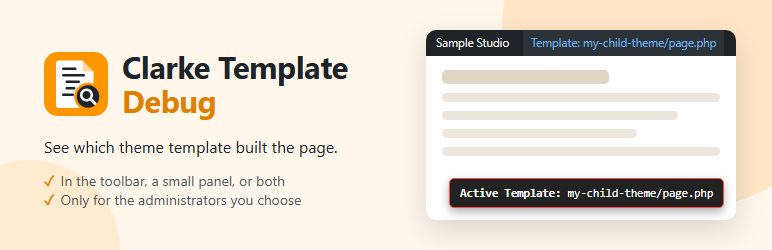
Clarke Template Debug shows which theme template file WordPress used for the current page, with its theme folder
(for example my-child-theme/page.php), so you can tell a child theme’s copy from the parent theme’s. Templates that
come from a plugin, such as WooCommerce, are shown from wp-content (for example plugins/woocommerce/templates/...).
With a block theme it shows the block template, such as twentytwentyfour/page, and says when that template has been
changed in the Site Editor.
- Show it in a small panel at the bottom of the page, in the toolbar at the top of the page, or both.
- Only administrators can see it, and you can limit it to chosen administrators by email address, so visitors and
other users never see it. - It’s never shown in the Customizer preview or on printed pages, and nothing extra loads for visitors.
- On right-to-left sites (such as Arabic or Hebrew) the panel sits in the bottom left corner.
Pro
Clarke Template Debug Pro, from clarkedesign.co.uk, adds:
- Every other theme file the page used – header, footer and template parts – in the panel and the toolbar.
- Click a file name to copy it.
- Put the panel in any corner of the page.
- A close button for the panel.
Screenshots

The panel in the bottom corner of the page, showing the child theme’s template.

The template in the toolbar, with a link to the settings.
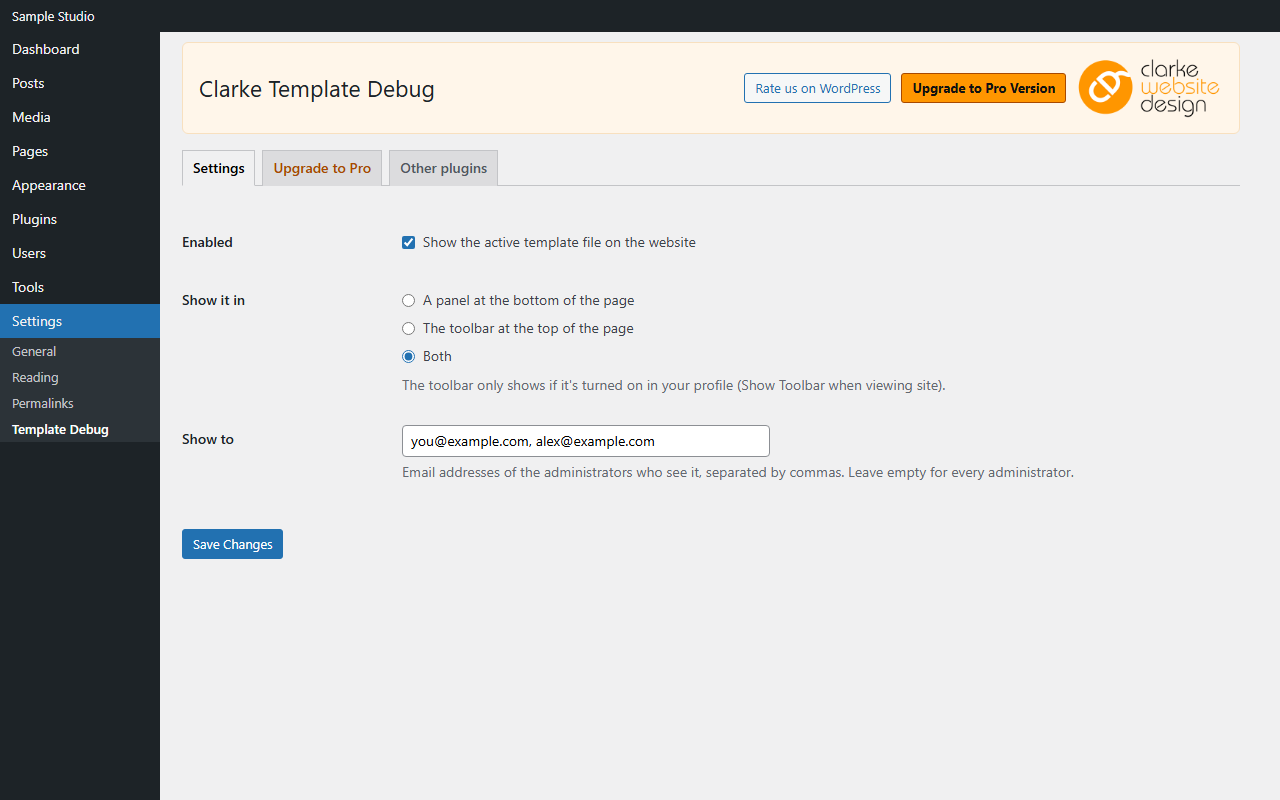
The settings: where it’s shown and which administrators see it.


