Clarvity Custom Product Designer Wordpress Plugin - Rating, Reviews, Demo & Download
Plugin Description
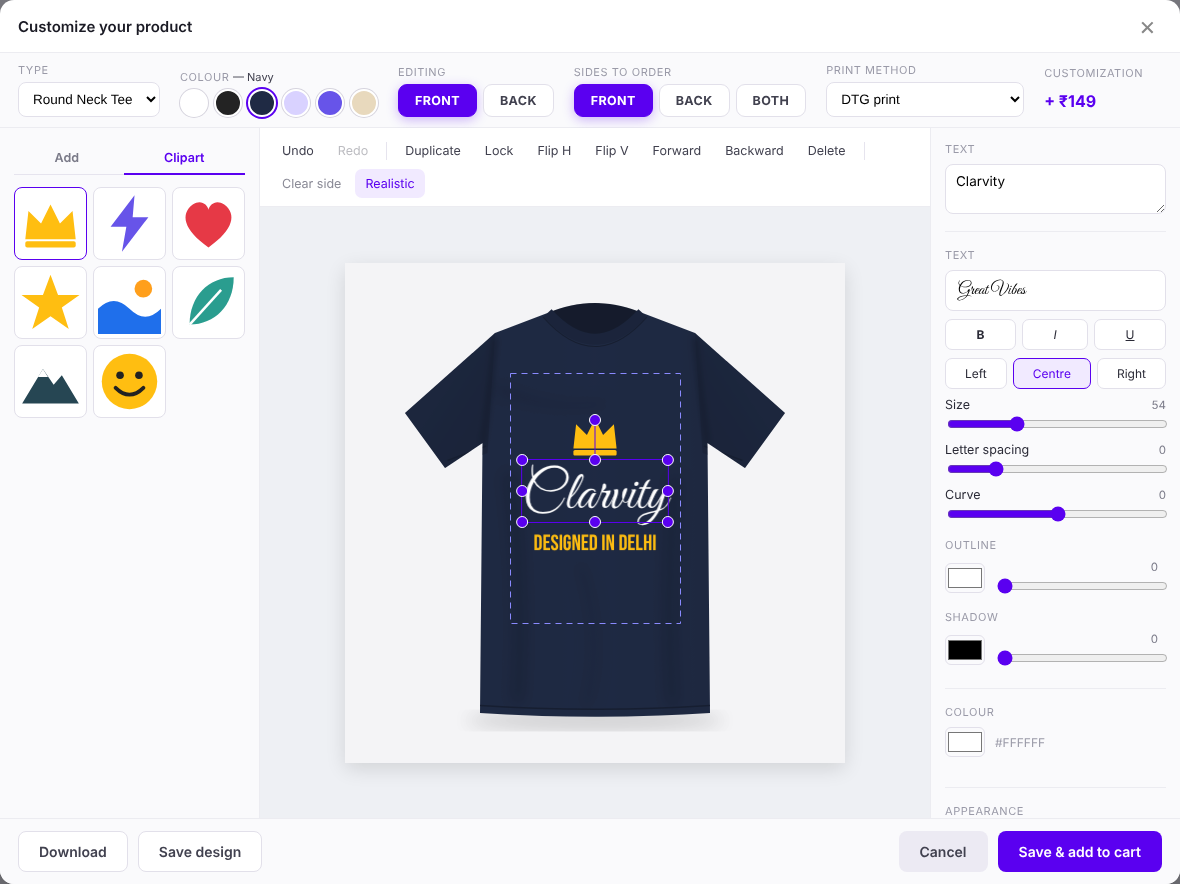
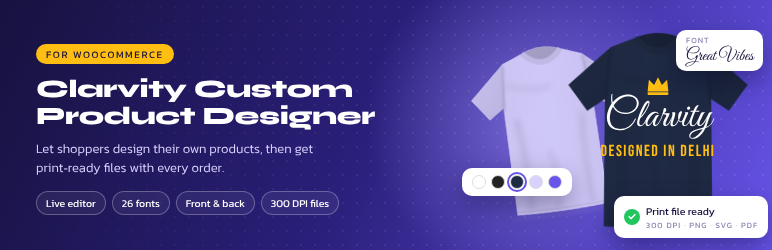
Clarvity Custom Product Designer adds a live design editor to WooCommerce product pages. Customers add text, photos, clipart and shapes to your product, see the price, and order. You get print-ready files at the real print size.
For customers
- Front and back sides, product types (Round Neck, Polo…) and product colours.
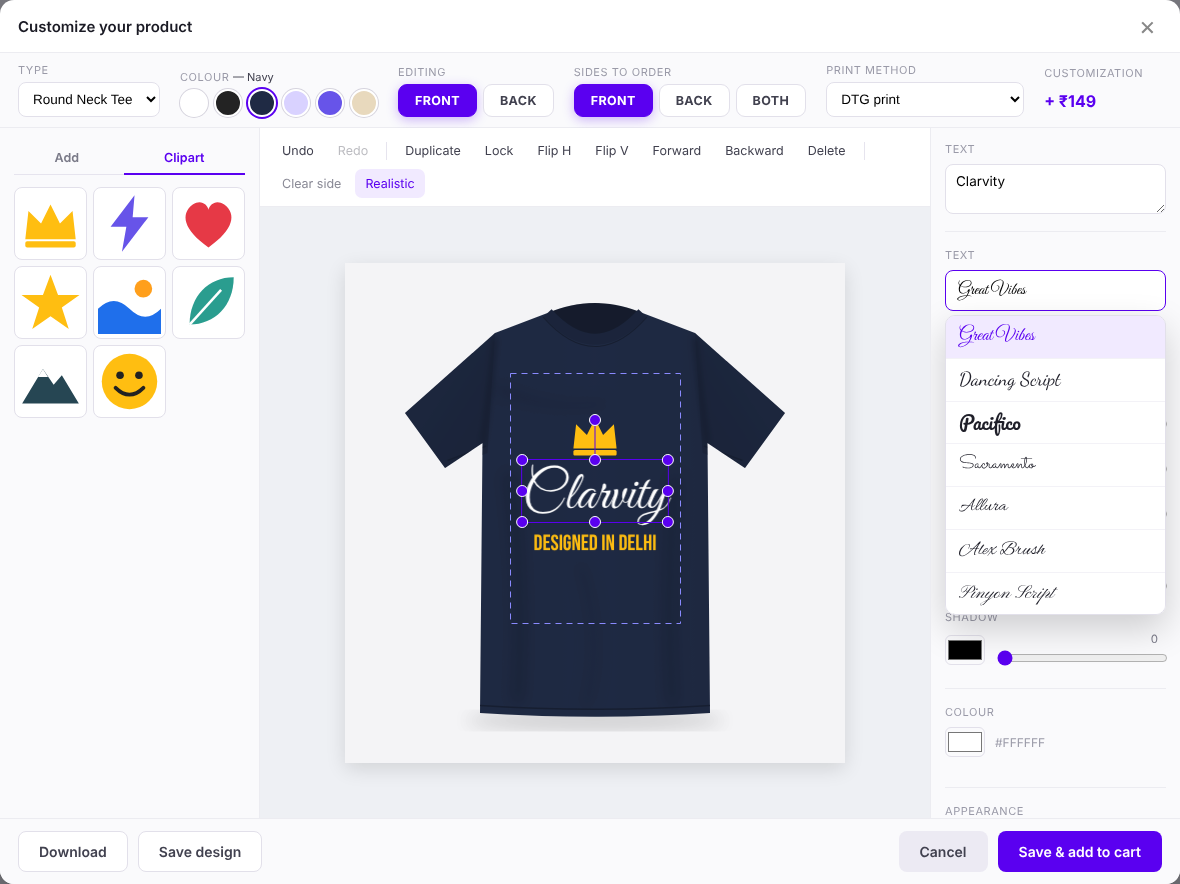
- 26 bundled fonts, curved text, outline, shadow and letter spacing.
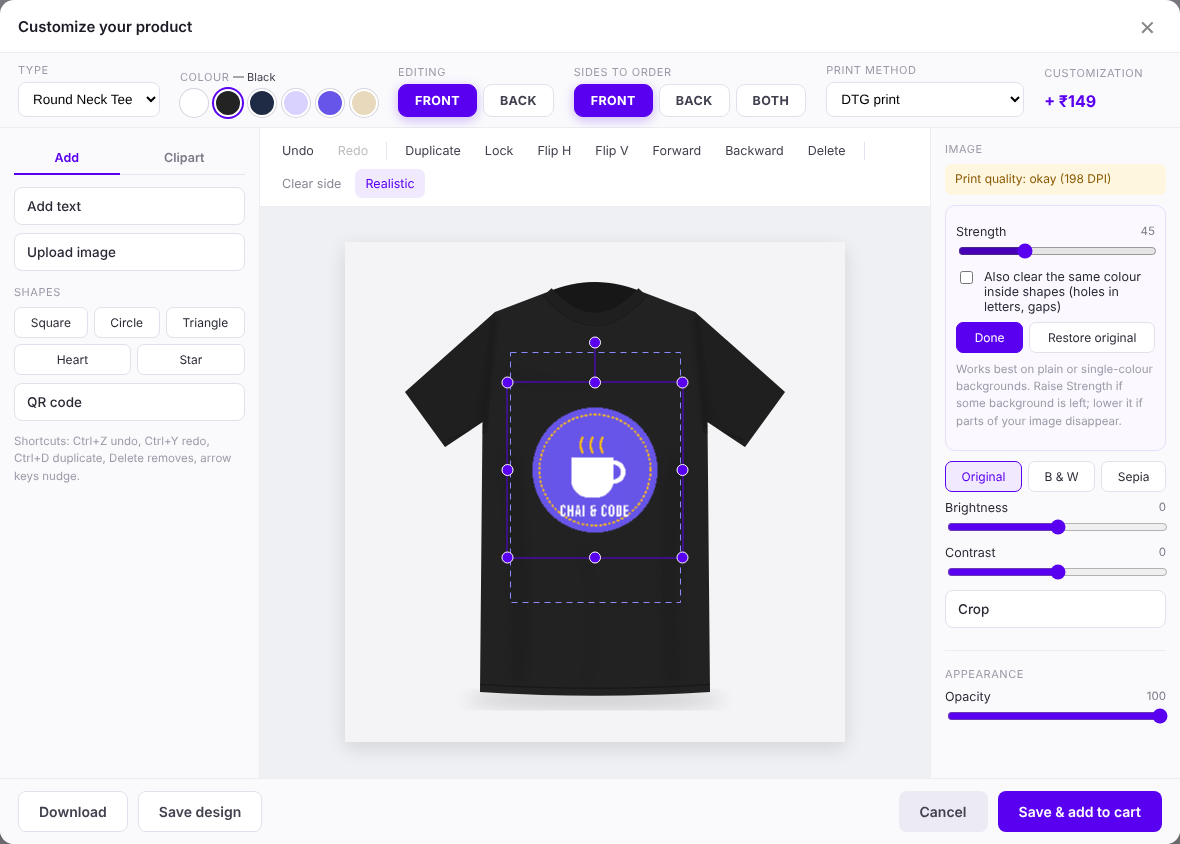
- Photo tools: background remover (plain backgrounds), crop, filters, brightness and contrast.
- Clipart, QR codes, templates, undo/redo, snap guides and a low-resolution warning.
- Save a design and share it by link, WhatsApp or email; My Account > Saved designs.
- Team orders: one design, a list of names, numbers and sizes.
- Brand kit for logged-in customers: logos, colours and fonts.
- Realistic preview that follows the folds of the product photo.
For shop owners
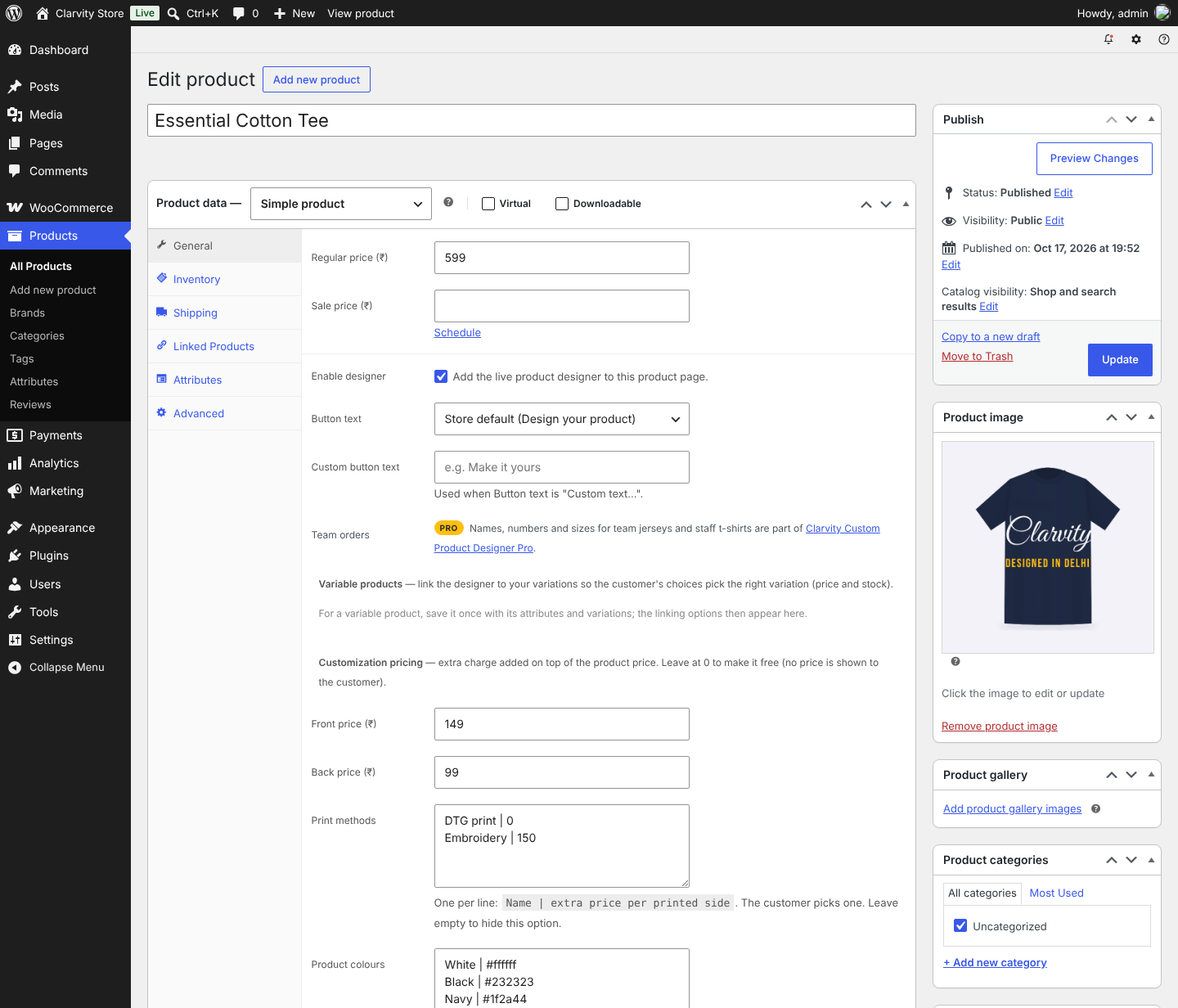
- Front/back prices and print methods (DTG, screen print, embroidery…) priced per side.
- Variable products: link types and colours to variation attributes.
- Locked “fill-in” templates (e.g. name and date only).
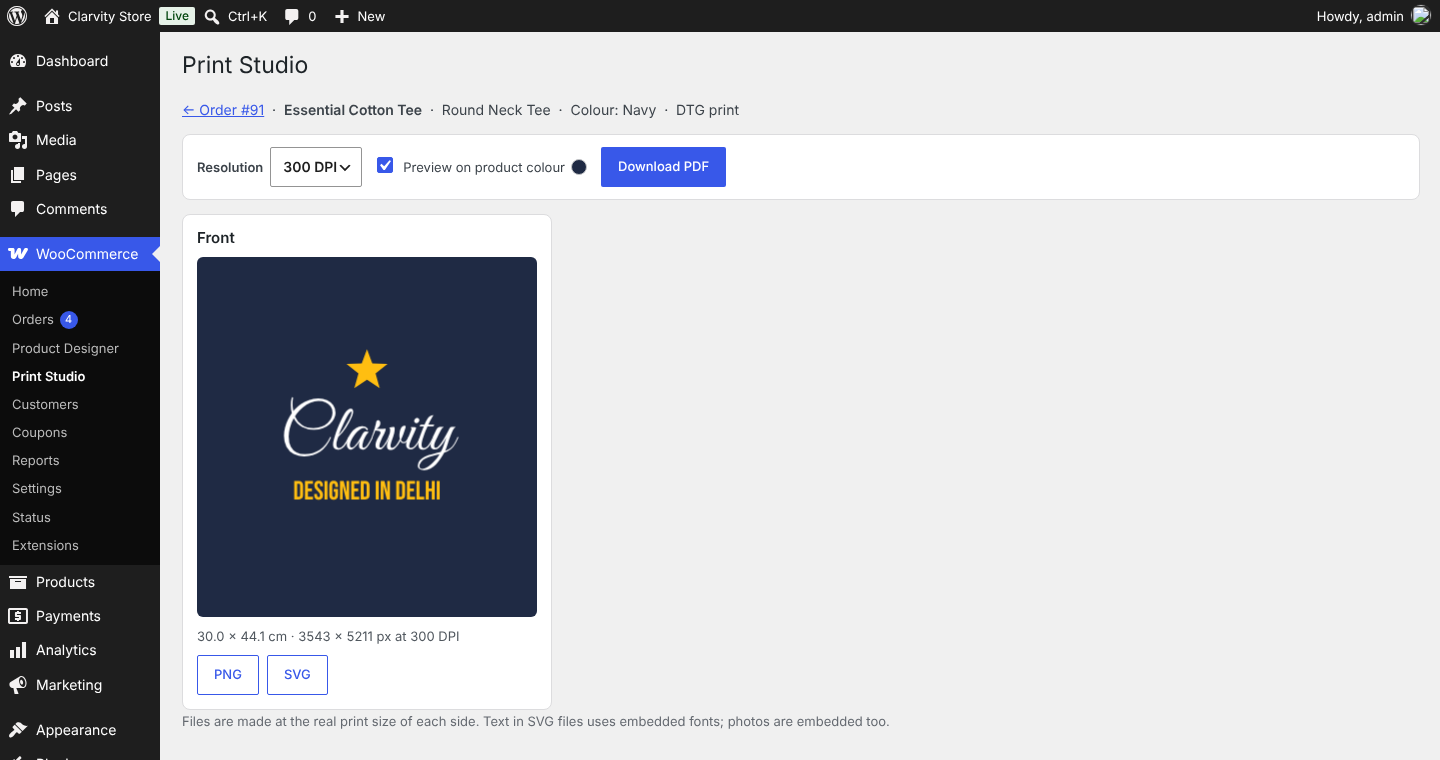
- Print Studio on every order: PNG at 150/200/300 DPI, multi-page PDF and SVG.
- Button text of your choice (“Customize your product”…).
Privacy
Uploaded images and designs are stored on your site to show and print orders. Shared designs can be opened by anyone with the link. Guest designs are deleted after 90 days without changes. A suggested privacy policy text is added under Settings > Privacy.
Source Code and Third-Party Resources
All plugin code is included unminified. Bundled libraries (minified builds of the published releases; source at the links):
- Fabric.js 5.3.0 – MIT – https://github.com/fabricjs/fabric.js
- jsPDF 2.5.2 – MIT – https://github.com/parallax/jsPDF
- qrcode-generator 1.4.4 – MIT – https://github.com/kazuhikoarase/qrcode-generator
- Fonts via Fontsource – SIL OFL 1.1 (24 fonts) and Apache 2.0 (Yellowtail, Satisfy) – https://github.com/fontsource/fontsource – see assets/fonts/LICENSES.txt