Clients.Help Wordpress Plugin - Rating, Reviews, Demo & Download

Plugin Description
Clients.Help turns your WordPress site into a full intake point for chats, voice messages, and booking requests. This plugin connects your site to a Clients.Help workspace and adds:
- The Clients.Help widget on your frontend (with shortcode and Gutenberg block).
- An Admin Inbox so operators can answer visitors without leaving WordPress.
- Voice-message playback and transcript display.
- Shared-bot Telegram connection (no bot token entry required).
- Business page, services & prices, requests, catalog and free setup queue screens.
- WooCommerce integration: widget display rules per page type and product context (product id, name, URL, SKU, price, currency, category, stock status) sent with each conversation.
- Diagnostics page with a downloadable debug log.
All conversation, request and voice data is stored in Clients.Help — WordPress is the operator surface, not the source of truth.
External services
This plugin loads the Clients.Help widget script from https://clients.help/widget.js and exchanges data with https://clients.help/api/plugin/....
Data sent to Clients.Help includes:
- visitor messages, optional name/phone/email;
- source URL and referrer;
- WooCommerce product/page context when present;
- voice recordings (if the visitor records one) and transcripts generated by Clients.Help;
- operator replies you compose in WordPress.
See https://clients.help/privacy and https://clients.help/terms.
Screenshots
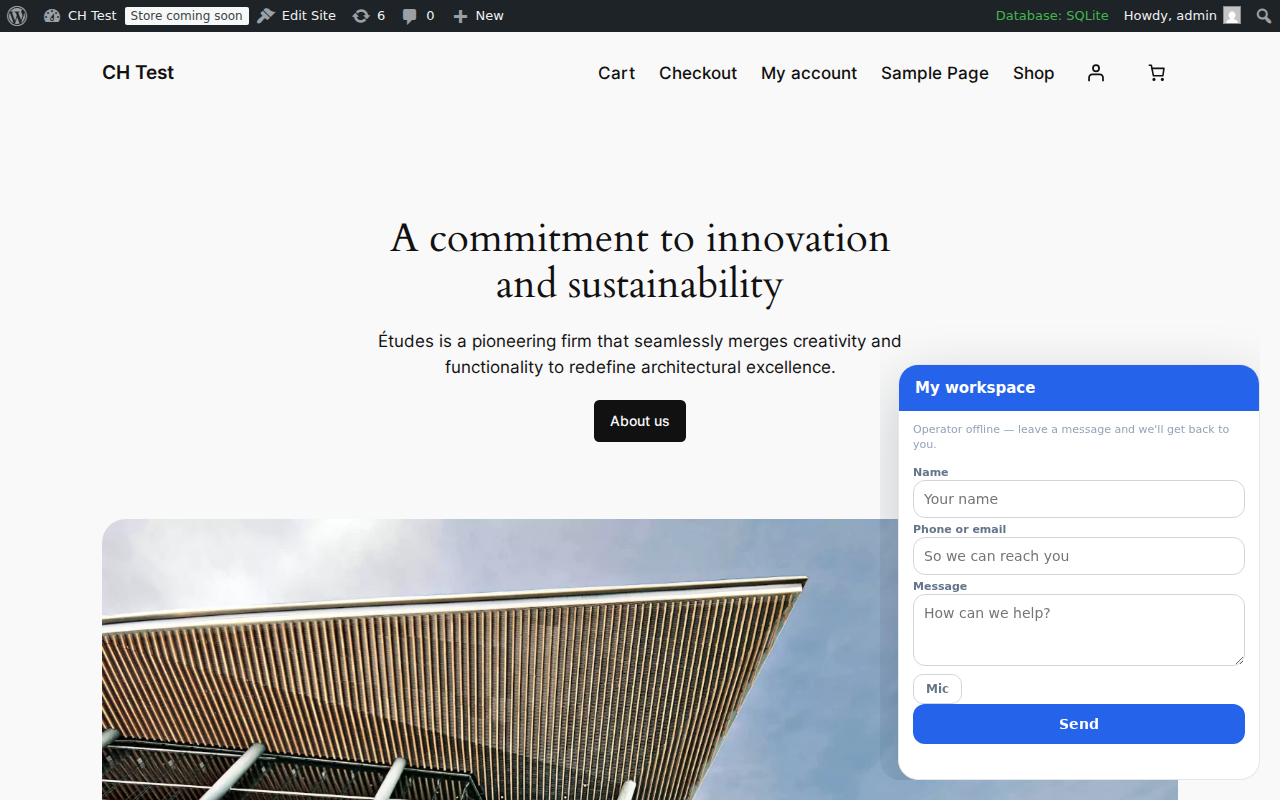
Frontend chat widget rendered on a WooCommerce storefront.
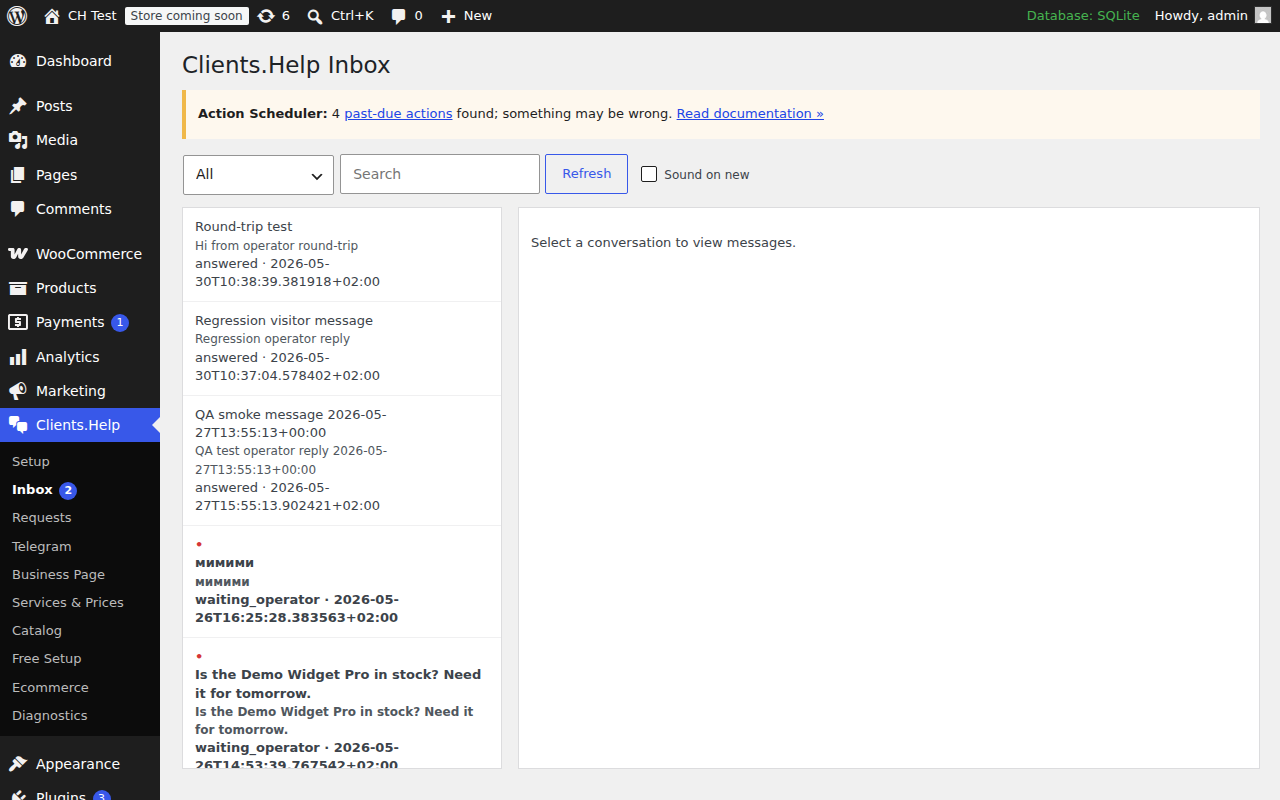
Admin Inbox with conversation list and reply pane inside WordPress.
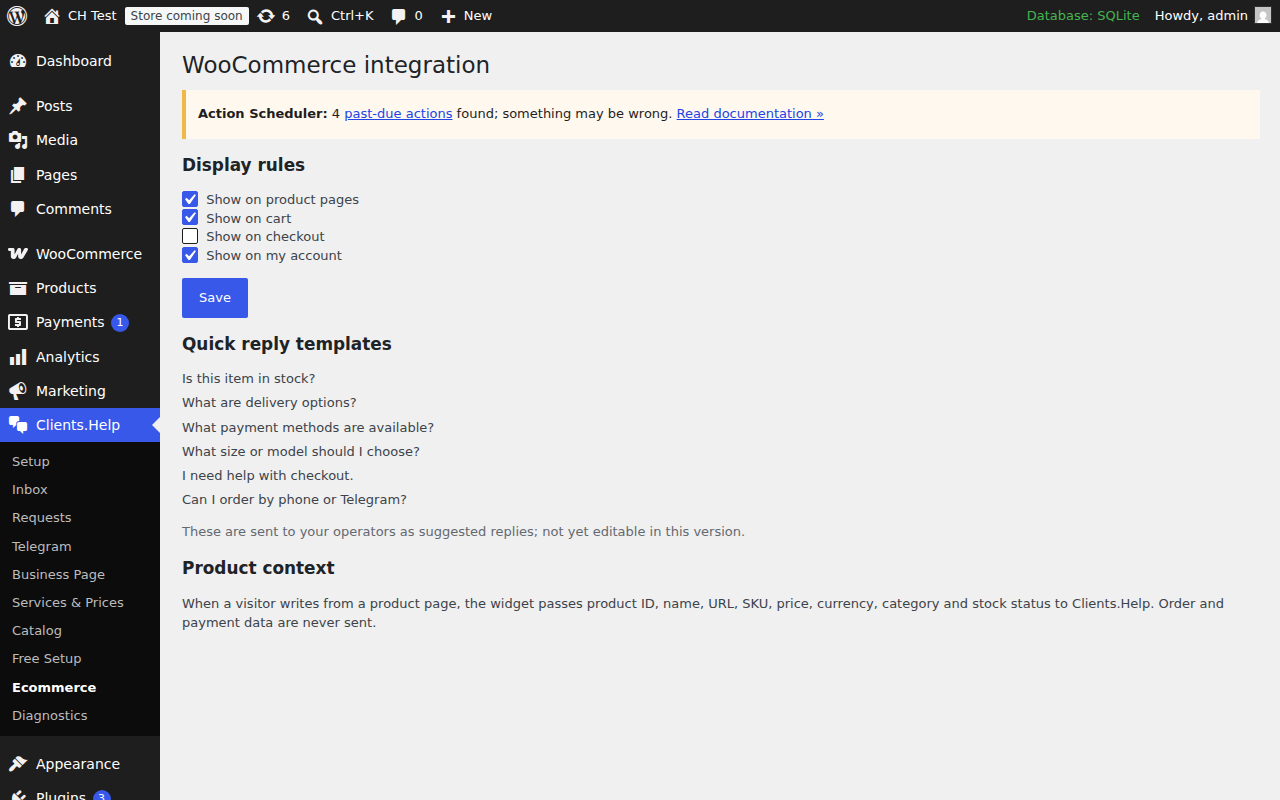
Ecommerce settings: WooCommerce display rules and product-context preview.
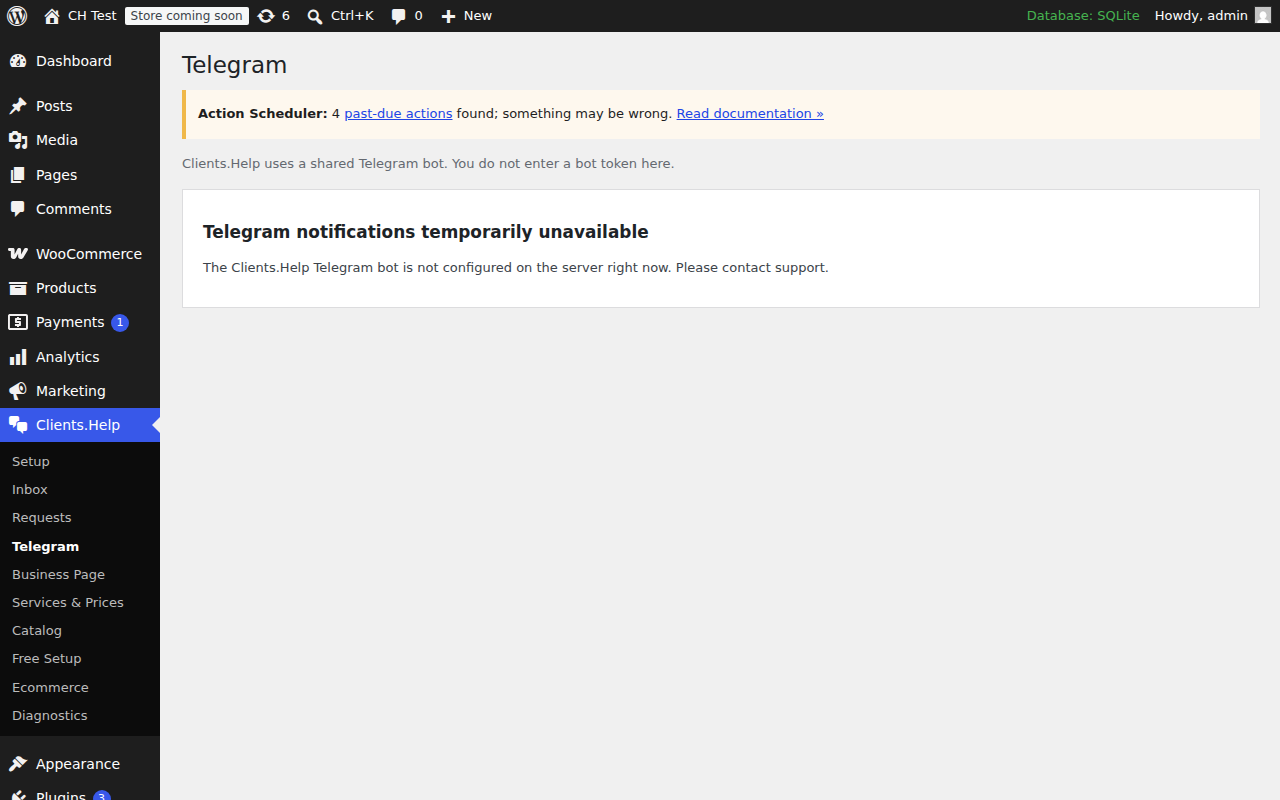
Telegram screen: shared-bot status and link to receive alerts in Telegram.
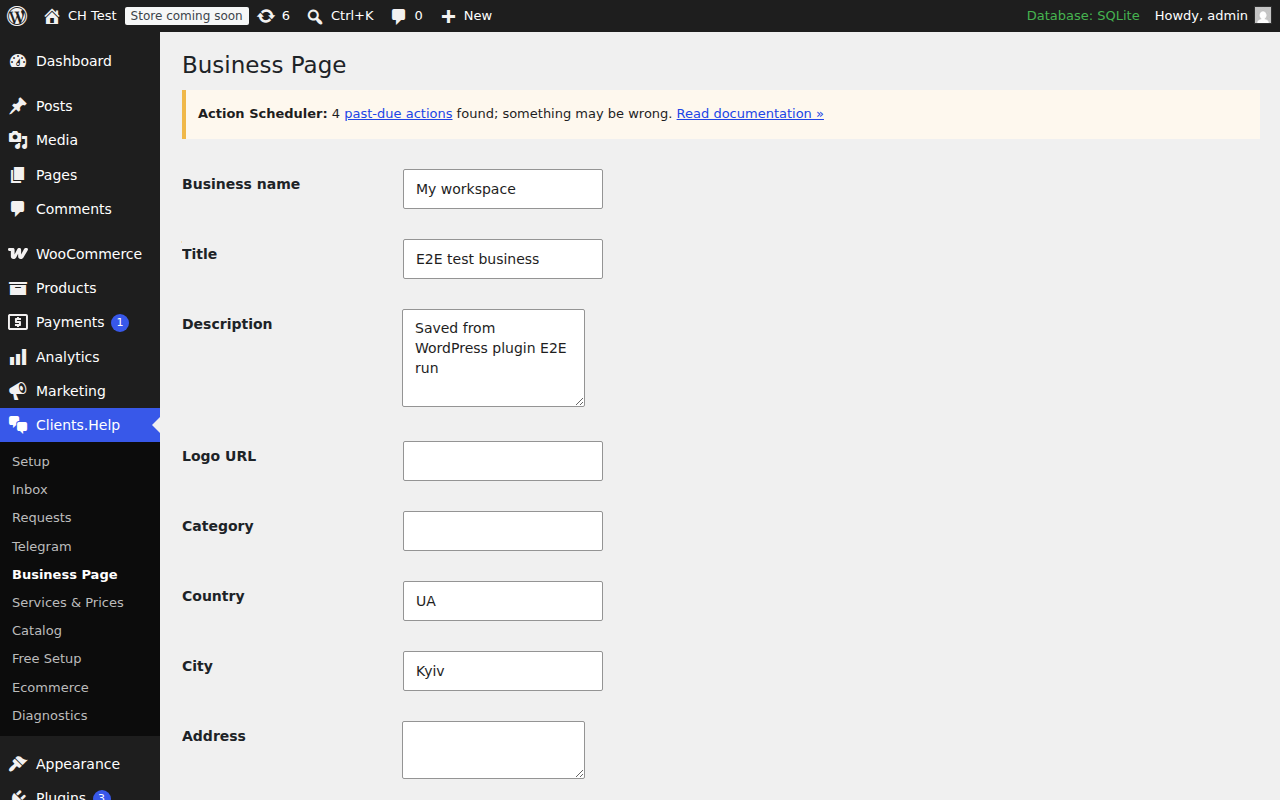
Business Page editor: company info, hours, location and contacts.
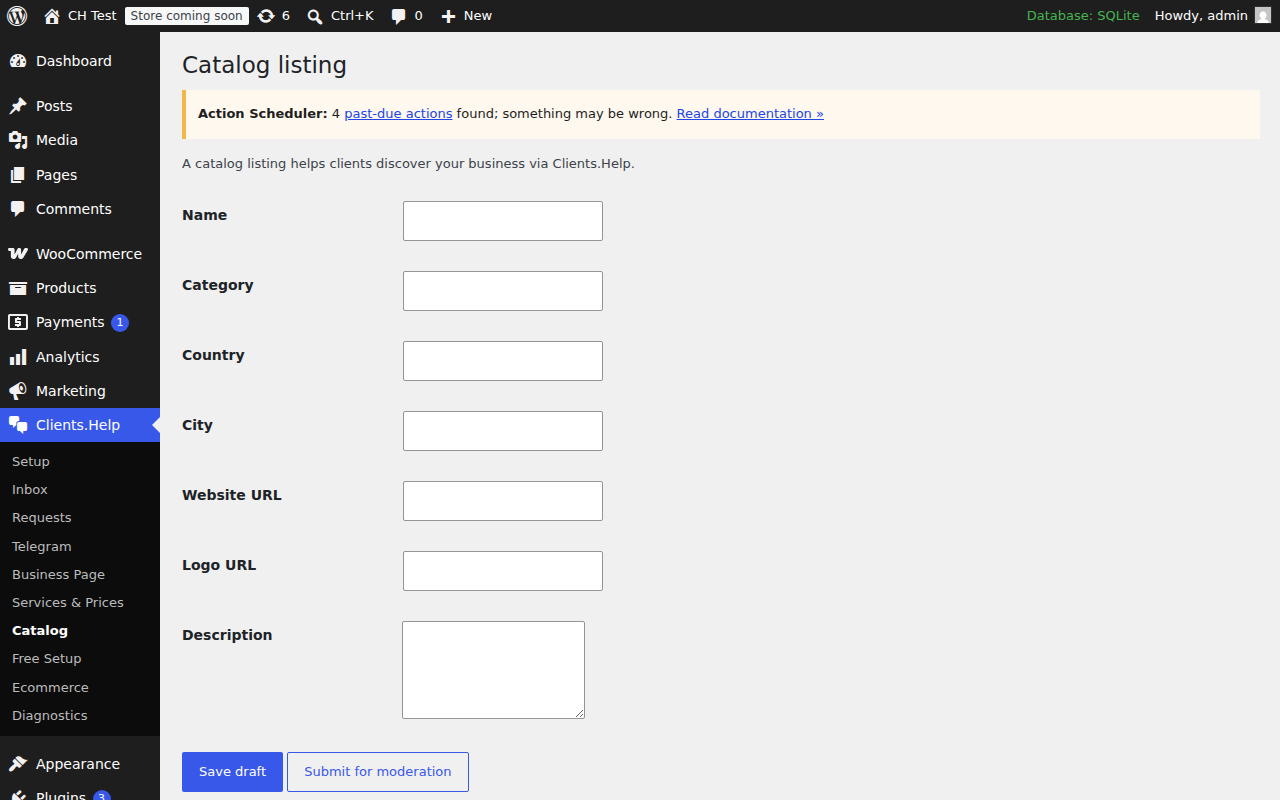
Catalog: items synced from the connected workspace and WooCommerce.
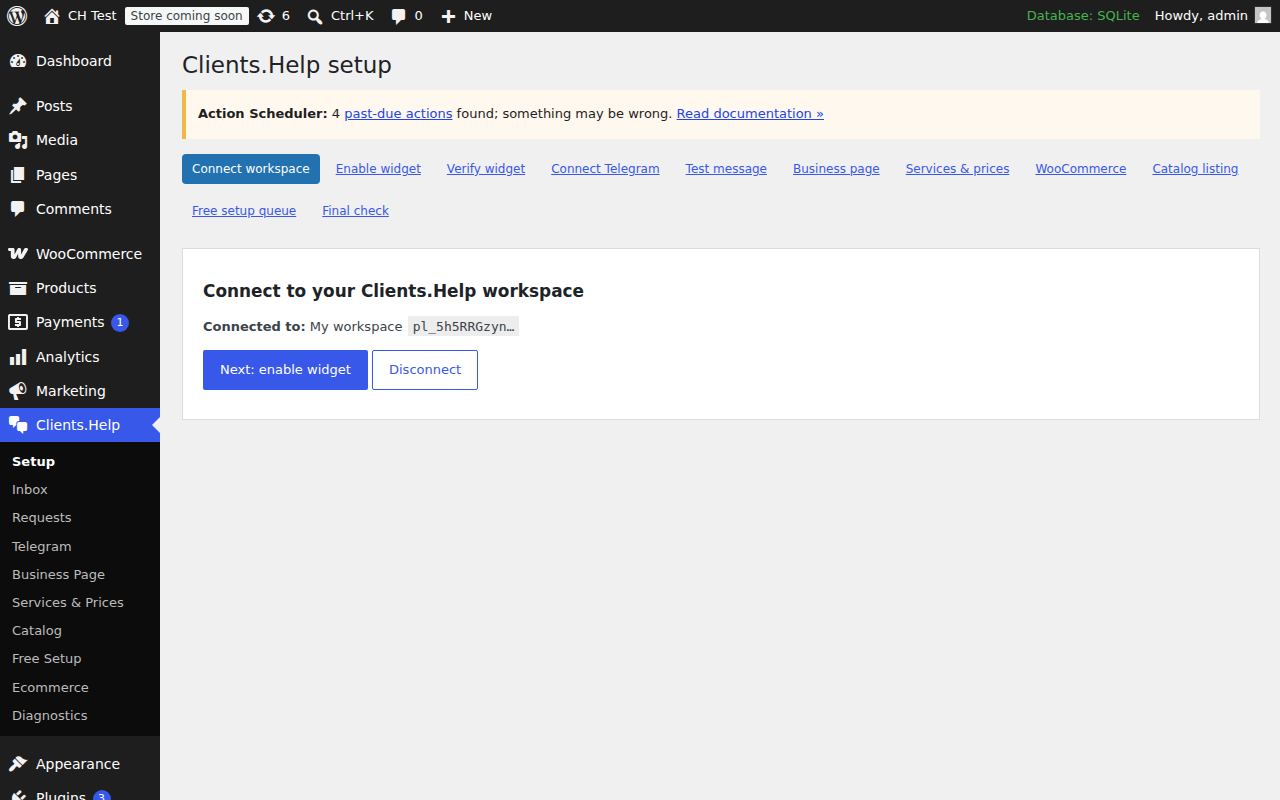
Setup wizard step 1: paste the connect code from your Clients.Help dashboard.
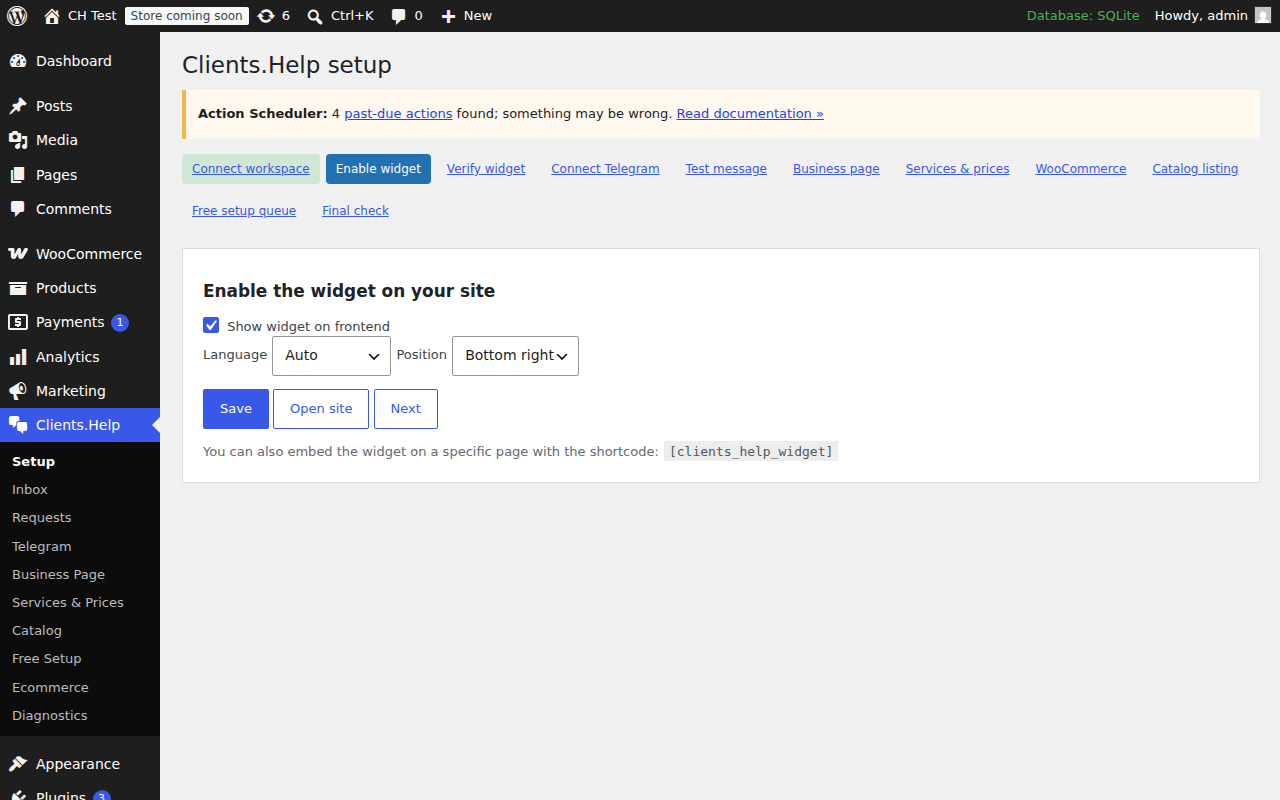
Setup wizard step 2: enable the widget and pick where it appears.
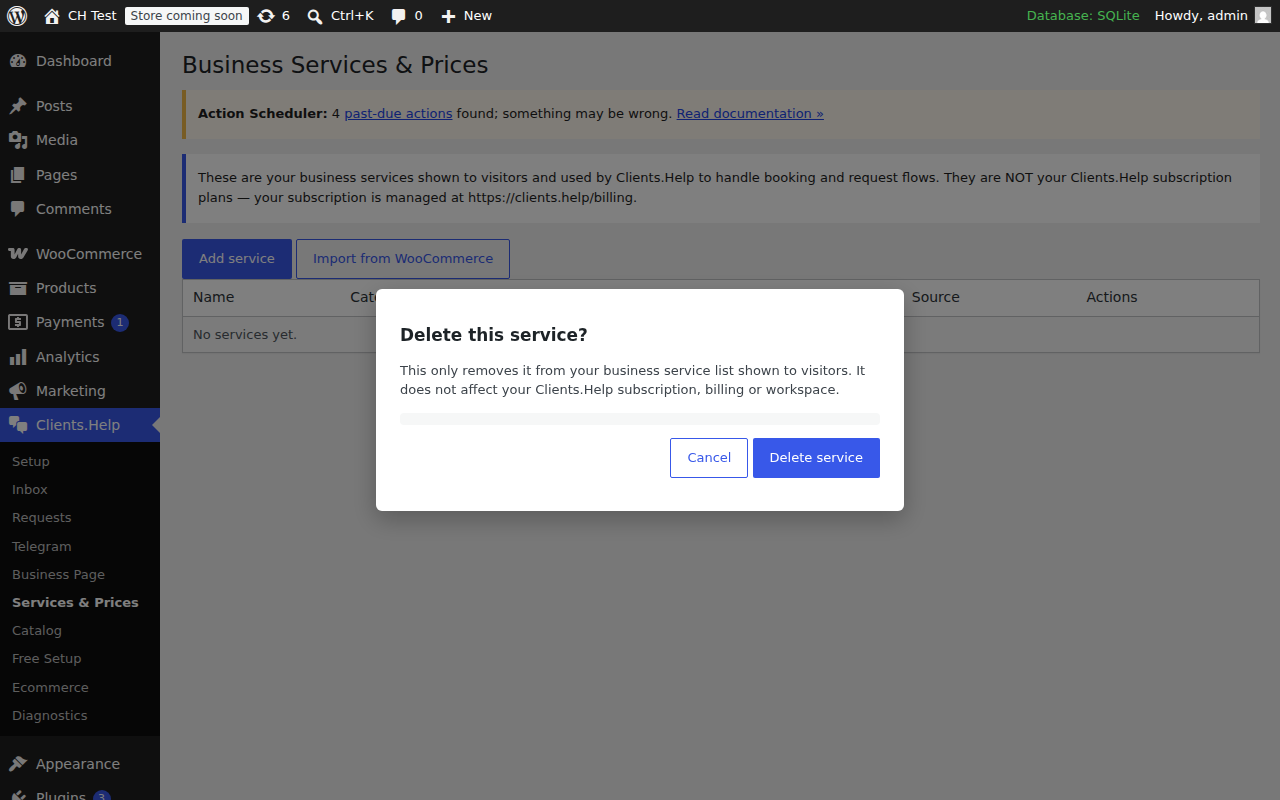
Services & Prices: visitor-facing services and prices managed in WordPress.
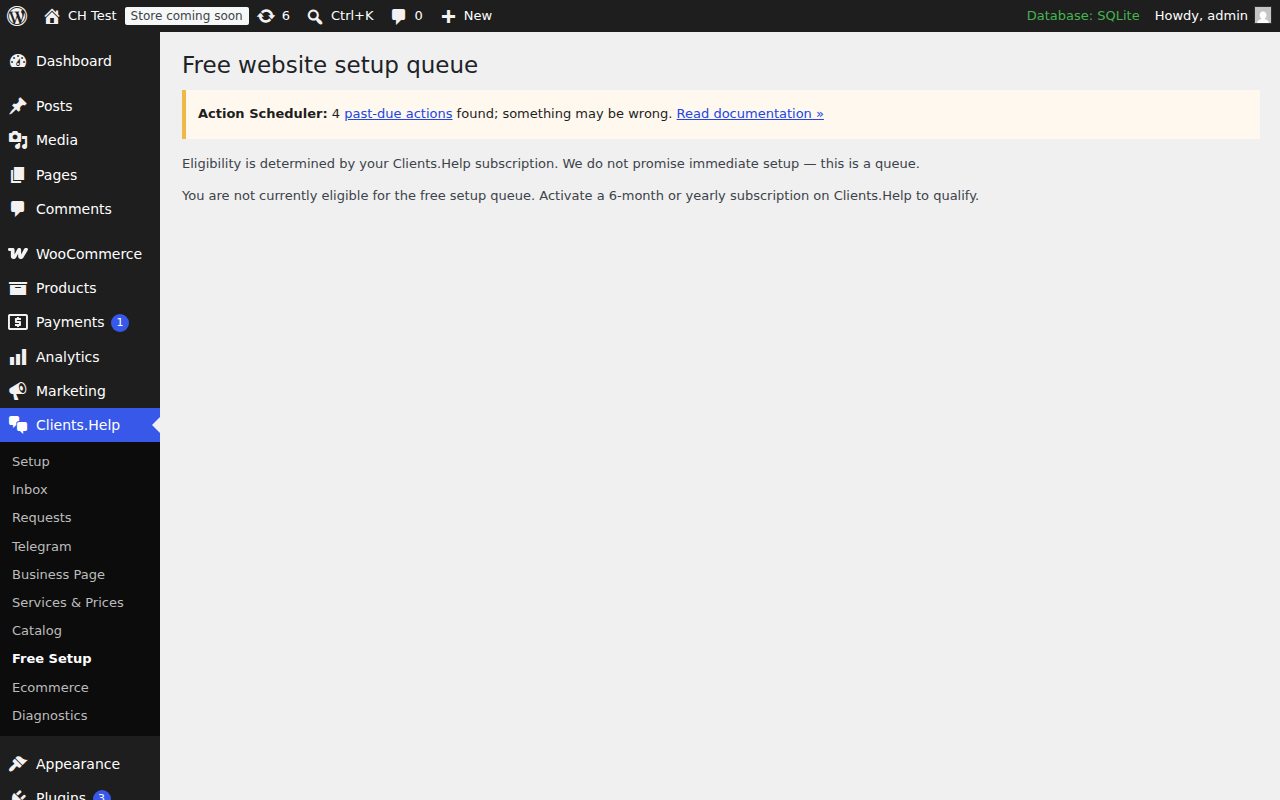
Free Setup queue: prospects waiting for a guided onboarding call.
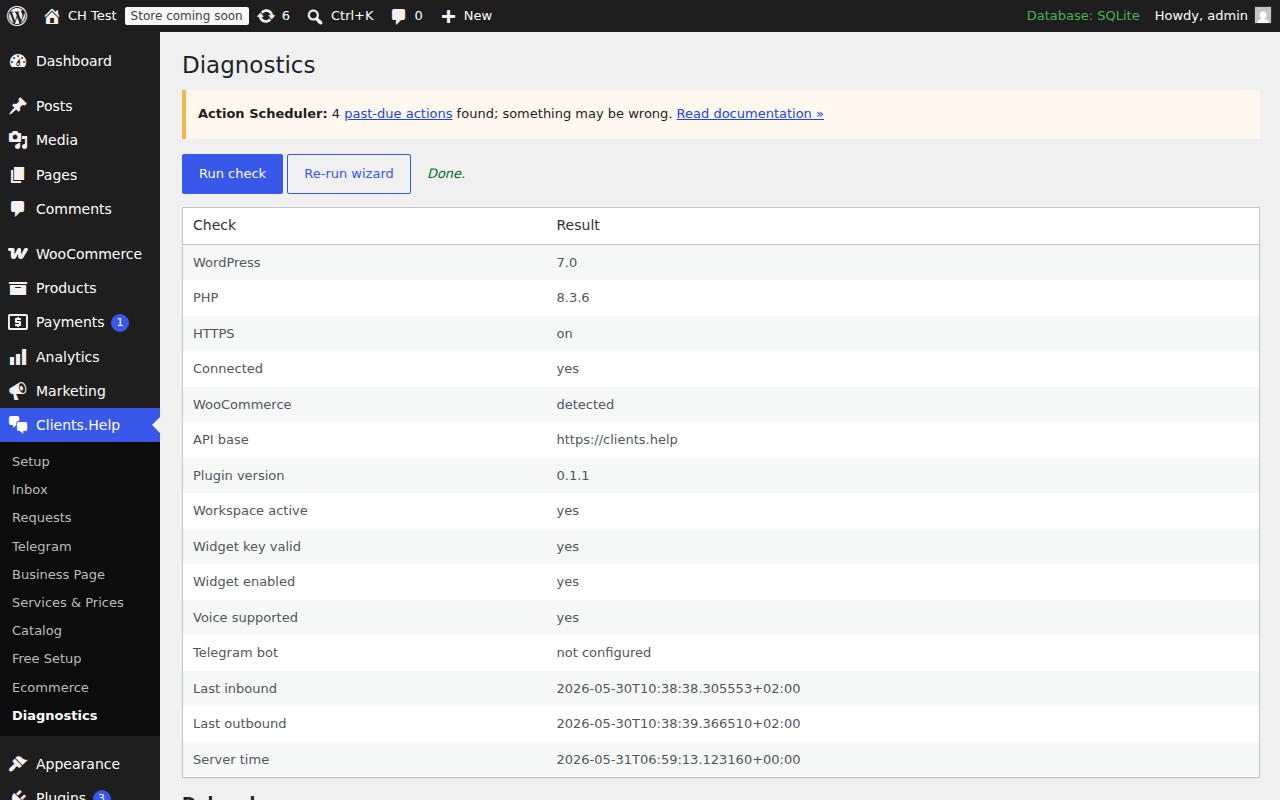
Diagnostics: connection check, plugin version, and downloadable debug log.
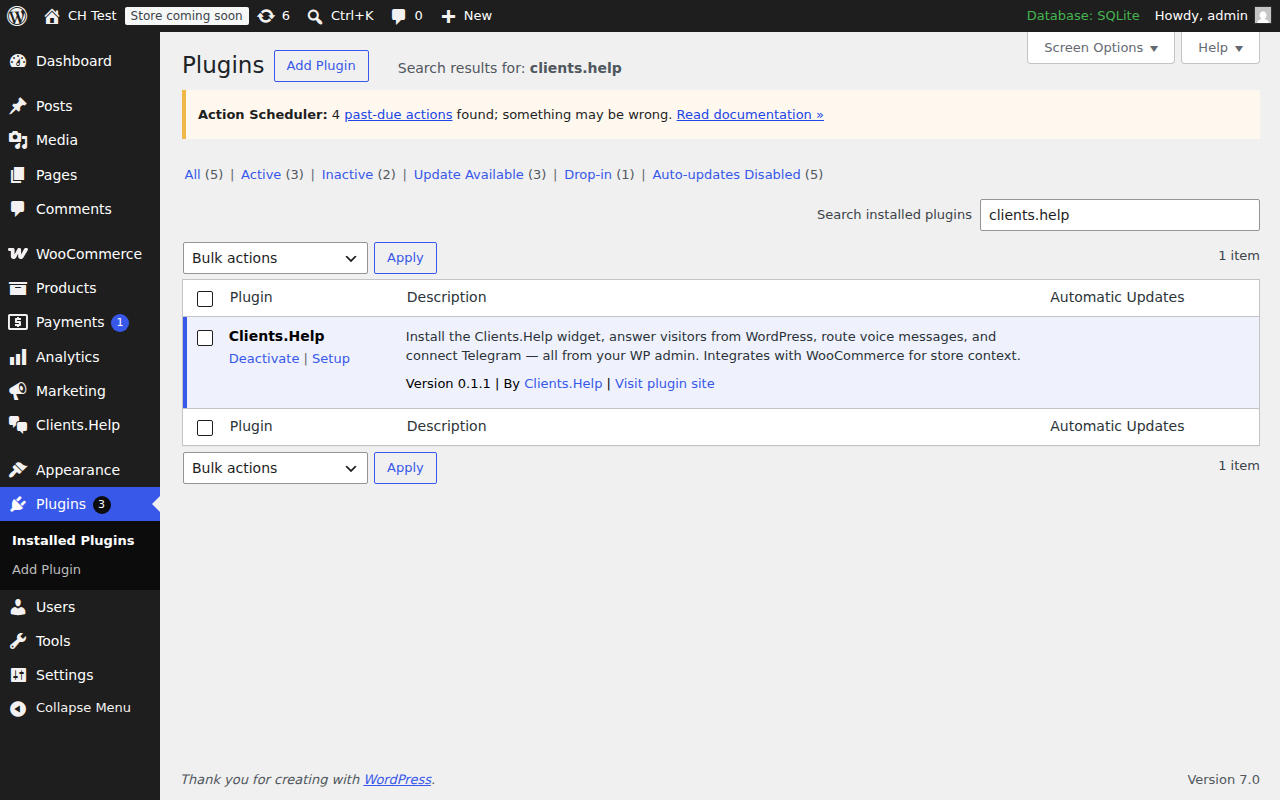
Plugins screen: the Clients.Help row with Deactivate / Setup links.