
CMXR — Canvas Motion Backgrounds Wordpress Plugin - Rating, Reviews, Demo & Download

Plugin Description
Canvas Motion Background Made Easy. CMXR lets you build and manage animated canvas motion backgrounds directly from the WordPress admin. Compose moving shapes — orbs, blobs, and multi-ring forms — that render on an HTML5 canvas, sit behind your page content, and are driven by a tiny vanilla-JS engine with zero frontend dependencies.
Key features:
- Visual configurator — three-panel editor with live canvas preview, shape/color/animation controls, and real-time feedback
- Drag-to-reorder layers — drag shapes in the sidebar to control which one renders on top
- Layer badges — each shape shows its layer number (1 = topmost)
- 6 animation types — Drift, Orbit, Pulse, Wave, Fixed, Figure-8 (Lissajous)
- Interactivity modes — Parallax, Repel, Attract
- 12 shapes — Soft Orbs (Circle, Double, Triple, Blob, Outline, Ring), Geometry (Box, Box Outline, Capsule, Capsule Outline), and Lines (Line, Wave Line)
- Blend modes — Screen, Normal, Multiply, Overlay, Lighten, Hard-Light
- REST API — full programmatic control over animations
- Performance — pauses off-screen (IntersectionObserver), respects
prefers-reduced-motion, DPR cap to limit canvas size on HiDPI screens - Any theme, any builder — works with Elementor, Divi, Gutenberg, or hand-coded HTML; just add a CSS ID
Screenshots
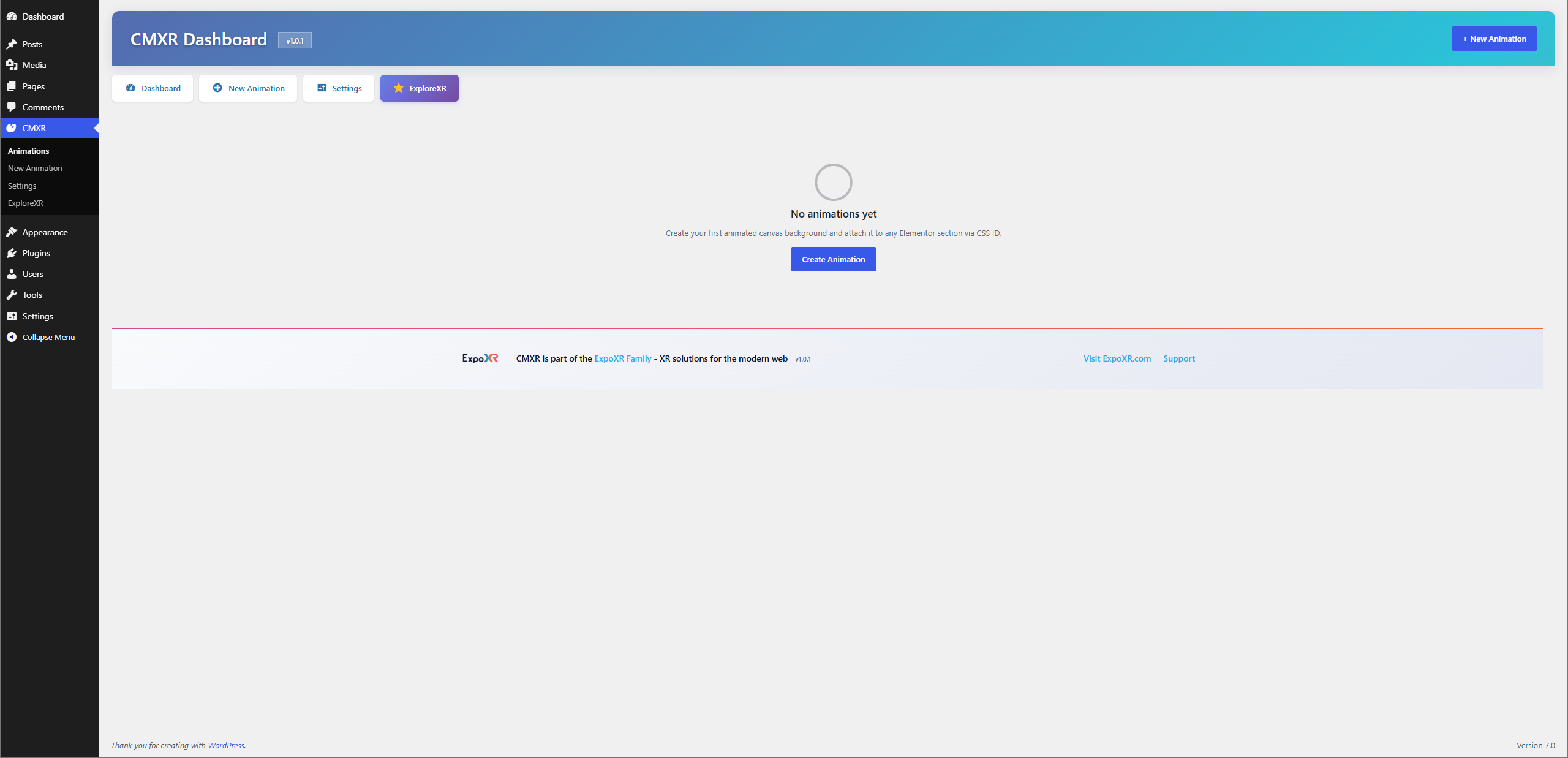
CMXR Dashboard
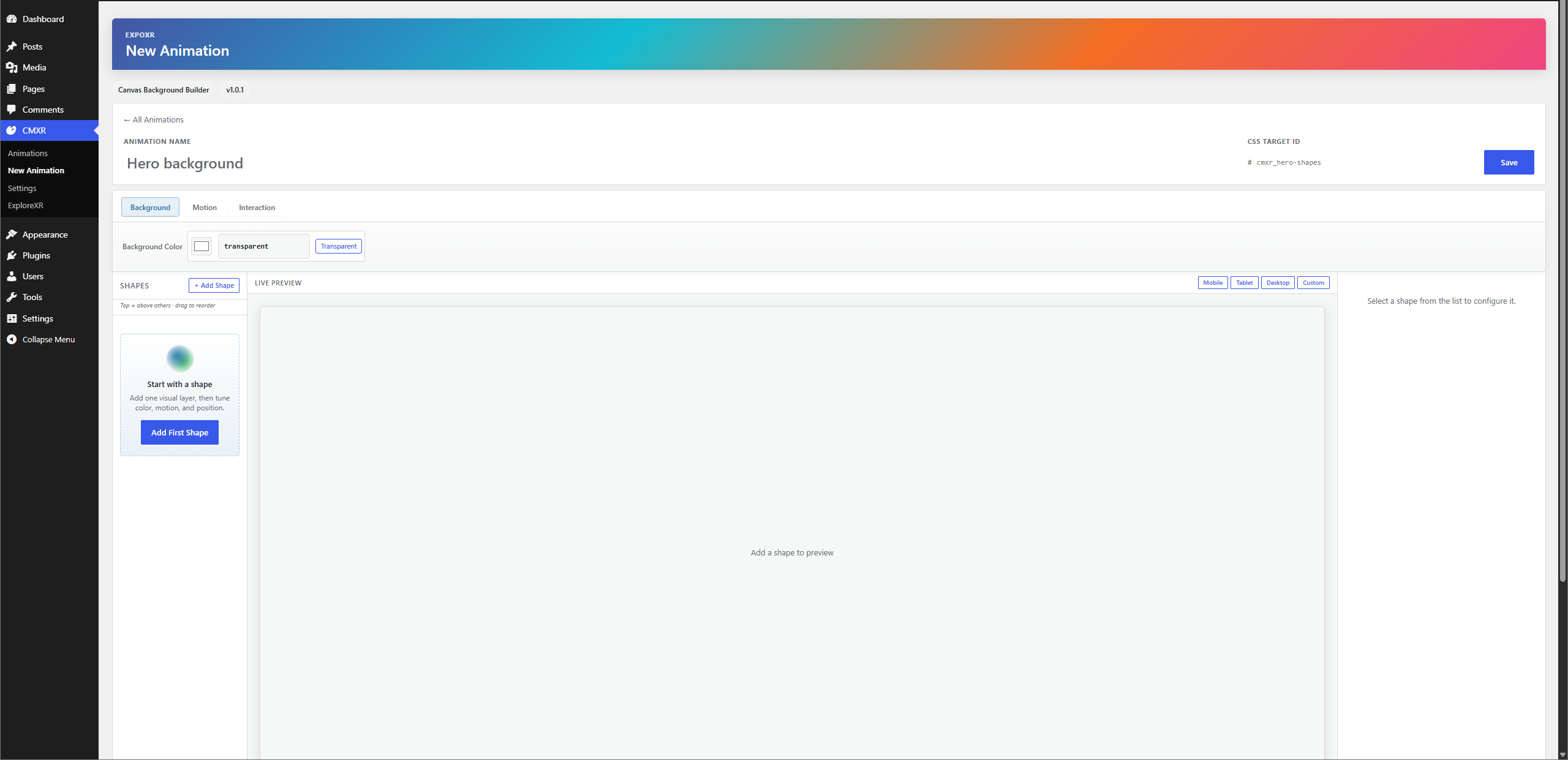
New Animation Dashboard
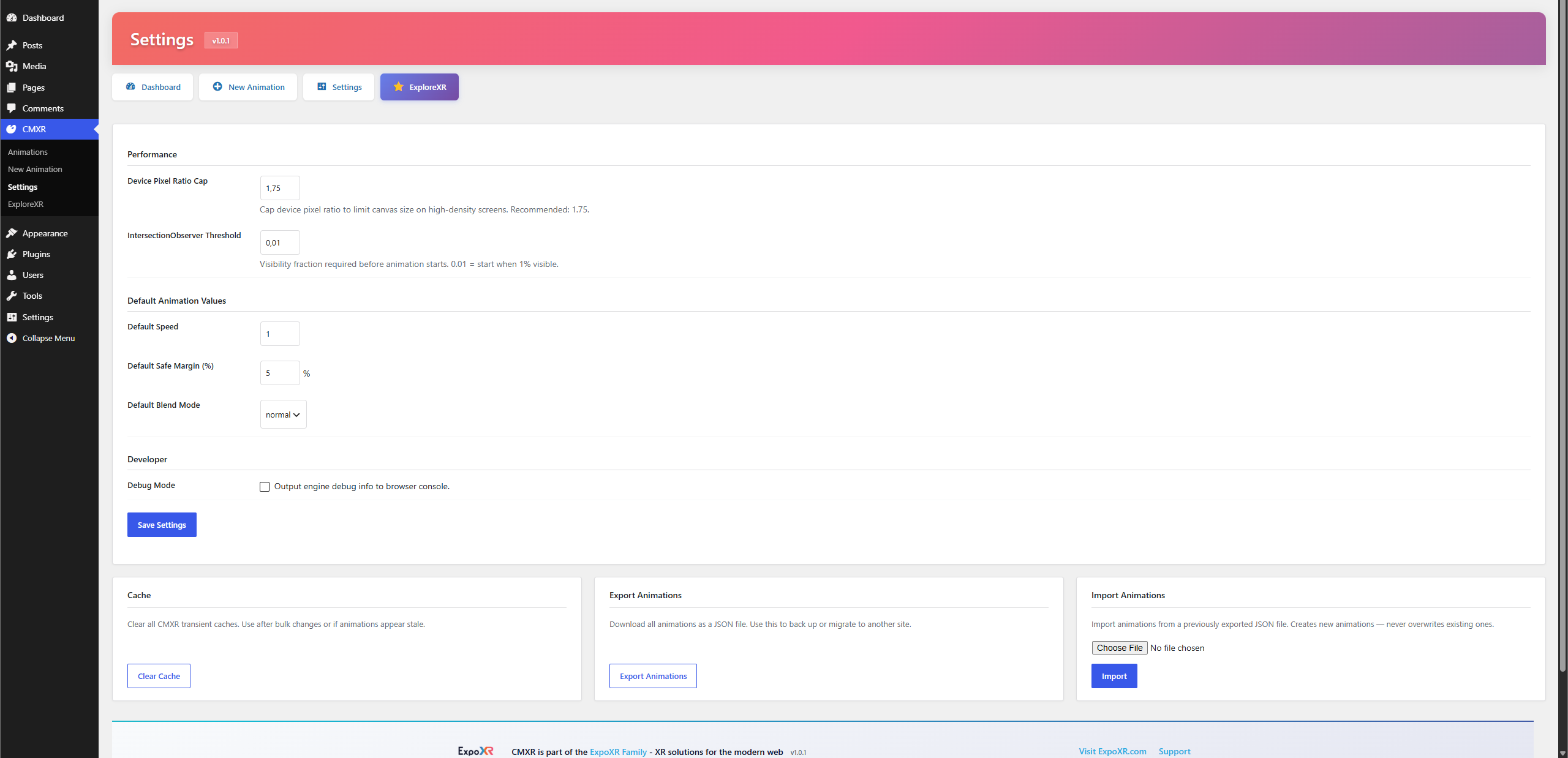
Settings Page
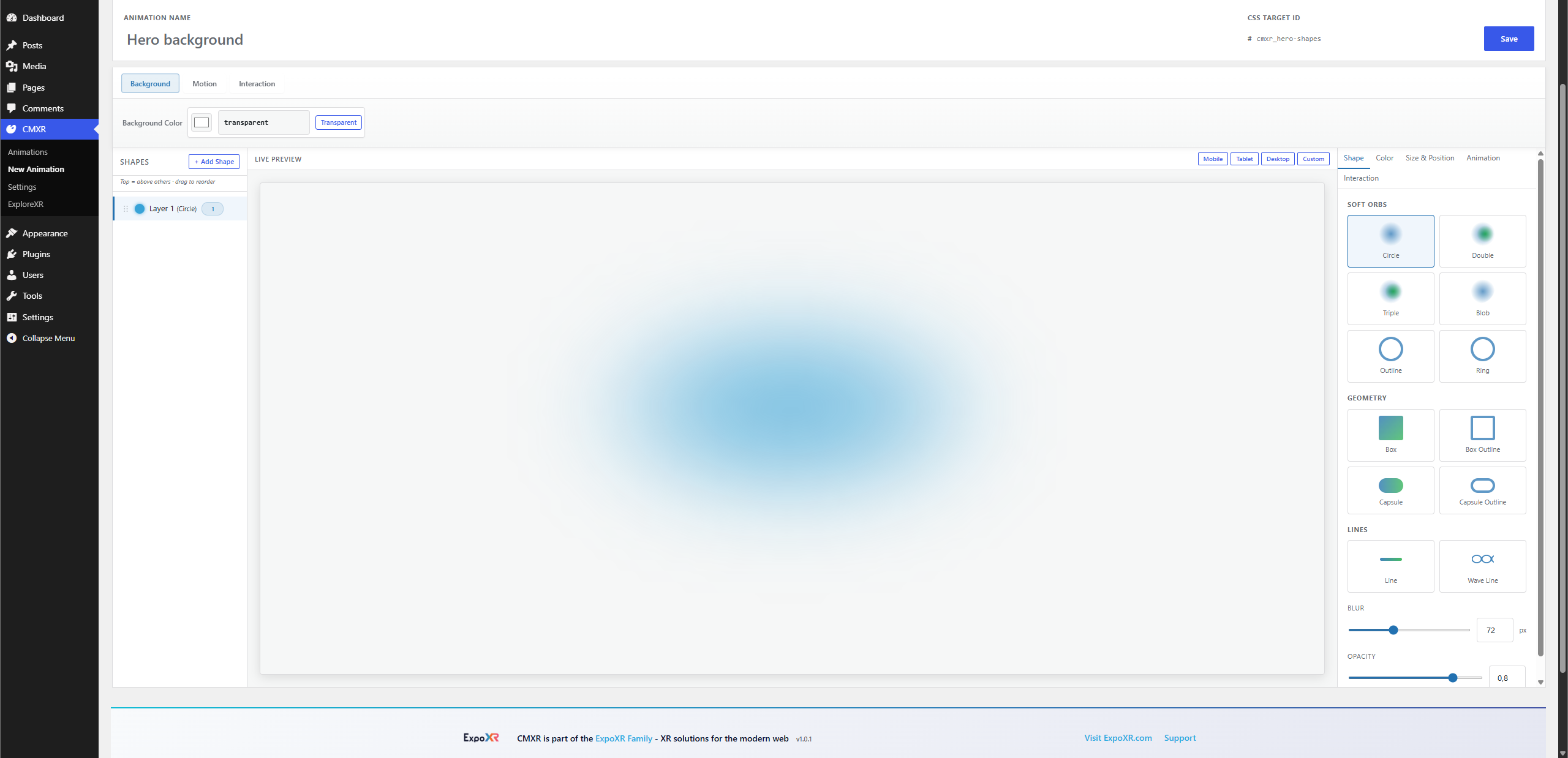
New Animation — different shapes
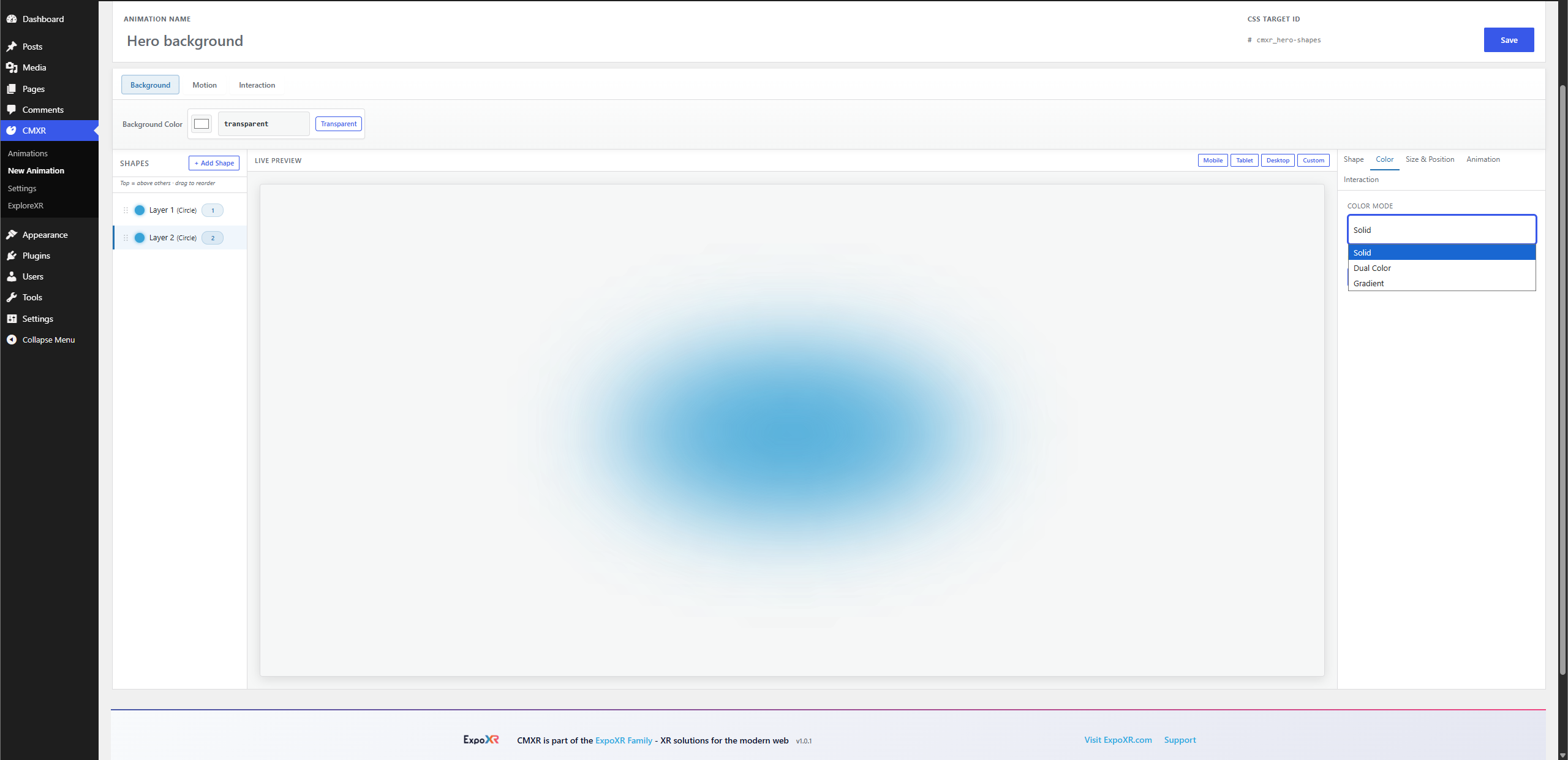
Different color styling for shapes
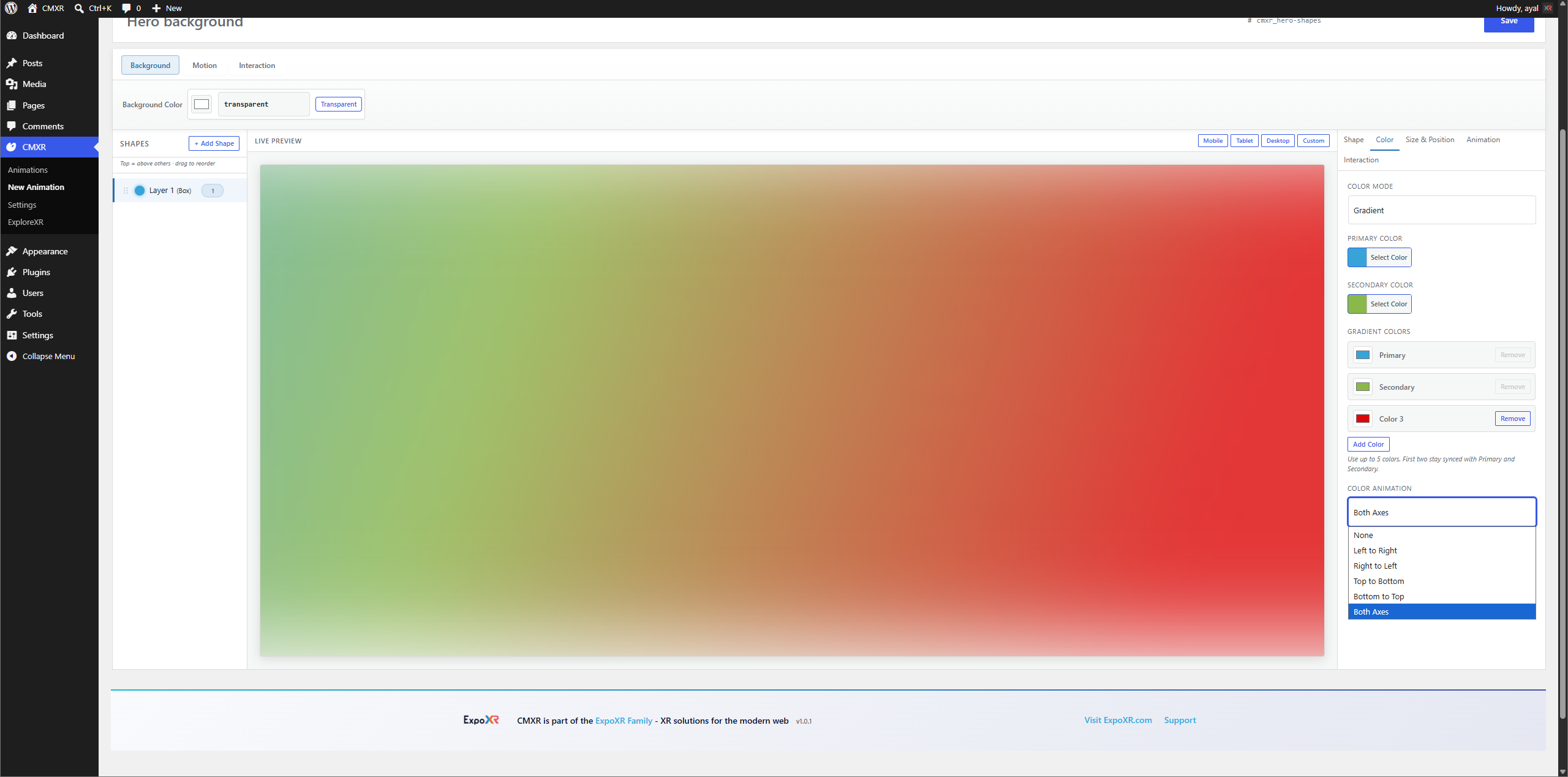
Different color animation styling for shapes
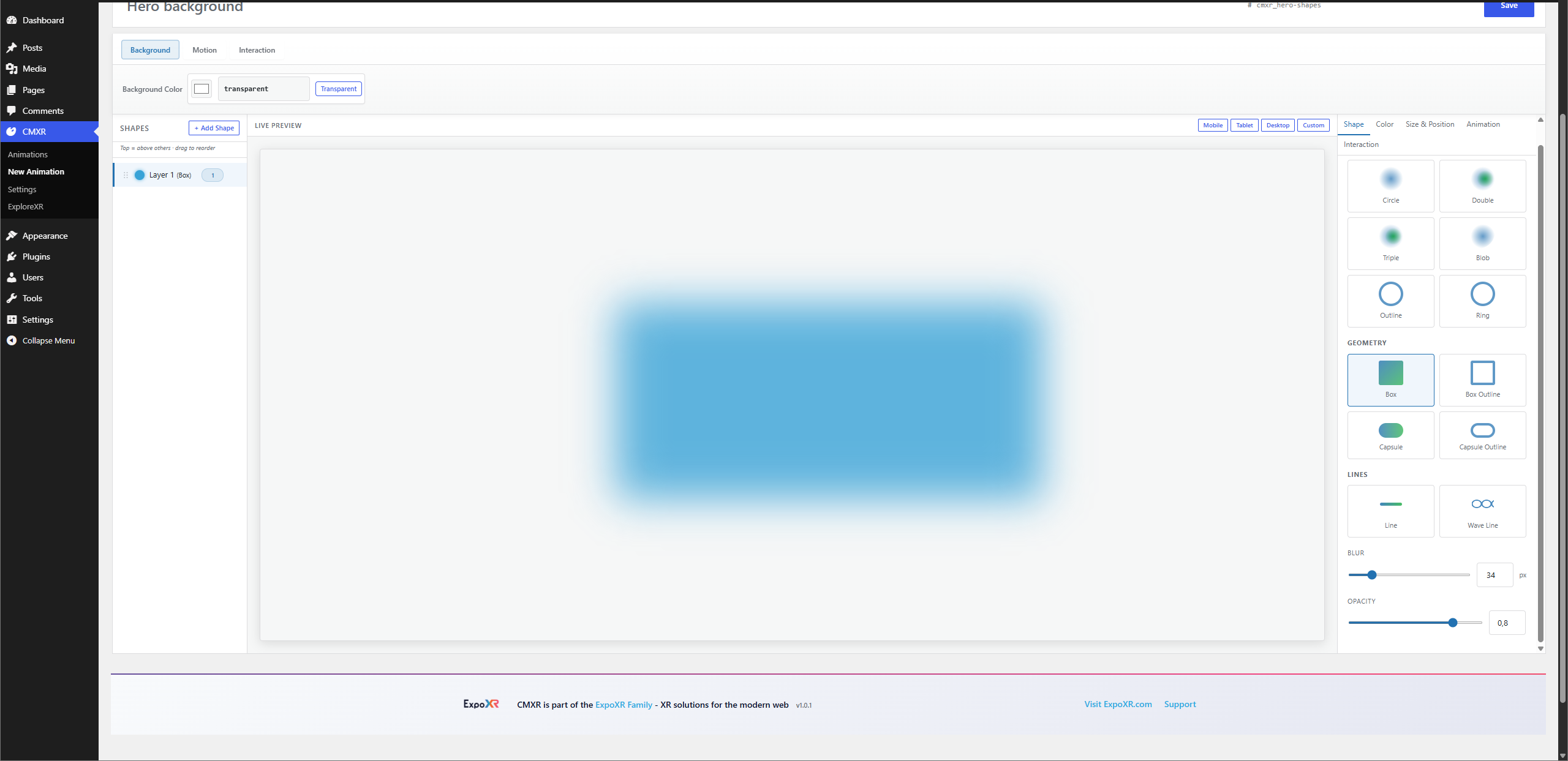
Different shapes with easy blur, opacity, size, and position controls
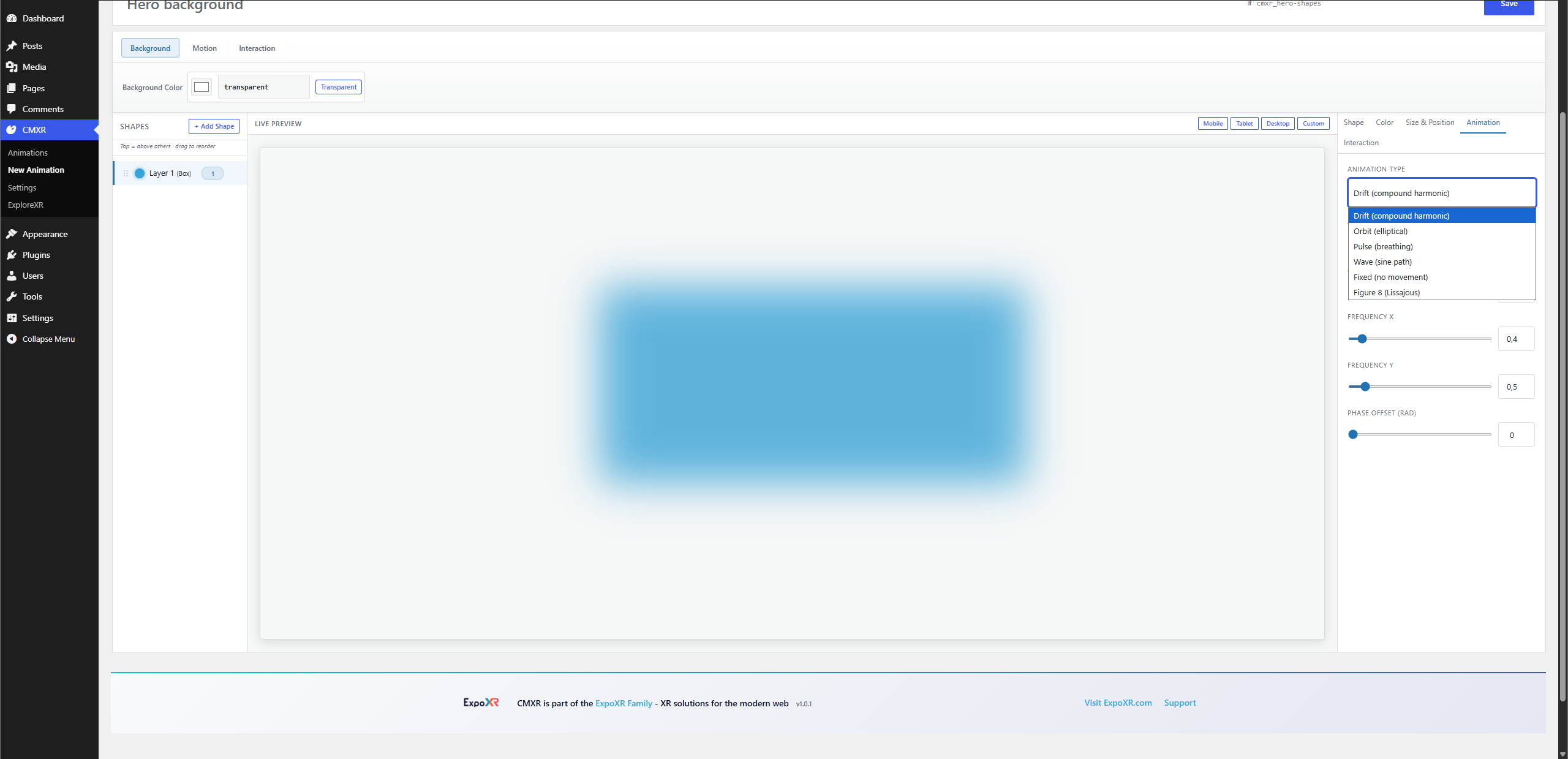
Different shape animation styles


