Coder Vibe UK Company Details Wordpress Plugin - Rating, Reviews, Demo & Download

Plugin Description
UK limited companies must show their company name, registration number, registered office address and place of registration on their website, plus their VAT number if registered. Sole traders must show their name and address. UK Company Details lets you enter these once and display them everywhere.
Features
- Business types: limited company, LLP, sole trader, partnership.
- Fields: legal name, trading name, company number (format validated), registered office or business address, place of registration (England and Wales, Scotland, Northern Ireland), VAT number (loose GB/XI format check), contact email and phone, optional ICO registration number.
[cvukcd_details]shortcode (uselayout="inline"for a single line).- Server-side rendered block, no build step needed.
- Optional automatic footer line with left, centre or right alignment.
- Optional Organization JSON-LD (legalName, vatID, address).
- Compliance check panel listing, in plain English, what is missing for your business type.
Privacy and external services
This plugin makes no external requests, does not look up data from Companies House or any other service, and does not collect or transmit personal data. All details are stored in your own WordPress database.
Disclaimer
This plugin is not legal advice. It is not affiliated with, endorsed by or connected to Companies House. No Companies House logos or branding are used. Check your obligations with a qualified adviser or on GOV.UK.
Screenshots
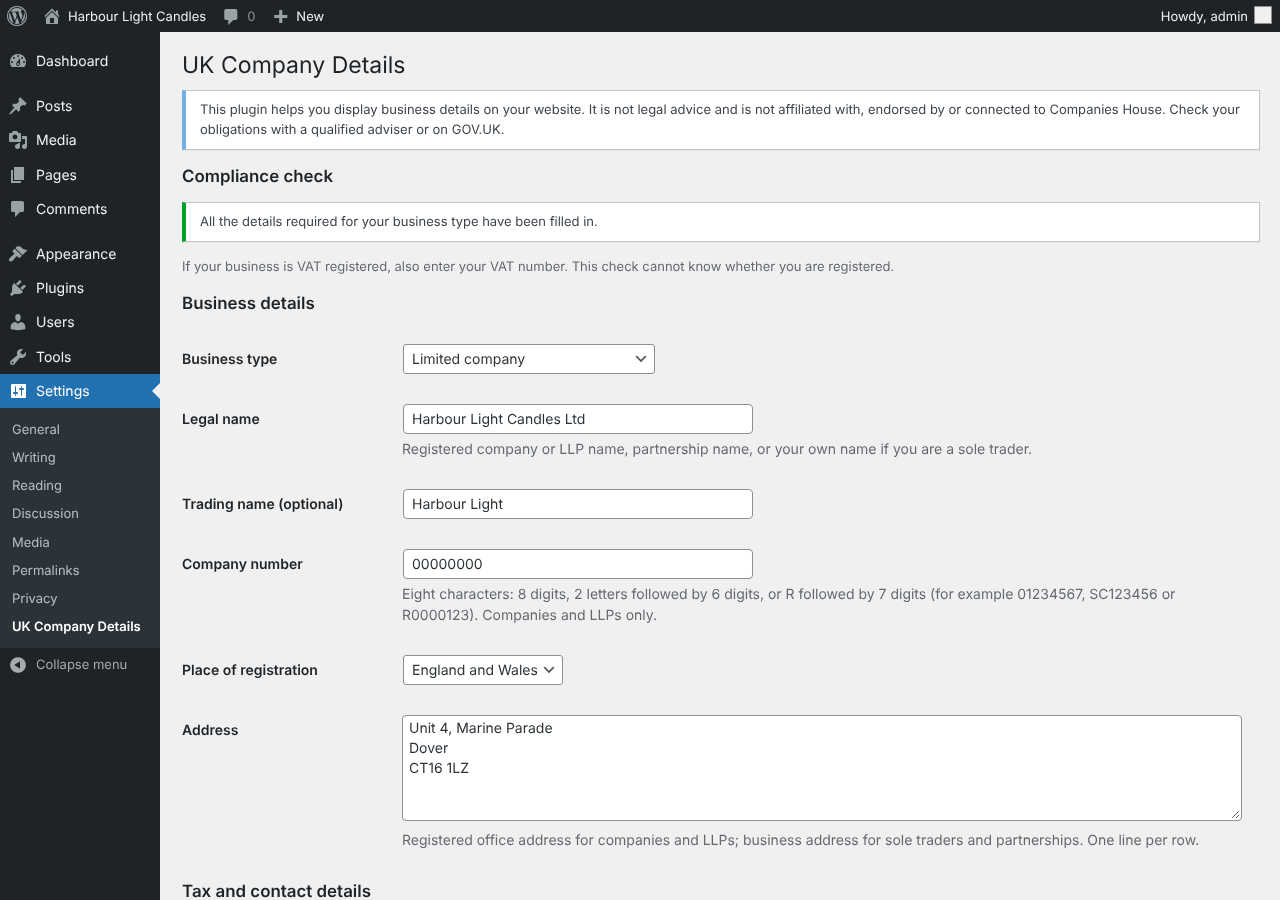
Settings with the compliance check.

Company details on a page, using the block.

The automatic footer line.