
Codereyes IMEI Ledger For Mobile Shops Wordpress Plugin - Rating, Reviews, Demo & Download
Plugin Description
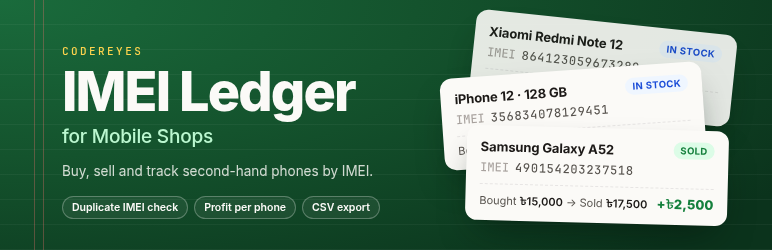
Codereyes IMEI Ledger is built for mobile shops that buy and sell second-hand (used) phones. Every phone is recorded by its IMEI, so you can find its full history in seconds: who sold it to you, for how much, who you sold it to, and what you earned.
Features
- Record purchases: IMEI 1 and IMEI 2, brand, model, storage, color, condition, price and the seller’s name, mobile number, NID and address.
- Record sales with the buyer’s details. A live preview shows the profit or loss as you type the price.
- Search by full or partial IMEI, name, mobile number, NID or model. Bengali digits (০-৯) work too.
- IMEI check: the 15-digit Luhn check digit catches typing mistakes.
- Duplicate protection: a phone that is already in stock cannot be added twice. A phone that was sold before shows a warning with the earlier record, and you must confirm before buying it again.
- Profit per phone, plus a summary of stock, sales and profit.
- Reports for any date range, with quick ranges (today, last 7 days, this month, last month, this year).
- CSV export that opens correctly in Excel: Bengali text is kept, IMEIs stay as text, and spreadsheet formulas are neutralised.
- Cancel a sale entered by mistake; the phone goes back into stock.
- A link to check an IMEI on BTRC NEIR.
Privacy
Seller and buyer details, including NID numbers, are stored in your own WordPress database. Only users with the manage_imei_ledger capability can see them. This is given to Administrators, and to Shop Managers when WooCommerce is installed.
Screenshots

All phones: this month’s profit, stock and purchases, search by IMEI, name, mobile number, NID or model, and the phone list.

Add purchase: the live IMEI check warns that this phone was bought and sold before.

A phone that is already in stock cannot be added twice.

Sell phone: the profit appears as you type the sale price.

One phone’s full record: purchase, sale, profit and a link to check the IMEI on BTRC NEIR.

Reports: profit, stock and purchases for any date range, sales with profit per phone, and CSV downloads.

