Codiecool Site Assistant Wordpress Plugin - Rating, Reviews, Demo & Download

Plugin Description
Codiecool Site Assistant is a site-aware AI agent for wp-admin. Open the floating Pilot button on any admin screen and ask about your site, get guidance, or propose changes that you confirm before they run.
Highlights
- Floating chat on every wp-admin screen (fullscreen workspace + history)
- Works with WordPress AI Connectors (OpenAI, Anthropic, Google, and other registered providers)
- Smart Auto model routing, or pick a specific chat model in the composer
- Site-aware tools for overview, plugins, themes, posts/pages, users, comments, and more
- Read Media Library files in chat (PDF, DOCX/DOC, XLSX/XLS, PPTX/PPT, ODT, RTF, HTML, TXT/CSV/JSON/Markdown) plus images via vision
- Optional write actions with Confirm in chat (drafts, installs, settings proposals, and more)
- Approvals queue for restricted roles; audit log and undo window for supported changes
- Voice input (HTTPS required), Media Library attachments, dark mode, and keyboard shortcuts
- Developer tools (Coming soon): MCP Server, MCP Client, and plugin bridges — shown in Settings Developer as Coming soon in this release
Requirements
- WordPress 7.0+ (AI Client, Abilities API, and Connectors)
- At least one AI provider plugin connected with a valid API key
- PHP 8.0+
Privacy
When you chat, this plugin may send relevant site context and your message to the AI provider you connected (for example OpenAI, Anthropic, or Google). Review your provider’s privacy policy. This plugin does not send data to a Codiecool cloud service.
External services
This plugin relies on third-party AI providers that you connect under Settings Connectors (WordPress AI Client). Chat, tool use, and optional image generation run through the provider you choose. The plugin does not hard-code a single vendor API URL; it uses the WordPress AI Client / Connectors APIs.
Typical providers you may connect (depending on which connector plugins you install):
-
OpenAI — chat completions and (when the connected models support it) image generation via the WordPress AI Client. Data sent: your prompts, relevant site context the agent selects, and for images the image prompt. Sent when you chat or confirm an image-generation action.
Terms: https://openai.com/policies/terms-of-use
Privacy: https://openai.com/policies/privacy-policy -
Anthropic — chat via the WordPress AI Client when that connector is active. Data sent: prompts and selected site context when you chat.
Terms: https://www.anthropic.com/legal/consumer-terms
Privacy: https://www.anthropic.com/legal/privacy -
Google (AI / Gemini connectors) — chat (and image models if offered by the connector) via the WordPress AI Client. Data sent: prompts and selected site context when you chat.
Terms: https://policies.google.com/terms
Privacy: https://policies.google.com/privacy
You choose which providers to install and which API keys to store. Keys are managed by WordPress Connectors / the AI Client, not by a Codiecool server.
Public URL fetch (fetch-url ability): When you ask the agent to read a public documentation URL, WordPress may request that URL over HTTPS/HTTP and return extracted text. No API key is sent to those sites.
Screenshots
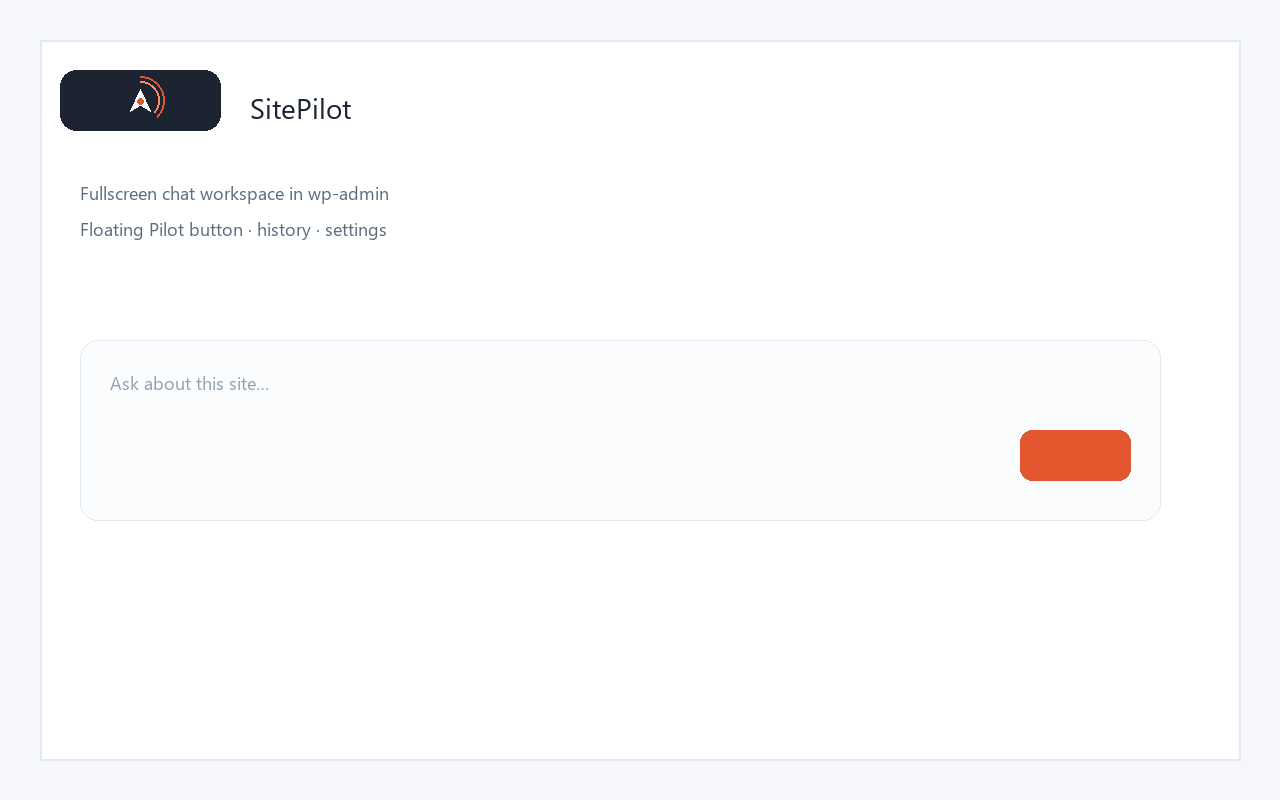
Floating Pilot button and fullscreen chat workspace in wp-admin.
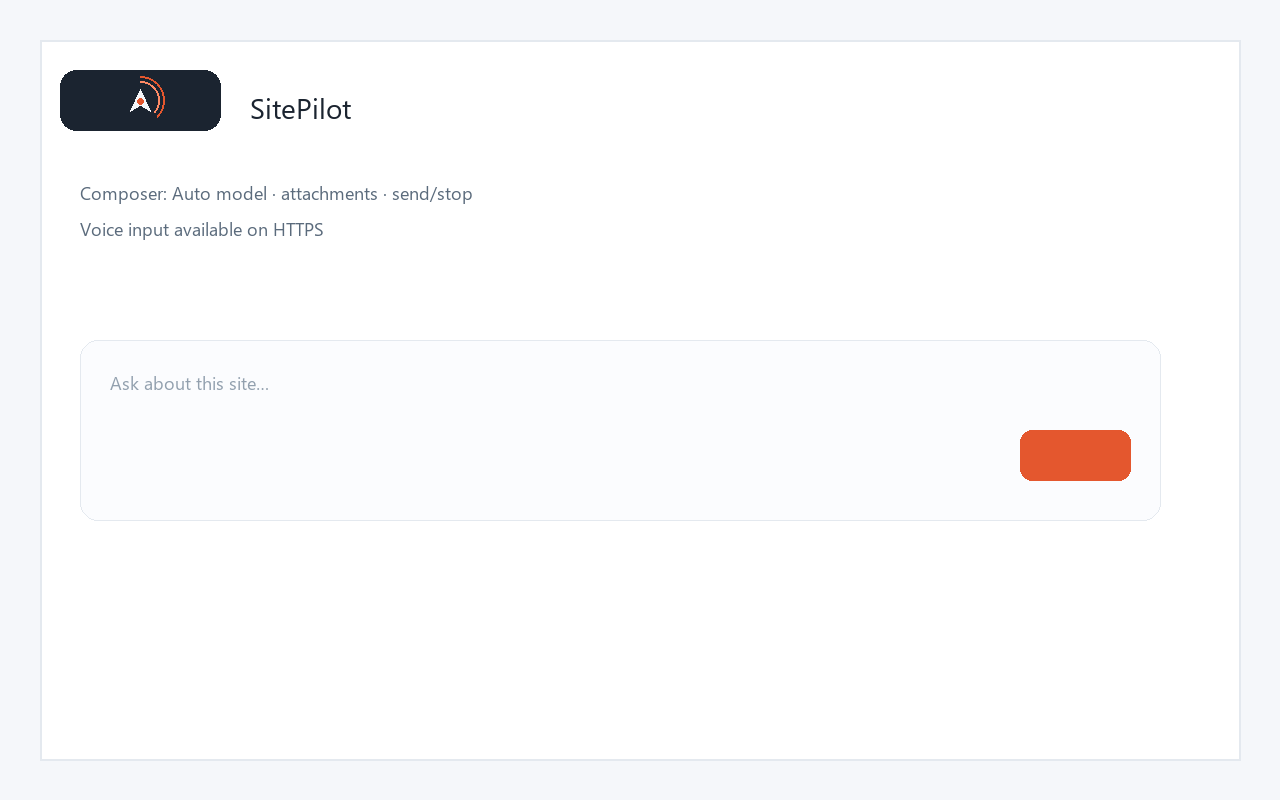
Composer with Auto model picker, attachments, and send/stop control.
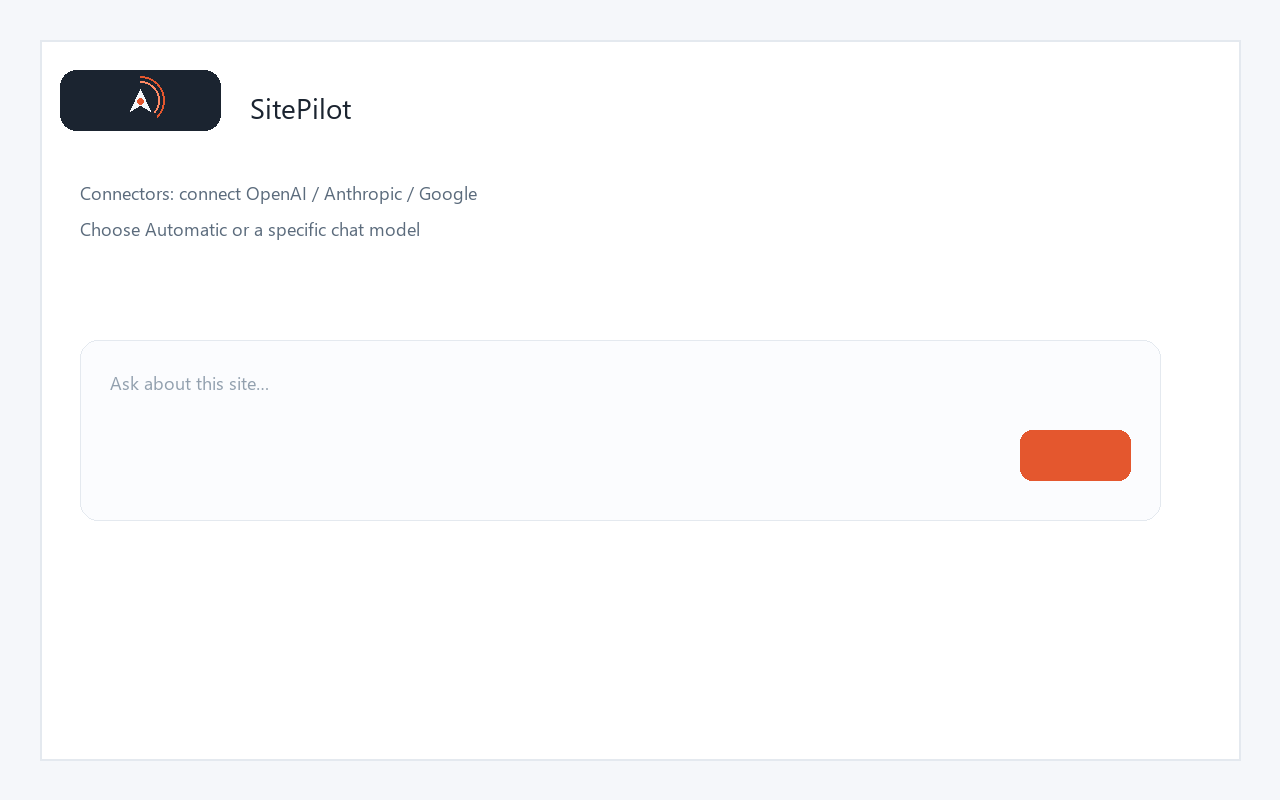
Connectors settings — connect a provider and choose a preferred model.
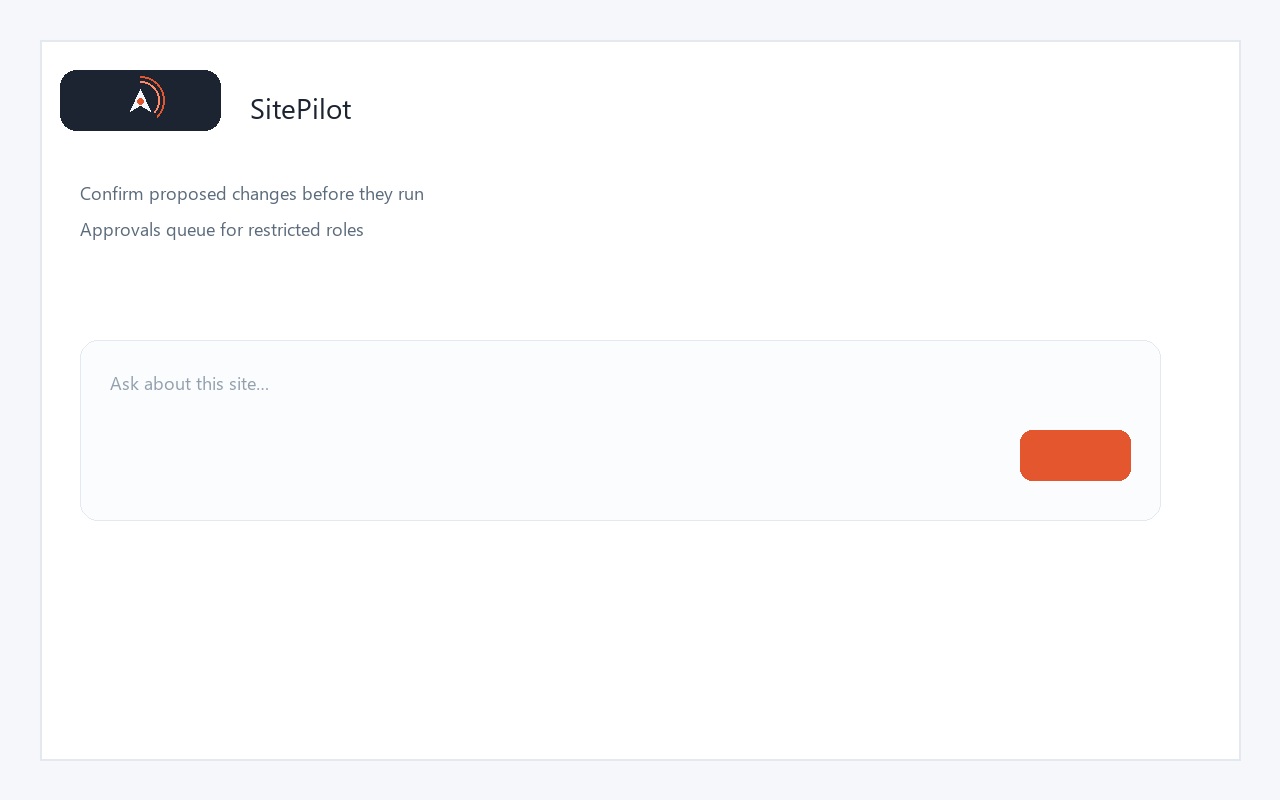
Approval / confirm flow for proposed site changes.