
Context Assistant Wordpress Plugin - Rating, Reviews, Demo & Download
Plugin Description
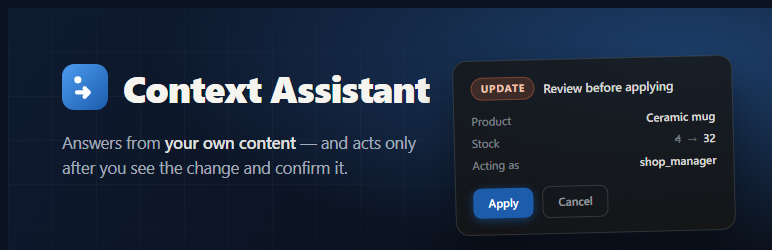
Context Assistant adds an AI chat widget to your site — but unlike a
generic chatbot, it is built around three ideas:
- Page context. The assistant knows where the visitor is: which
post or product is open, its title and categories. Never the page
body, never form input, never cookies — only small facts you allow. - Answers from your content. Published posts, pages and products
are synced into a knowledge base; the assistant answers questions
about your site, grounded in retrieval, not model memory. - Safe actions. The assistant can act — search content, draft
posts, check a customer’s own order, update stock — always with the
signed-in user’s own WordPress capabilities, and any change only
after an explicit preview card and an Apply click. Deletions need a
second confirmation and go to the trash, never permanent removal.
The heavy lifting (models, retrieval, orchestration) runs on a Context
Assistant server; this plugin connects your site to it. Your secret API
key is encrypted at rest and never leaves your server — visitors only
ever hold short-lived tokens.
WooCommerce: with WooCommerce active, the assistant additionally
searches the catalog with live prices and stock, shows a signed-in
customer the status of their own orders, and lets shop managers update
stock through the preview/Apply flow.
For developers: add your own assistant tools with the
context_assistant_tools filter, extend the page context with
context_assistant_page_context, and control widget visibility with
context_assistant_should_render. WP-CLI: wp context-assistant sync.
External services
This plugin does not work on its own: the models, retrieval and
orchestration run on a Context Assistant server that you configure
in Settings Context Assistant (the API URL). That server is
either your own self-hosted instance or the hosted Context Assistant
service — the plugin talks only to whichever URL you enter.
What the plugin sends to that server, and when:
- When a visitor opens the chat — a short-lived embed token is
minted for the browser, and the page context you allowed (page URL,
titles, public taxonomy terms; each behind its own privacy toggle,
never the page body or form input) is attached to the conversation. - On each message — the visitor’s message text and that page
context, so the assistant can answer. Visitors are identified by an
anonymous cookie, not by name. - When knowledge sync is enabled — the text of your published
posts, pages and products (never drafts or private content), so the
assistant can answer from your own content. - When the Remote Tools bridge is enabled — the server calls back
into your site to run tools under the signed-in user’s own WordPress
capabilities; your secret API key stays encrypted on your server and
is never sent to the browser.
Conversation transcripts are stored on that server and can be exported
or deleted (see the FAQ). No data is sent anywhere else.
If you use the hosted Context Assistant service, it is operated
under its own terms of service and privacy policy:
Terms: https://contextassistant.io/terms/
Privacy: https://contextassistant.io/privacy/
Screenshots
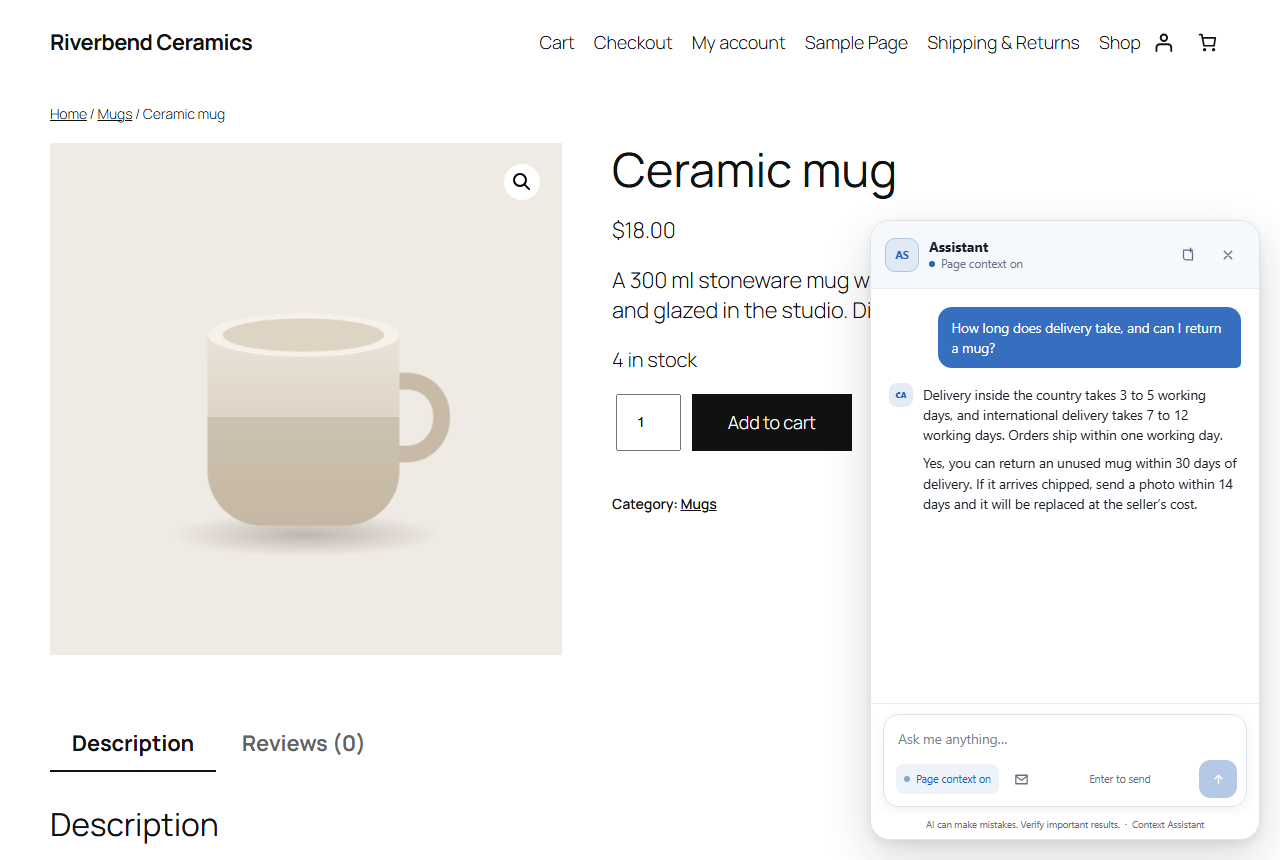
A visitor asks in plain language; the answer is grounded in the site’s own published pages. The page body itself is never sent — only the small facts you allow.
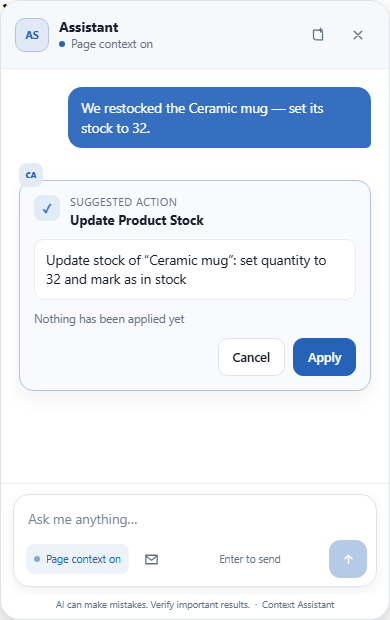
Anything that changes the site stops at a preview card first and runs only after an explicit Apply, under the signed-in user’s own WordPress capabilities.
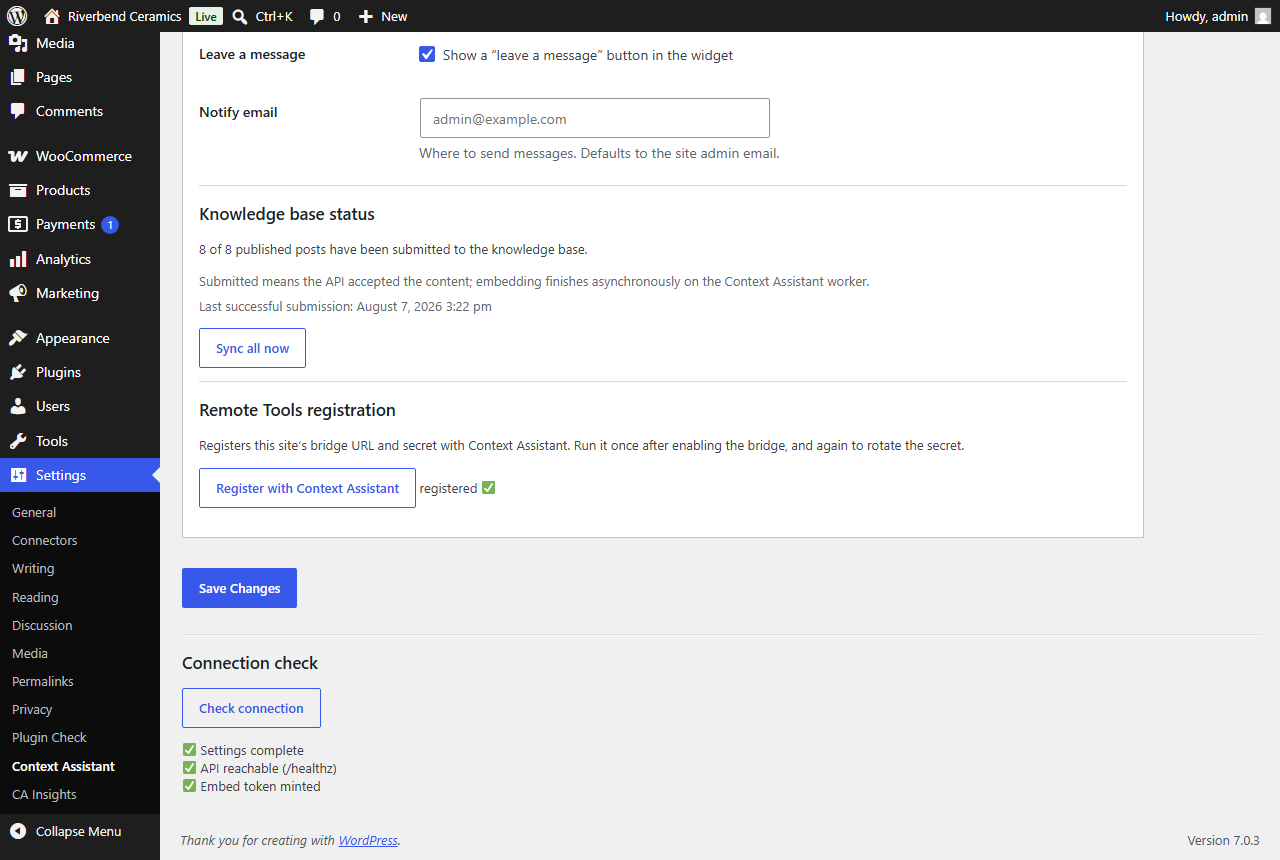
Settings: one connection check for the API, the assistant and the bridge. The secret key is stored encrypted and never shown again.
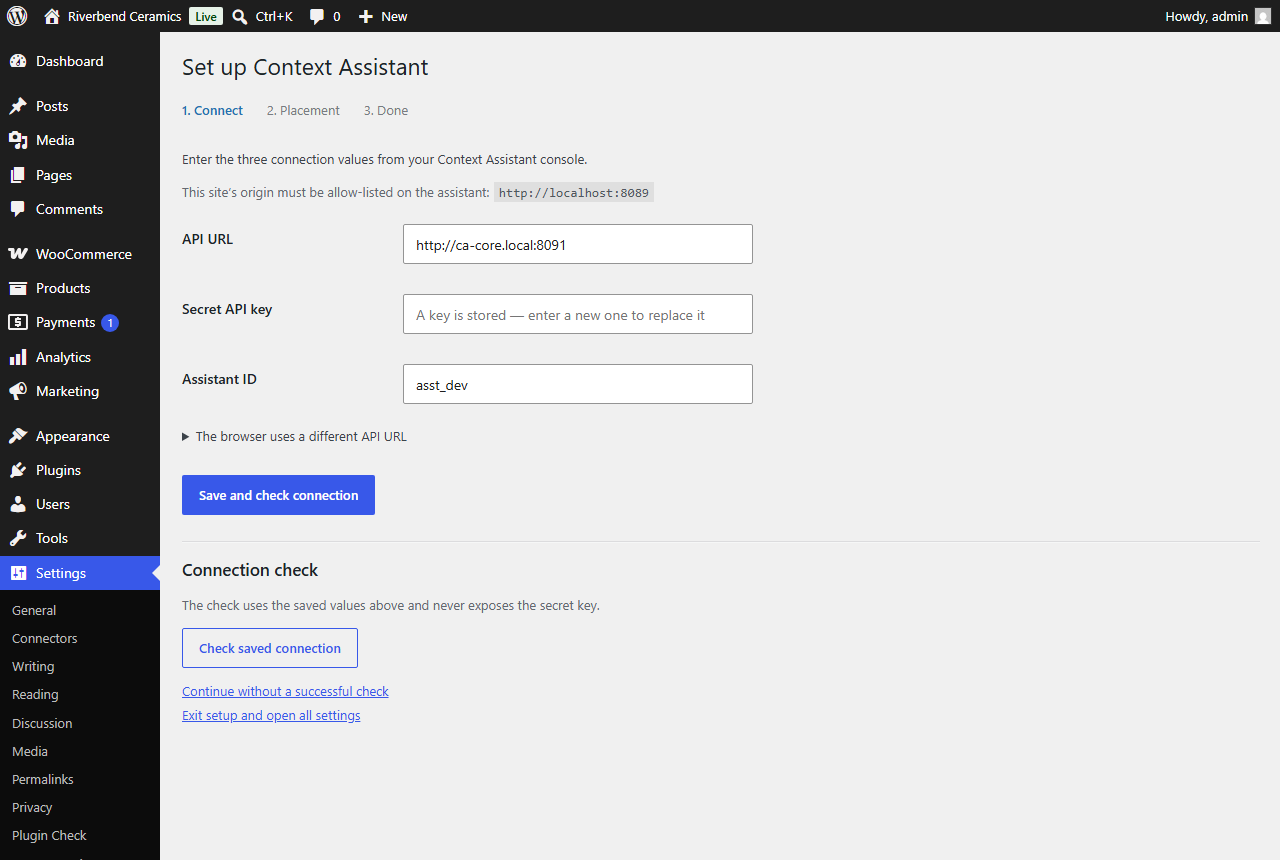
The setup wizard asks for three values from your console and nothing else.
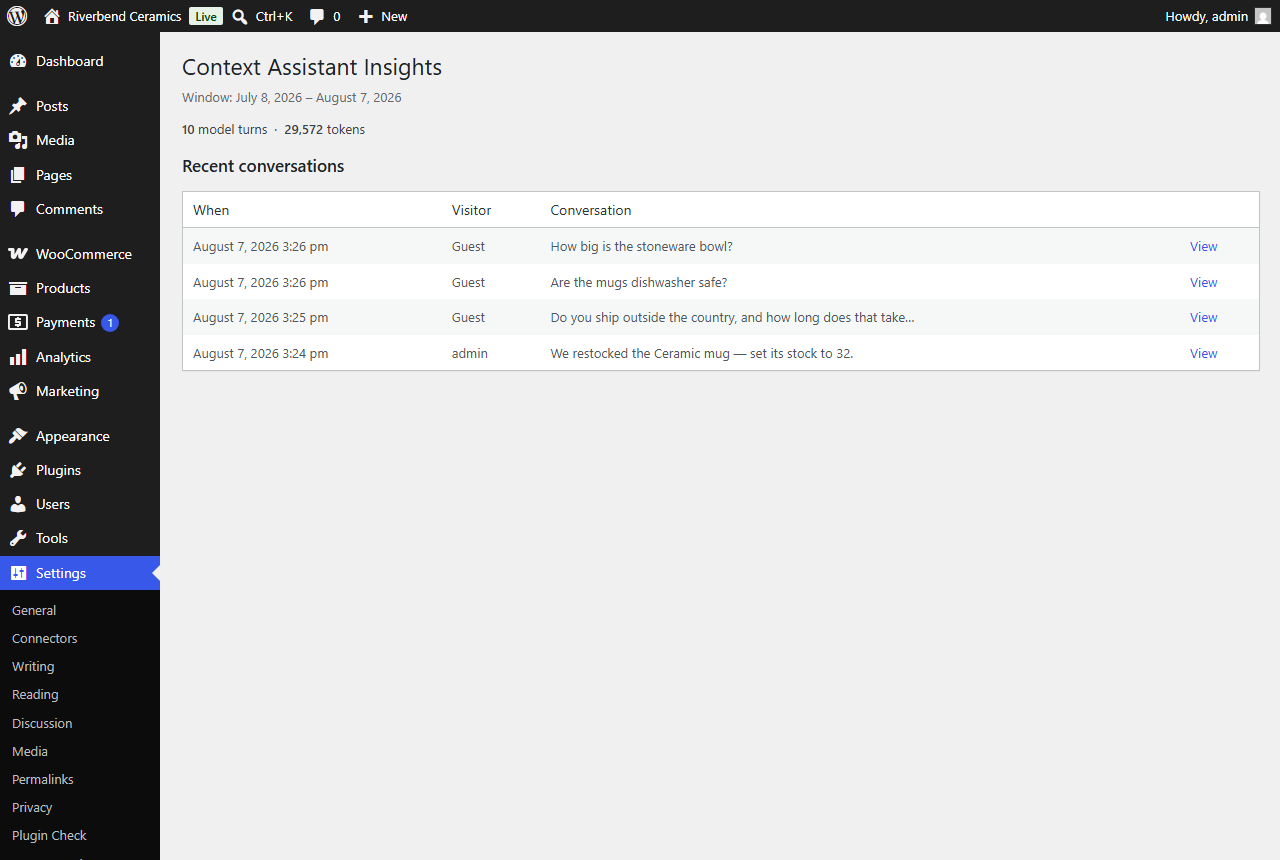
Insights: usage and real conversation transcripts, without leaving wp-admin.


