
Coupon Scheduler For WooCommerce Wordpress Plugin - Rating, Reviews, Demo & Download
Plugin Description
Overview
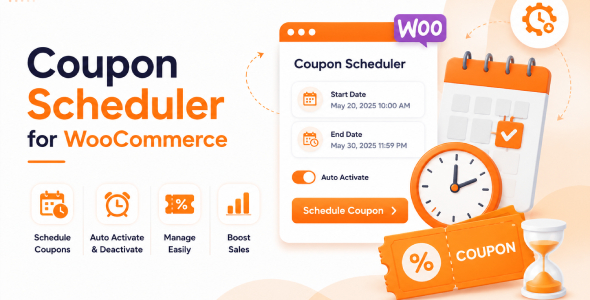
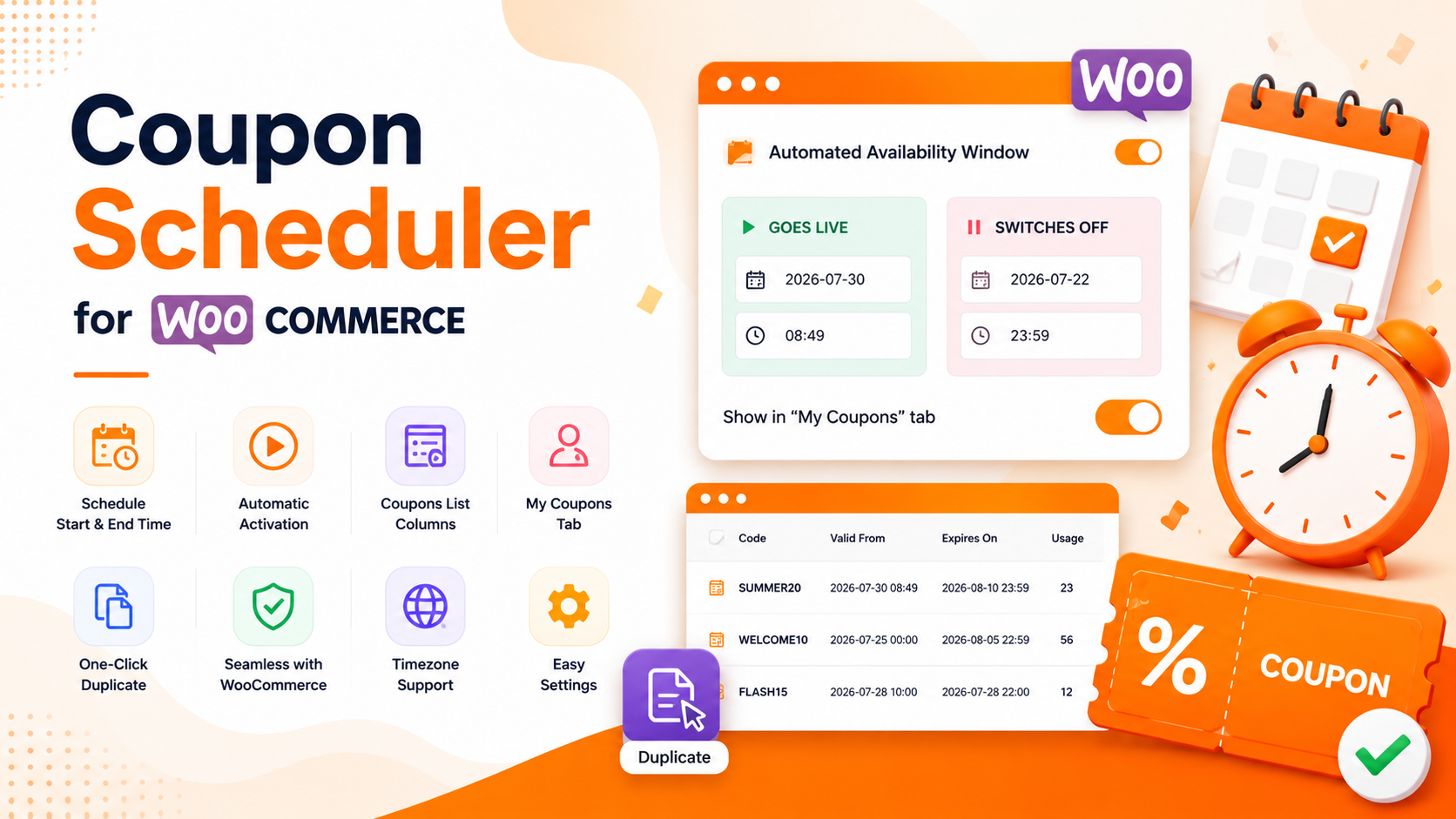
Coupon Scheduler for WooCommerce lets you schedule exactly when your coupons should start and stop working. Set a start date and time, an end date and time, duplicate scheduled coupons with one click, and optionally display active coupons in the customer’s My Coupons tab. Everything is simple to set up and requires no coding.
What Customers See
- Clear coupon messages – If a customer tries to use a coupon before it starts or after it expires, WooCommerce shows a clear message explaining why it cannot be used.
- Optional “My Coupons” tab – Display selected coupons in the customer’s My Account page. Only active coupons are shown, and customers can copy the coupon code with one click.
Easy Coupon Scheduling
- Add a schedule to every WooCommerce coupon.
- Enable or disable scheduling with a simple toggle.
- Choose the exact date and time when the coupon becomes active.
- Choose the exact date and time when the coupon expires.
- Show or hide the coupon in the customer’s My Coupons tab.
- All dates and times use your WordPress website timezone.
Automatic Scheduling
- Coupons automatically become active at the scheduled time.
- Coupons automatically expire when the end time is reached.
- No need to manually enable or disable coupons.
- Works with WooCommerce’s built-in coupon validation.
- Keeps WooCommerce expiry settings in sync automatically.
Admin Features
- See coupon start and expiry dates directly in the coupons list.
- Duplicate a coupon together with all its scheduling settings.
- Quick Start guide to help you get started in minutes.
- Simple settings page to manage plugin options.
Settings
- Enable or disable the customer My Coupons tab.
- Choose which coupons should appear in the customer’s account.
- Uses standard WordPress data storage without creating extra database tables.
Compatibility
- Compatible with WooCommerce HPOS (High-Performance Order Storage).
- Works with both the classic and block-based Cart & Checkout.
- Includes an easy-to-use date picker and time picker.
- Translation-ready with a .pot language file included.
- Built with clean, lightweight, and WordPress coding standards.
Documentation
Full installation and setup guide included in the documentation folder of your download ZIP.
 = 1.0.0 = 08-07-2026
* [+] Initial release


