Crawlwise – AI Readiness Scanner And Fixer Wordpress Plugin - Rating, Reviews, Demo & Download

Plugin Description
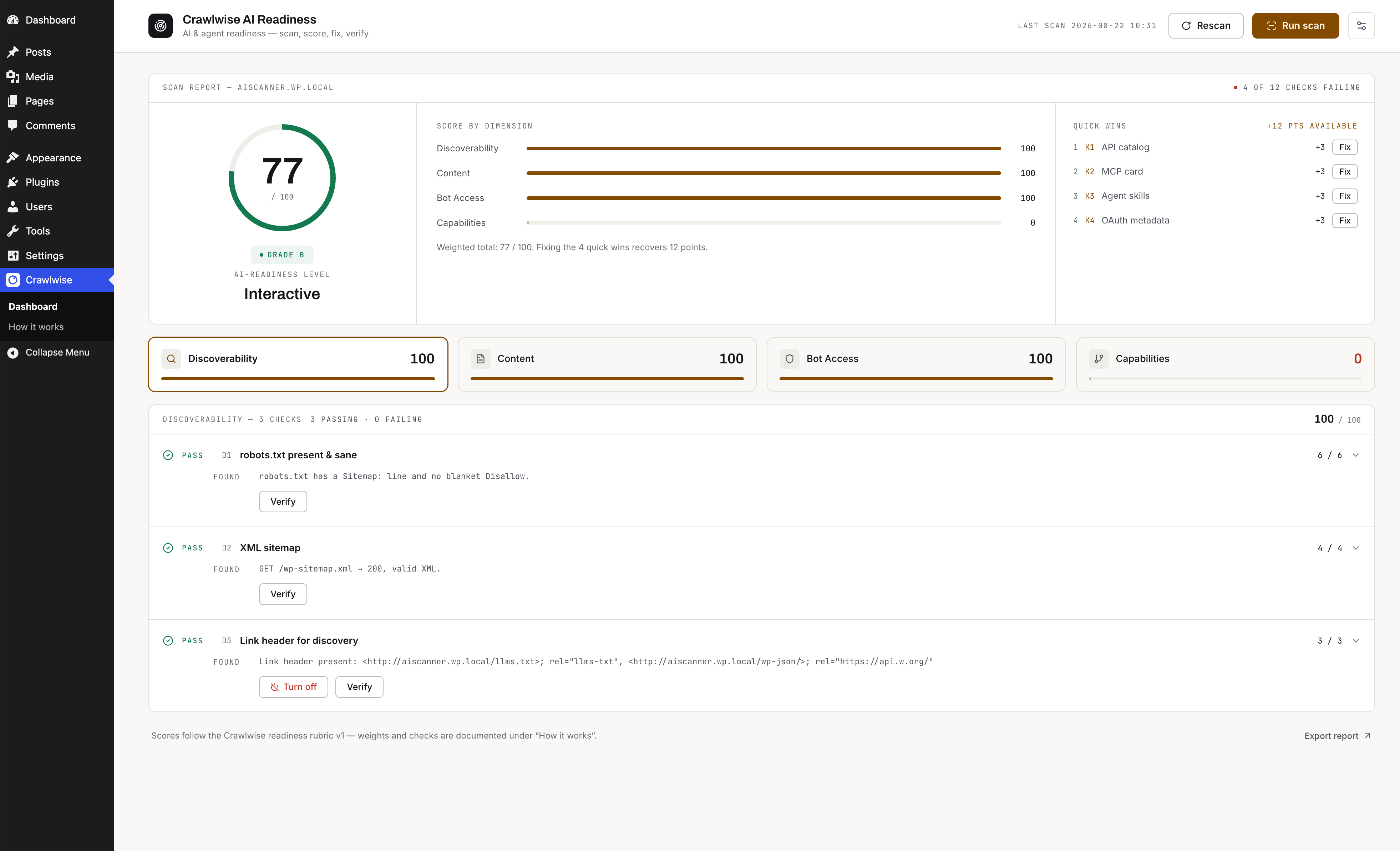
Crawlwise AI Readiness measures how well your WordPress site holds up when the reader is an AI agent rather than a person, then fixes what doesn’t and verifies the change over a real HTTP request.
Every check fetches the site the way an agent would instead of trusting internal plugin state, so a passing score reflects what a crawler actually sees — including when a CDN or a stray physical robots.txt is overriding WordPress.
What it grades
- Discoverability — robots.txt sanity, XML sitemap, discovery
Linkheaders - Content — Markdown content negotiation,
/llms.txt, structured HTML - Bot access — Content Signals, explicit AI-crawler rules, Web Bot Auth
- Capabilities — API catalog, MCP card, agent skills, OAuth metadata
- Commerce — UCP and x402 descriptors (WooCommerce only)
Fixes are reversible. Every fix writes plugin settings and nothing else — no theme edits, no rewritten posts — so “Turn off” genuinely restores the prior state.
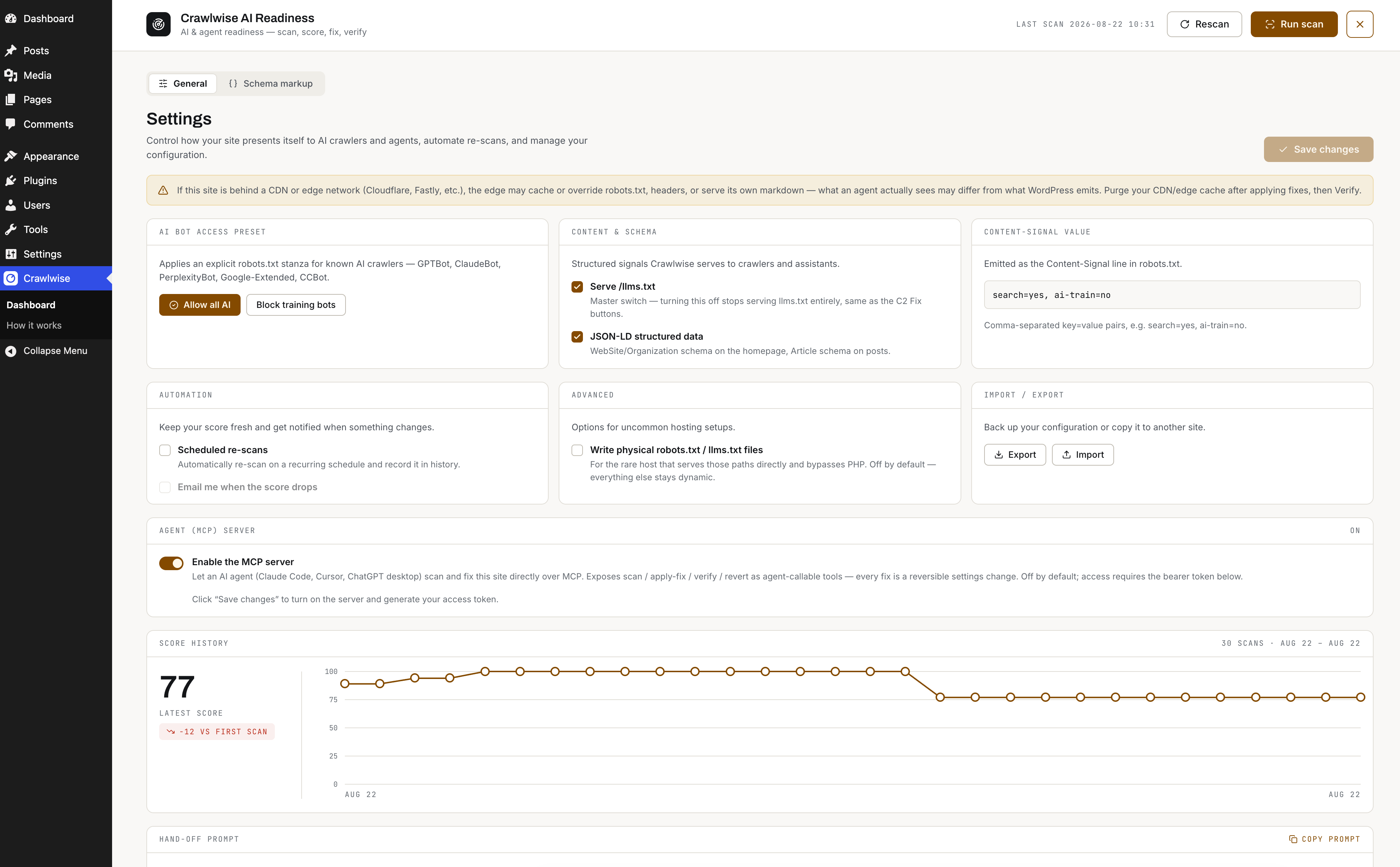
Agent-callable. An optional MCP server exposes scan / fix / verify / revert as tools an agent can call directly. It is off by default and requires a bearer token you generate yourself.
Privacy
The plugin makes HTTP requests to your own site only. It sends nothing to any third party and has no telemetry.
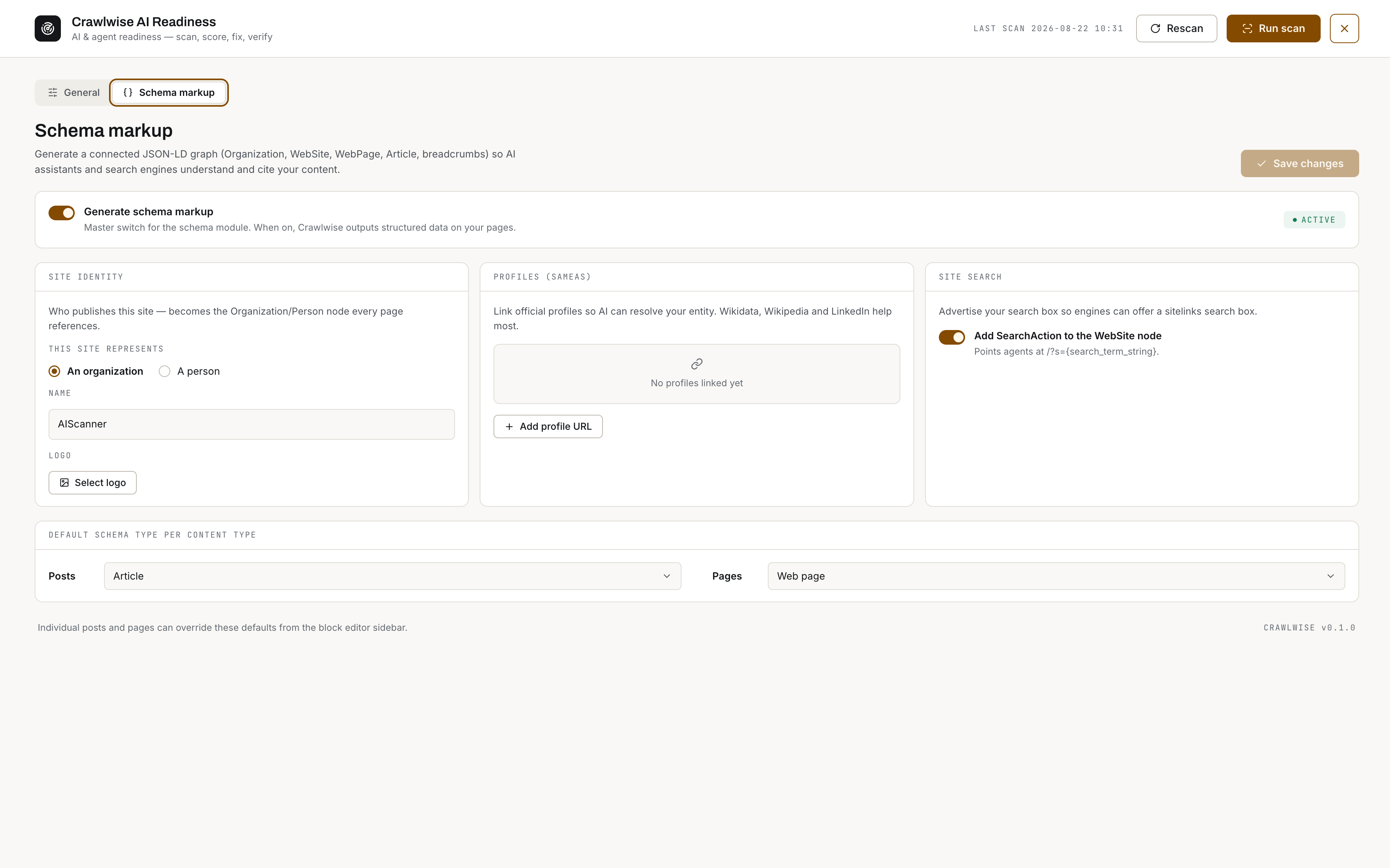
/llms.txt, the Markdown output, and the JSON-LD graph are built exclusively from public content: password-protected, private, draft, and per-entity excluded posts are never included.<h3>Security</h3>
* The MCP bearer token is stored as a SHA-256 hash. Its raw value is displayed exactly once, when generated, and cannot be recovered afterwards — regenerate it if lost.
* The token is never included in a settings export, and a settings import can never set or enable it.
* Failed MCP authentication attempts are rate-limited per IP, and cross-origin requests to the MCP endpoint are rejected.
* All dashboard REST routes require manage_options; per-entity routes require edit_post for that specific post.