
CustomerEagle Chat Widget Wordpress Plugin - Rating, Reviews, Demo & Download
Plugin Description
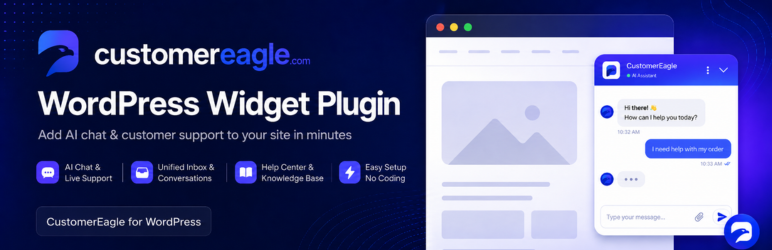
CustomerEagle is an AI-powered customer support platform: a chat widget for your visitors, a unified agent inbox, an AI assistant trained on your own knowledge base, and a help center — all in one place.
This plugin adds the CustomerEagle chat widget to your WordPress site without touching your theme:
- One-minute setup — paste your Workspace ID and you’re live.
- AI answers, human handoff — the widget answers from your knowledge base and hands off to your team when needed.
- Help-center search built in — visitors find articles without leaving the page.
- Page rules — hide the widget on specific paths (checkout, account pages, …).
- No performance tax — one deferred script tag, loaded only on pages where the widget should appear. Nothing loads in your admin area.
You need a CustomerEagle account to use this plugin — plans (including a free plan) are available at customereagle.com.
Developer filters
custeagle_should_display— final say over whether the widget loads on a request.custeagle_api_base— override the widget endpoint (https only; for staging setups).
External services
This plugin embeds the CustomerEagle chat widget, a third-party service operated by CustomerEagle. When the widget is enabled, every visitor’s browser loads the widget script from api.customereagle.com and connects to the same domain for chat.
- What is sent: the Workspace ID configured in the plugin, the visiting page’s domain (used to verify the widget is allowed to run there), and — only when a visitor uses the chat — the messages and any contact details they choose to type. The plugin itself sends no data server-side and stores nothing about your visitors in WordPress.
- When: on every public page view where the widget is enabled (script load), and during chat use.
- Service: CustomerEagle — Privacy Policy · Terms of Service
If you are subject to GDPR or similar regulations, mention CustomerEagle in your site’s privacy policy.
Screenshots
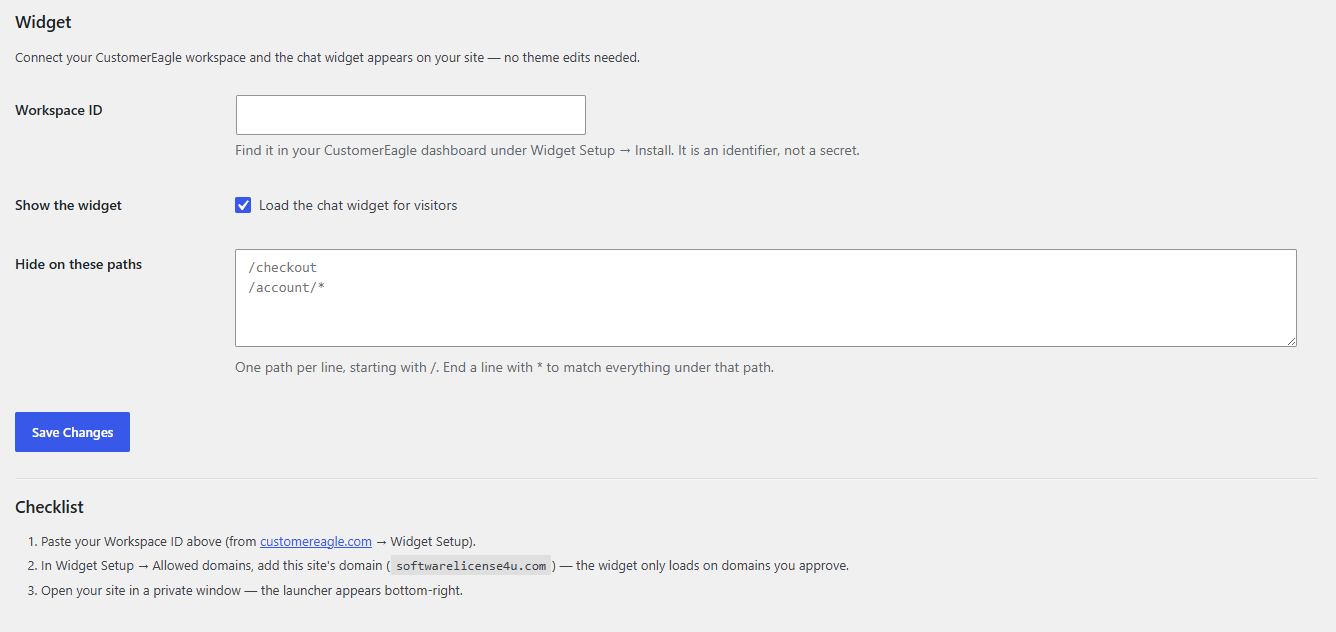
The settings page — paste your Workspace ID and choose where the widget appears.


