DB – AI Act Transparency Wordpress Plugin - Rating, Reviews, Demo & Download

Plugin Description
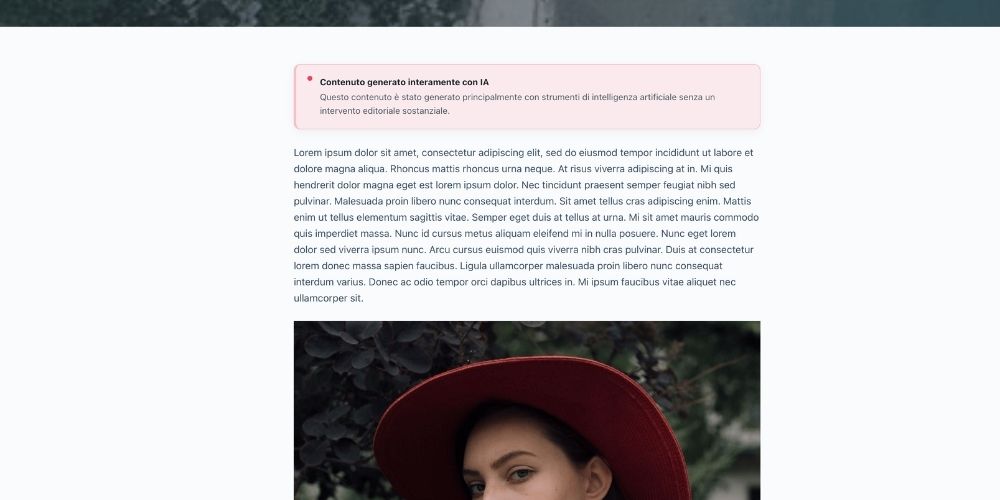
DB – AI Act Transparency helps WordPress site owners document and optionally disclose how artificial intelligence was used in written content and individual images.
The plugin keeps the existing workflow lightweight and uses native WordPress options and post metadata. It does not create custom database tables and does not connect to external services.
Content classification
Each supported post, page, or public custom post type can be assigned one of four levels:
- No significant AI use
- AI-assisted content
- AI-generated and human-reviewed content
- Fully AI-generated content
The public notice can be displayed automatically before or after the content, hidden for a specific item, or inserted manually with a shortcode.
Image classification
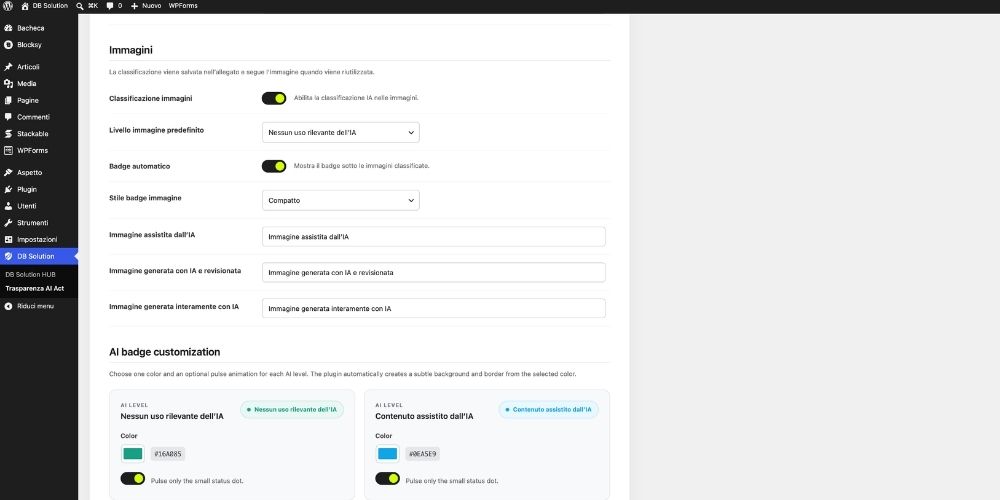
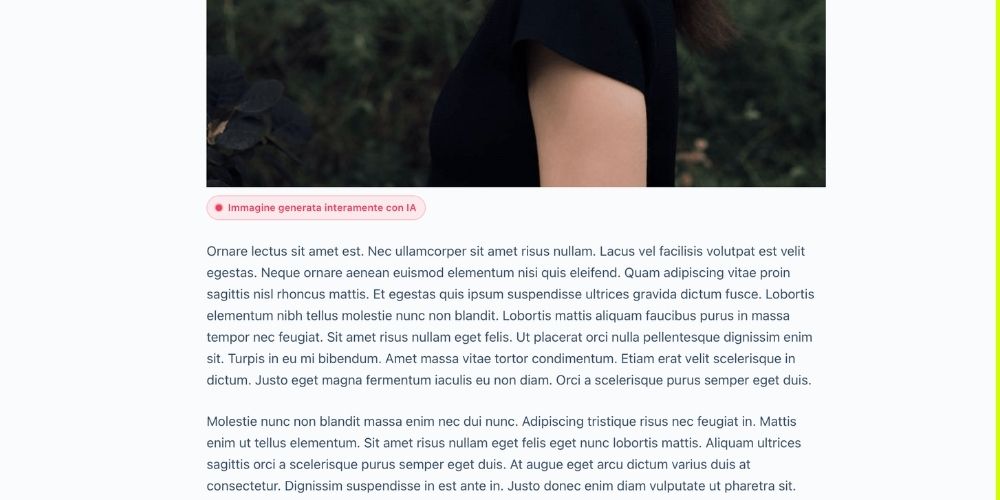
Each image attachment can be classified independently:
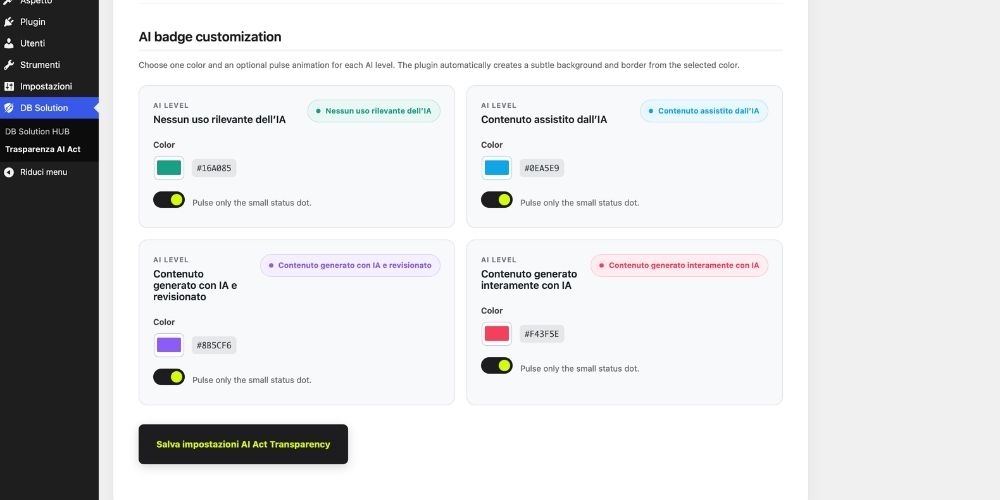
- No significant AI use
- AI-assisted image
- AI-generated and human-reviewed image
- Fully AI-generated image
The classification is saved on the Media Library attachment, so it follows the image when the same file is reused. A compact or boxed badge can be displayed below classified Image blocks.
Main features
- Content and image AI-use classification
- Gutenberg and Classic Editor support
- Media Library integration
- Optional automatic notices and image badges
- Configurable default levels
- Content and image shortcodes
- REST API metadata registration
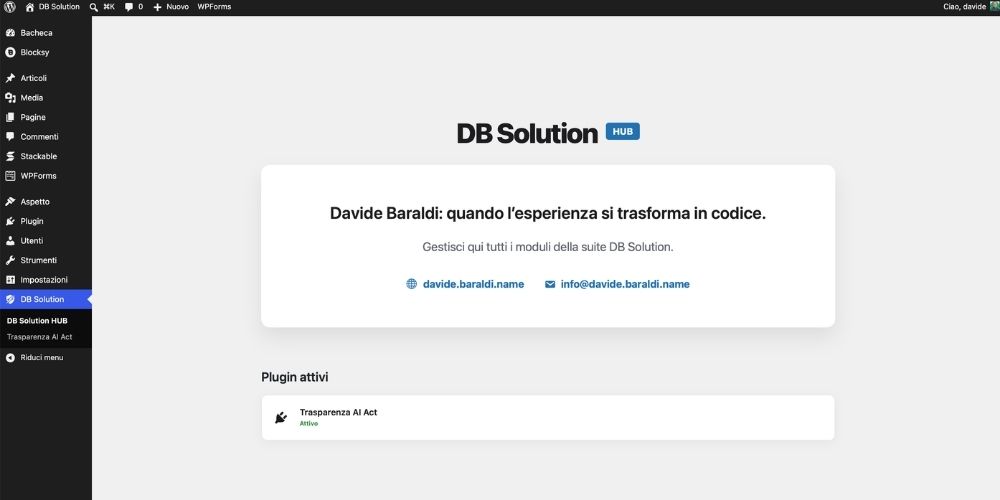
- DB Solution HUB interface
- Translation-ready and compatible with Loco Translate
Important notice
This plugin is a technical transparency tool. It does not provide legal advice and does not guarantee compliance with the EU AI Act, GDPR, or any other law. Site owners remain responsible for selecting the appropriate classification and disclosure.
Privacy
DB – AI Act Transparency does not collect, transmit, or share personal data with external services.
External Services
The plugin does not connect to external services.
Screenshots
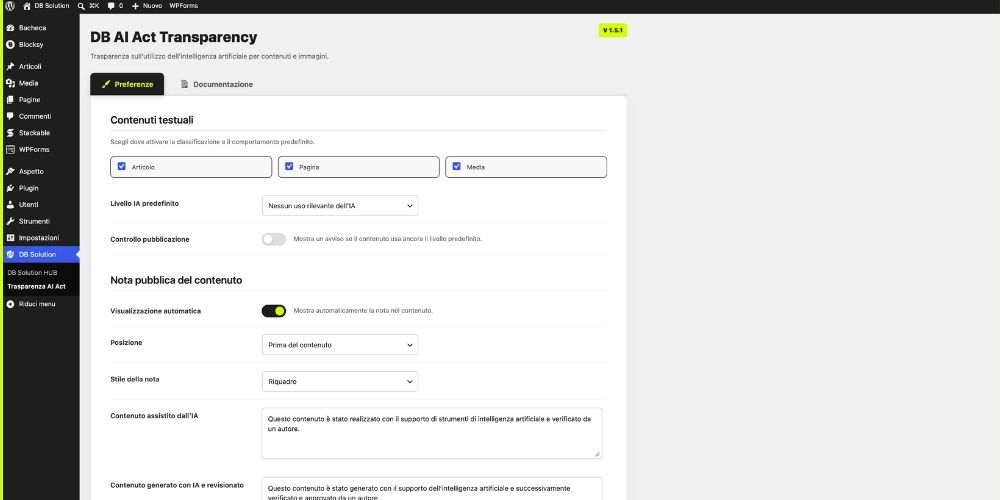
DB Solution HUB
Content classification preferences
Public content notice settings
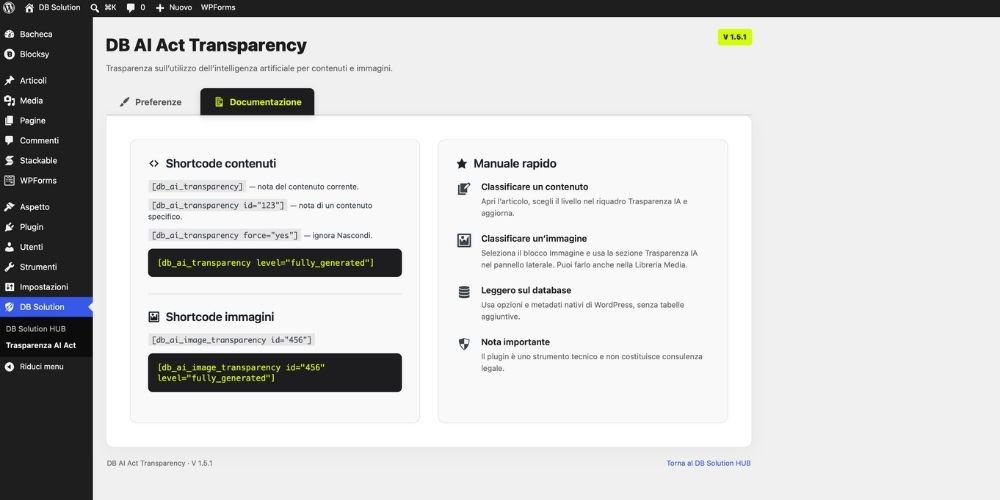
Image classification preferences
AI Transparency panel in the post editor
AI Transparency controls for an Image block
Media Library classification fields