
DevLemon Redirect Manager Wordpress Plugin - Rating, Reviews, Demo & Download
Plugin Description
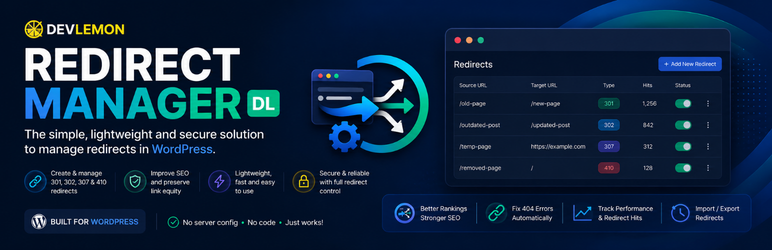
DevLemon Redirect Manager lets you manage URL redirects directly from the WordPress admin — no server file editing required.
Who needs this?
- Your page slugs changed after a redesign.
- You migrated from another platform and old URLs are still getting traffic.
- A post was permanently removed and you want to return a proper 410 Gone response.
- You have campaigns whose URLs changed and you need to preserve external links.
Supported redirect types
- 301 — Moved Permanently (most common; tells search engines to transfer link equity)
- 302 — Found / Temporary Redirect
- 307 — Temporary Redirect (method-preserving)
- 410 — Gone (tells search engines the content is permanently removed)
What you can do
- Create, edit, enable, disable, and delete redirects.
- Import redirects in bulk via CSV.
- Export your current redirects to CSV.
- Search by source or target, and filter by redirect type or active status.
- See how many times each redirect has been triggered (hit counter).
- Loop detection prevents you from creating circular redirects.
Design philosophy
- One function, done well. No SEO suites, analytics, or marketing tools bundled in.
- Zero front-end overhead — no CSS, JavaScript, or external requests added to your site.
- Privacy-first: no visitor IPs, user agents, or personal data stored anywhere.
- Redirects are processed via WordPress APIs — no
.htaccessmodifications. - Fully uninstallable: removing the plugin cleans up all its database tables and options.
Screenshots

The redirect list with stats bar, search, and filter controls.

Adding a new redirect — source, target, type, and status fields.


