
DIGIPIN For WooCommerce Wordpress Plugin - Rating, Reviews, Demo & Download

Plugin Description
Digipin for WooCommerce
Digipin for WooCommerce lets store owners add location tagging directly to the checkout process. Customers can enter their billing or current location, and the generated Digipin code is displayed in their order summary and details for easy tracking.
Admin can enable or disable the Digipin feature anytime from the backend. This offers full control over how location data is collected and used during checkout. It simplifies order handling and makes tracking smoother for both buyers and sellers.
NOTES:
- The Digipin for WooCommerce plugin is compatible with the default WooCommerce checkout flow.
- Check how to activate your WooCommerce plugin using the purchase code and get updates on Webkul Modules directly on the Plugins page.


Why Digipin Plugin is Useful?
Main Features
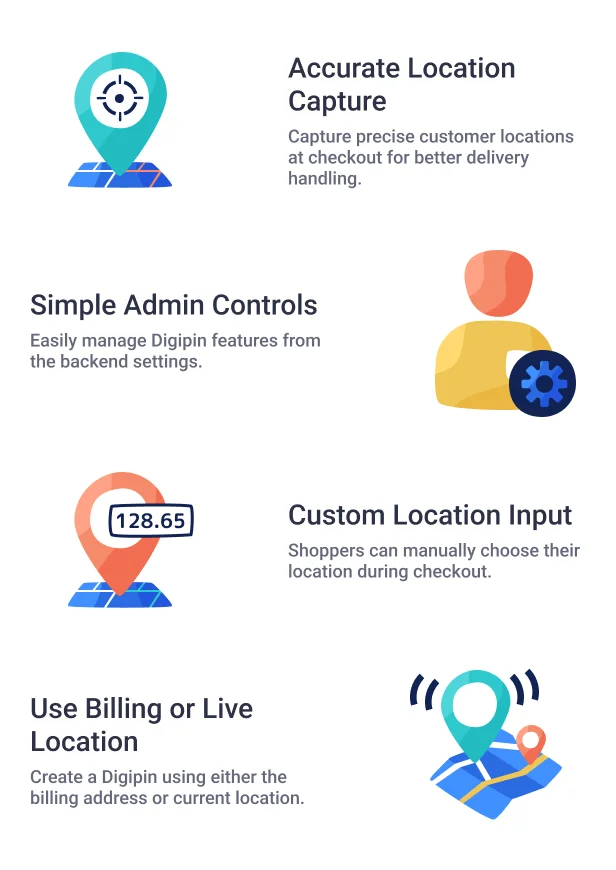
- Enable or disable the Digipin feature from the backend.
- Customers can select a location during checkout.
- Use either billing or current location to create Digipin.
- Digipin code appears in both order summary and order details.
Highlighted Features of Digipin for WooCommerce
- Smart Location Tagging
Get exact customer locations at checkout for smoother deliveries. - Easy Admin Settings
Control Digipin features with a simple backend option. - Manual Location Choice
Buyers can set their location on the checkout page. - Billing or Current Location
Use billing address or live location to create Digipin. - Order Tracking Info
Digipin code shows up in order summary and details. - Fits with WooCommerce Checkout
Works smoothly with the default WooCommerce flow.
Business Use
Digipin for WooCommerce helps store owners collect correct location details during checkout. It reduces errors in address entry and supports smoother order deliveries.
Customers can provide their exact location using either their billing address or live position. The Digipin code helps with tracking, making the process more transparent for both admin and customer.
Support

Dear Customers, if you have any questions, please raise a ticket at webkul.uvdesk.com. We’re here to help and will respond as quickly as possible. Please contact us before leaving a rating—we’re happy to assist you!
"Initial Release v 1.0.0" "Current Release v 1.0.0"


