DropDMS – Receipt & Document Archive With OCR Wordpress Plugin - Rating, Reviews, Demo & Download

Plugin Description
DropDMS turns WordPress into a simple, private archive for receipts, invoices and letters.
- Drag & drop upload of PDF, JPG, PNG, WebP and GIF files, many at once.
- Text recognition (OCR) in the browser. PDFs with a text layer are read directly; scans and photos are recognized with Tesseract. Nothing is sent to a cloud service, and your server needs no extra software.
- Duplicate check before upload. The browser computes a SHA-256 fingerprint first, so a receipt that is already in the archive is reported before any OCR time is spent.
- Search in title, file name, note and recognized text – partial words or the MySQL full-text index.
- Categories (hierarchical), document date, note, and the recognized text can be corrected by hand.
- Thumbnails in the list and a preview on the edit screen.
- Run text recognition again for a single document.
- Files are stored in the database together with their text and thumbnail. They are not reachable by URL in the uploads folder; WordPress delivers them only after a permission check. This also works on nginx without server rules.
- Own capabilities (
dropdms_view,dropdms_upload,dropdms_edit,dropdms_delete,dropdms_manage) that you can assign to any role. - No limits on the number of documents.
DropDMS Pro
The separate add-on DropDMS Pro adds a document list for your website (block and shortcode with search, filters and visibility per category) and text recognition for many documents at once. DropDMS works fully without it.
Privacy
DropDMS does not contact external services. All libraries for text recognition (Tesseract.js, its WebAssembly core, the language data for German and English, pdf.js) ship with the plugin and are loaded from your own site. Your documents never leave your site.
Third-party libraries
DropDMS bundles the following libraries in assets/vendor. They are unmodified builds from the official packages; only source map references were removed and the pdf.js ES modules were renamed from .mjs to .js, so every web server delivers them with a JavaScript MIME type.
- Tesseract.js 5.1.1 – Apache License 2.0 – https://github.com/naptha/tesseract.js (npm package
tesseract.js, filesdist/tesseract.min.js,dist/worker.min.js) - tesseract.js-core 5.1.1 (Tesseract OCR compiled to WebAssembly) – Apache License 2.0 – https://github.com/naptha/tesseract.js-core (files
tesseract-core-lstm.wasm.js,tesseract-core-simd-lstm.wasm.js) - tessdata_fast 4.1.0 language data
deuandeng– Apache License 2.0 – https://github.com/tesseract-ocr/tessdata_fast (filesdeu.traineddata,eng.traineddata). They are stored as JSON data files (assets/vendor/tessdata/*.json: the unmodified file, gzip-compressed and base64-encoded, with its SHA-256 checksum), because.traineddatafiles cannot be included in plugins on WordPress.org. Decoding the base64 string and unpacking it with gzip gives back the original file byte for byte. - pdf.js 4.10.38 – Apache License 2.0 – https://github.com/mozilla/pdf.js (npm package
pdfjs-dist, filesbuild/pdf.min.mjs,build/pdf.worker.min.mjs)
The full license texts are included next to the files. The human-readable source code is available at the repositories listed above.
Screenshots
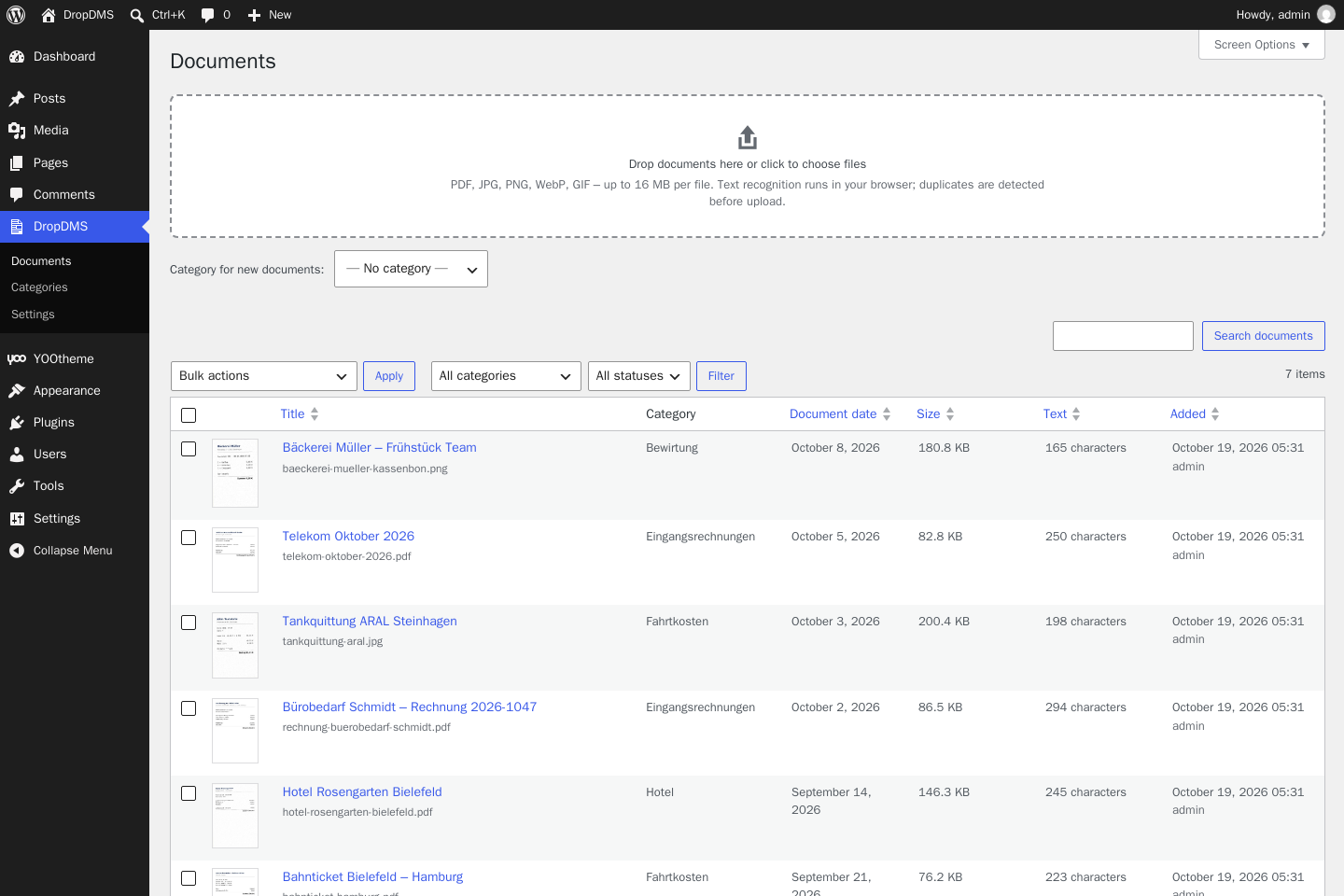
Upload area and document list.
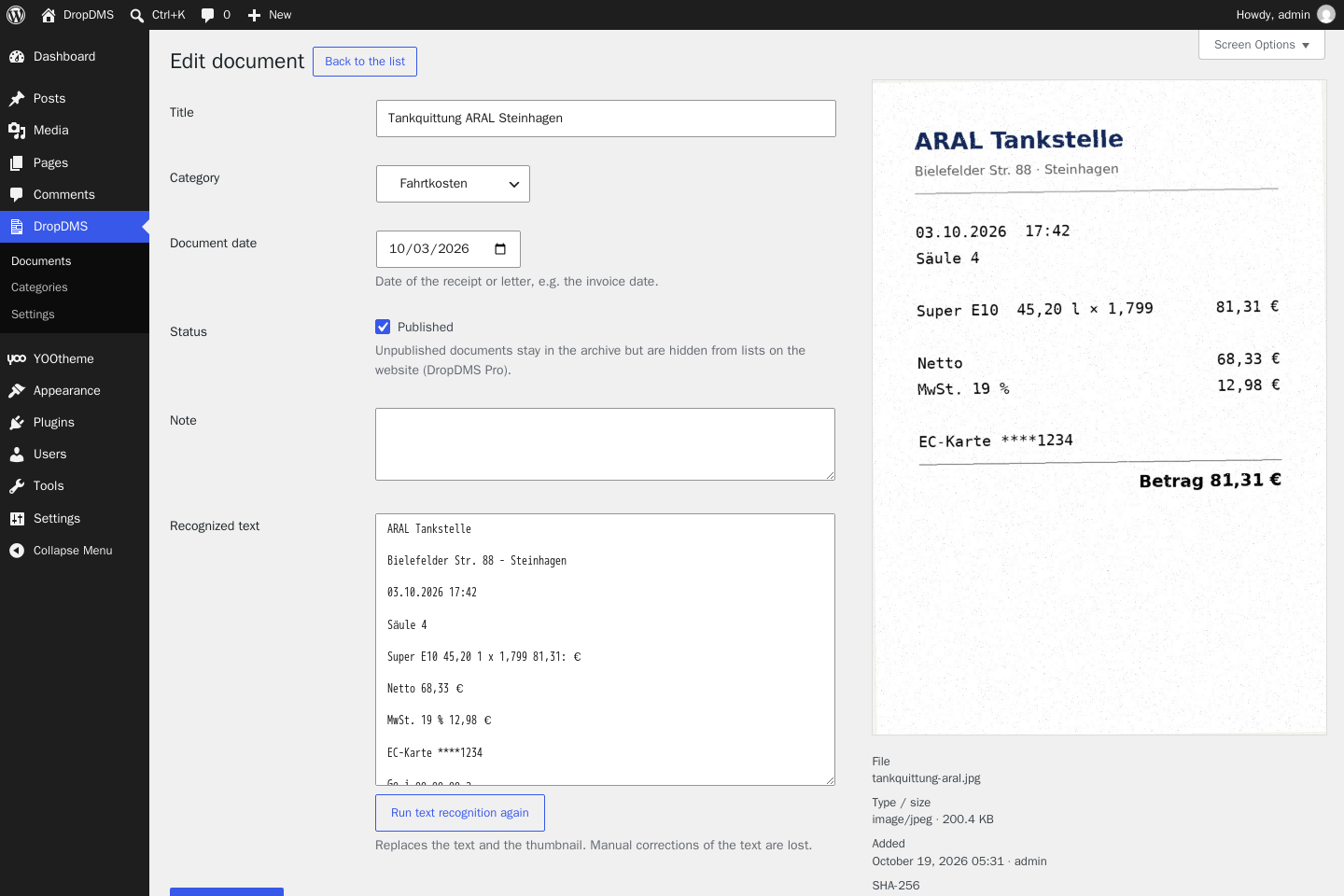
Editing a document with preview and recognized text.
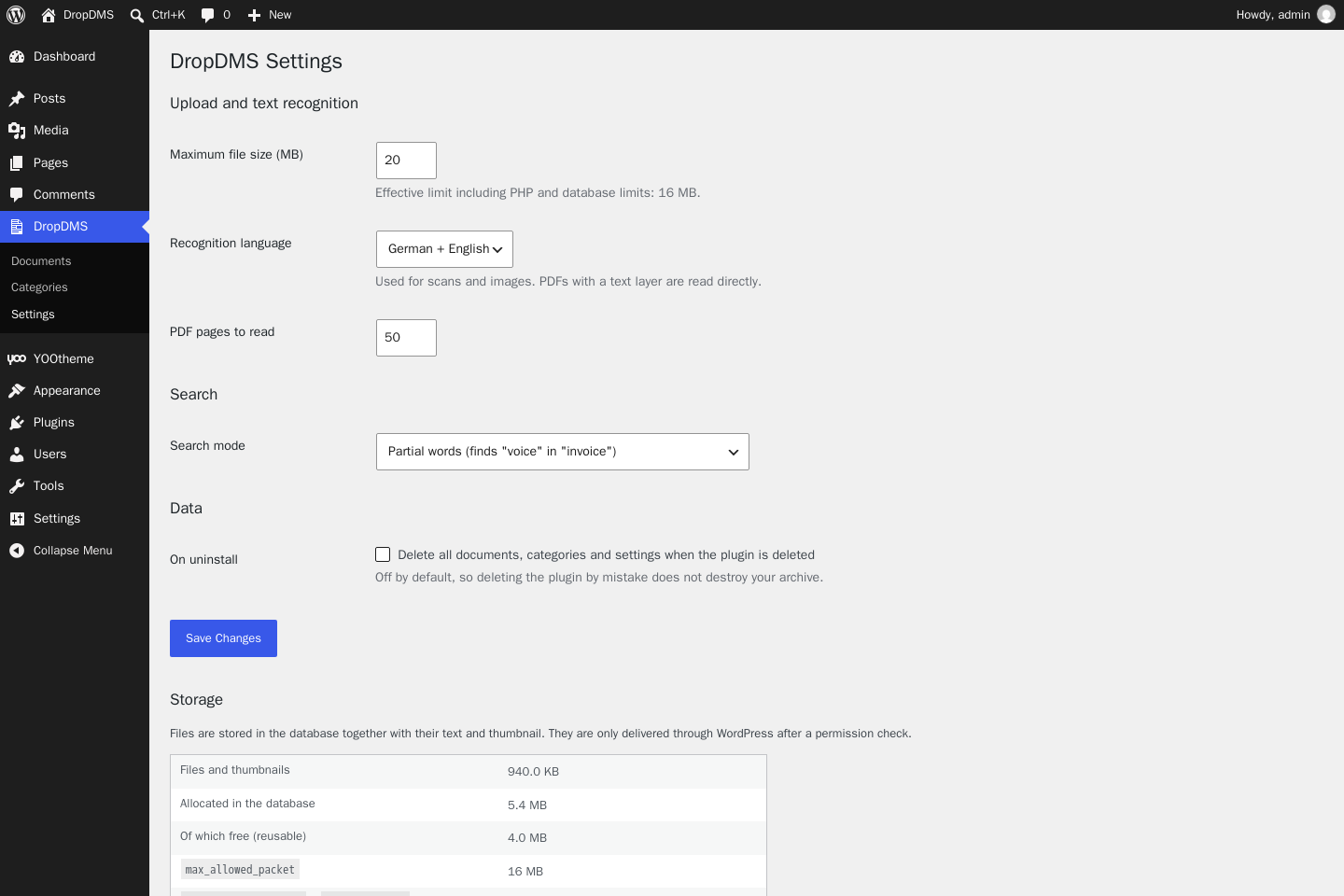
Settings and storage.