
Dynamic Notice Toasts For WooCommerce Wordpress Plugin - Rating, Reviews, Demo & Download
Plugin Description
Dynamic Notice Toasts for WooCommerce presents store notices as dismissible notifications with useful action links.
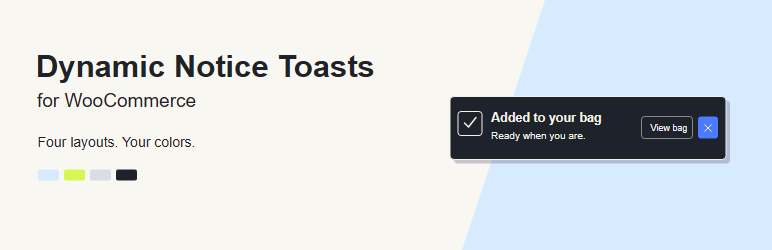
- Four layouts: Margin Note, System Capsule, Retro Outline, and Status Canvas.
- Four palettes: Sky Blue & Dark Aubergine, Lime Chartreuse & Charcoal, Default Light, and Default Dark.
- Edit background, text, accent, icons, borders, focus rings, controls, status colors, and shadows beside a live preview.
- Choose where notifications appear, how long they remain, and whether to pause on hover.
- Supports standard WooCommerce notices, classic AJAX cart events, coupon notices, and checkout errors exposed through WooCommerce notice markup.
- Includes category controls, duplicate prevention, and optional suppression of standard notice banners.
- Provides CSS variables, WordPress filters, browser events, and a JavaScript API for extensions.
- Respects reduced-motion preferences and keeps notice actions keyboard accessible.
The plugin does not send analytics, load remote fonts, or call external services at runtime. Its font and icons are bundled locally. It does not read or write order storage directly. HPOS compatibility is declared. WooCommerce Blocks can use different notice interfaces; test your checkout before enabling notice suppression on a live store.
Credits
Author: Thanos Leftheriotis.
TikTok Sans by TikTok: https://github.com/tiktok/TikTokSans (SIL Open Font License 1.1; bundled license in assets/fonts).
Iconoir: https://iconoir.com/ (MIT license; bundled license in assets/icons).
WooCommerce is a trademark of its respective owner. This independent plugin is not an official WooCommerce product.
Screenshots
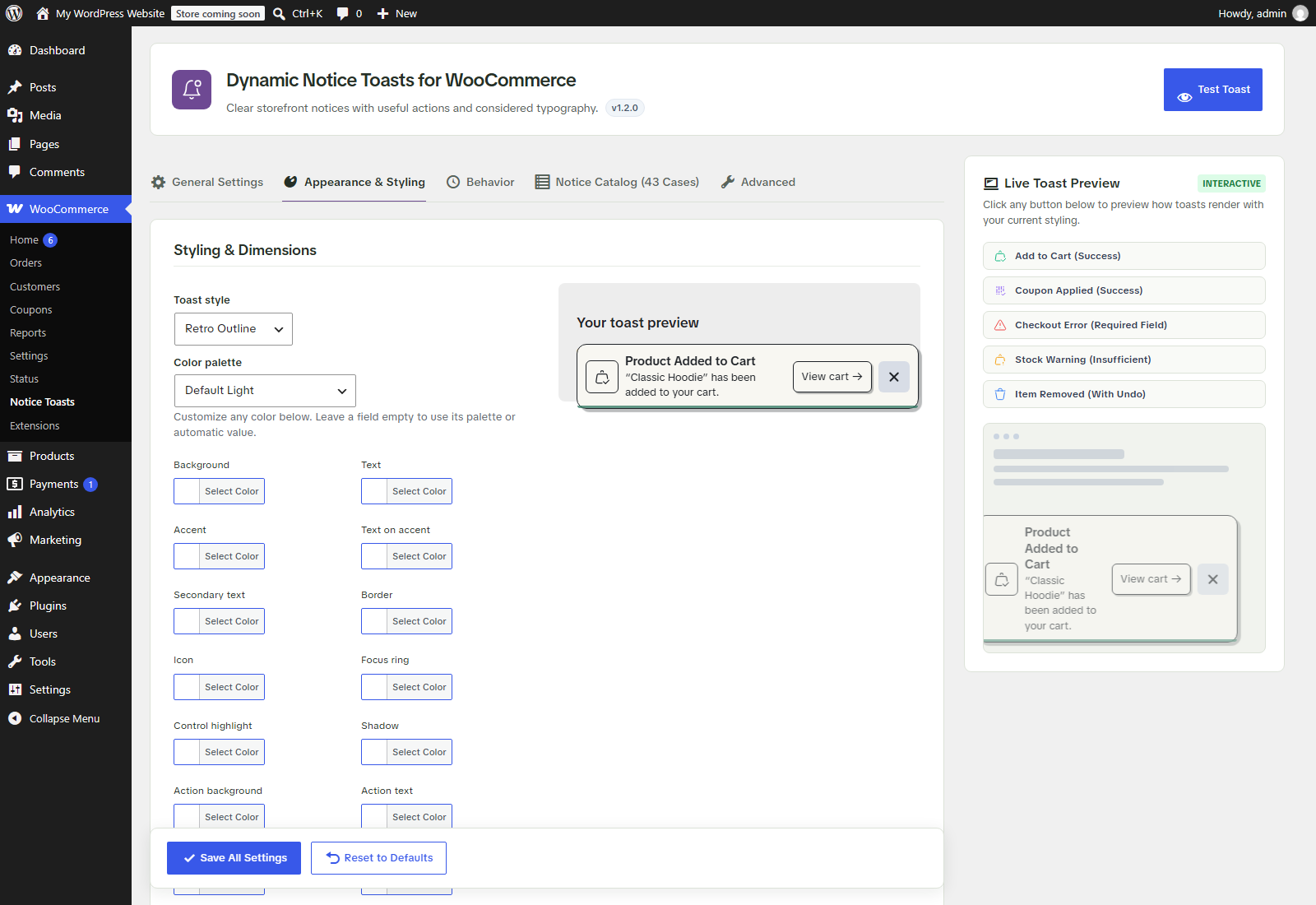
Token color editor beside a live preview in WordPress.
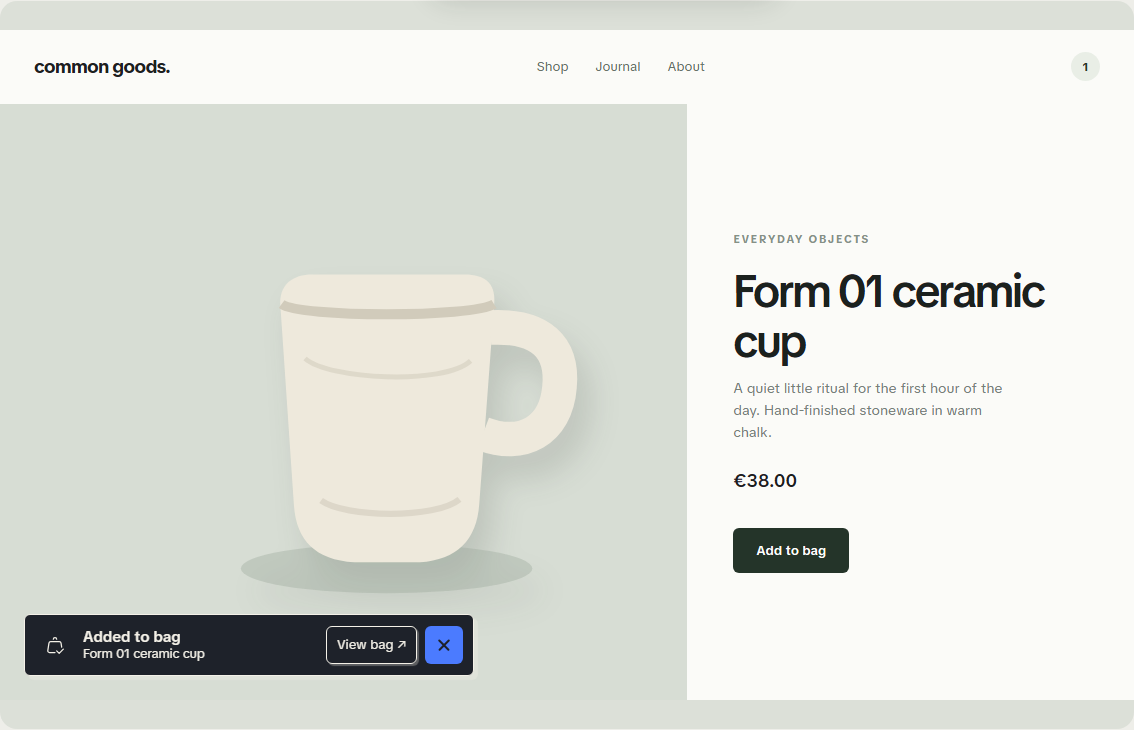
Retro Outline with Default Dark in the standalone design lab.


