EaseAccess24 Accessibility Wordpress Plugin - Rating, Reviews, Demo & Download

Plugin Description
EaseAccess24 Accessibility is the official WordPress plugin for the EaseAccess24
accessibility platform. It is a thin integration layer: you paste the Widget Key
you get from your EaseAccess24 dashboard, and the plugin loads the EaseAccess24
widget on your site.
The plugin does not validate keys, domains, or subscriptions itself — that
happens in the widget and on the EaseAccess24 platform when the widget loads.
What the plugin does
- Captures your Widget Key (or extracts it from a pasted script snippet).
- Injects a single external widget script into the page
<head>, loaded
asynchronously. - Runs an on-demand, client-side health check that observes the page and
explains any problem in plain language.
Privacy
Diagnostic logs stay on your site. The plugin sends no telemetry and makes no
automatic remote calls to EaseAccess24. A Support Report is generated and shared
only when you explicitly choose to, and you see a preview of exactly what it
contains first.
See the External services section below for a full disclosure of what loads
from EaseAccess24 and when.
External services
This plugin relies on the EaseAccess24 accessibility platform, a third-party
service that requires an EaseAccess24 account, an active subscription, and a
domain authorized in your EaseAccess24 dashboard. The plugin interacts with it in
exactly two ways:
-
Loading the widget (front end). On every page view, the plugin outputs one
tag that loads the widget SDK from
https://widget.easeaccess24.com/sdk.js?key=YOUR_WIDGET_KEY. The visitor’s
browser fetches that script, and the widget then communicates with the
EaseAccess24 platform to render and operate. The Widget Key is a public
identifier, not a secret. -
Health-check reachability test (admin only, on demand). When you click
“Run Health Check” in wp-admin, the plugin’s browser-side probe makes a single
best-effort request to the same SDK URL to check that it is reachable. This
runs only when you trigger it — never on a normal page view.
The plugin makes no other remote calls and transmits no data on its own.
- EaseAccess24 website: https://easeaccess24.com/
- Terms of Use: https://www.easeaccess24.com/terms-conditions/
- Privacy information: https://www.easeaccess24.com/privacy-policy/
Development
This plugin is open source. The shipped package contains the compiled assets in
build/; the full, human-readable source (the React admin app under src/ and
the build configuration) lives in the public repository:
- Source code: https://github.com/EaseAccess24/ea24-plugins-wordpress
The admin interface is built with @wordpress/scripts (webpack/Babel). To build
from source:
- Install dependencies:
npm install - Build the assets:
npm run build
This regenerates the build/ directory that ships in the plugin.
Screenshots
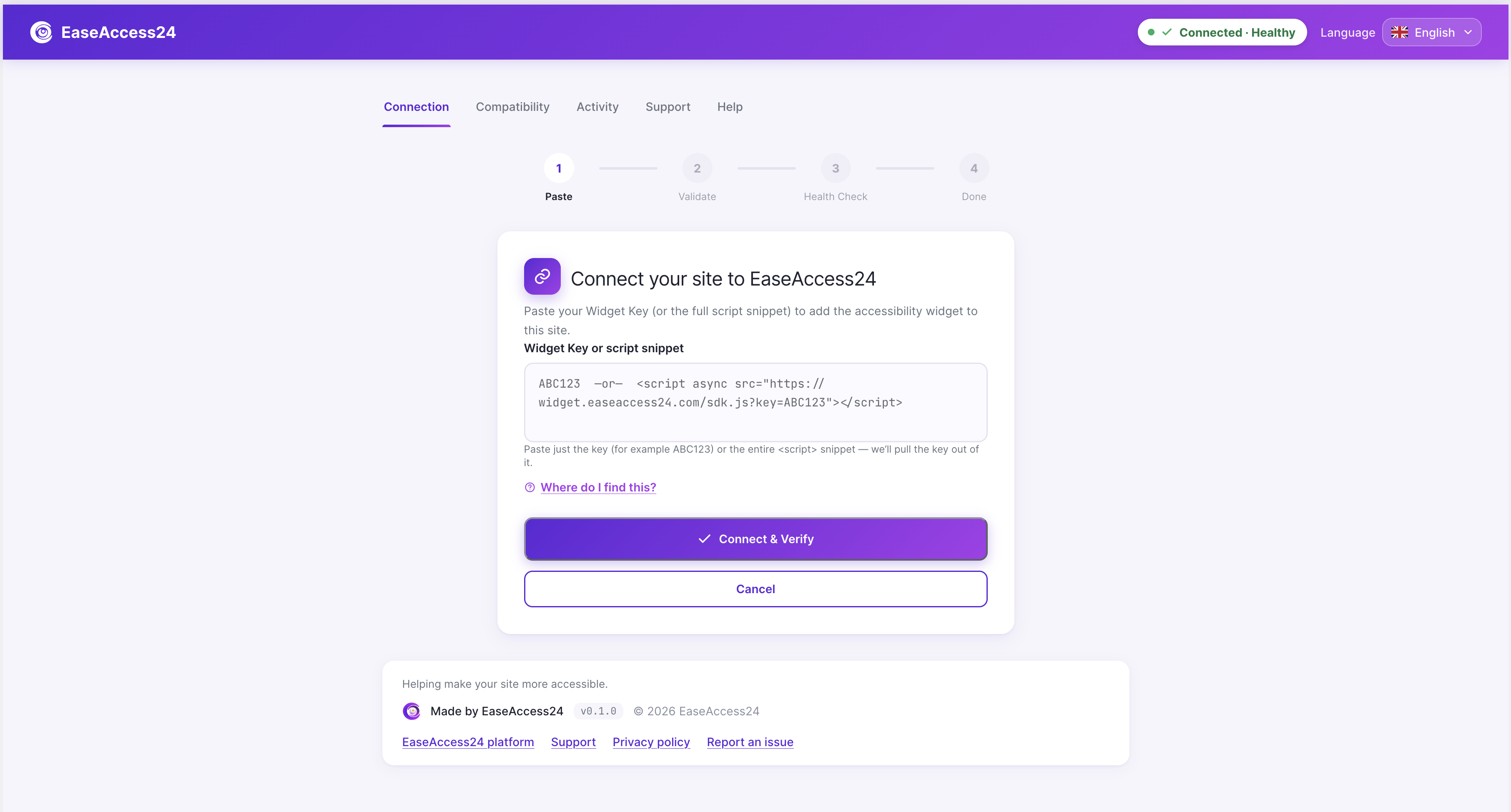
Connect your site — paste your Widget Key or a full script snippet to link your site to EaseAccess24.
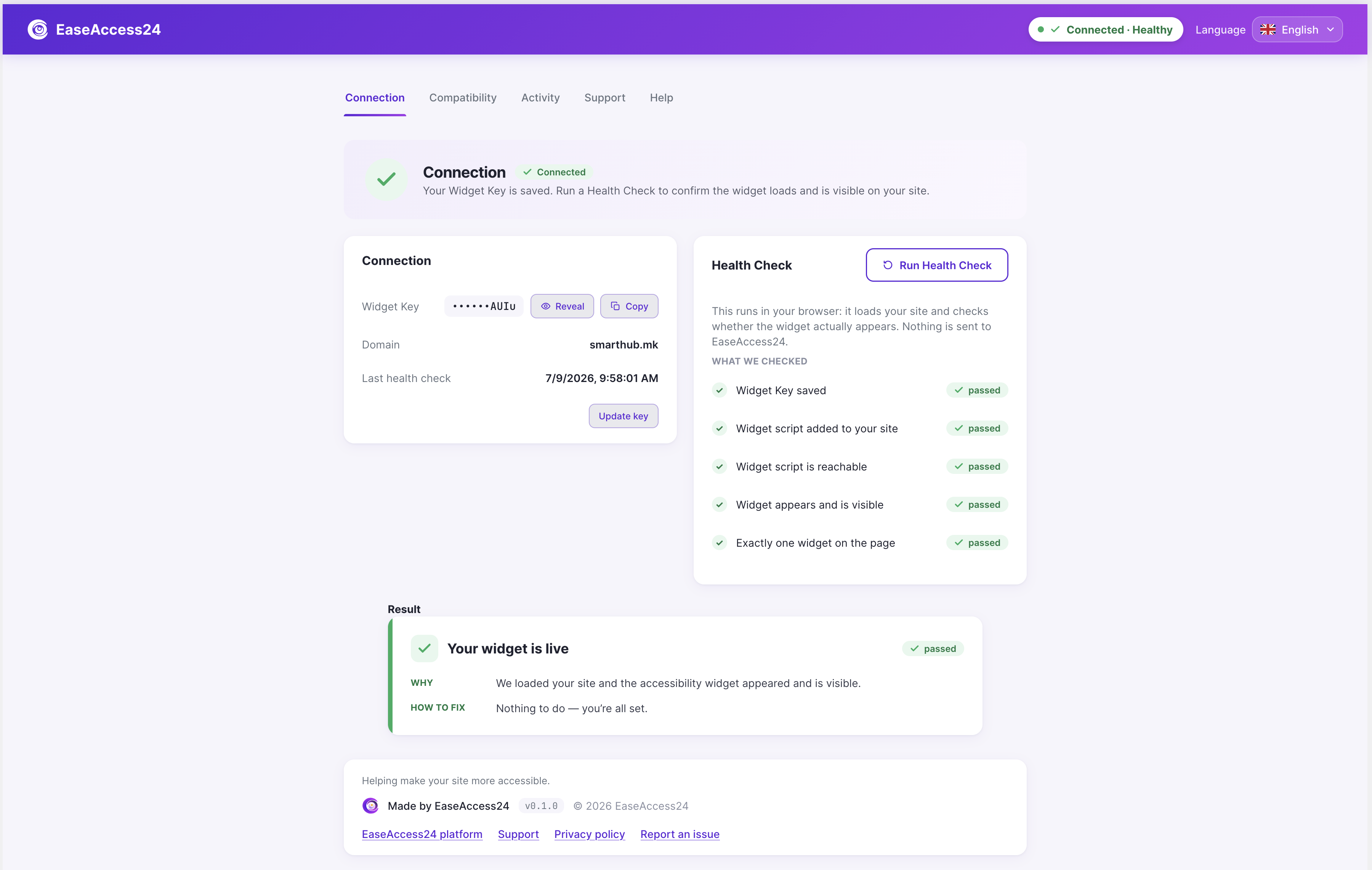
Connection dashboard — connected & healthy status with live Health Check results.
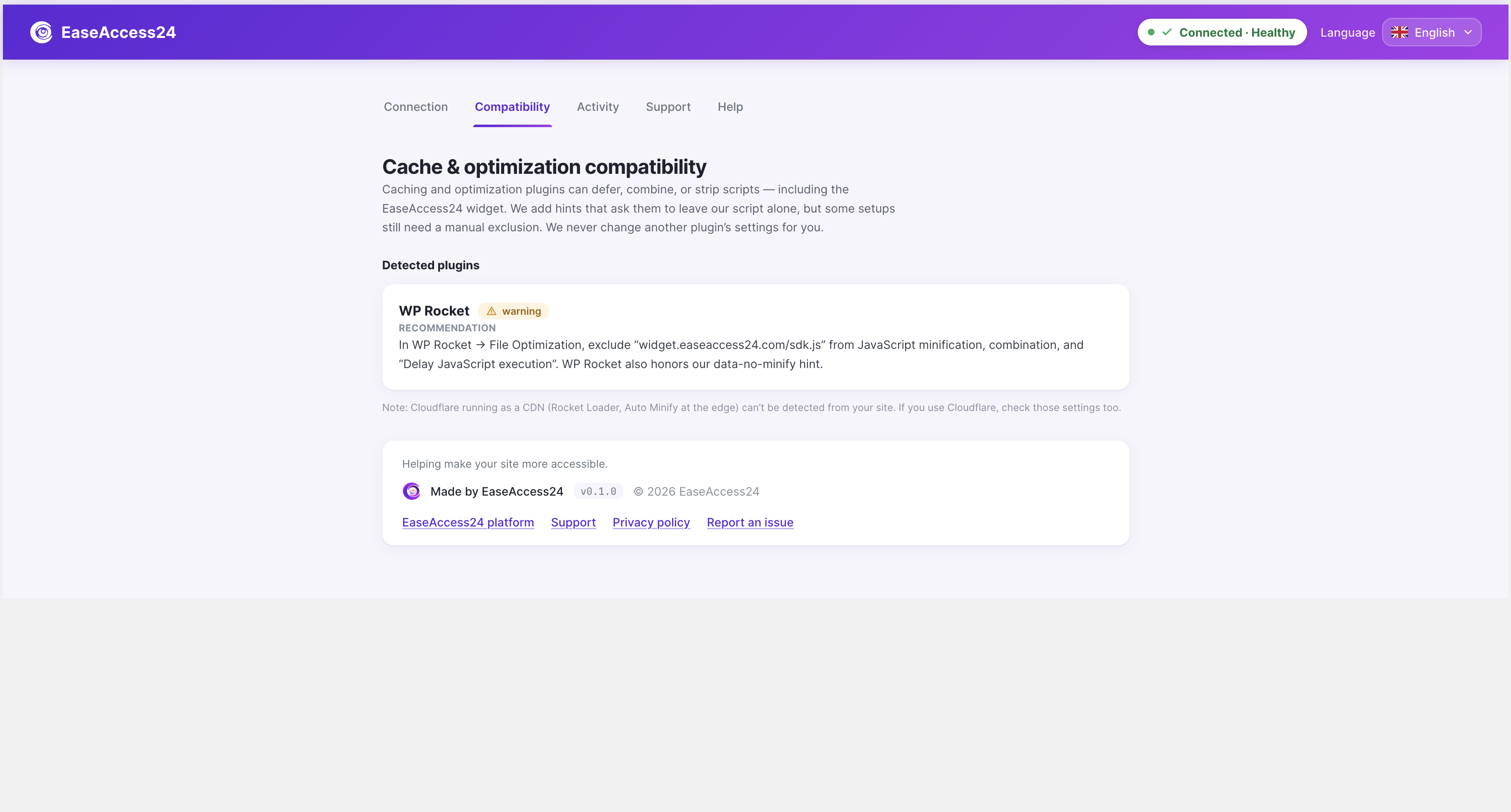
Compatibility tab — detects cache/optimization plugins (e.g. WP Rocket) and recommends safe exclusions.
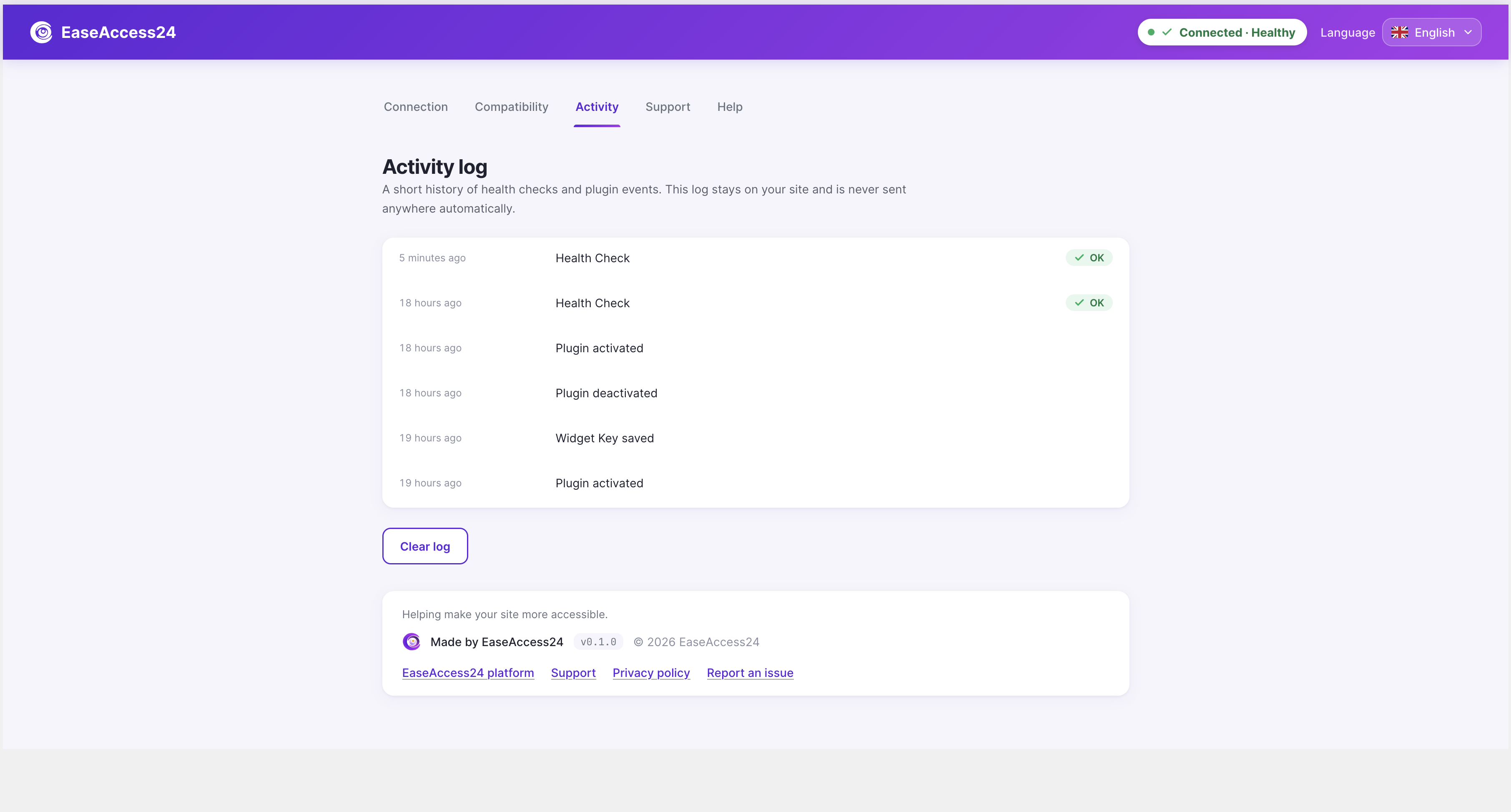
Activity log — a local, timestamped history of health checks and plugin events.
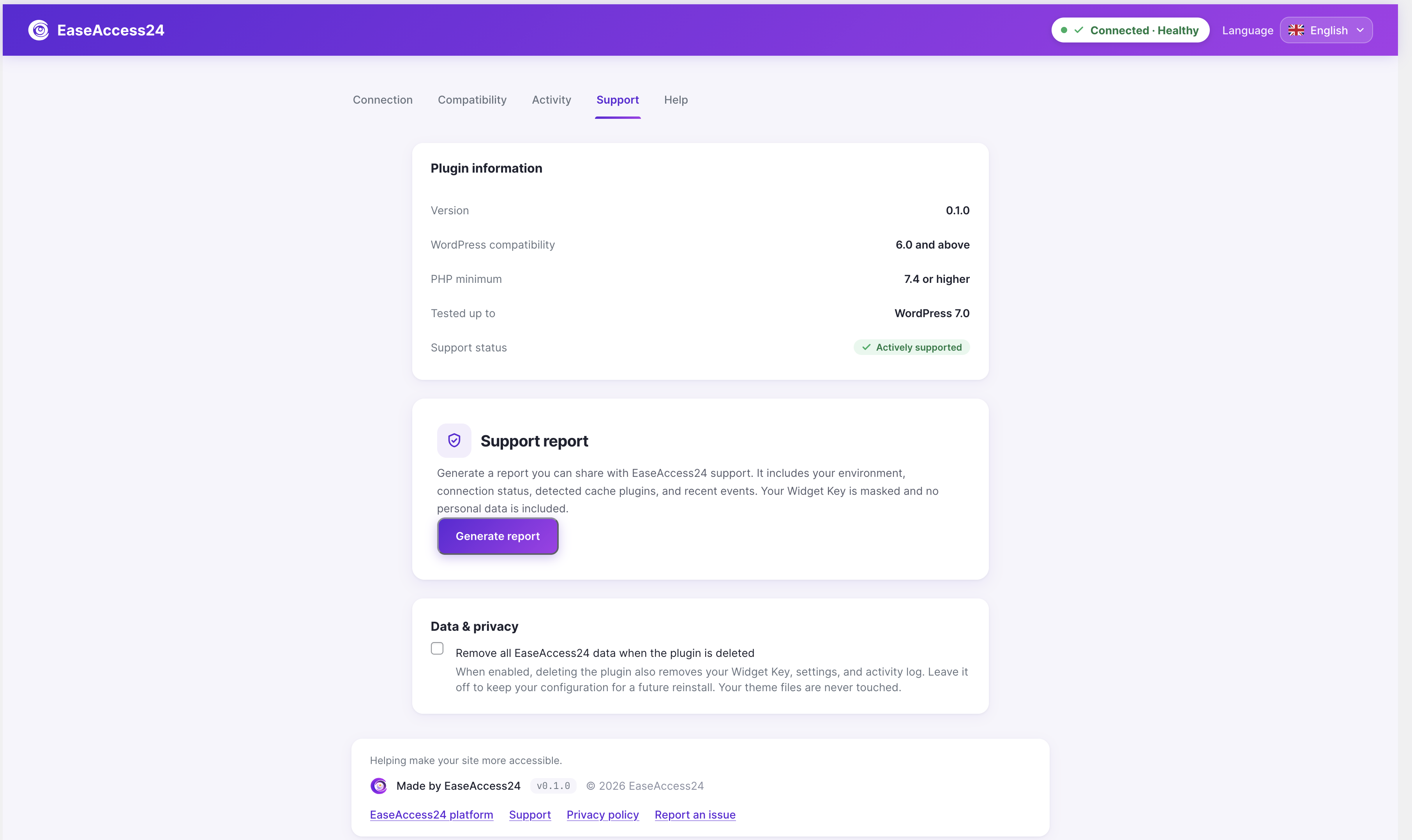
Support tab — plugin information, one-click Support Report generation, and the opt-in data-removal control.
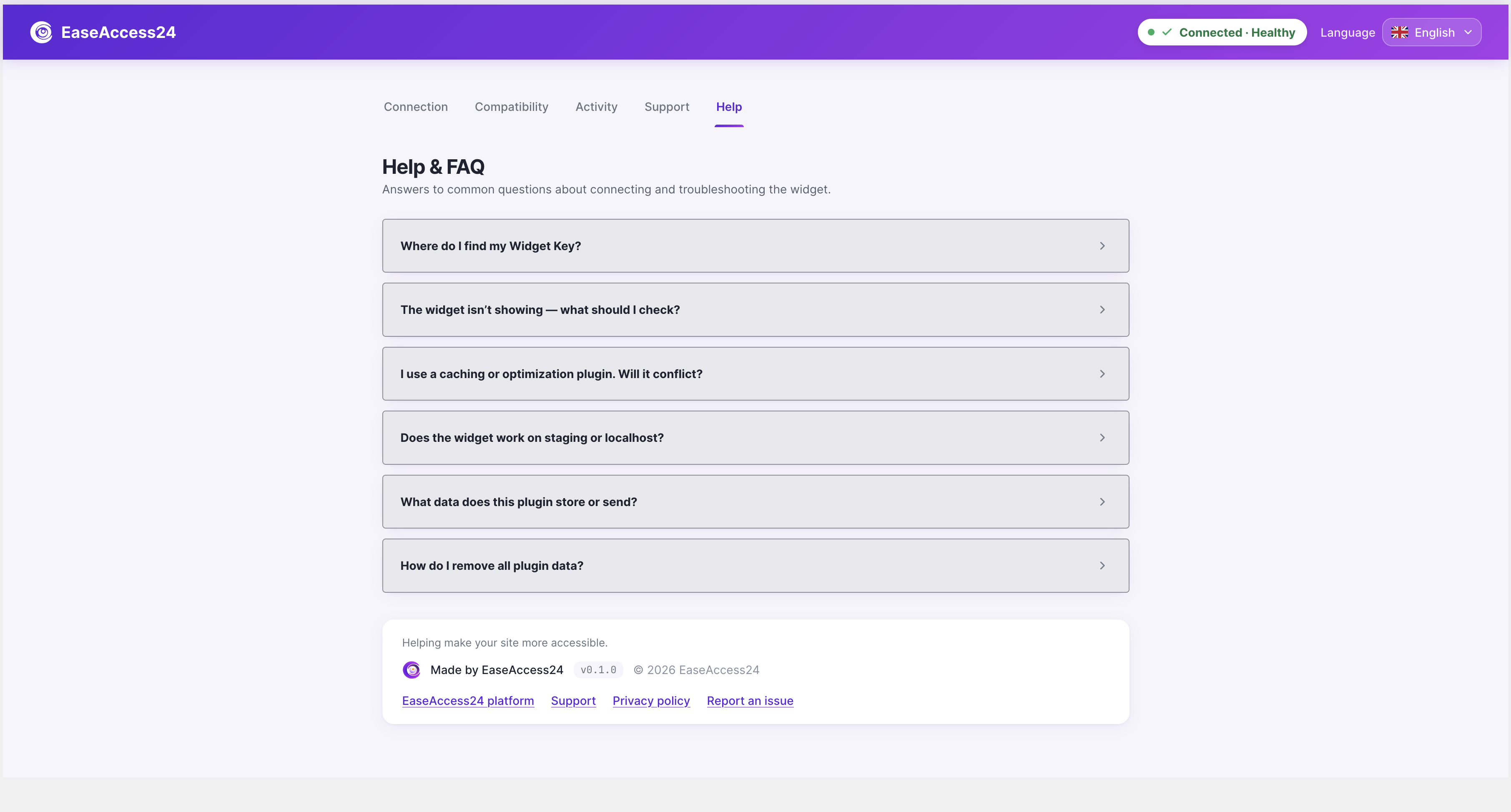
Help & FAQ — built-in answers to common connection and troubleshooting questions.