
EnMigrate Pro Wordpress Plugin - Rating, Reviews, Demo & Download

Plugin Description
EnMigrate Pro creates a single backup file of your whole site and restores it on the same server or on a different one, with a different domain or table prefix.
Features
- Full site backups: database, plugins, themes, uploads, mu-plugins and languages in one
.wpbfile. - No size limit: large backups are uploaded in small parts, so
upload_max_filesizeand server timeouts are not a problem. - One-click restore with a live log that shows every step: tables imported, URLs replaced, folders restored.
- Safe migrations between domains: URLs and paths are replaced everywhere, including serialized data (theme customizer settings, widgets, menus) and JSON data used by page builders.
- Different table prefix on the destination? Handled automatically, including user roles and capabilities.
- The database is imported into temporary tables and swapped in at the end, so an error during the import never leaves your site half restored.
- Restores run in short steps that resume automatically, so they work on shared hosting with strict time limits.
- Database-only and files-only backups.
- Daily automatic backups, keeping only the last N backups.
- Backups are stored in a protected folder and can only be downloaded by administrators.
- Built-in help page with step-by-step guides and a server requirements check.
- Translation ready: translate it on translate.wordpress.org or with Loco Translate.
Requirements
- PHP ZipArchive extension.
- Enough free disk space for the backup file.
Screenshots
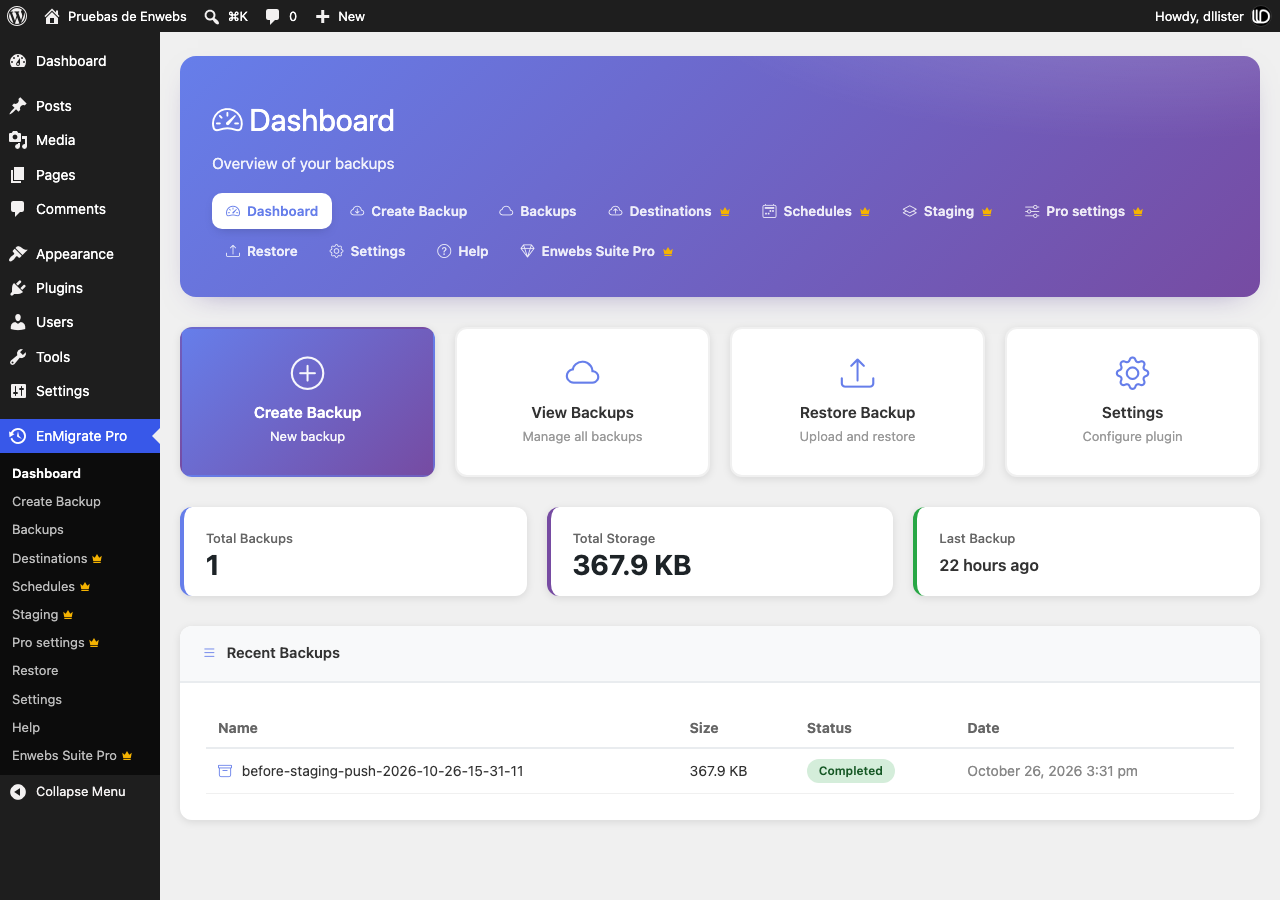
Dashboard with quick actions and your latest backups.
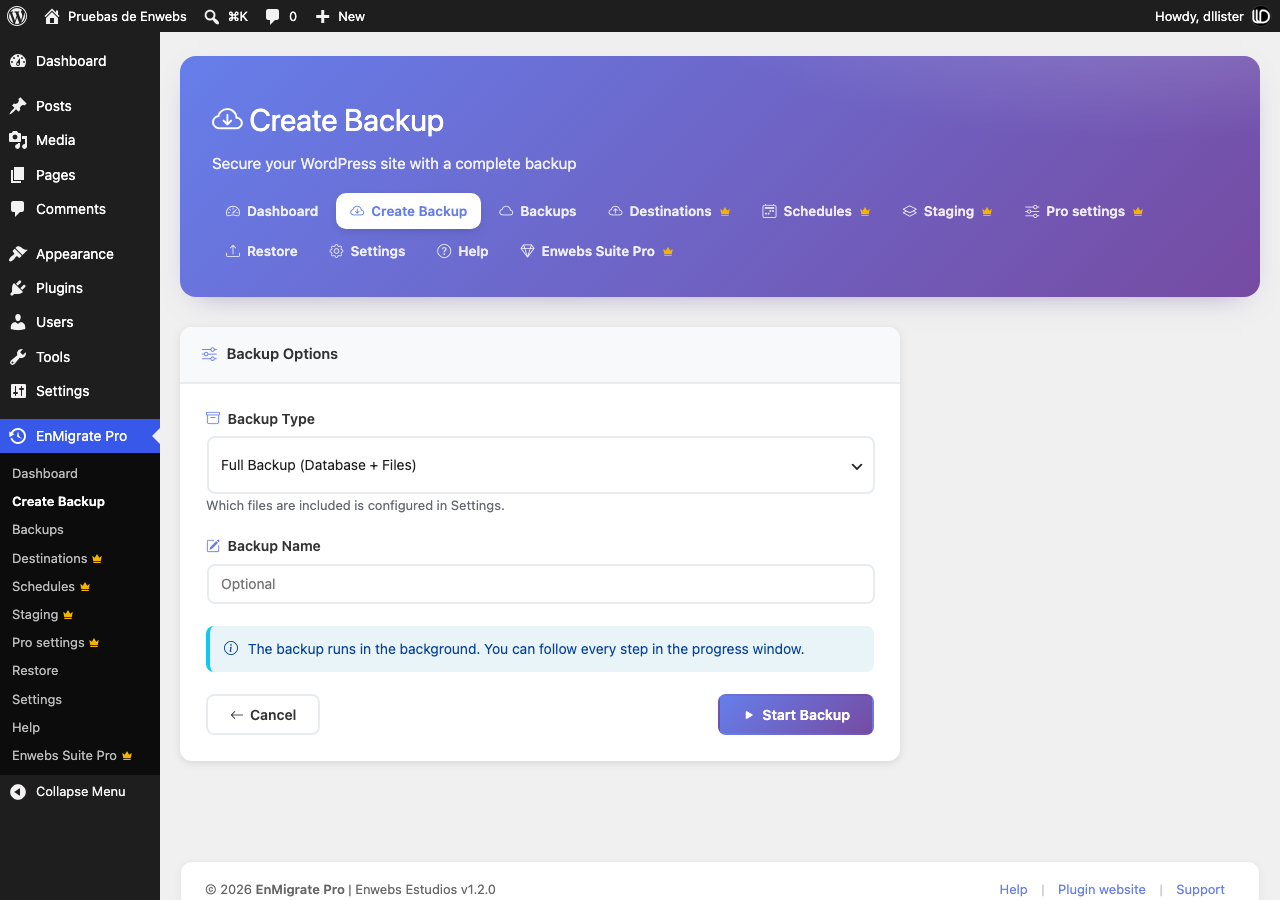
Create a full, database-only or files-only backup.
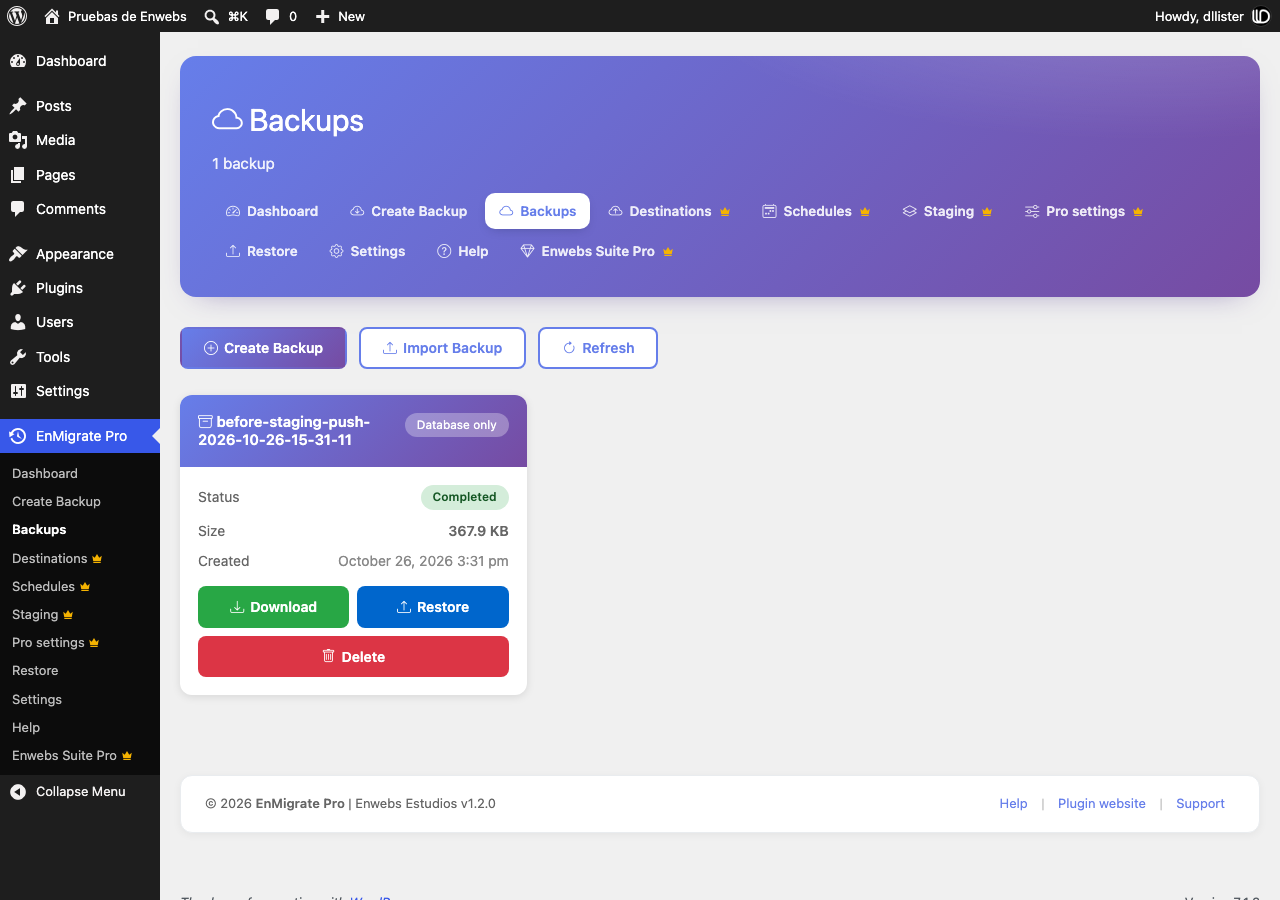
Download, restore or delete any backup.
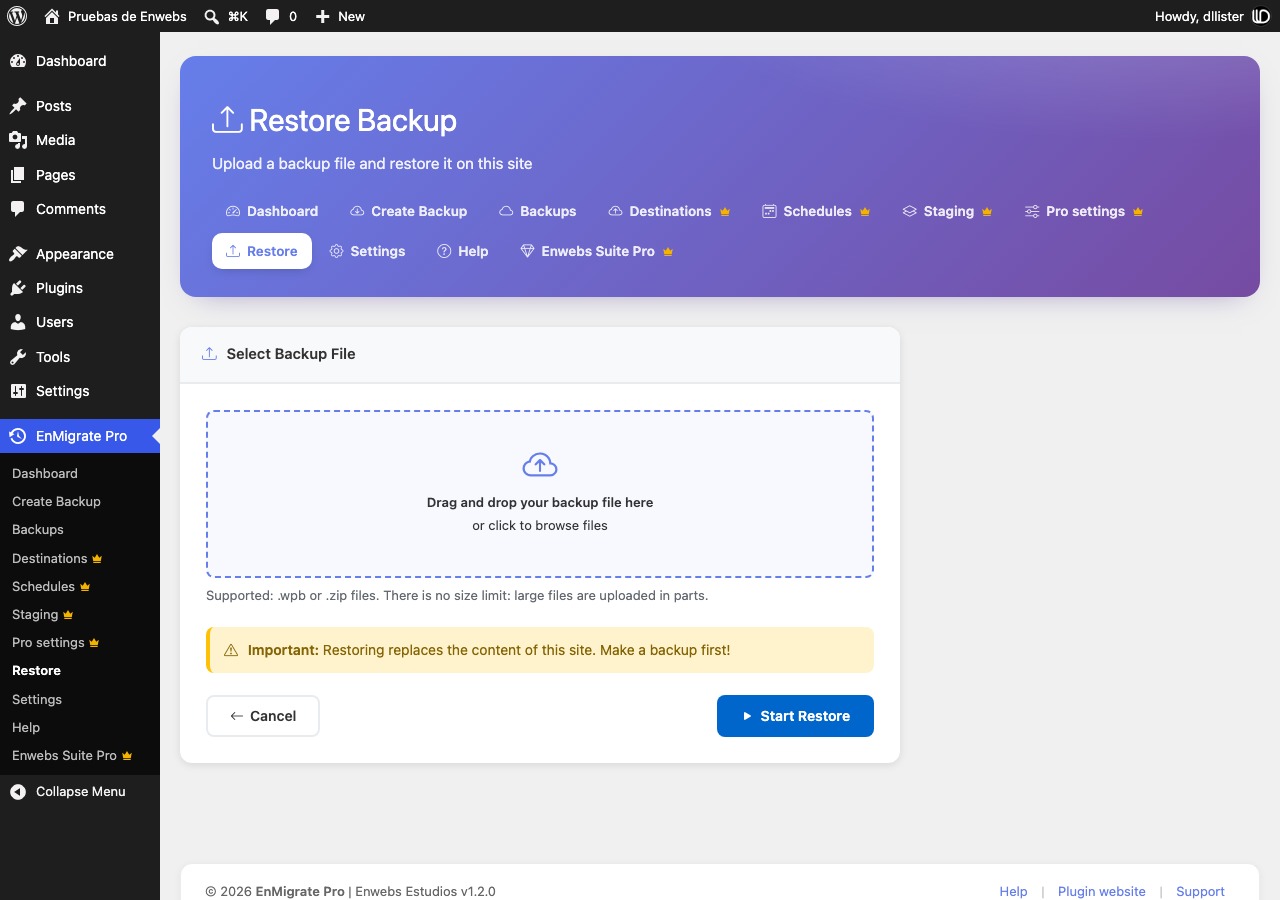
Restore a backup file of any size on this site.


