
Explorer Soft – Stock Mail Notification Wordpress Plugin - Rating, Reviews, Demo & Download
Plugin Description
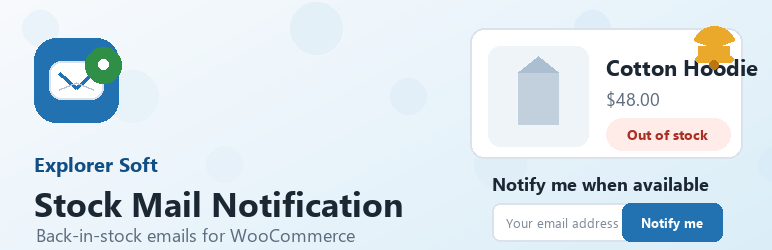
Explorer Soft – Stock Mail Notification adds a lightweight “notify me when available” form for out-of-stock WooCommerce products. Customers leave their email address, the request is stored locally in WordPress, and the plugin sends an email when WooCommerce changes the product stock status back to in stock.
The plugin is designed to stay simple. Site owners can adjust the front-end text, button colors, email field width, catalog form visibility, bot protection limits, and email subject/body from one settings screen.
Features include:
- Back-in-stock request forms for out-of-stock WooCommerce products.
- Standard single product page support.
- ShopEngine Product Stock widget support through Elementor’s widget render hook.
- Optional compact forms in WooCommerce product loops.
- Duplicate active request prevention for the same product and email.
- Configurable local rate limiting by IP address, product and email.
- Admin request list with email, product, status and notification dates.
- Editable front-end title, placeholder, button text and status messages.
- Editable button color, button text color and email field width.
- Editable email subject and HTML email body with placeholders.
- Local storage only; no external services are contacted by the plugin.
Available email placeholders:
{product_name}{product_url}{site_name}
Screenshots

Front-end stock notification form shown on an out-of-stock WooCommerce product.

Settings screen for front-end text, appearance, bot protection and email template controls.

Stock Requests admin list showing submitted emails, products, statuses and notification dates.


