
Flavor Block Visibility Wordpress Plugin - Rating, Reviews, Demo & Download
Plugin Description
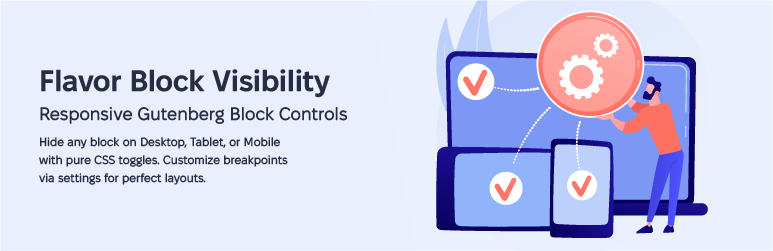
Flavor Block Visibility adds three simple toggle switches to the Advanced panel of every Gutenberg block:
- Hide on Desktop — hides the block on large screens
- Hide on Tablet — hides the block on medium screens
- Hide on Mobile — hides the block on small screens
Features
- Works with every core and third-party Gutenberg block
- Controls appear in the native Advanced panel — no extra sidebars
- Customizable breakpoints via Settings Block Visibility
- Lightweight — CSS is only loaded on pages that actually use visibility toggles
- Visual indicators in the editor show which blocks have visibility rules
- No JavaScript on the frontend — pure CSS media queries
- No build step required
- Clean uninstall — removes all plugin data
Default Breakpoints
- Mobile: 0 – 767px
- Tablet: 768px – 1024px
- Desktop: 1025px and above
Breakpoints can be customized in Settings Block Visibility.
Screenshots

Toggle controls in the Advanced panel of the block sidebar.

Settings page for customizing breakpoints.
Similar Plugins:
 Rating Widget: Post Rating, 5 Star Rating, Reviews, Thumbs Up & Down, Reaction
 Block Visibility — Conditional Visibility Control For The Block Editor
 WordPress To PDF, Download As PDF Document Of Any WordPress Post Types, Download Post As PDF, PDF Viewer, PDF Block, View PDF On WordPress – Document Engine