Flex Shortcodes Wordpress Plugin - Rating, Reviews, Demo & Download

Plugin Description
Flex Shortcodes stores HTML once and reuses it in posts, pages, widgets, and templates. Each snippet is a private WordPress post. Only published snippets print on the front end. PHP is never executed.
- Insert by slug:
[flexshortcodes name="promo-banner"]or by ID:[flexshortcodes id="123"] - Flex Shortcode block in the block editor, and a Flex Shortcode button in the classic editor
- Optional parameters:
[flexshortcodes name="button" label="Buy"]fills{{label}}in the HTML - Groups to organize the admin list (they do not change front-end output)
- Duplicate a snippet, and find usages in posts, pages, and text widgets
- JSON import and export (groups included)
- Nested WordPress shortcodes, including other
[flexshortcodes]tags, with circular includes blocked - Optional wrapper (
divorspan); off by default so snippets can be used inline - One-click copy from the list table and the editor sidebar
- HTML-only editor so TinyMCE does not rewrite markup
- Clean uninstall removes settings, snippet posts, and groups
No remote calls. CSS and JavaScript load from this plugin only.
Content rules
- Saved HTML follows your WordPress capabilities (
unfiltered_htmlfor trusted roles) - Front-end output is sanitized with
wp_kses_post()(post-allowed HTML only) - PHP is never executed
- Missing or unpublished shortcodes output nothing on the front end
- Parameter values are HTML-escaped;
nameandidare reserved for lookup
Privacy
Flex Shortcodes stores shortcode titles, HTML, and optional group names in your WordPress database as custom posts and a private taxonomy. It does not send data to external servers and does not load third-party services.
Screenshots
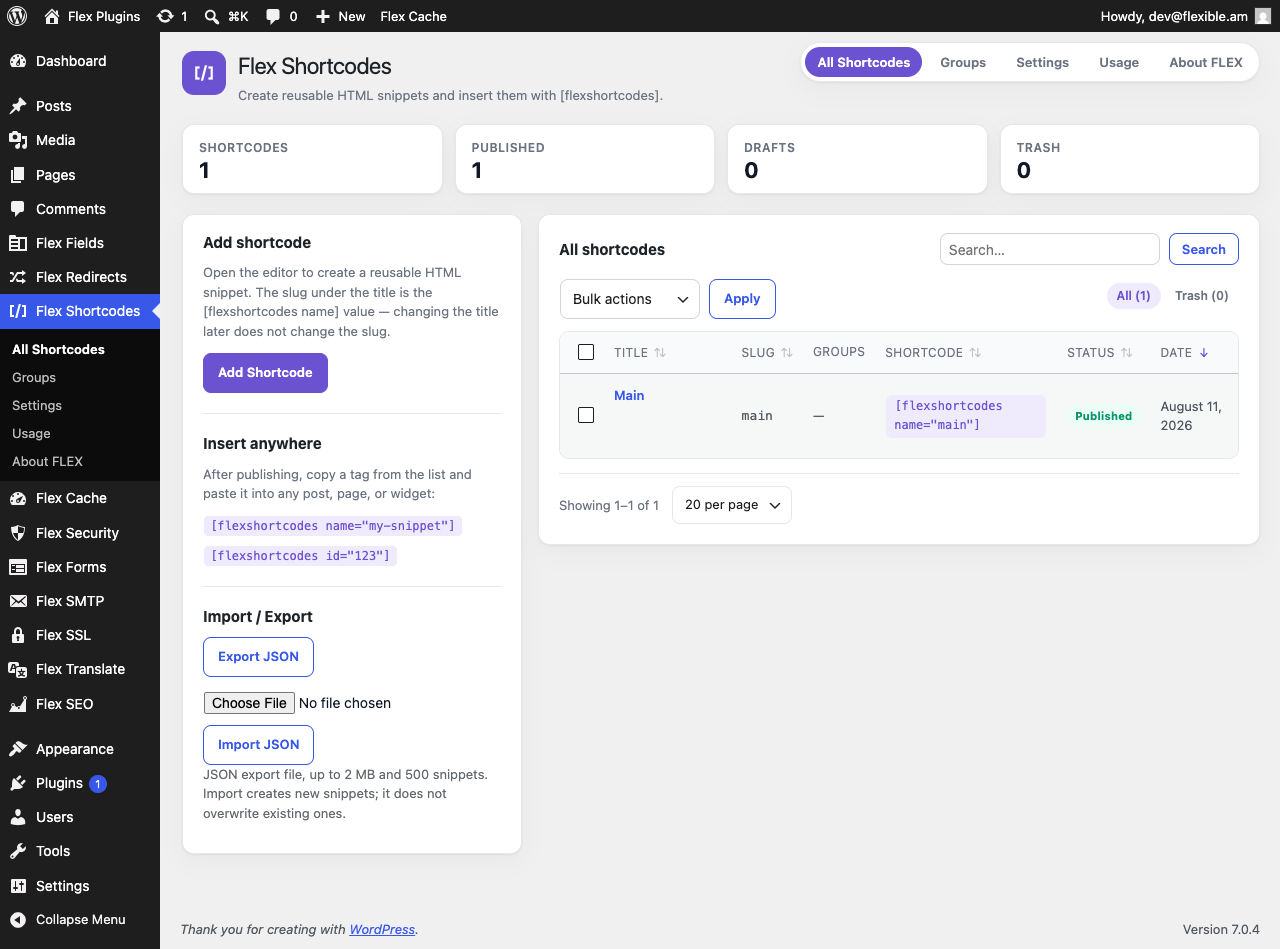
All Shortcodes — list, groups, copyable tags, import/export
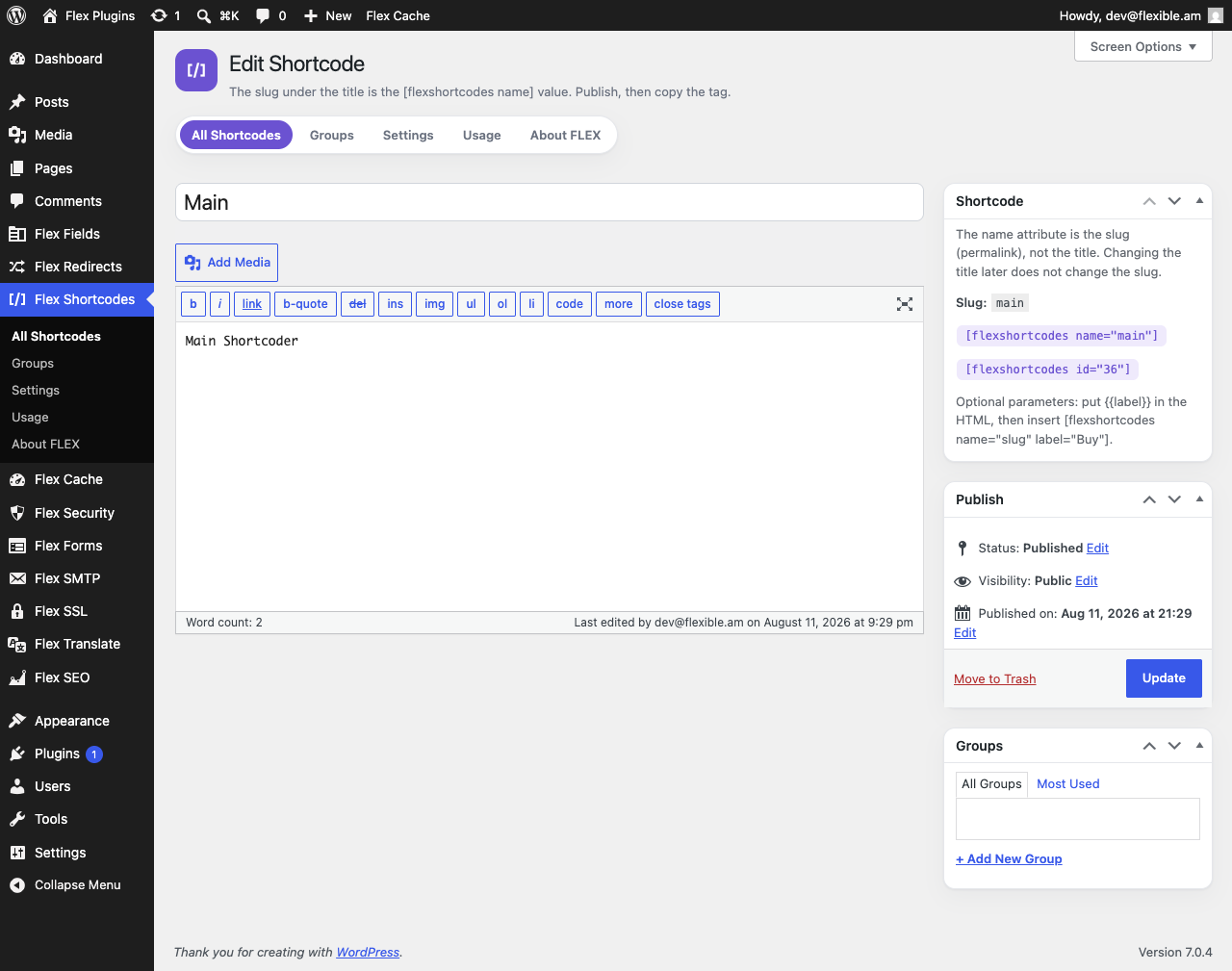
Editor — HTML code editor, Groups, and Shortcode meta box
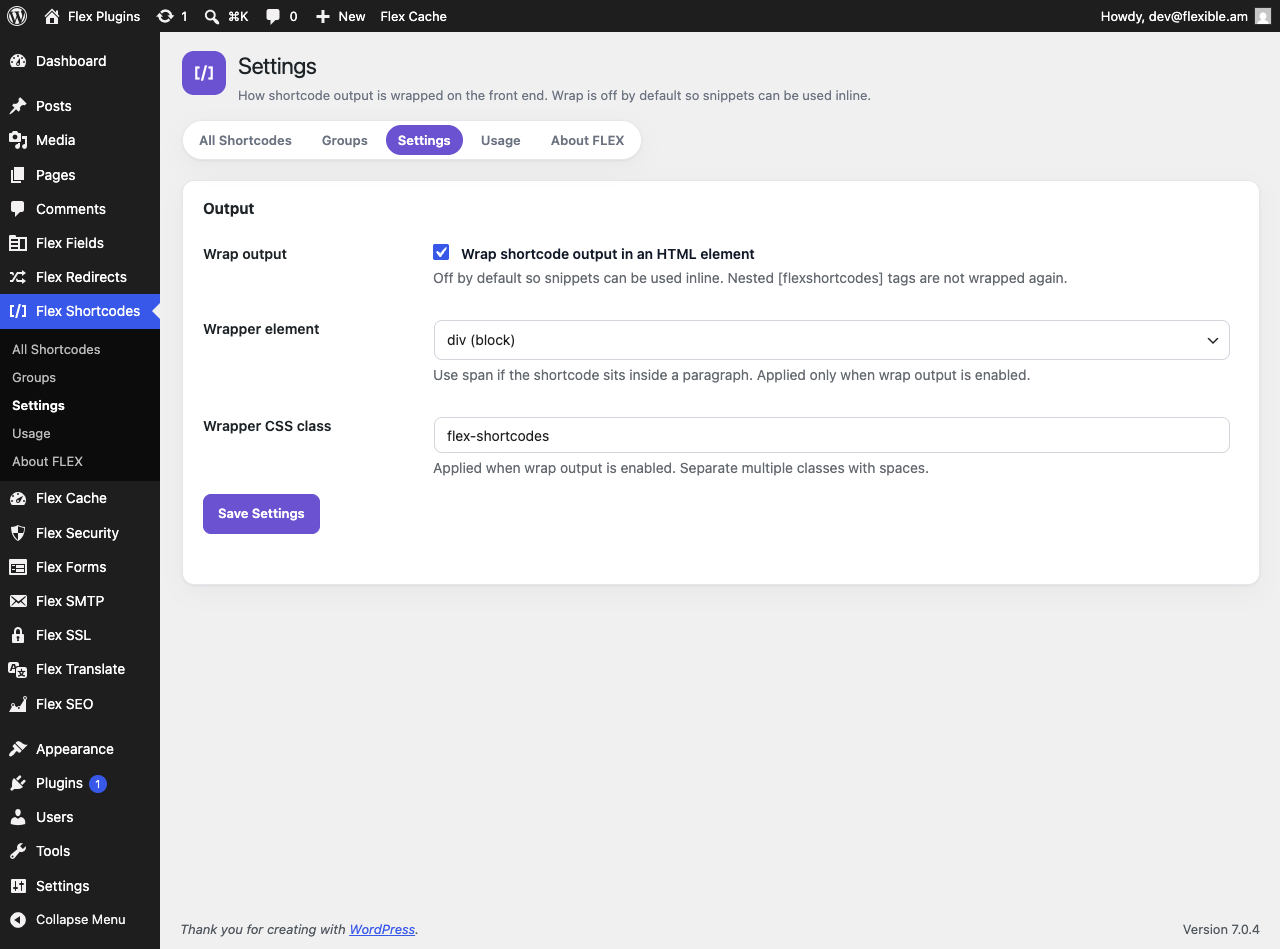
Settings — optional output wrapper
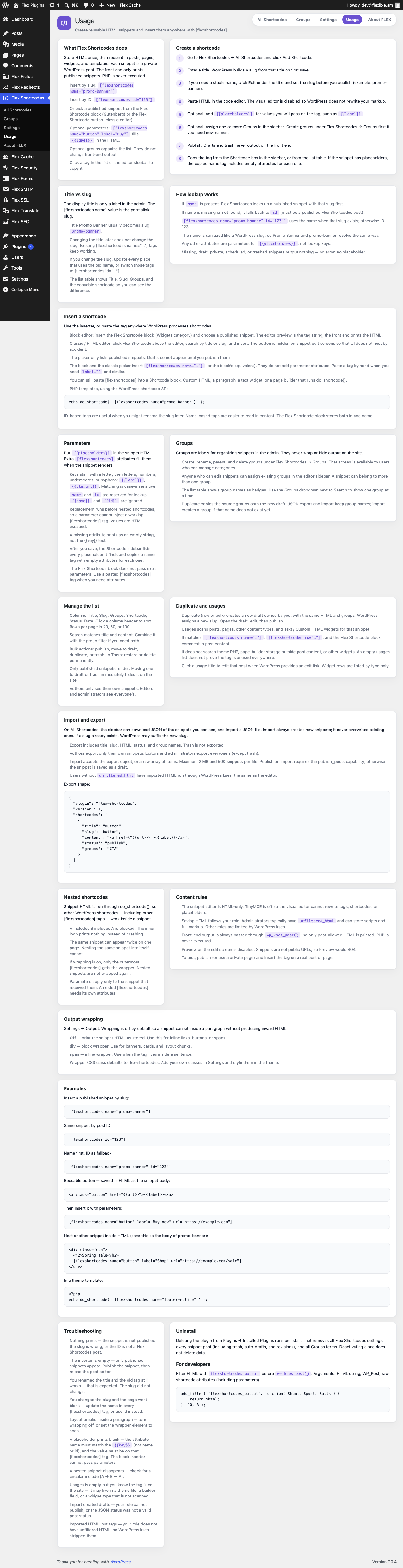
Usage — in-plugin guide