
FLUX PDF FLIP Wordpress Plugin - Rating, Reviews, Demo & Download
Plugin Description
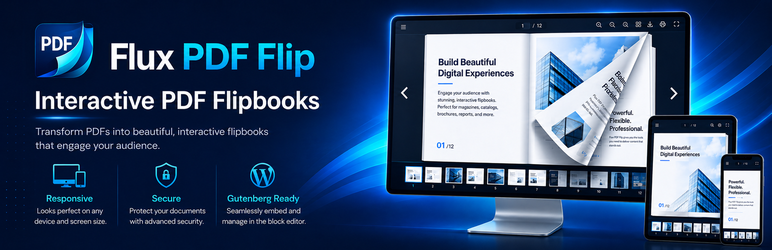
FLUX PDF FLIP turns PDFs or ordered Media Library images into responsive flipbooks without uploading documents to an external service. It includes a visual editor, Gutenberg/FSE blocks, shortcodes, public shelves, secure document access, chapters, search, hotspots, accessibility features and local privacy-preserving statistics.
Highlights
- 100% free and open source; no license key, ads, remote account or feature lock.
- Visual editor with live desktop, tablet and mobile preview.
- Translation-ready interface using the
flux-pdf-fliptext domain and WordPress.org language packs. - Use one PDF or up to 10 ordered Media Library images as flipbook pages.
- Double-page flip, single page, vertical scroll and presentation modes.
- Search, highlights, hierarchical table of contents, bookmarks and reading history.
- Native PDF links plus responsive buttons, images, galleries and video hotspots.
- Public, private and password-protected documents with server-side authorization.
- Temporary signed URLs, rate limiting, HTTP Range Requests and protected storage.
- Automatic covers, presets, visual themes and searchable public shelves.
- Gutenberg/FSE blocks, classic shortcode and optional builder integrations.
- WooCommerce manuals, catalogs and instructions for products and variations.
- Responsive mobile toolbar, gestures, safe-area support and virtualized rendering.
- Keyboard navigation, visible focus, live announcements, reduced motion and RTL.
- Local opt-in statistics with consent, retention and no external telemetry.
- REST API, WP-CLI, multisite permissions, import/export and diagnostics.
All PDF rendering occurs in the visitor’s browser with bundled PDF.js. Protected files are authorized by WordPress before they are streamed.
Privacy
FLUX PDF FLIP does not transmit PDFs, analytics, reading history or diagnostics to Codestorm Technology. Visitor favorites and reading position use local browser storage. Local statistics are disabled by default and can require explicit consent. See docs/PRIVACY.md for details.
External services
FLUX PDF FLIP does not require any external service for PDF or image flipbooks.
If a site administrator explicitly adds a YouTube or Vimeo video hotspot, the visitor’s browser may connect directly to that video provider when the embedded media is loaded. This may transmit information such as the visitor’s IP address and browser information to that provider.
YouTube:
* Service: https://www.youtube.com/
* Terms: https://www.youtube.com/t/terms
* Privacy: https://policies.google.com/privacy
Vimeo:
* Service: https://vimeo.com/
* Terms: https://vimeo.com/legal/terms
* Privacy: https://vimeo.com/legal/privacy
Source code and bundled libraries
Human-readable source for the Gutenberg blocks is included in each blocks/*/src directory. Reproducible build guidance is documented in docs/SOURCE_BUILD.md.
Bundled third-party libraries are shipped locally; the plugin does not fetch executable code from a CDN. Upstream human-readable sources are available at:
- StPageFlip 2.0.7: https://github.com/Nodlik/StPageFlip/tree/v2.0.7
- PDF.js 3.11.174: https://github.com/mozilla/pdf.js/releases/tag/v3.11.174
- QRCode.js: https://github.com/davidshimjs/qrcodejs
- Poppins: https://github.com/itfoundry/Poppins
- Oxanium: https://github.com/sevmeyer/oxanium
PDF.js is loaded locally with dynamic JavaScript evaluation disabled (isEvalSupported: false) in every FLUX PDF FLIP document-opening path.
Screenshots
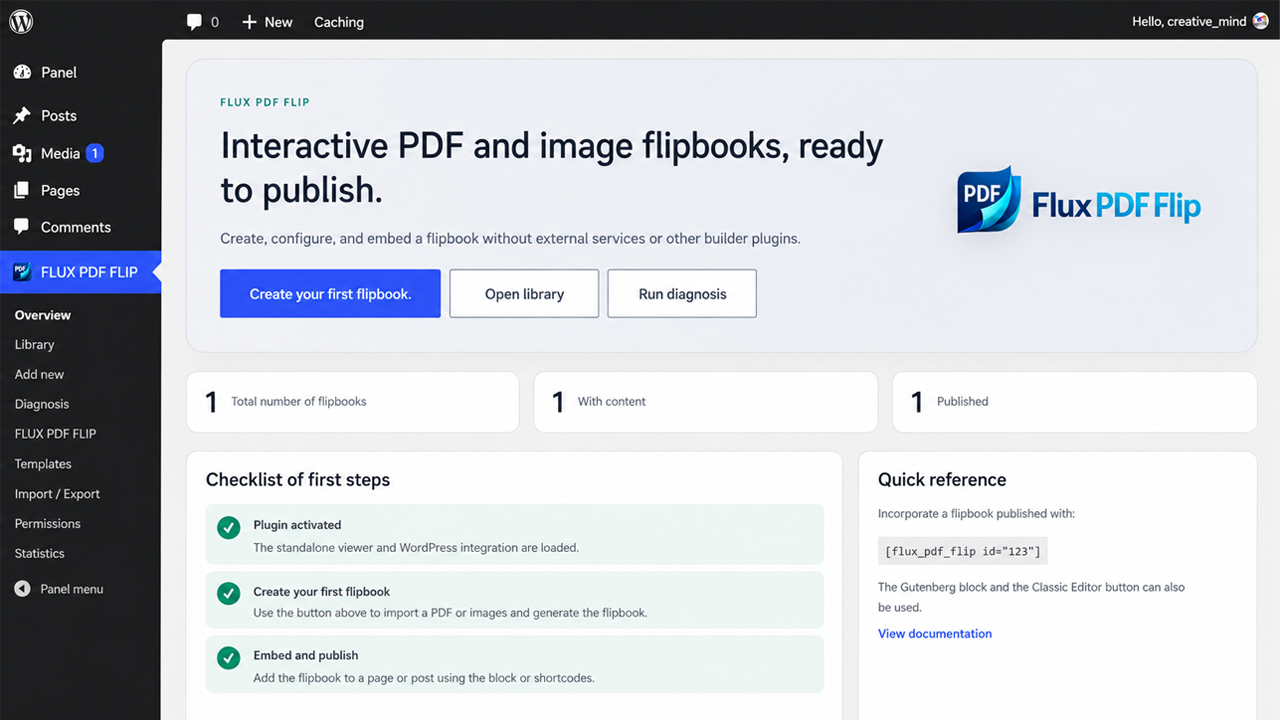
FLUX PDF FLIP overview with publishing shortcuts, flipbook counters, onboarding checklist and quick reference.
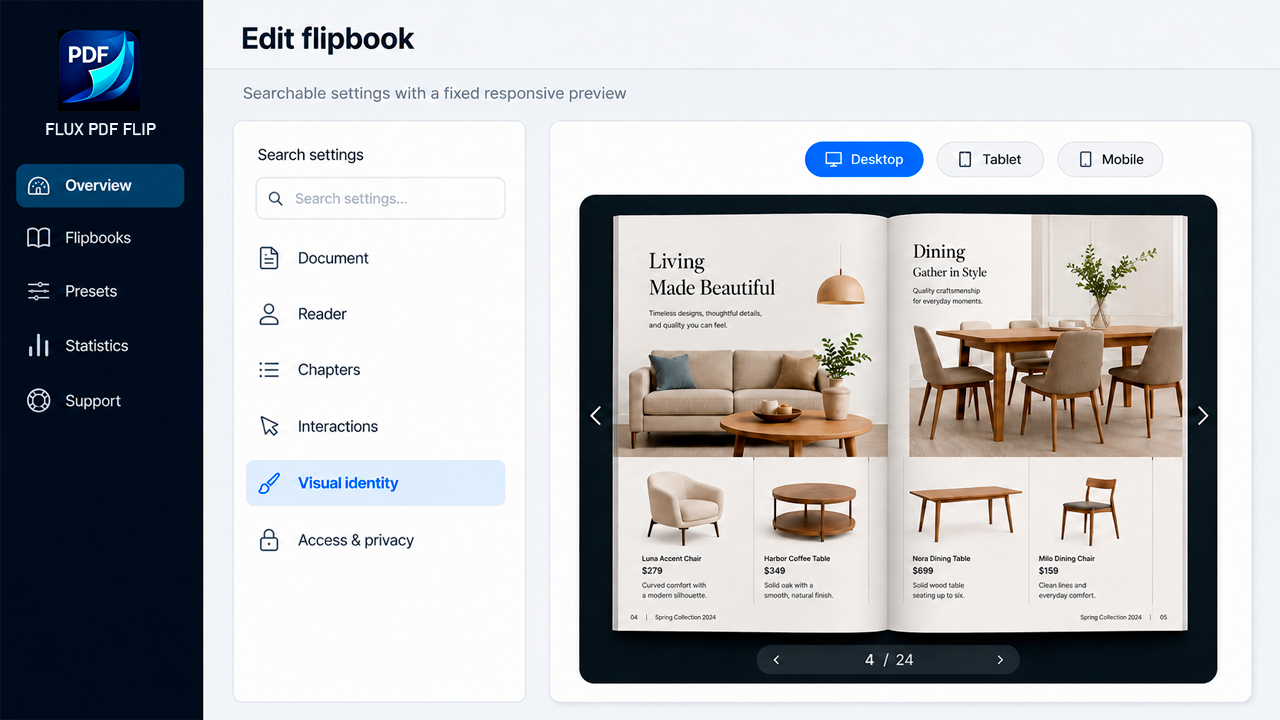
Visual editor with searchable settings and responsive Desktop, Tablet and Mobile preview.
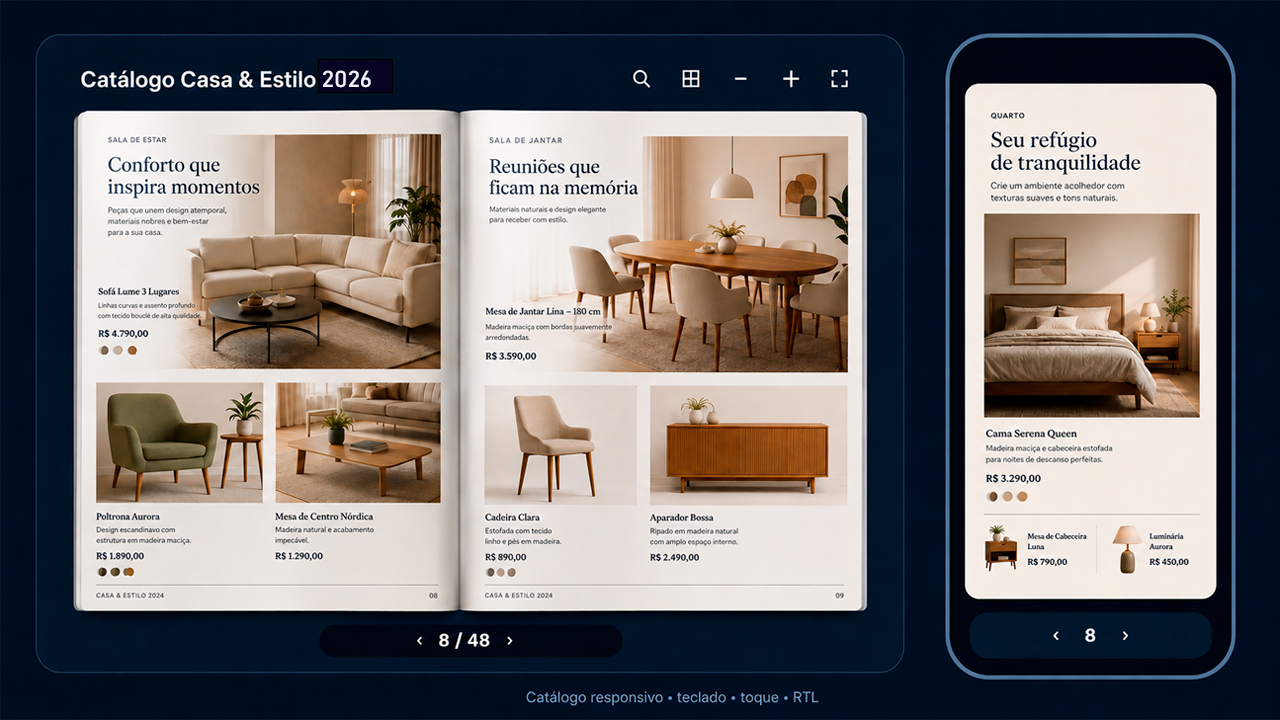
Responsive furniture catalog demonstration showing an open desktop spread and the corresponding mobile reading experience.
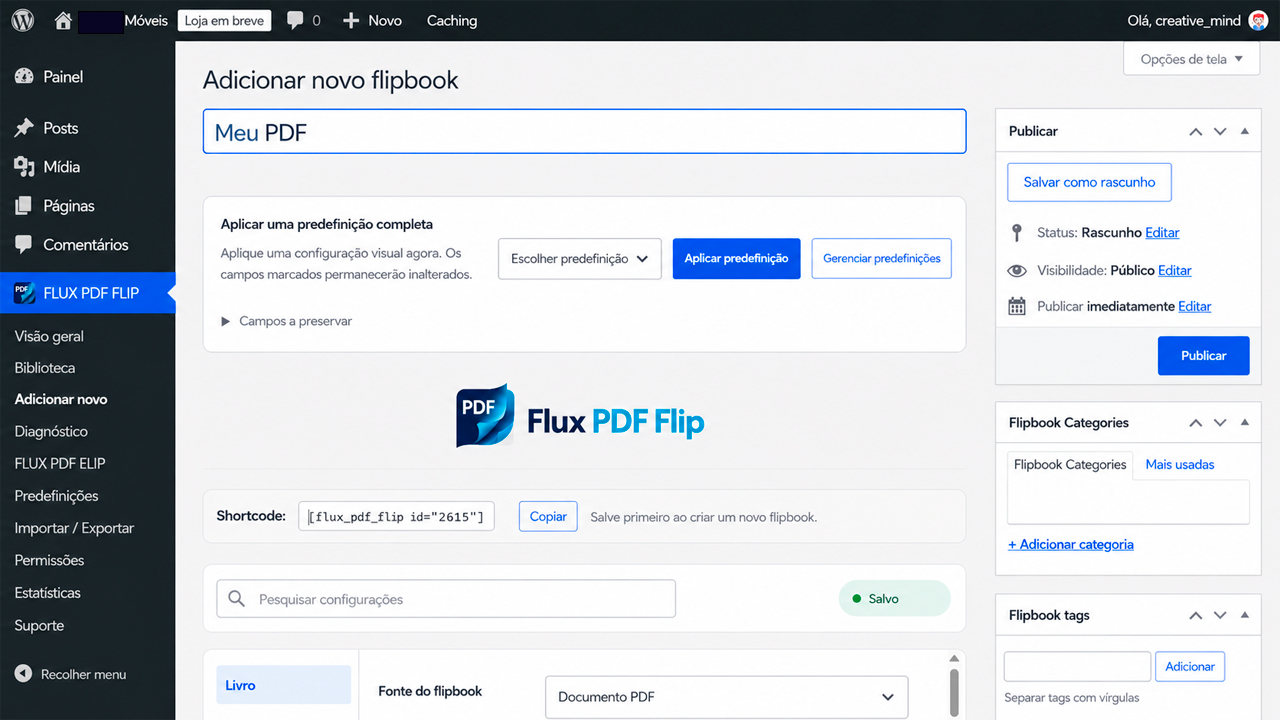
Add New Flipbook screen with presets, document source, shortcode, categories and WordPress publishing controls.
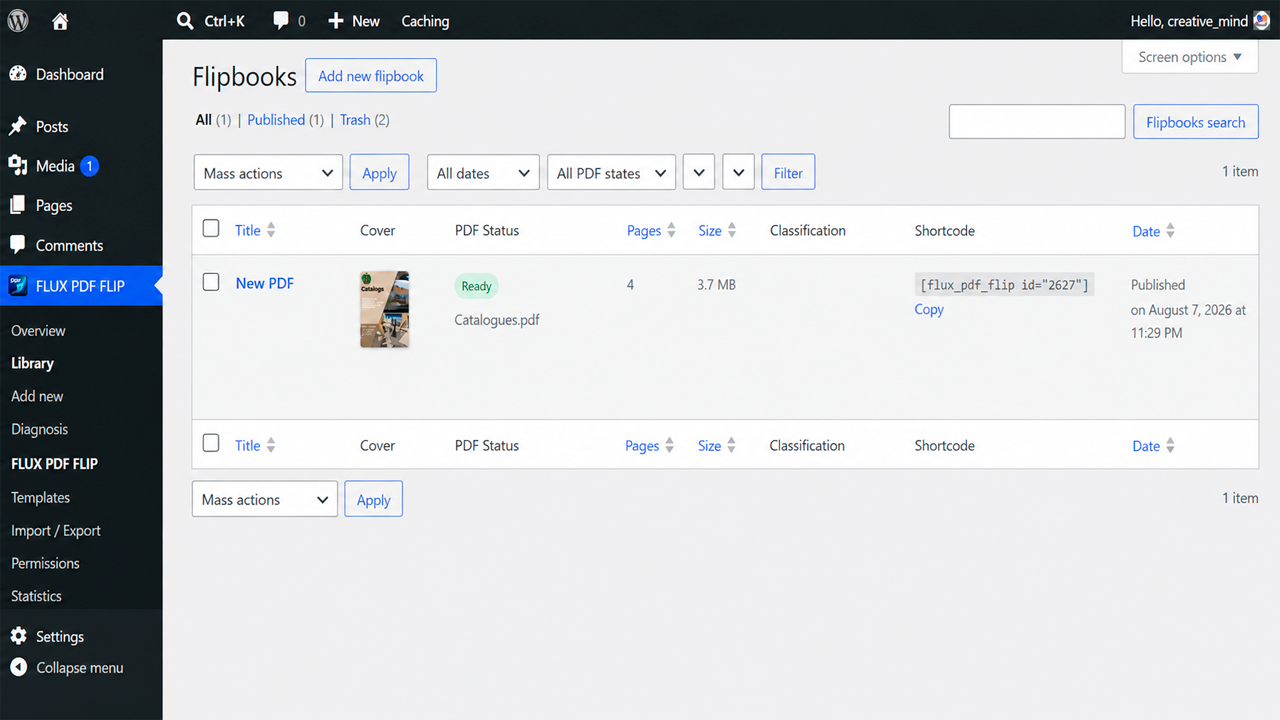
Flipbook library with cover preview, PDF status, page count, file size, shortcode and publication information.
Similar Plugins:
 WordPress To PDF, Download As PDF Document Of Any WordPress Post Types, Download Post As PDF, PDF Viewer, PDF Block, View PDF On WordPress – Document Engine
 Rating Widget: Post Rating, 5 Star Rating, Reviews, Thumbs Up & Down, Reaction
 Flip Book Fliphtml5 | Flipbook WordPress Plugin | Flip Book Maker