
Folio Drawbridge Wordpress Plugin - Rating, Reviews, Demo & Download

Plugin Description
Folio Drawbridge lets authenticated WordPress users upload files into named vaults, where they are encrypted at rest using AES-256-CBC before being written to disk. Vault contents can be shared securely with external, unauthenticated recipients through a two-factor verification flow: invite email email confirmation one-time code. Every action across the plugin is recorded in an immutable audit log.
Key features
- Encrypted vault storage — AES-256-CBC with a unique per-vault key derived from a site-wide master key. Files stored with direct HTTP access blocked.
- Two-factor external sharing — recipients receive an invite link, confirm their email, then verify a time-limited one-time code before downloading.
- Multi-file and chunked upload — files split client-side and reassembled server-side, bypassing PHP
upload_max_filesizelimits. - ZIP bulk download — recipients can download all vault files as a single archive (requires PHP
ZipArchive). - File type restrictions and per-user storage quotas — enforced server-side at upload time.
- Role-based access — two tiers of non-admin access: Drawbridge Admin (full panel) and Vault User (My Vaults only).
- Global share limits — default and maximum download counts and link expiration windows, retroactively enforceable.
- OTP rate limiting — configurable cooldown between one-time-code requests.
- Lifecycle management — hourly WP-Cron expires vaults and shares, sends expiry warnings, prunes stale OTPs, and cleans orphaned upload chunks.
- Download notifications and expiry warnings — vault owners are emailed on recipient downloads and before share links expire.
- Customisable email templates — subject and body for all four system emails with
{placeholder}tokens. - Immutable audit log — every event logged with actor, IP, and timestamp. Filterable, sortable, exportable to CSV.
- SIEM logging — append every audit event to a log file in JSON (NDJSON) or CSV for Splunk, Datadog, ELK, and similar tools. Written inside your uploads directory and protected from direct web access; redirectable with a
wp-config.phpconstant. - Vault inspector — administrators can browse every vault, download files, edit metadata, transfer ownership, and revoke shares. All actions audited.
Part of the Folio suite
Folio Drawbridge shares a single “Folio” admin menu with the other Folio access and data-protection plugins when more than one is installed.
Screenshots
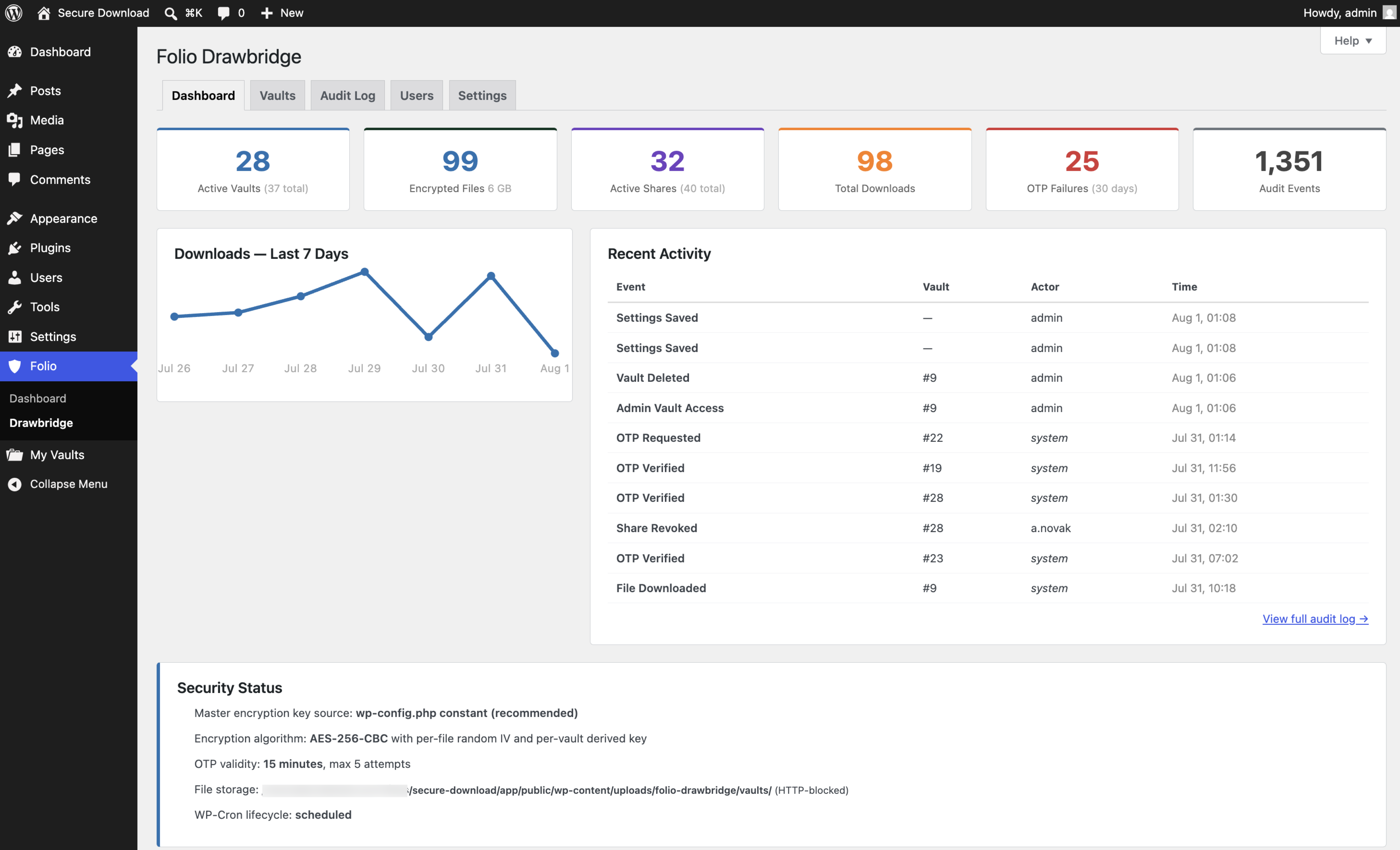
Admin dashboard — vault, file, share, and download totals, seven-day download activity, recent events, and the security status panel showing key source, algorithm, storage protection, and cron health.
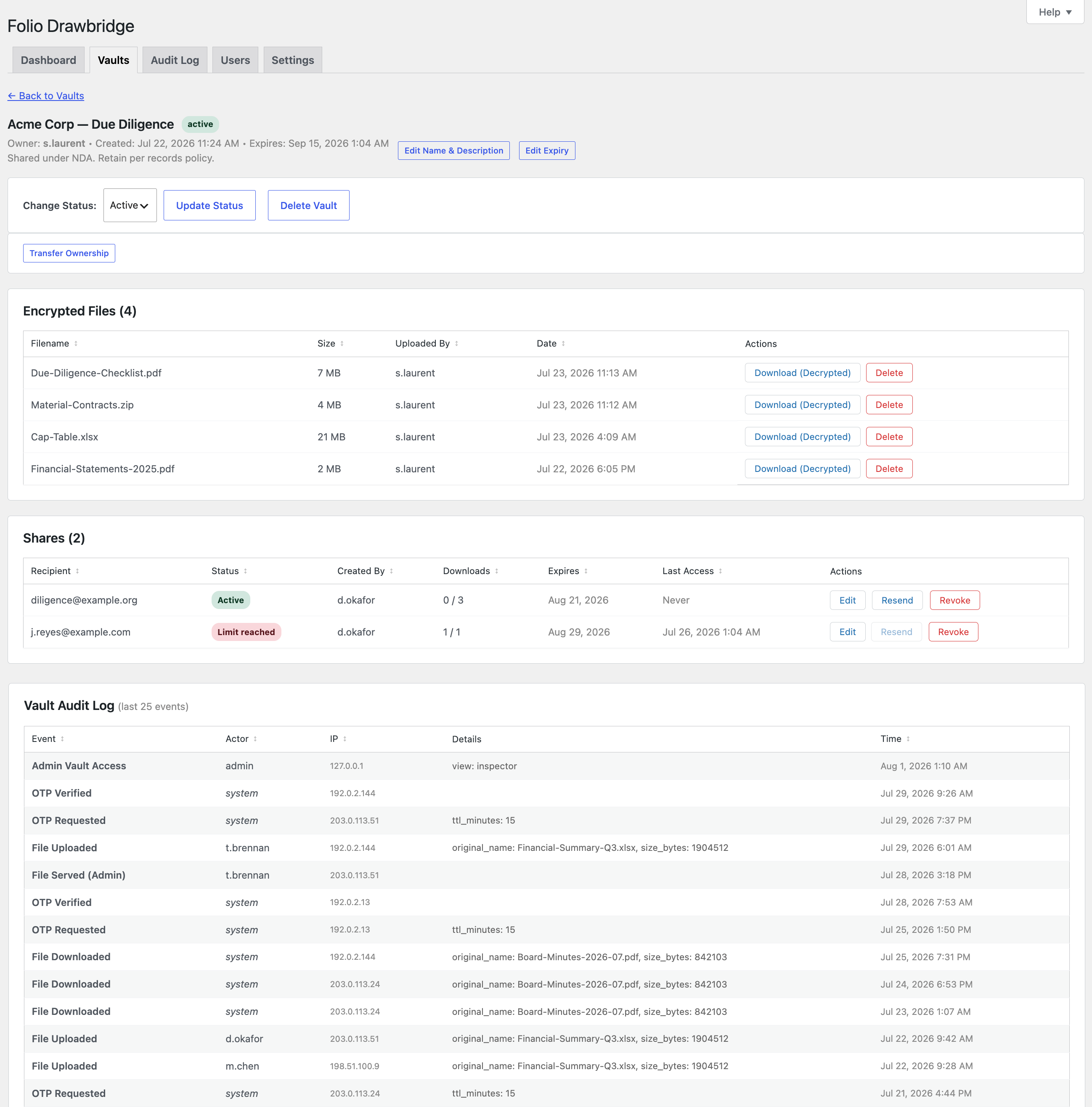
Vault inspector — encrypted file list with per-file admin download, shares showing live status including “Limit reached”, ownership transfer, status control, and the vault’s own audit trail.
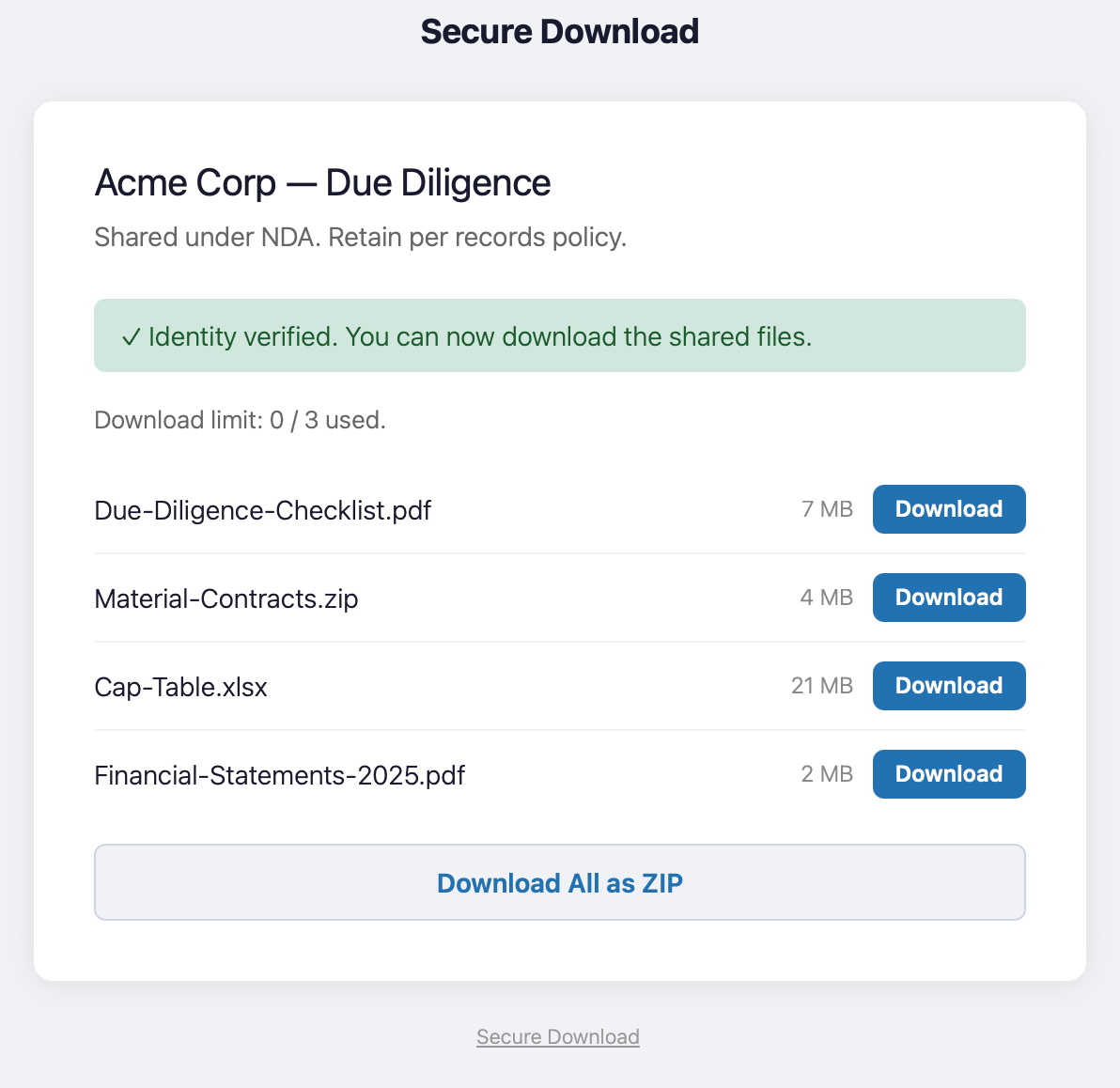
Recipient download page after two-factor verification, with per-file downloads and the ZIP bulk download option.
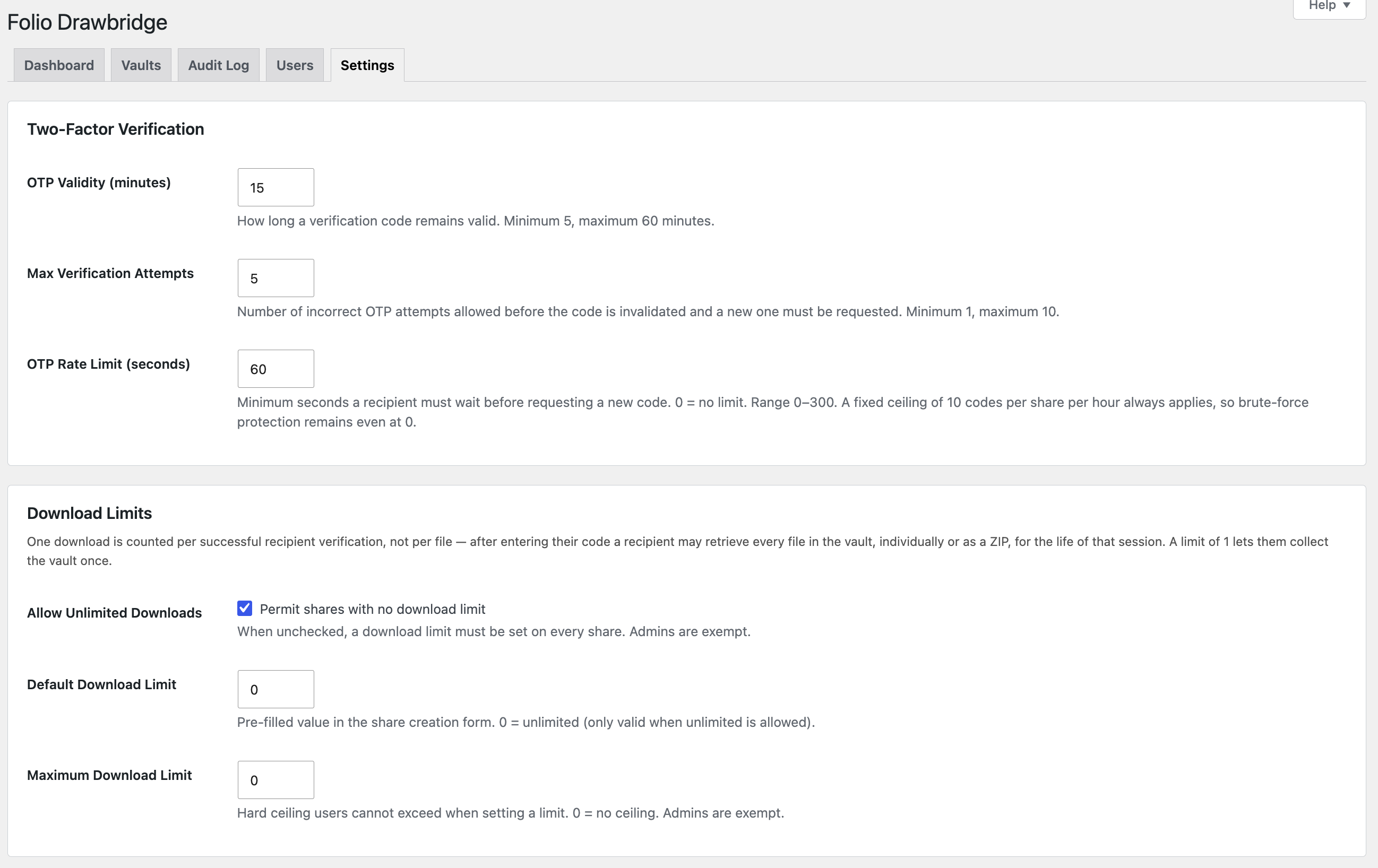
Settings — two-factor verification (code validity, attempt limit, request rate limit) and download limits.
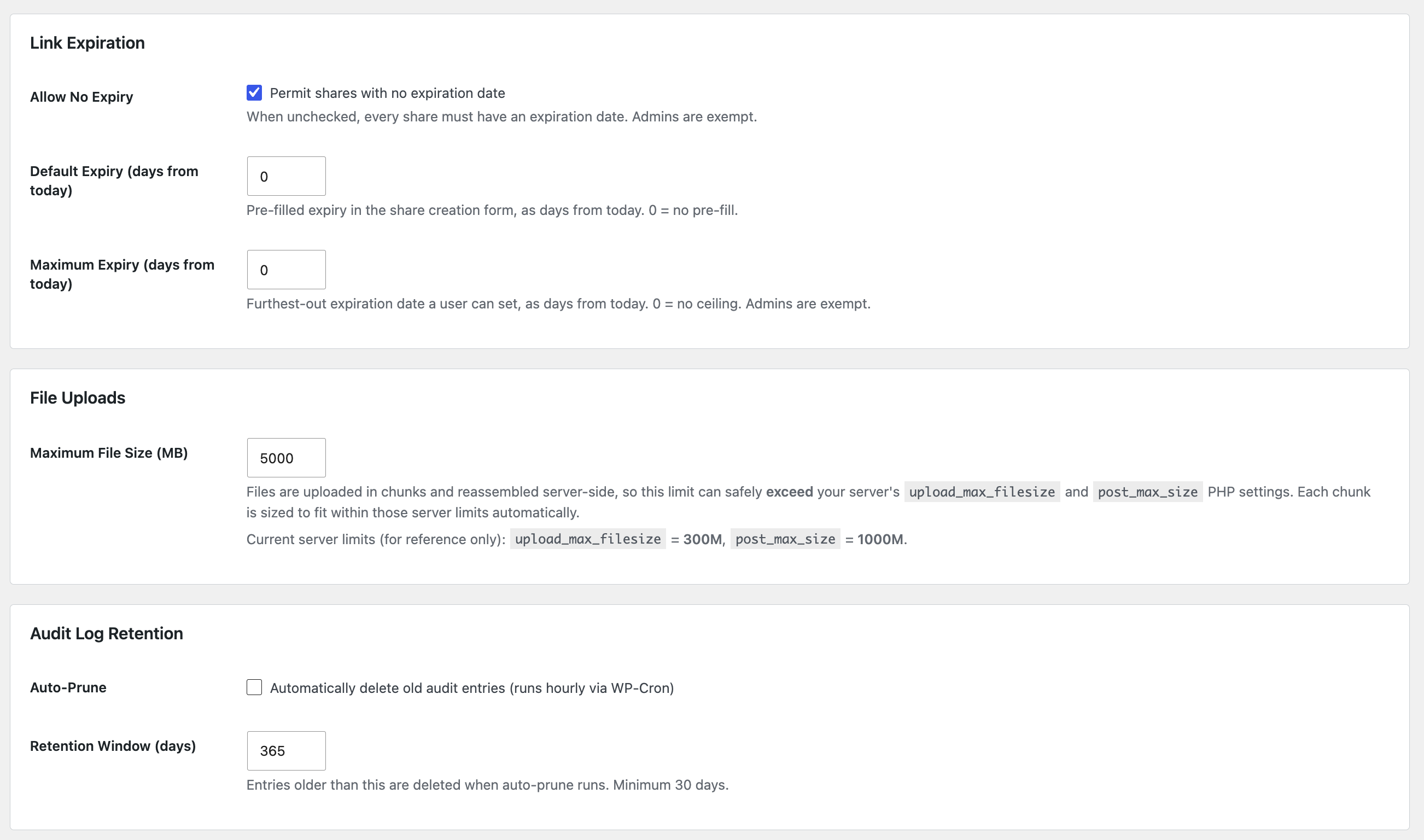
Settings — link expiration defaults and ceilings, chunked upload size limit, and audit log retention.
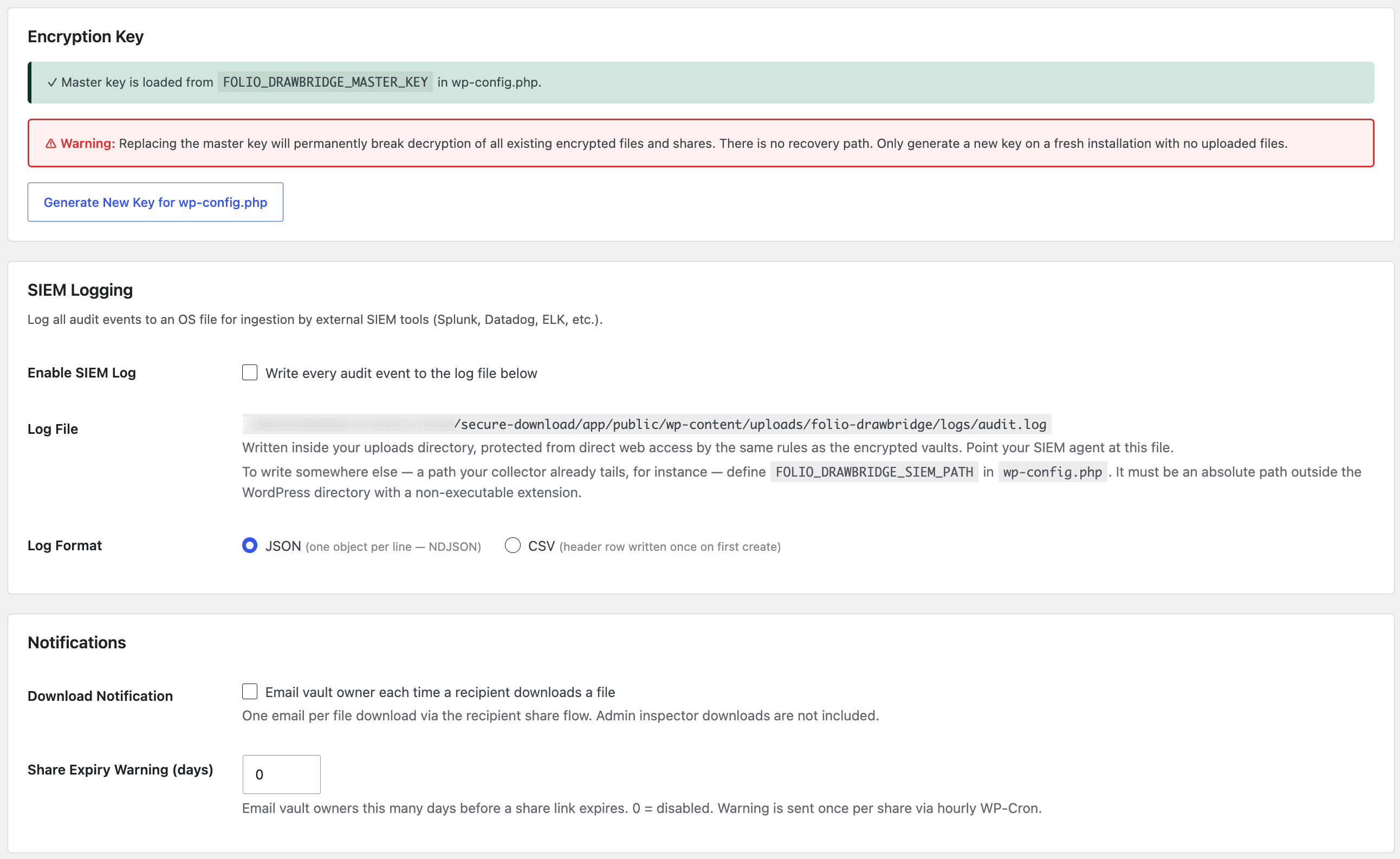
Settings — encryption key source and generator, SIEM log file export, and owner notification options.
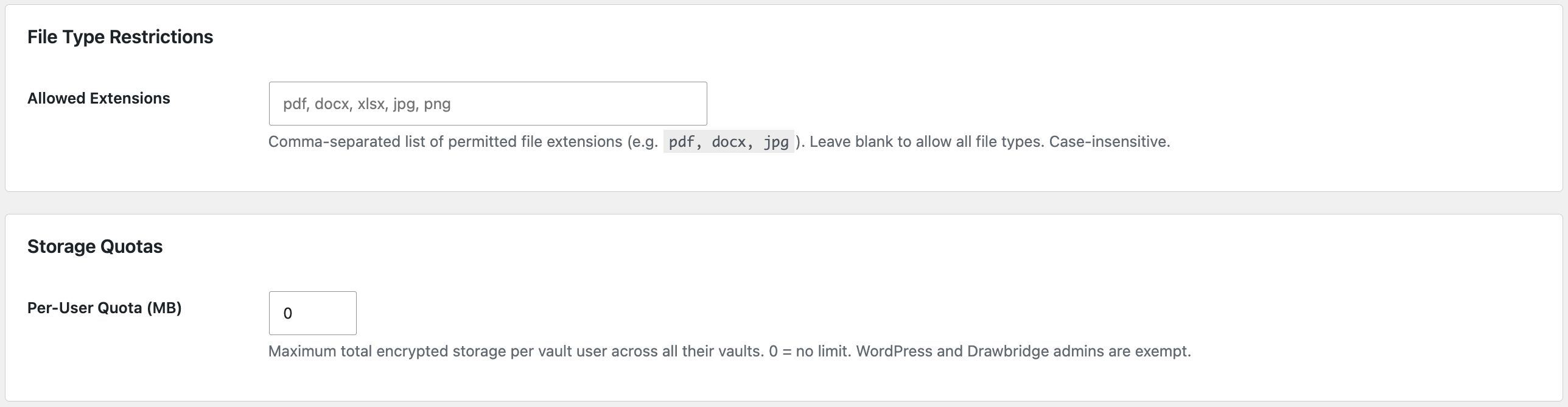
Settings — file type allowlist and per-user storage quotas.
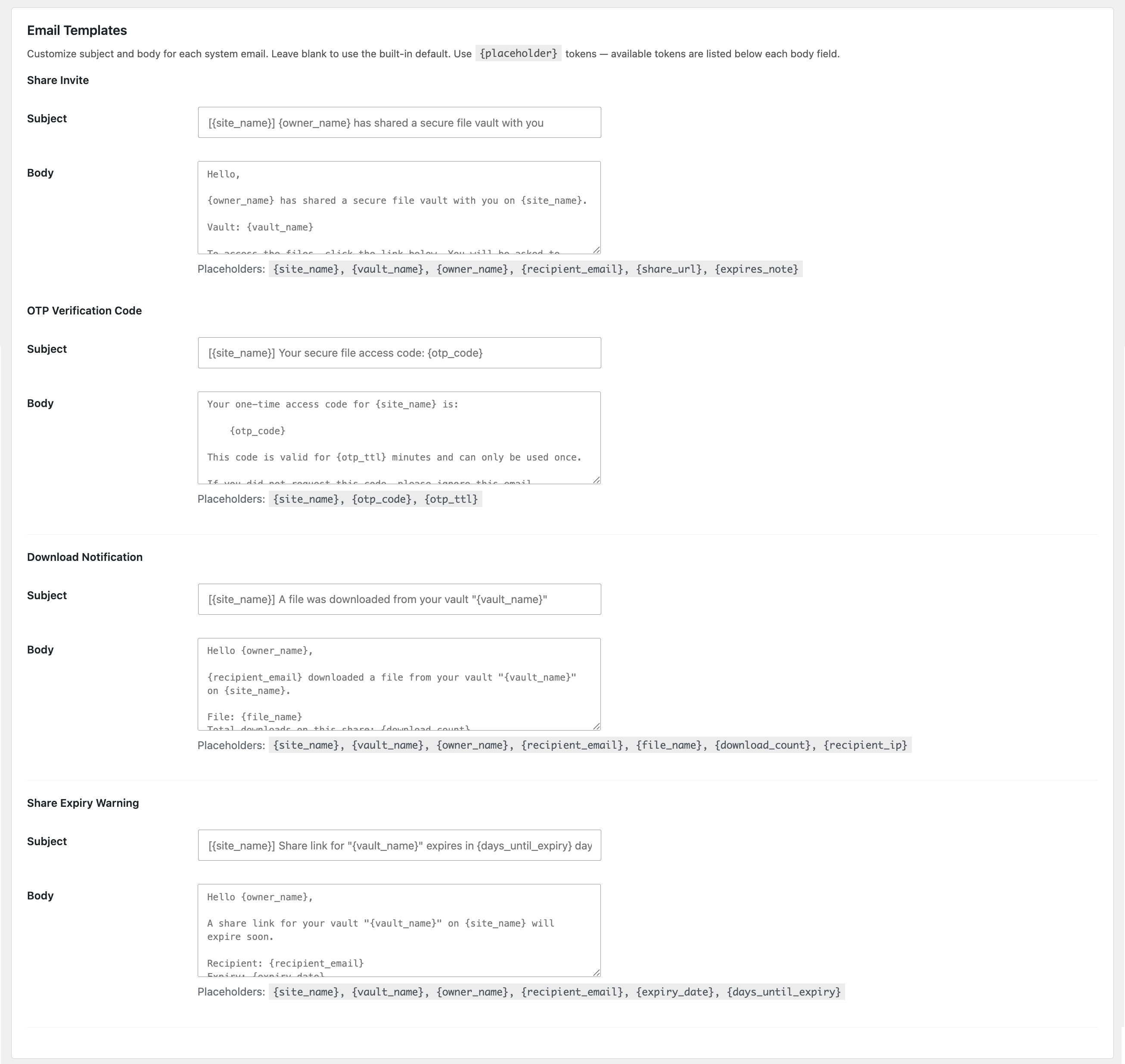
Settings — customisable templates for all four system emails, each with its available placeholder tokens.
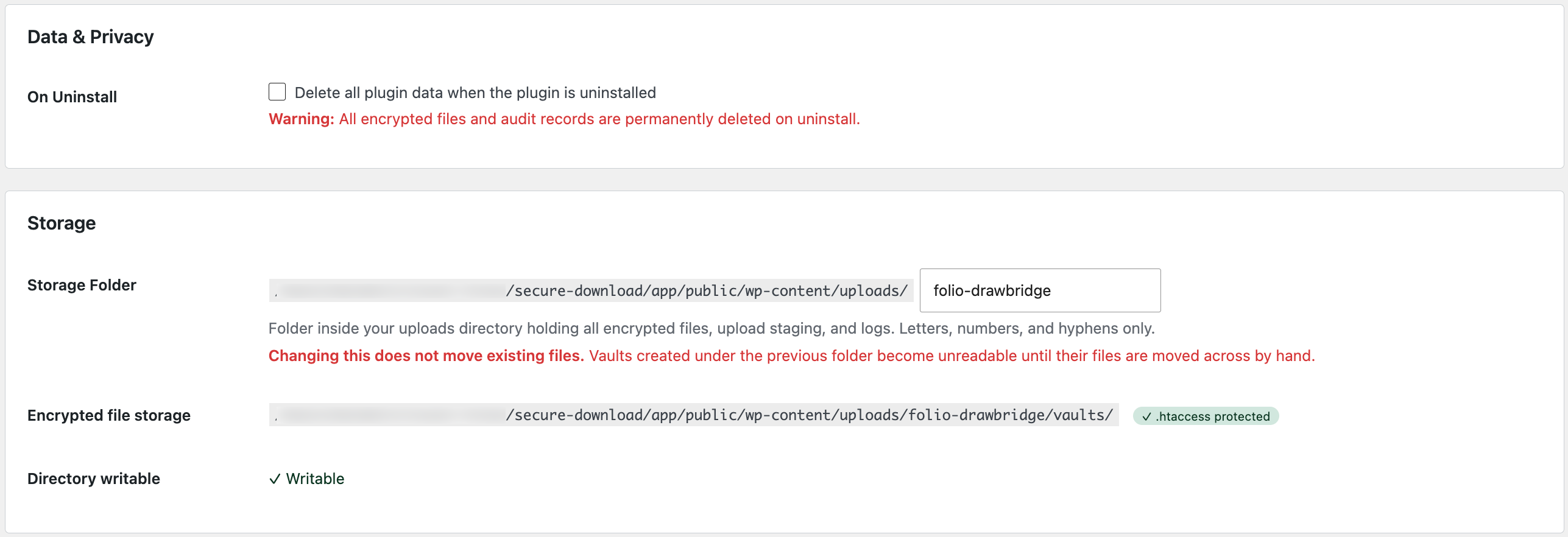
Settings — data removal policy on uninstall, the storage folder name inside the uploads directory, and the resolved encrypted storage location with its protection status.


