
Forge TrueConversion Lead Tracking For Google Ads Wordpress Plugin - Rating, Reviews, Demo & Download

Plugin Description
TrueConversion tracks the traffic source of every form submission on your WordPress site and lets you mark only the real commercial enquiries as conversions. Those conversions are then sent back to Google Ads via the offline conversion API, so Google can optimise your ad spend for leads that actually matter.
The Problem
Google Ads counts every form submission as a conversion — including spam, sales pitches, job seekers, and people who clicked the wrong button. This means Google optimises your campaigns to find more of these junk leads, wasting your budget.
The Solution
TrueConversion captures the Google Click ID (gclid) along with UTM parameters and other ad platform click IDs. When a form is submitted, you can mark genuine commercial enquiries as conversions and send them back to Google Ads. Google then learns what a real lead looks like and optimises accordingly.
Key Features
- Automatic UTM & Click ID Capture — Captures utm_source, utm_medium, utm_campaign, utm_term, utm_content, gclid, fbclid, msclkid, and more.
- Works With All Major Form Plugins — Contact Form 7, WPForms, Gravity Forms, Ninja Forms, Formidable Forms, Fluent Forms, Elementor Pro Forms, Forminator, and Jetpack Forms.
- Conversion Marking — Mark real enquiries as conversions with one click.
- Google Ads Upload — Automatically send conversions to Google Ads via the offline conversion API.
- Dashboard — View all form submissions with traffic source, UTM data, and conversion status.
- CSV Export — Export all entries including conversion data.
- Email Notifications — Per-submission alerts and a monthly summary email.
- Privacy Friendly — IP addresses are anonymised. No data sent to third parties beyond Google Ads (only when you connect it).
Want AI to automatically classify leads for you, plus daily/weekly summary emails? See TrueConversion Pro, a separate add-on plugin.
Supported Form Plugins
- Contact Form 7
- WPForms (Lite & Pro)
- Gravity Forms
- Ninja Forms
- Formidable Forms
- Fluent Forms
- Elementor Pro Forms
- Forminator
- Jetpack Forms
- Any form via the
[tc_fields]shortcode
Free vs. Pro
This plugin (Free) includes all form integrations, the dashboard, CSV export, email notifications, conversion marking, and Google Ads offline conversion upload — unlimited entries, no time limit.
TrueConversion Pro is a separate add-on plugin that layers on top of this one and adds AI-powered lead classification plus daily/weekly summary emails.
Third-Party Services
This plugin connects to the following third-party services:
Google Ads API
- When: When uploading offline conversions or fetching conversion actions (all plans, when Google Ads is connected).
- What is sent: Google Click ID (gclid), conversion action ID, conversion timestamp.
- Service: Google Ads API
- Privacy Policy: Google Privacy Policy
- Terms: Google Ads API Terms and Conditions
TrueConversion Relay Server
- When: During Google Ads OAuth connection flow, token refresh, and API requests.
- What is sent: OAuth state token, site URL, refresh token (for token refresh), Google Ads API requests (proxied with developer token).
- Service: trueconversion.net/wp-json/tc-relay/v1
- Purpose: Securely handles Google OAuth and API requests without exposing the client secret or developer token in the plugin code.
- Privacy Policy: TrueConversion Privacy Policy
Screenshots
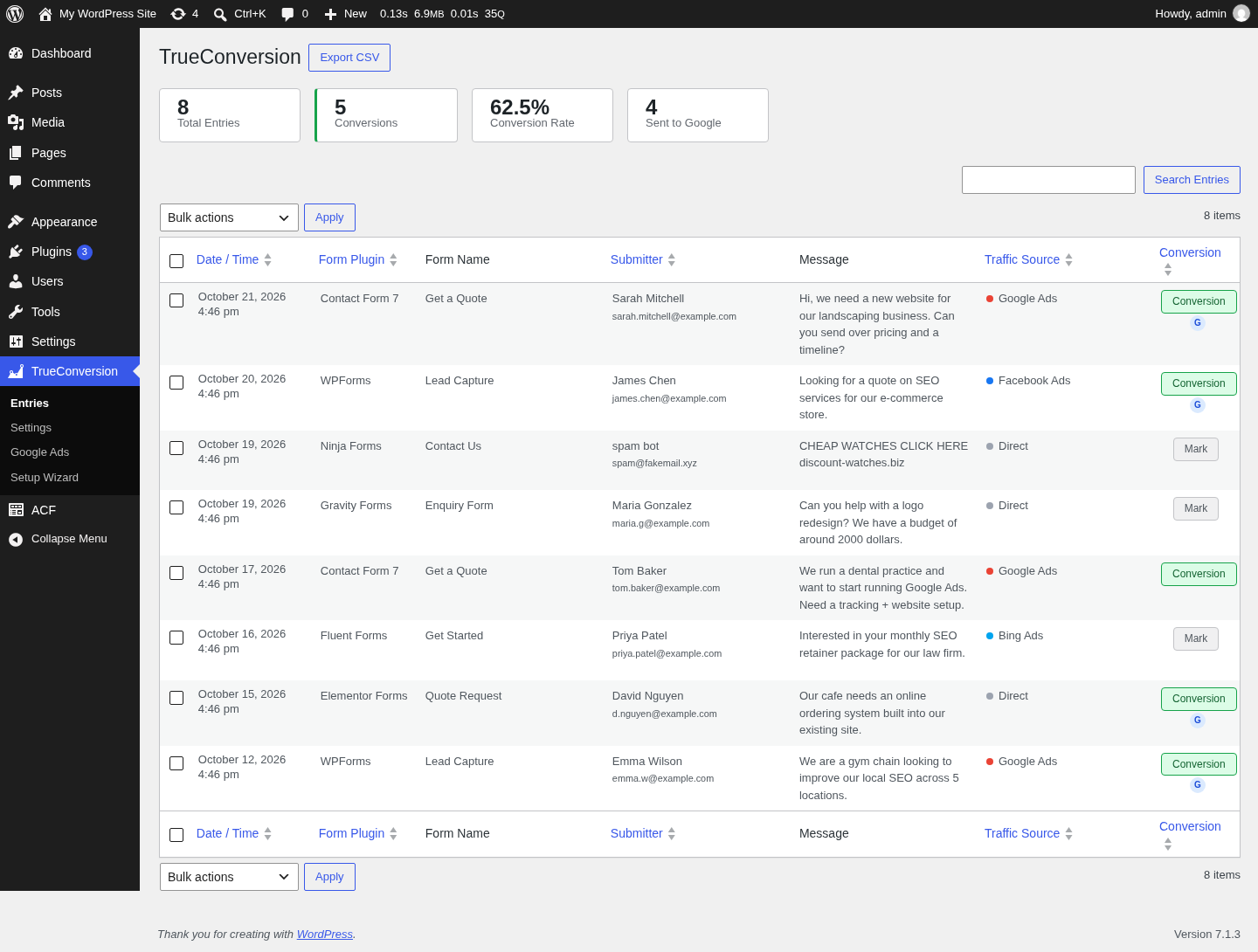
Dashboard showing form entries with traffic sources and conversion status.
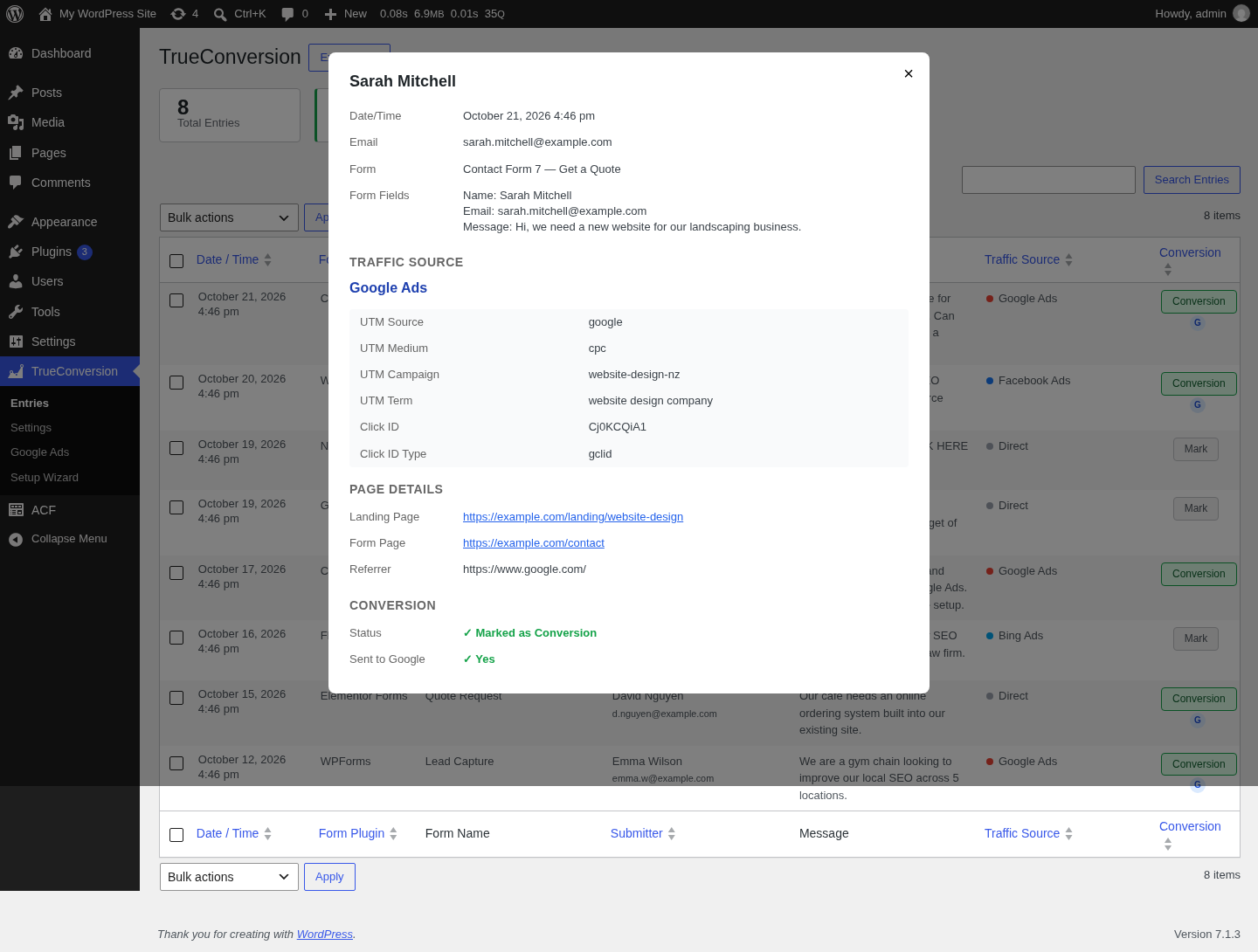
Entry detail modal with UTM parameters and conversion status.

Google Ads setup page with step-by-step guide.
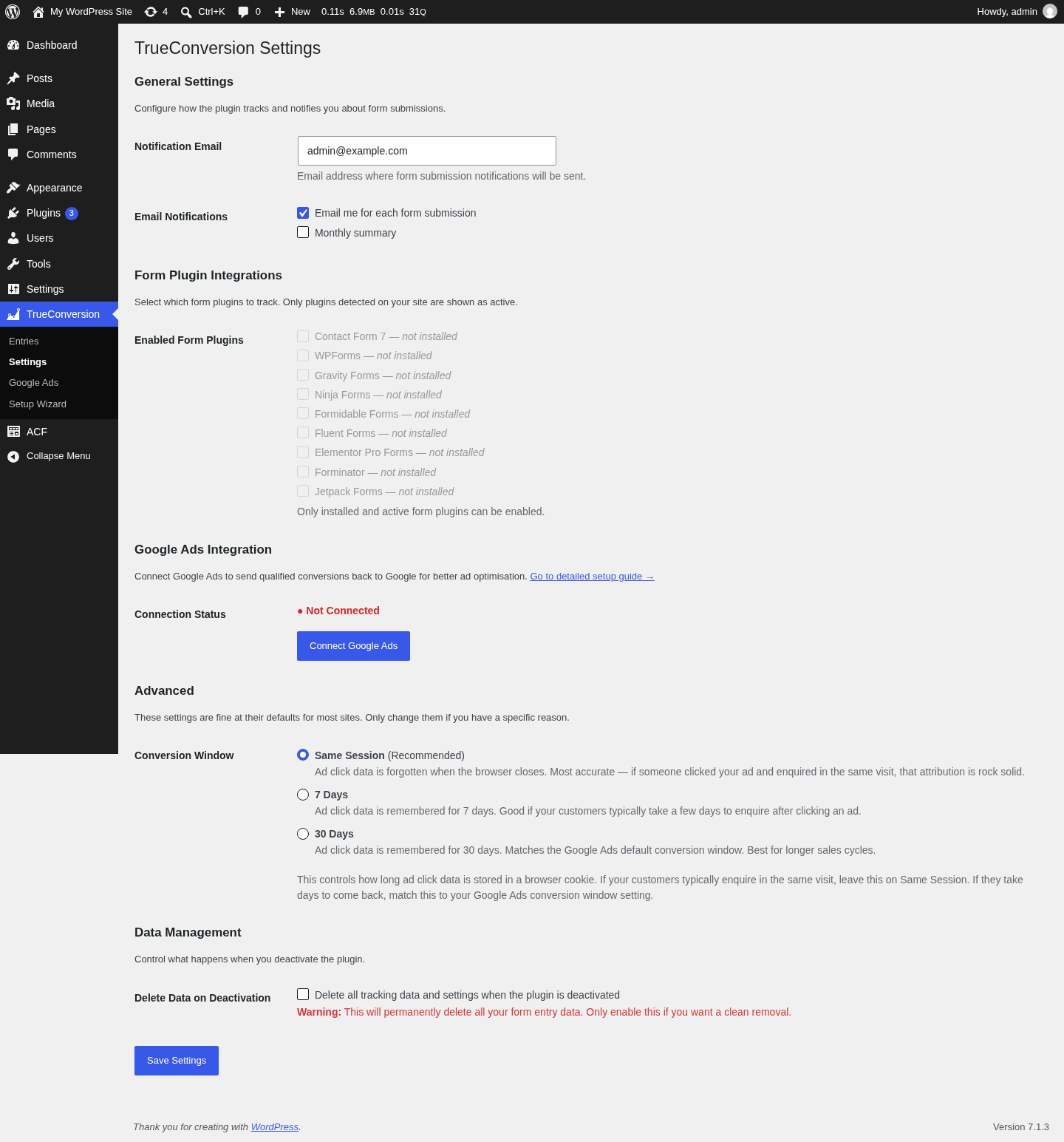
Settings page with form plugin selection and notification preferences.
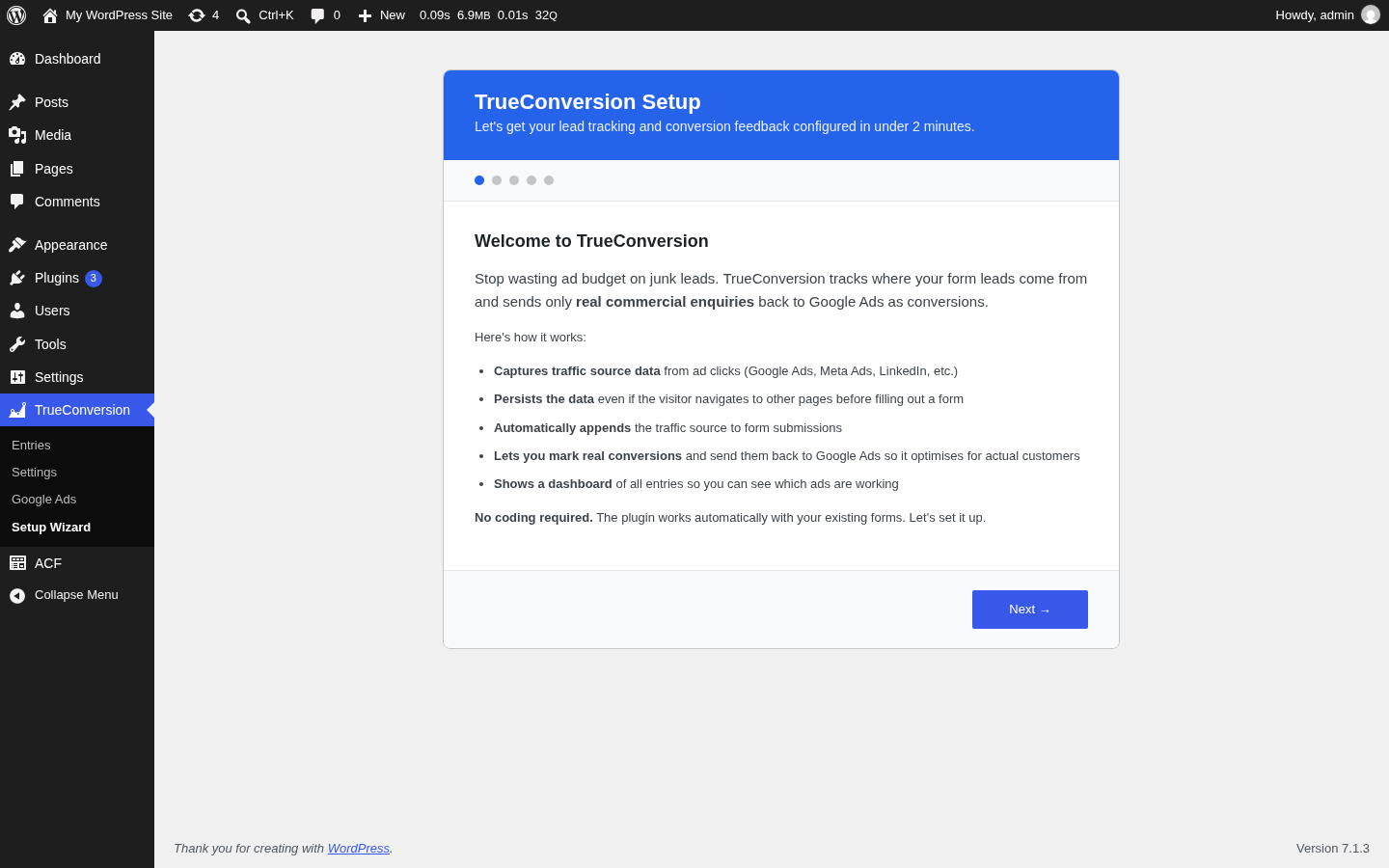
Setup wizard for first-time configuration.


