
FrameBlocks Wordpress Plugin - Rating, Reviews, Demo & Download

Plugin Description
FrameBlocks gives content creators and developers a set of Gutenberg blocks that wrap content inside realistic UI mockups — without leaving the WordPress editor.
Included blocks:
- Browser Frame — Safari or Chrome browser shell wrapping any inner content
- Code Editor Frame — VS Code editor shell with sidebar, code zone, and terminal
- Code Syntax Highlighter — Syntax-highlighted code powered by Shiki (50+ languages)
- Device Frame — Phone, tablet, or laptop device shell
- File Tree — VS Code-style file/folder tree
- File Tree Item — Individual file or folder row inside a file tree
- Social Post — Instagram or Facebook post mockup
- Social Comment — Comment row nested inside a social post
All blocks are fully responsive using CSS container queries (cqw units), so they scale automatically with the column width — no manual resizing needed.
Screenshots
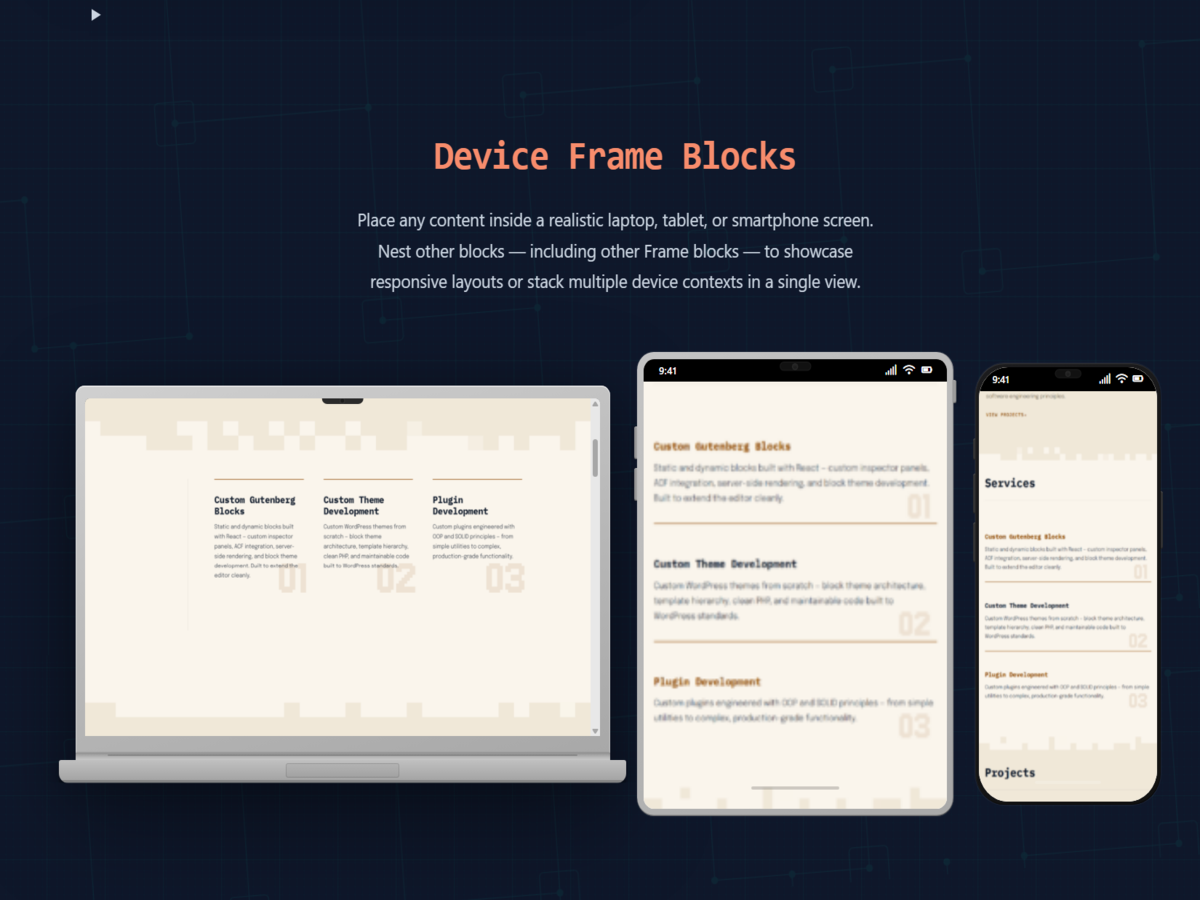
Device Frame block — laptop, tablet, and phone variants with nested content.
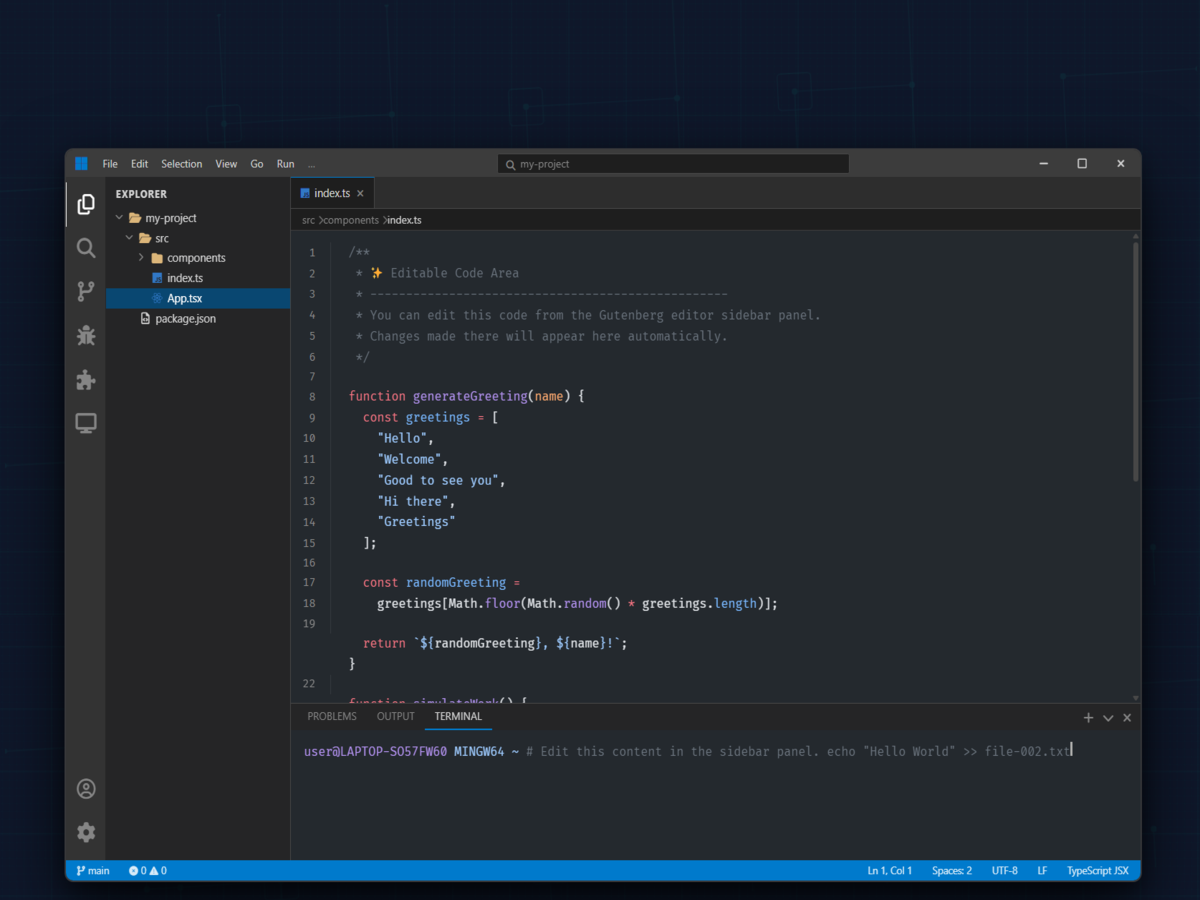
Code Editor Frame with File Tree sidebar and Syntax Highlighter, including a terminal panel.
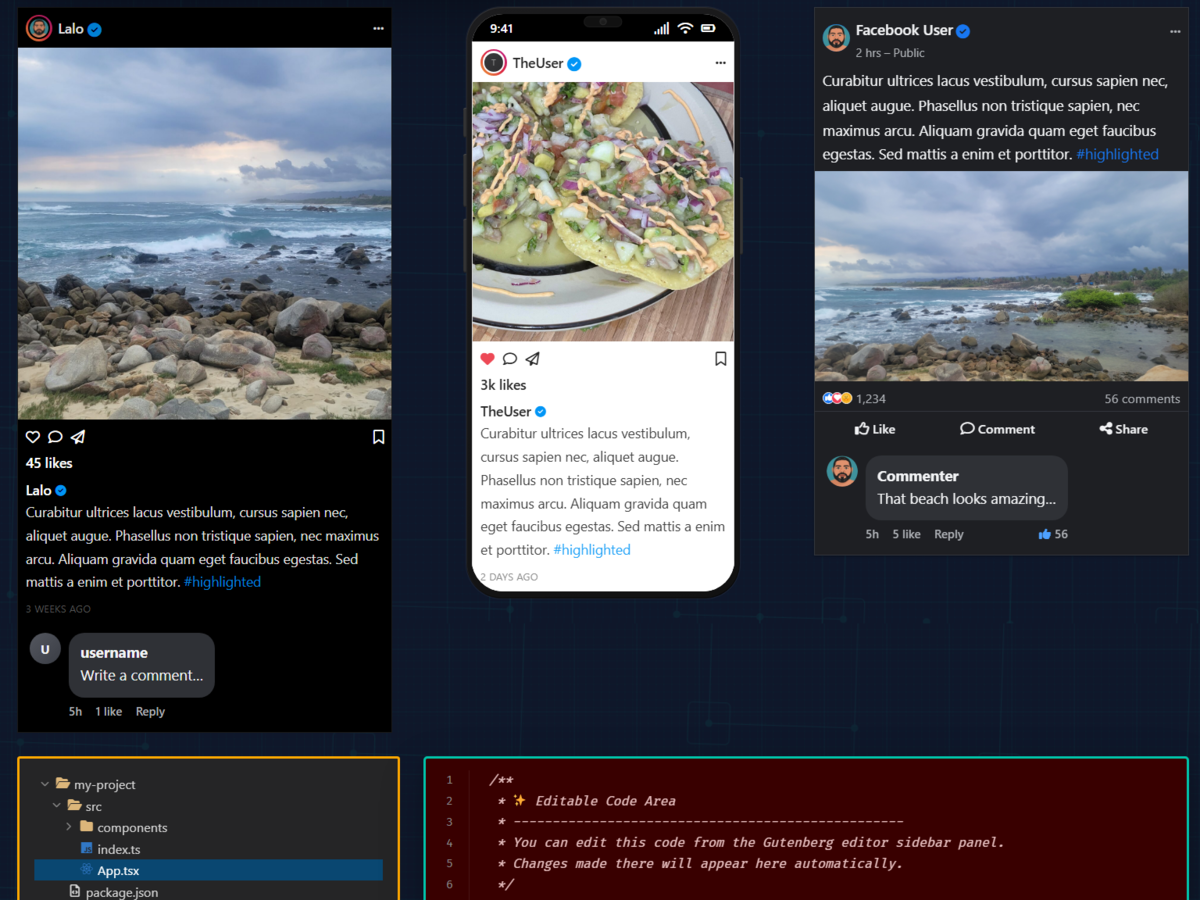
Social Post blocks — Instagram and Facebook mockups with editable content.


