HandyPal Accessibility Widget Wordpress Plugin - Rating, Reviews, Demo & Download
Plugin Description
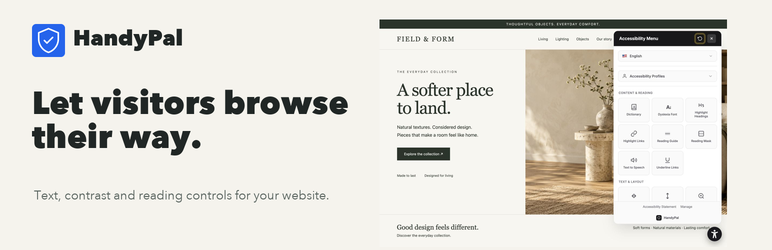
HandyPal is an accessibility widget that helps make your website usable for everyone, including people with disabilities. Its visitor tools complement accessibility audits and manual remediation of your site.
Key Features
- Visitor Accessibility Tools – Text, contrast, reading, and navigation preferences
- Text-to-Speech – Full page narration for visually impaired users
- Language Translation – Language translation tools
- Customizable Widget – Match your brand with custom colors and positioning
- Accessibility Support – Visitor tools complement accessibility audits and manual remediation
- Real-time Accessibility Audits – Identify and fix accessibility issues
Accessibility Features Include
- Adjust text size, line height, and letter spacing
- High contrast modes (smart, high, higher, highest)
- Reading guide and reading mask
- Dyslexia-friendly font
- Hide images option
- Keyboard navigation enhancements
- Focus indicators
- Color blind filters (protanopia, deuteranopia, tritanopia, achromatopsia)
- Text-to-speech narration
- Page zoom
- Stop animations
- And many more…
Quick Setup
- Install and activate the plugin
- Go to Settings > HandyPal
- Enter your account token from handypal.net
- The widget automatically appears on your site!
Requirements
- A HandyPal account (free trial available at handypal.net)
- WordPress 5.0 or higher
- PHP 7.4 or higher
External Services
This plugin connects to HandyPal when you save or verify your account token. It sends the token, site URL, and site name to https://www.handypal.net/api/wordpress/validate to authenticate and register the website. When enabled, the widget loads JavaScript and CSS from https://cdn.handypal.net and requests its configuration from HandyPal. Widget usage events may be sent to HandyPal. A HandyPal account and an authorized plan are required.
Service terms: https://www.handypal.net/terms
Privacy policy: https://www.handypal.net/privacy
Privacy Policy
HandyPal collects the following data:
* Your website URL and name (for registration and widget configuration)
* Widget usage analytics (how often the widget is opened)
Visitor analytics are handled by the HandyPal service. See the Privacy Policy.
Support
- Documentation: handypal.net/help
- Support: handypal.net/contact
- Dashboard: handypal.net/dashboard
Screenshots

HandyPal widget on a website

Widget settings panel

WordPress admin settings page

Connection status showing active subscription