
Houetor Connect Wordpress Plugin - Rating, Reviews, Demo & Download
Plugin Description
Houetor Connect links your WordPress site to your Houetor account. Once connected, the plugin:
- displays the listings, products and courses you publish on Houetor, on any page;
- provides an order form whose submissions are emailed to your site administrator;
- exposes secure REST routes, authenticated with a token, that the Houetor service uses to create and update your content.
The plugin is free and all of its features work without any subscription.
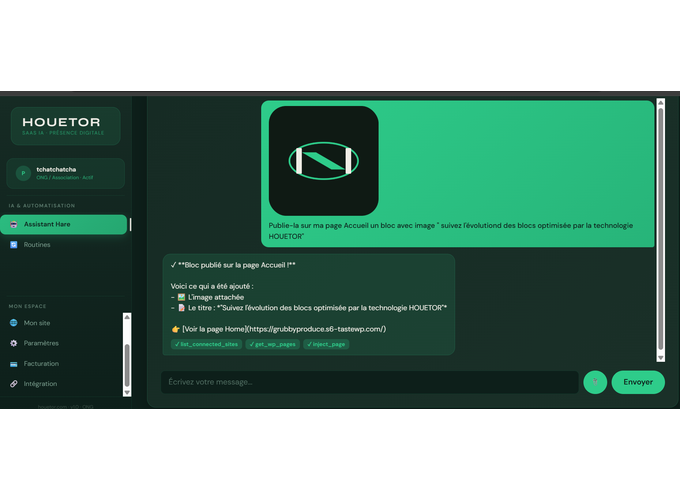
Writing content with the Houetor agent, which runs on houetor.com, is a separate service that requires a Houetor subscription. The plugin does not lock or limit any of its own features.
Requirements
- WordPress 5.9 or newer (native Gutenberg editor)
- PHP 7.4 or newer
External services
This plugin relies on an external service: the Houetor API, hosted at https://houetor.com. The service is required to connect your site to your Houetor account and to display your content.
What data is sent and when:
- When you connect the plugin: your site URL and your connection code are sent to https://houetor.com/api/connect-site to register the connection. The service returns a site token, which is stored in your WordPress database.
- When you disconnect: your site URL and connection code are sent to the same endpoint to remove the connection.
- When the connection status is checked: the site URL and the site token are sent to https://houetor.com/api/connect-site/status.
- When your pages display Houetor content: requests are sent to https://houetor.com/api/public with your site’s public identifier, to fetch the listings, products and courses to display.
The plugin does not send personal data about your visitors to the service. Orders submitted through the order form are emailed to your site administrator and are not sent to the service.
This service is provided by Houetor: terms of use and privacy policy.
Support
Use the WordPress.org support forum for this plugin. For account questions, write to support@houetor.com.
Screenshots
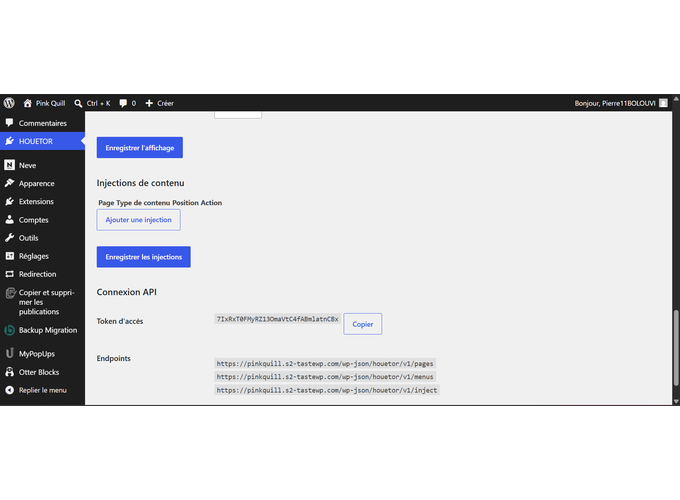
The Houetor Connect settings page in the WordPress administration.
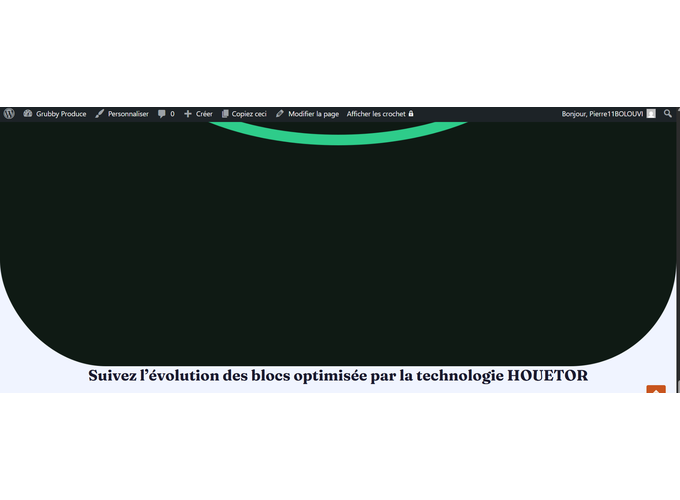
A page that displays Houetor content.
The order form, as it appears on a page.


