IECST Highlighter Wordpress Plugin - Rating, Reviews, Demo & Download

Plugin Description
This plugin adds a Gutenberg block called IECST Highlighter. After entering a code snippet in the editor,
the output will be rendered with a syntax highlighting style selected in the IECST Highlighter Settings.
This plugin uses the Phio Highlighter which is distributed
with an MIT License, https://highlighter.phioautomation.com/LICENSE.txt.
Development of this plugin is on Github.
Screenshots

Select a Highlighter theme Settings -> General -> IECST Highlighter CSS Theme
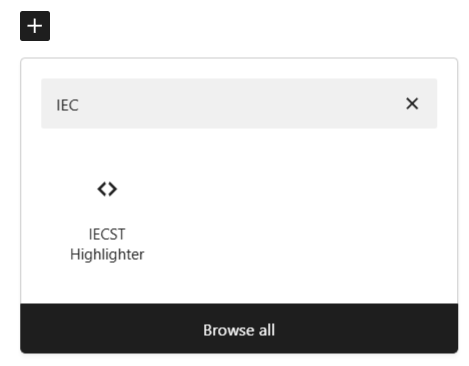
Add an IECST Highlighter block to a page
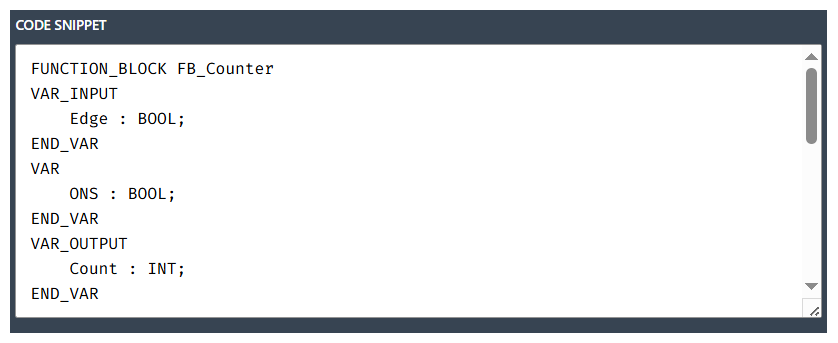
Enter your code in the editor
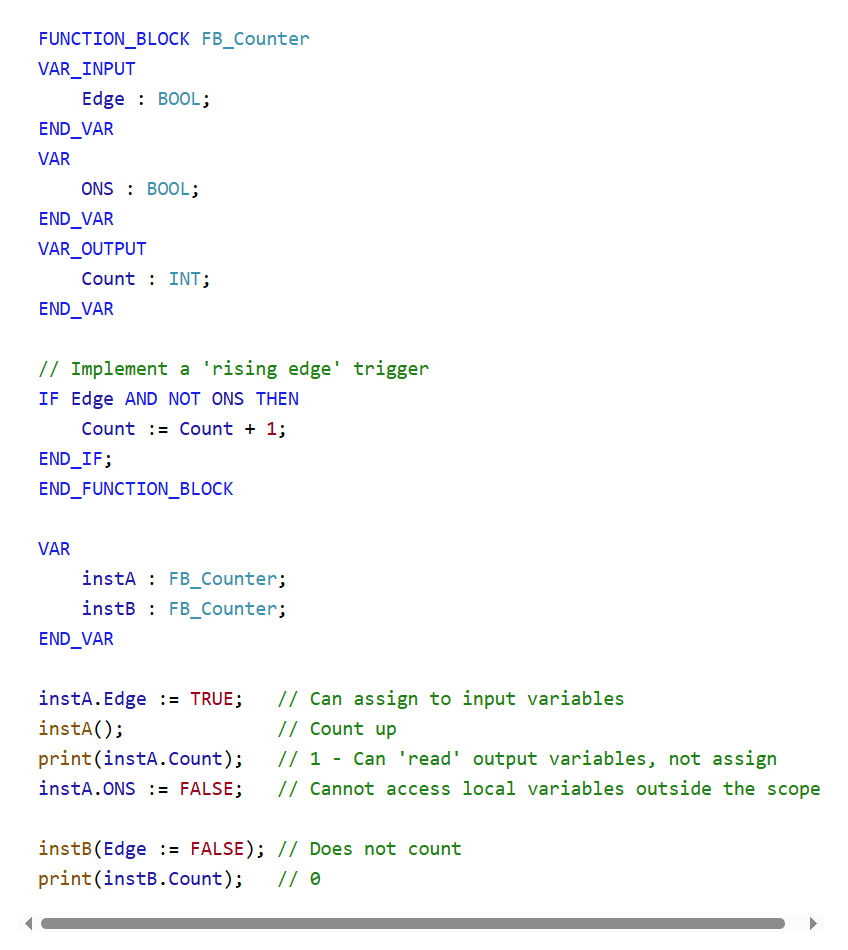
Light (default) theme

Dark theme