
ImagePipe Lite Wordpress Plugin - Rating, Reviews, Demo & Download

Plugin Description
ImagePipe Lite generates resized WebP/JPEG/PNG versions of your WordPress
Media Library images on demand and caches them permanently. Free tier:
JPEG/PNG/WebP output and Fit/Cover resize only (no AVIF, no Crop/Contain/
Stretch, no watermarking, no pretty URLs — see ImagePipe Pro for those).
Features
- On-demand image route with a permanent disk cache — repeat requests are
served straight from cache, never regenerated. [imagepipe]shortcode (same tag as ImagePipe Pro, so content keeps
working unchanged after an upgrade), a PHP template helper for theme use, a
native Elementor widget, and a native Gutenberg block (“ImagePipe” in
the block inserter) — preset or manual sizing (including WordPress’s
own registered image sizes: thumbnail/medium/large/custom), link,
caption, blur-up placeholder, and responsivesrcset(one width field
per breakpoint — active Elementor breakpoints for the widget, a fixed
Mobile/Tablet pair for the block).- Automatic replacement: swaps the
srcof content images, the site logo,
and featured images to an ImagePipe URL, in a single fixed format/mode
(no per-browser negotiated<picture>element — that’s an ImagePipe Pro
feature). - WooCommerce product grids/galleries and cart/checkout images (Store API)
are covered by the same automatic replacement. - Admin dashboard with analytics (requests over time, cache-hit rate over
time, served-format breakdown) and a 7/30/90-day/all-time period
selector. - Per-format quality settings, a journal of the last 20 generation events,
and a one-click “Clear cache” button. - Available in English plus 14 translated languages (French, Spanish,
German, Italian, Portuguese (Brazil), Dutch, Polish, Czech, Turkish,
Romanian, Greek, Arabic, Indonesian, Russian).
Usage
[imagepipe id="123" width="400" height="300"] in any post/page
content, or from a theme template:
<?php echo esc_url( ImagePipeWordPressLiteTemplateHelper::url( get_post_thumbnail_id(), null, 400, 300 ) ); ?>
Building pages with Elementor instead? Drag the “ImagePipe Lite” widget
onto the page from the “ImagePipe” category — no shortcode/template code
needed.
Using the block editor (Gutenberg)? Insert the “ImagePipe” block — same
options, no shortcode/template code needed.
Screenshots
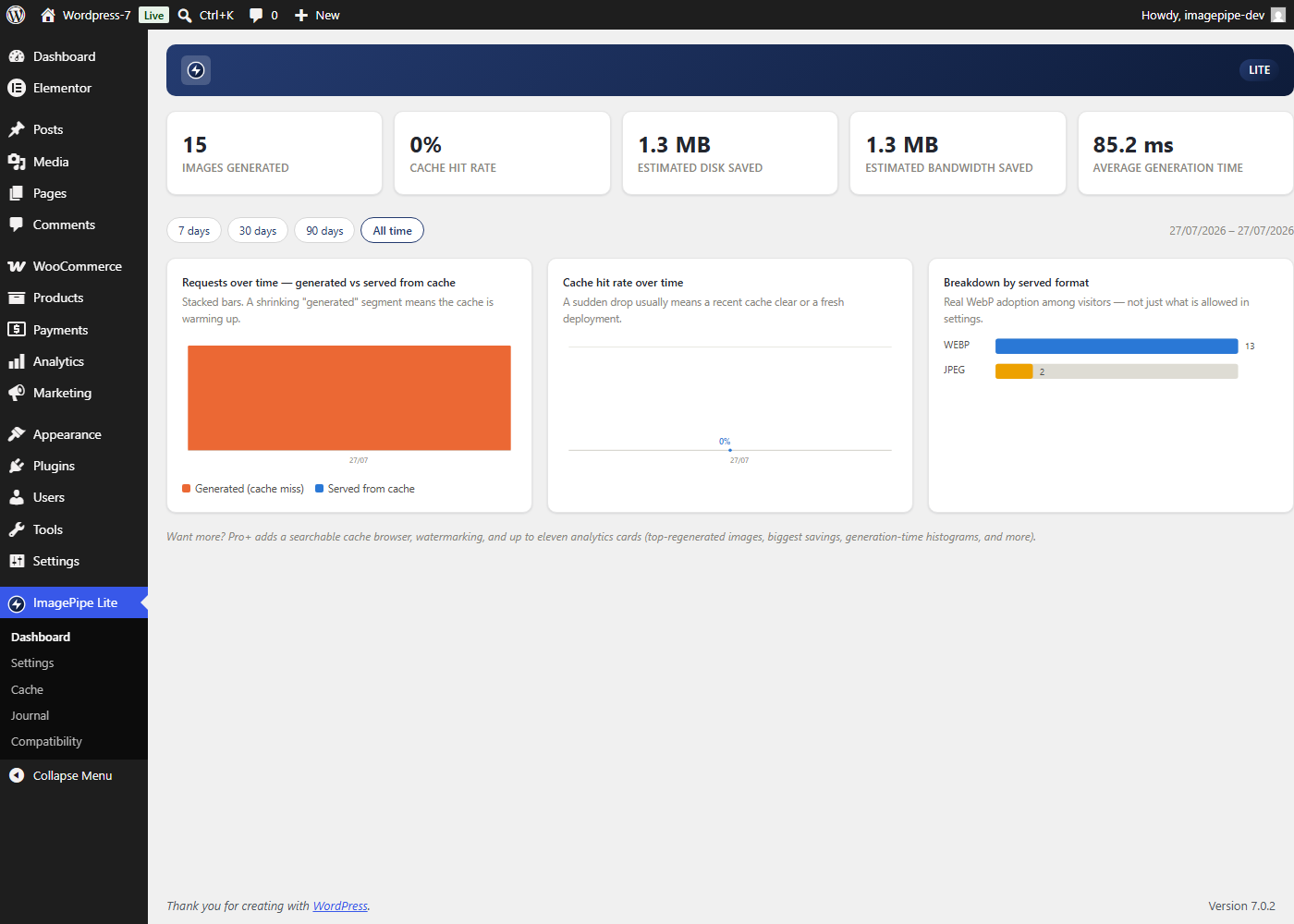
Admin dashboard: requests over time, cache-hit rate over time, and
served-format breakdown, with a 7/30/90-day/all-time period selector.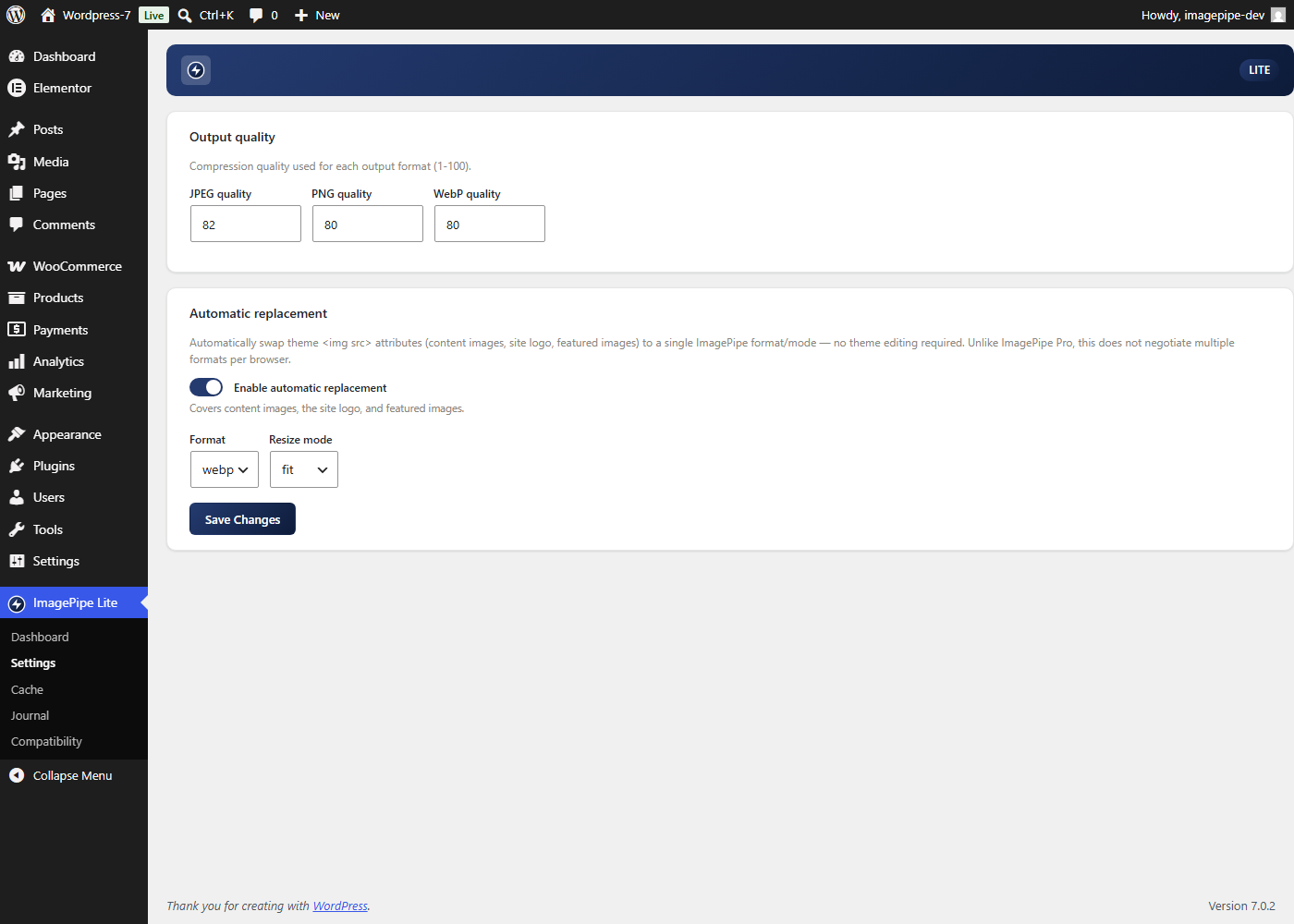
Settings: per-format output quality and automatic replacement
(format/resize mode).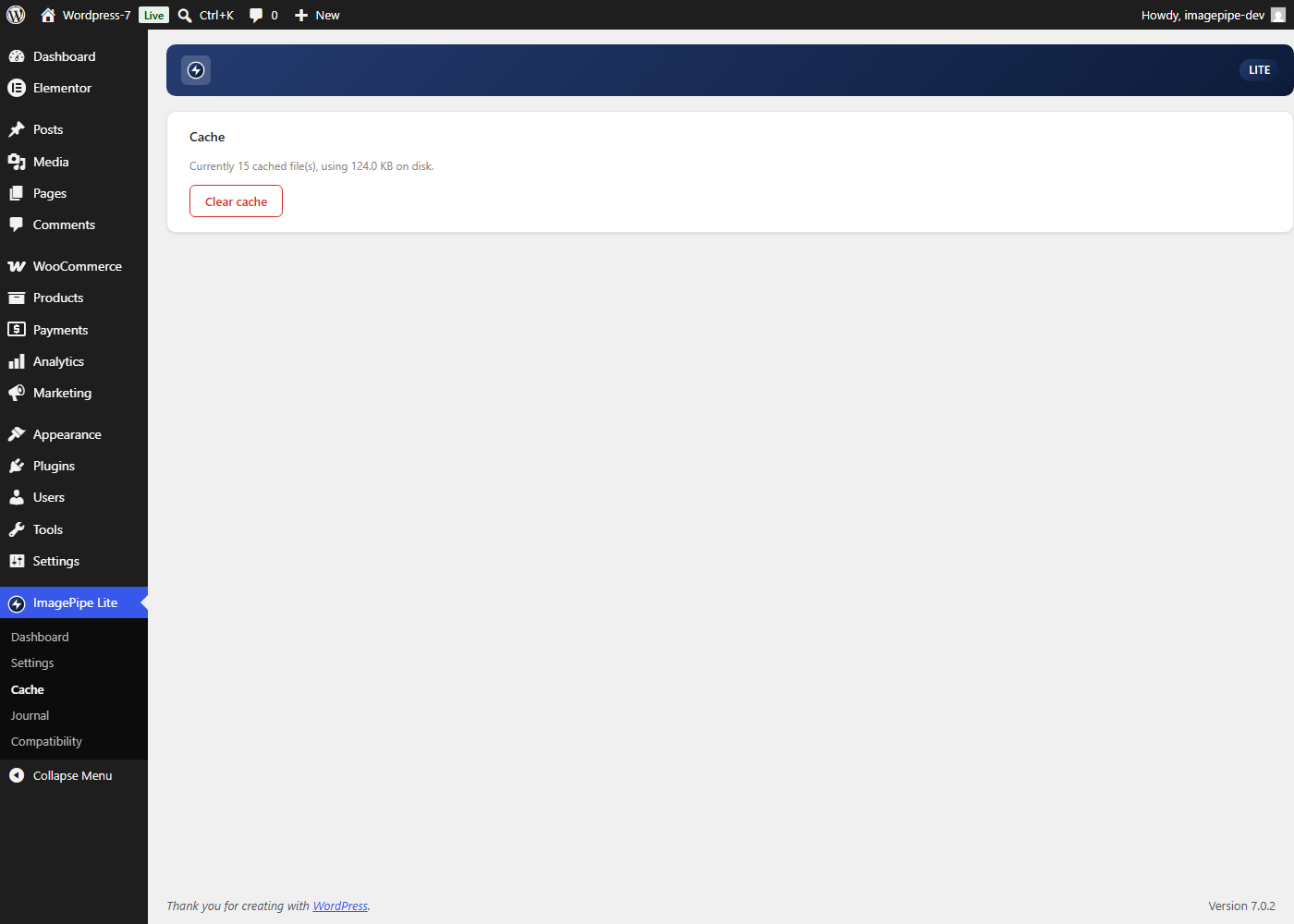
Cache: current cache size and a one-click “Clear cache” button.
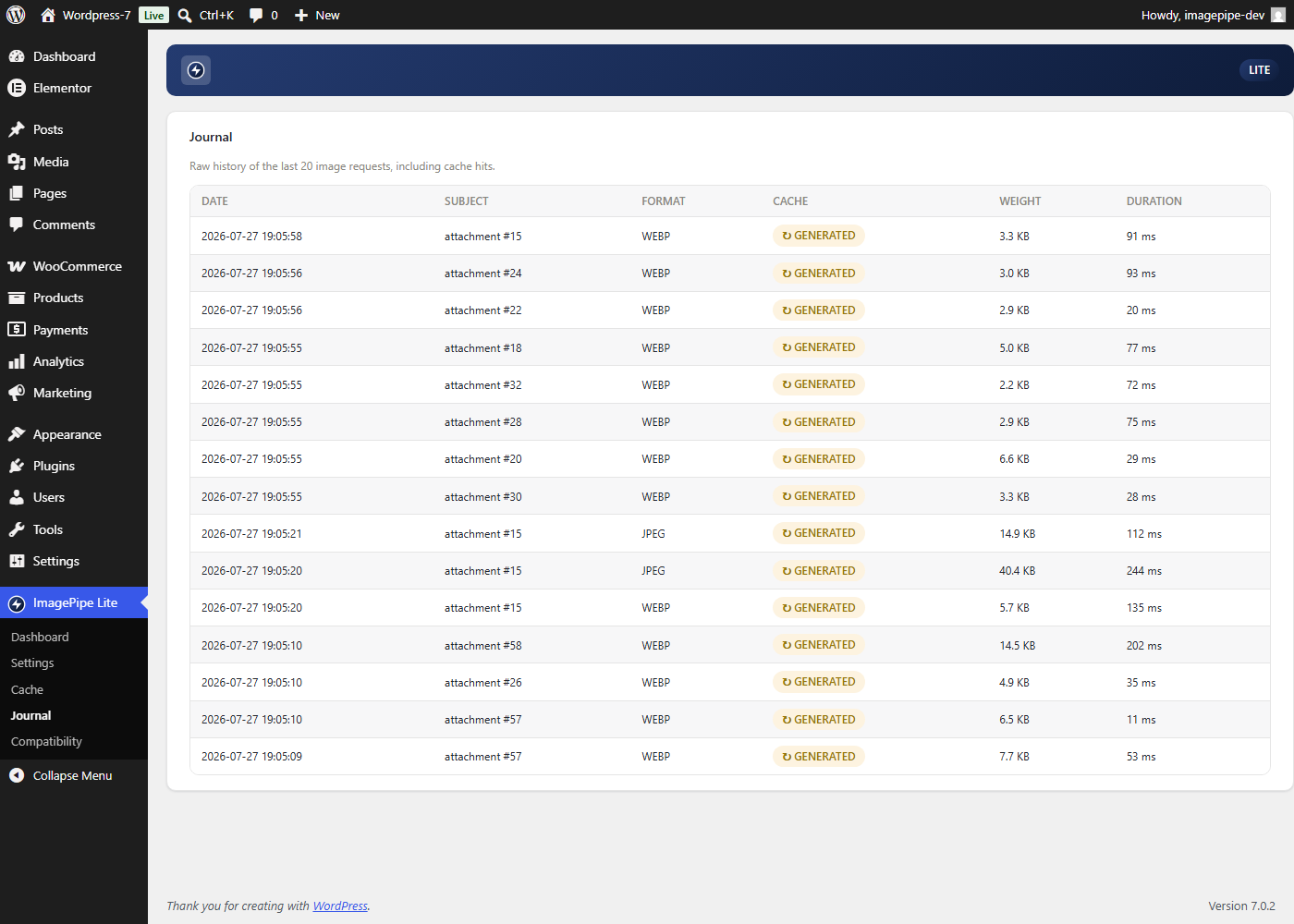
Journal: raw history of the last 20 image generation events.


