Integration For Zoho Desk – Contact Form 7, WPForms, Elementor, Gravity Forms & More Wordpress Plugin - Rating, Reviews, Demo & Download

Plugin Description
This plugin allows you to connect Zoho Desk with all major WordPress contact form plugins. Automatically create tickets in Zoho Desk from form submissions without writing any code.
Supports:
– Contact Form 7
– WPForms
– Elementor Forms
– Gravity Forms
– Formidable Forms
Key benefits:
– Real-time data syncing from forms to Zoho Desk
– AI-based email and spam validation
– Multi-account support
– Custom field mapping for flexible integrations
– Built-in error logging and retry options
Features
One-Click OAuth Authentication
Securely connect your Zoho Desk account with a few simple steps. Supports multiple accounts and easy management.
AI-Powered Email Validation
Detects public domains, disposable emails, and spam patterns before sending data to Zoho Desk.
Custom Field Mapping
Map your form fields to Zoho Desk fields including custom fields for structured and accurate data transfer.
Error Log and Resync
Automatically logs failed submissions with detailed error messages. Retry failed records individually or in bulk.
Multi-Form Integration
Works with the most popular form plugins in a single solution. No need for multiple integrations.
Support
Need help or want to request a feature?
- Support: https://integrazo.com/pages/contact?utm_source=readme&utm_medium=support_link&utm_campaign=zoho_desk_integration
- Feature Requests: https://integrazo.com/pages/request-feature?utm_source=readme&utm_medium=feature_link&utm_campaign=zoho_desk_integration
- Website: https://integrazo.com
- Email: support@integrazo.com
Screenshots
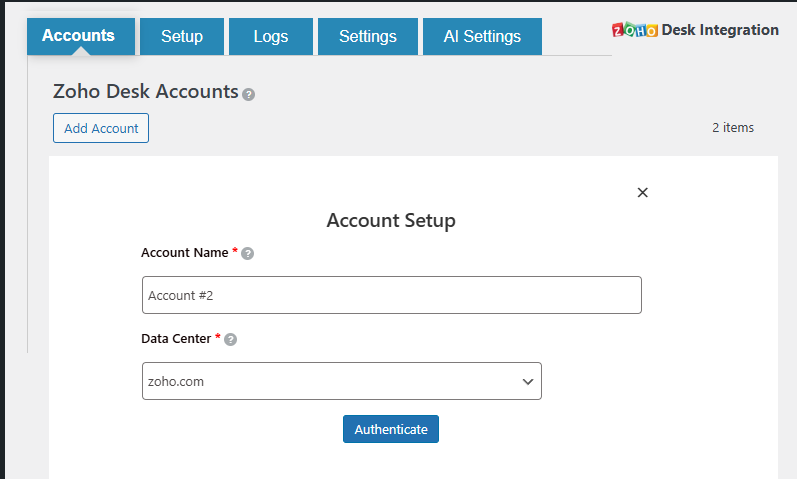
Connect Account

Map Fields
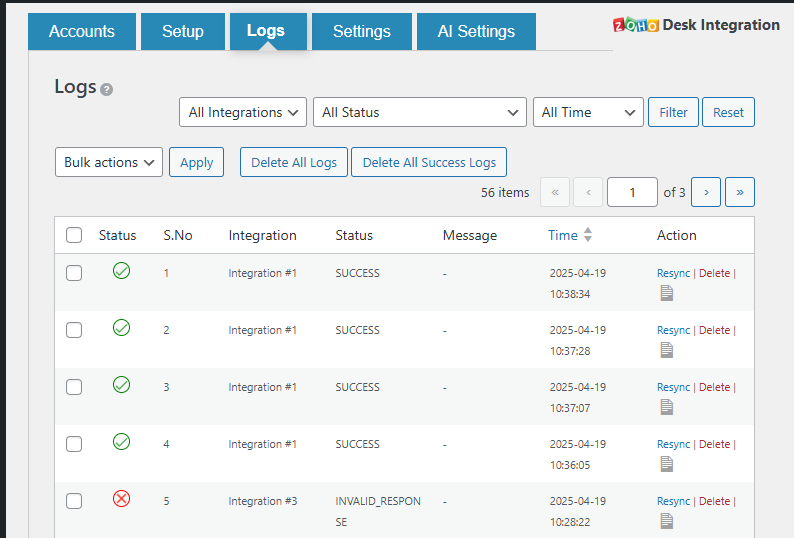
Integration Logs
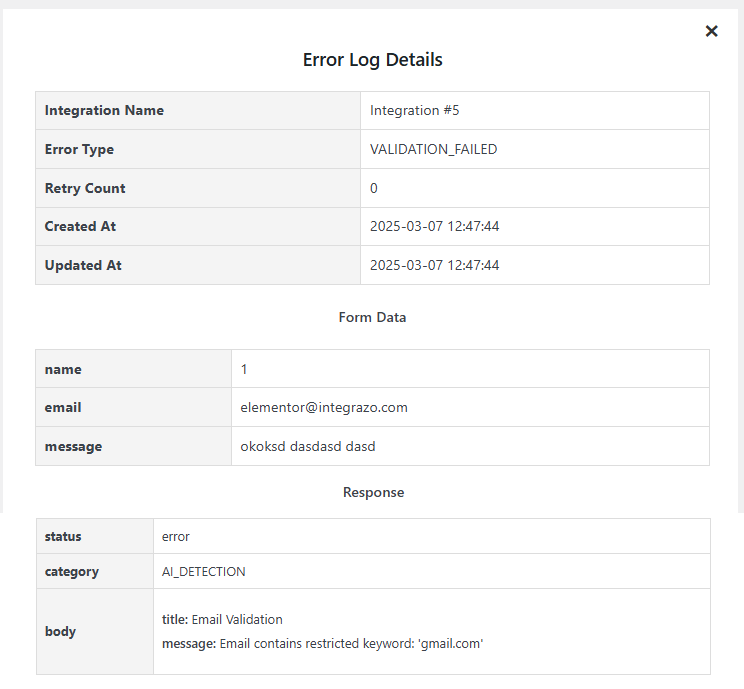
Detailed Logs
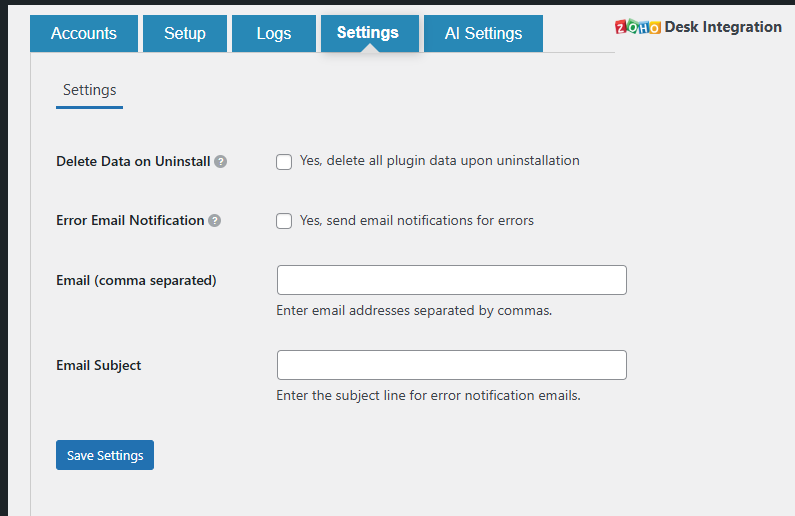
Settings Page
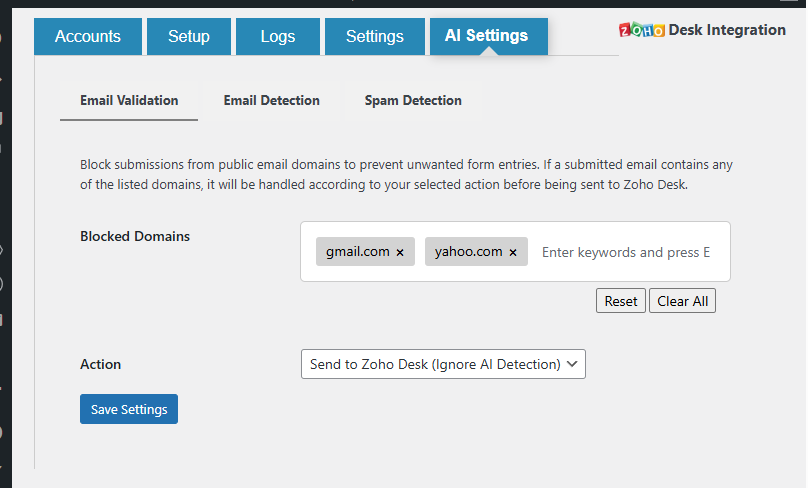
AI-Powered Validation Settings