
Iridys Palette Extender Wordpress Plugin - Rating, Reviews, Demo & Download

Plugin Description
WordPress’s built-in colour pickers are basic — a small square, a hue slider, a hex box. Iridys quietly replaces them, everywhere you choose a colour, with a richer picker that actually helps you pick well.
Wherever WordPress shows a colour control — the classic colour picker (Iris), native colour inputs, and the classic editor’s text-colour picker — Iridys takes over with a compact popover that adds an eyedropper, harmony schemes, a working palette, and perceptual colour tools. Nothing to shortcode, nothing to configure: activate it and your existing colour controls simply get better.
What you get
- A better picker, everywhere. Switchable Square, Hue-frame and Sliders surfaces; HEX, RGB and HSL formats; and a live nearest-colour-name read-out so you know you’ve grabbed “Striking Orange”, not just
#CE7843. - Eyedropper. Sample any colour on the page — or anywhere on screen in supported browsers.
- Harmony schemes. Generate Complementary, Analogous, Triadic, Split, Square and Tetradic sets from your current colour in one click.
- A working palette. Capture colours as you go and reuse them across every screen.
- Pick from Image. Hover an image for a live magnifier and colour read-out, and click to grab.
- Dominant Colours. Extract a whole palette from any image with a colour-count slider.
- Recent colours & Colour of the Day. The colours you pick are remembered on your dashboard, alongside a fresh named colour each day.
- A Colour Lexicon that explains the terms — hue, saturation, lightness, OKLCH, complementary, and more — in plain language.
Who it’s for
Anyone who chooses colours in WordPress and wants to do it faster and more confidently — theme builders, designers, agencies, and everyday site owners tweaking a block colour.
Free and Pro
Iridys is free and fully usable on its own. An optional Pro upgrade adds a larger palette, named colour folders, and palettes saved to your account so they travel with you across screens.
Open-source credit
Iridys bundles culori, an MIT-licensed colour-science library, used for OKLCH conversion and perceptual colour blending.
Uninstall
Iridys cleans up after itself. When you delete the plugin from the Plugins screen it removes everything it stored:
- Its settings, licence record, install date, review-prompt state and database-version marker (all stored as options).
- Its cached licence-tier value (a transient).
- Its own example database table.
It writes nothing outside your own site and leaves no orphaned data behind. Deactivating the plugin keeps your settings; only deleting it runs the clean-up.
External services
Iridys does all of its colour work locally, in your browser and on your own server. It makes no external network requests, sends no analytics or tracking data anywhere, and contacts no third-party services.
Screenshots
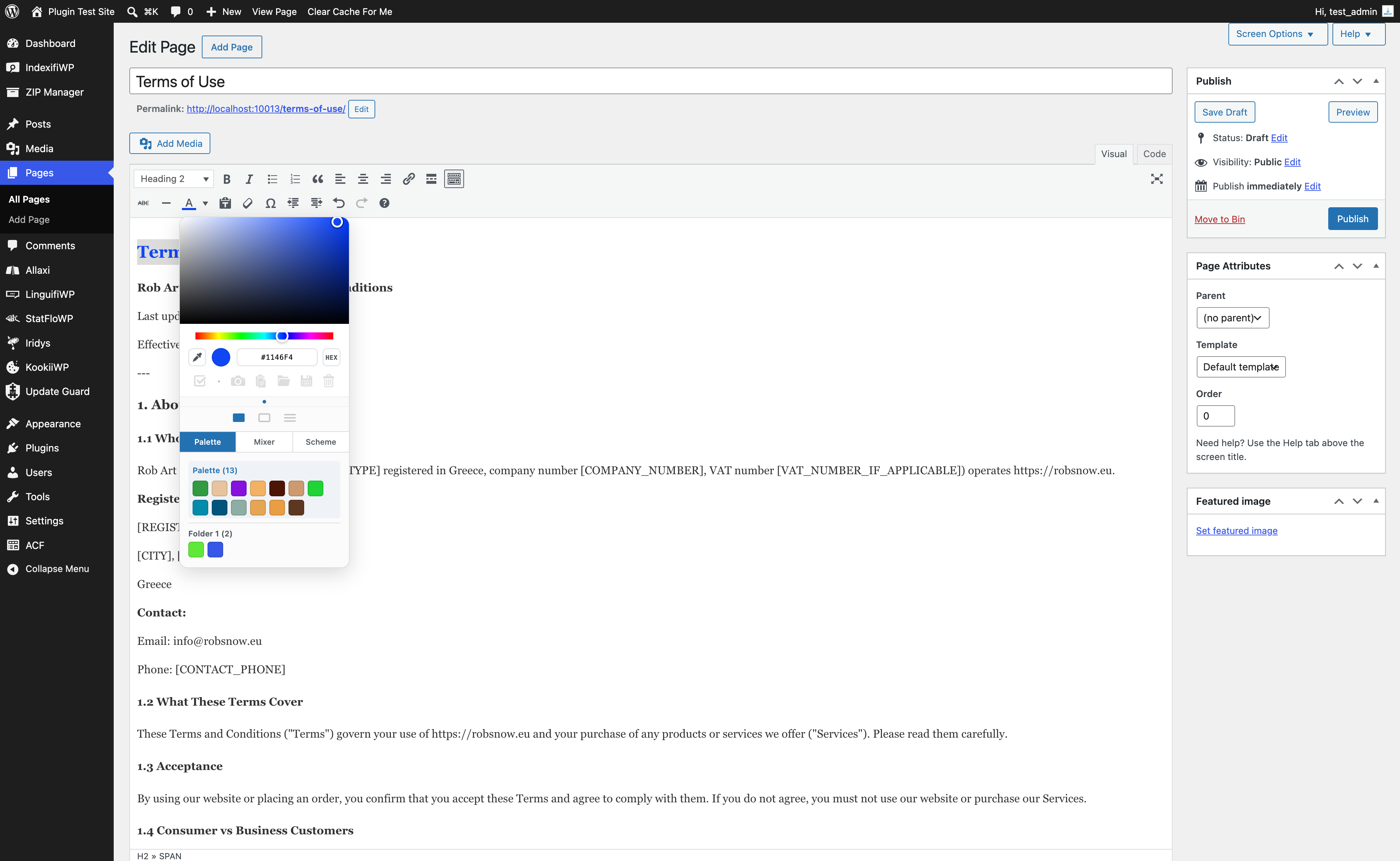
The Iridys picker open on the dashboard — Square surface, eyedropper, format switch and the working palette.
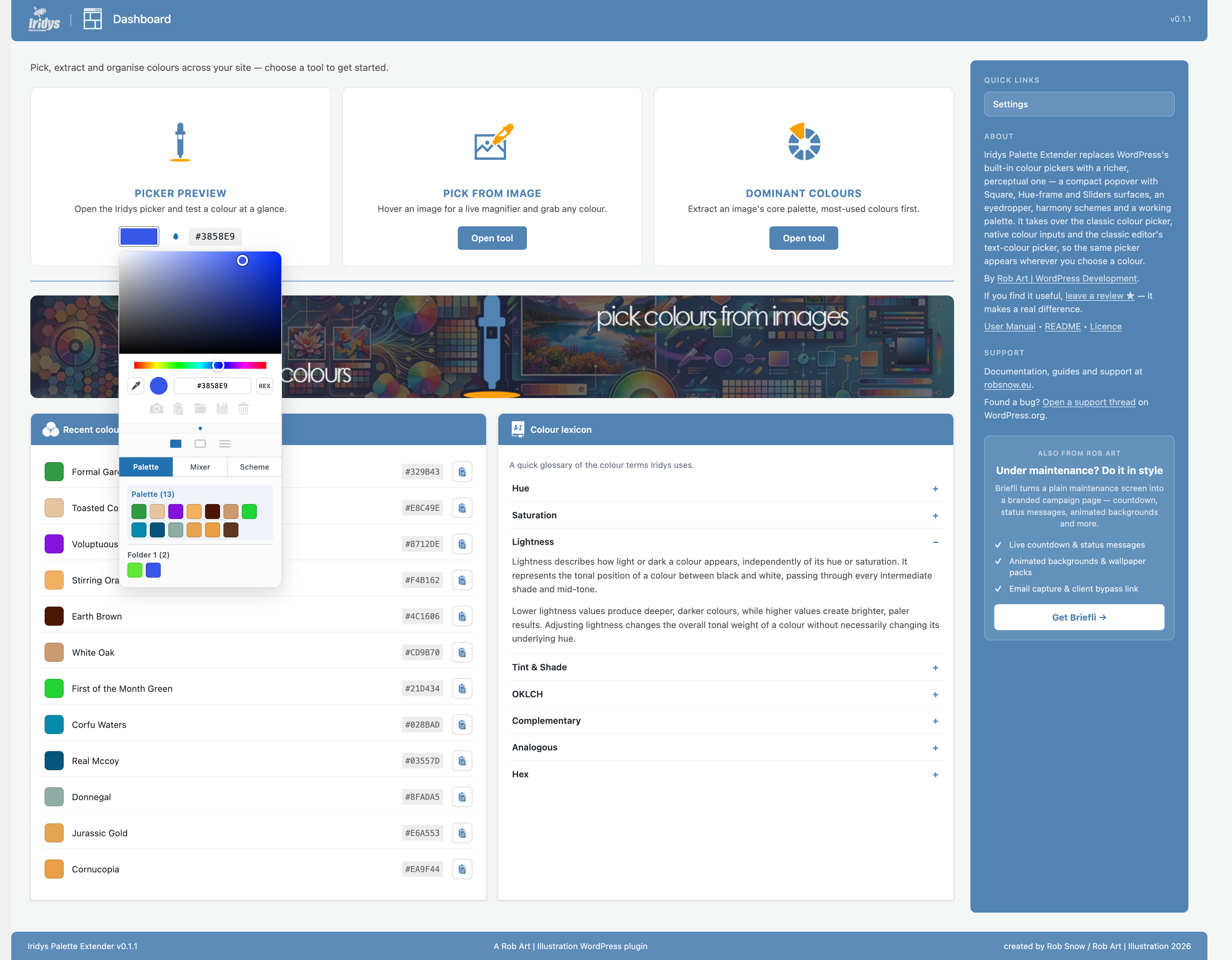
The Dashboard — three tool cards, Recent Colours, the Colour Lexicon and the Colour of the Day.
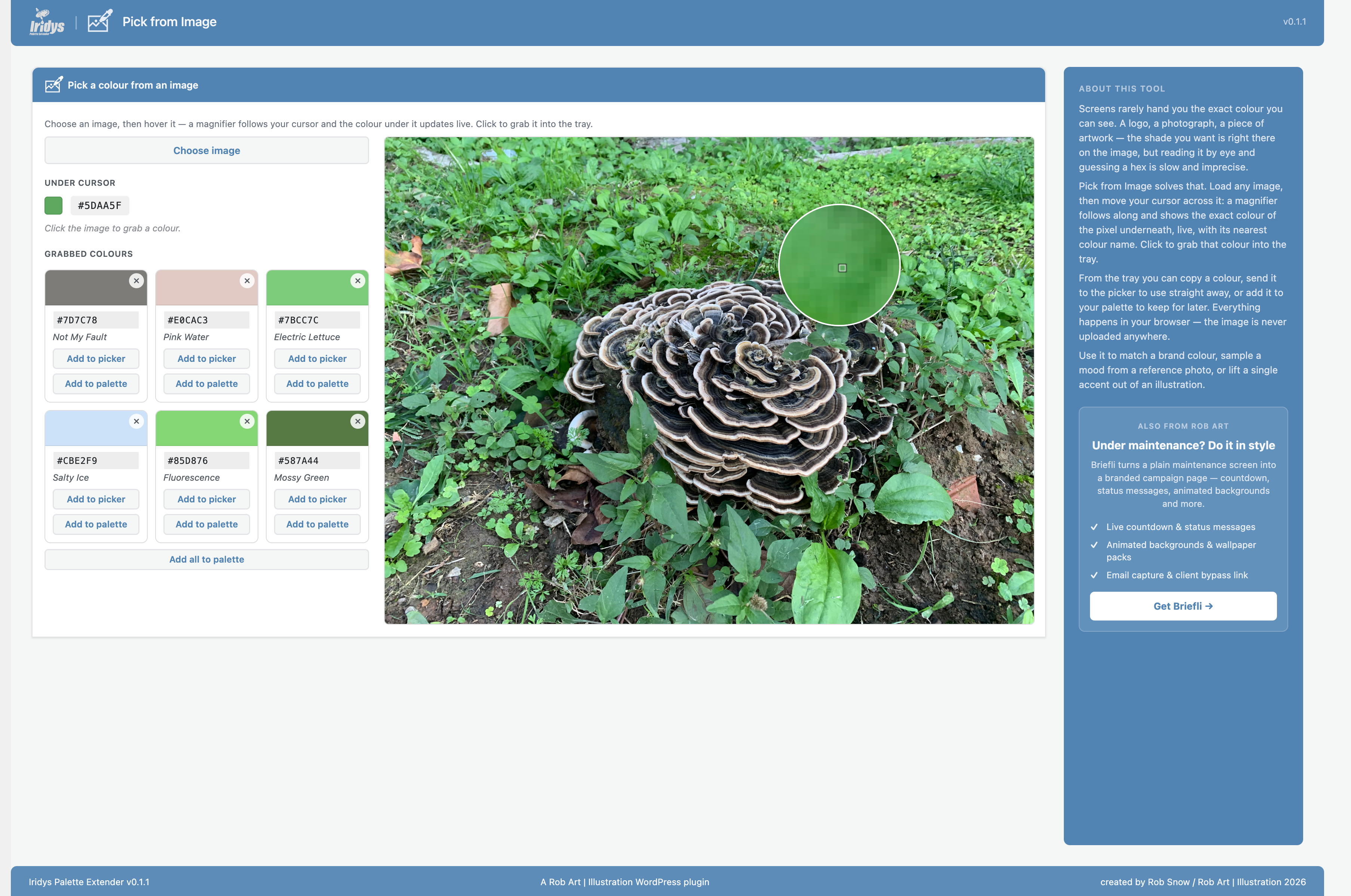
Pick from Image — hover for a live magnifier and colour read-out, click to grab.
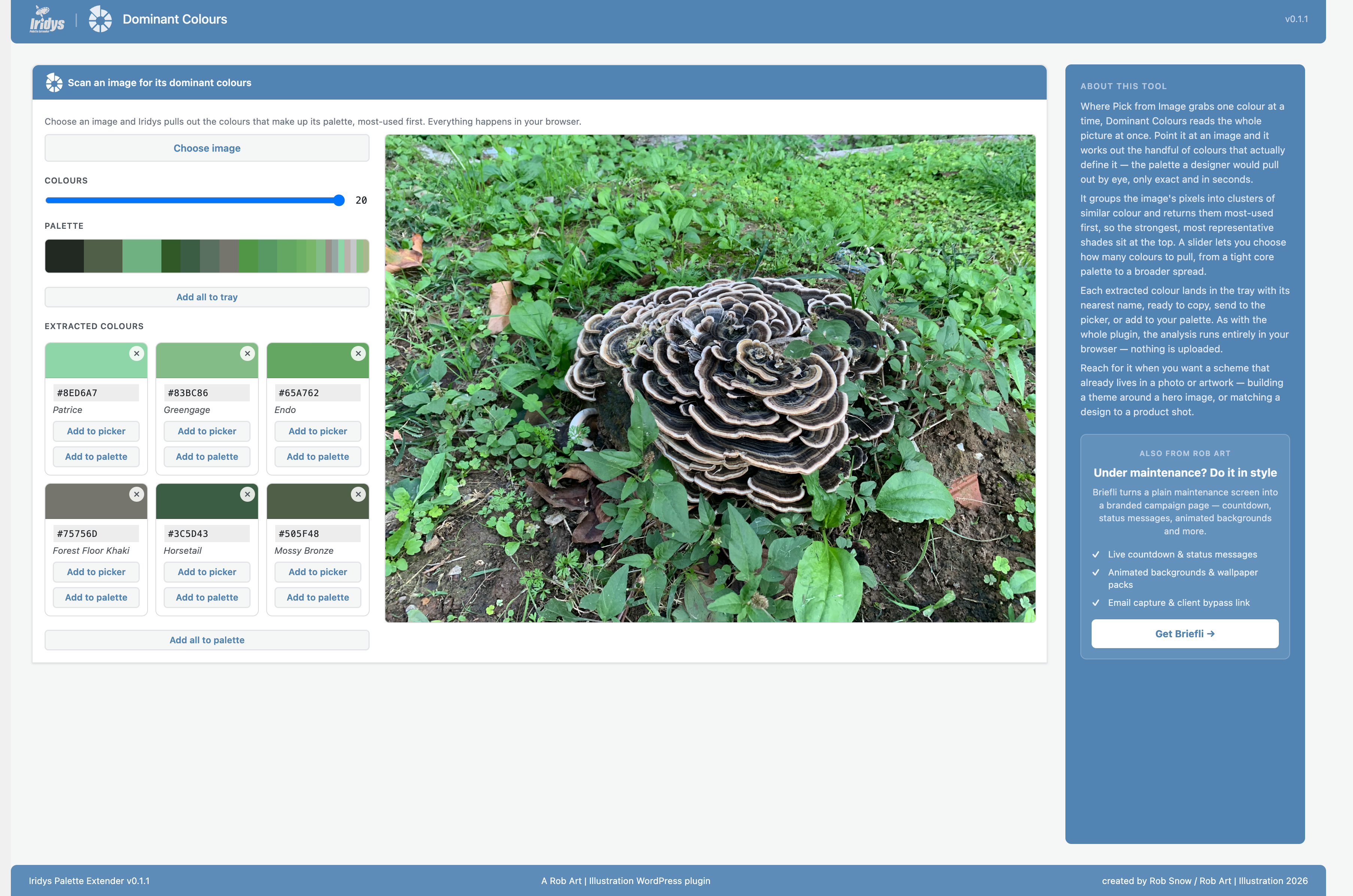
Dominant Colours — extract a full palette from any image with a colour-count slider.
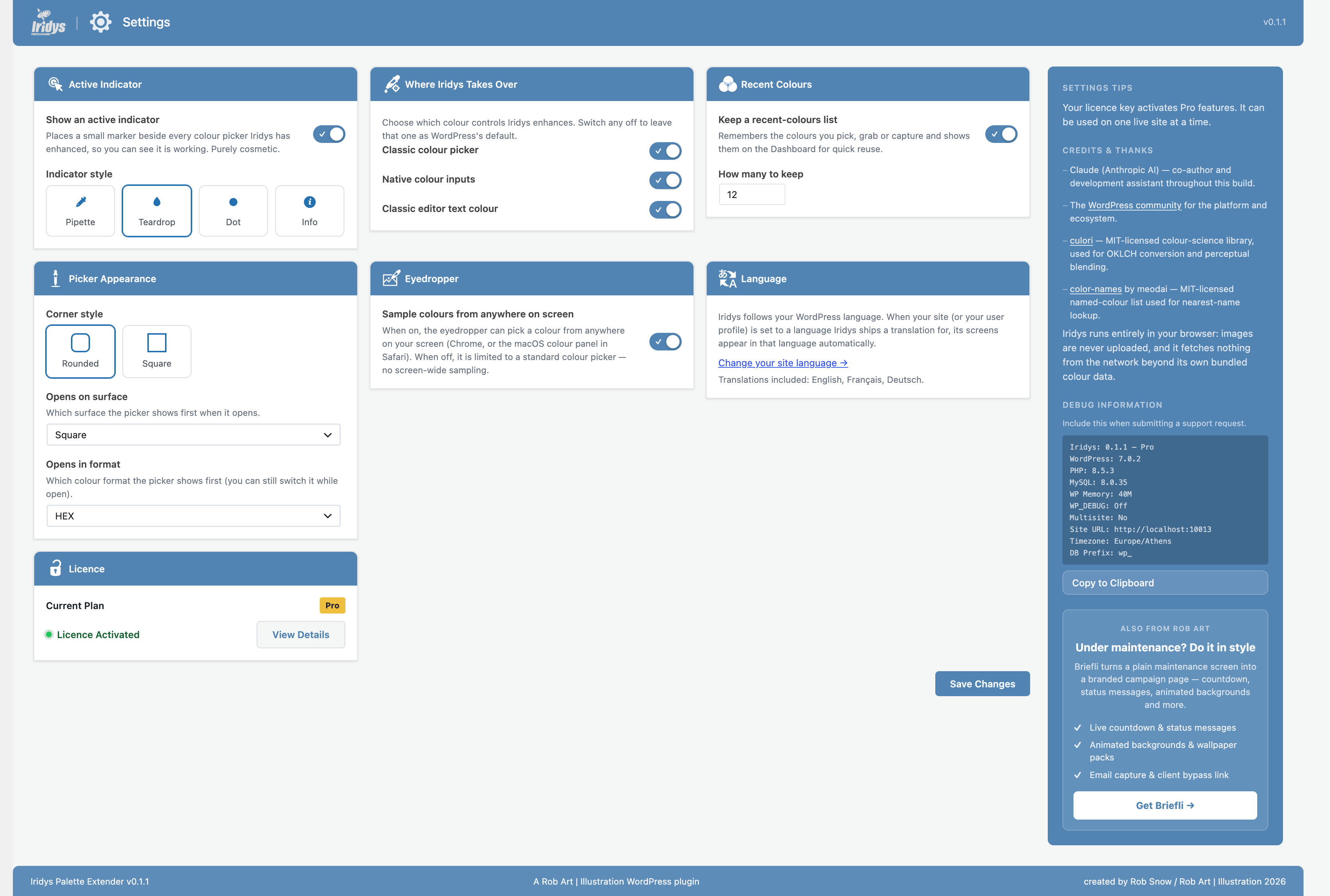
The Settings screen — a single-page card grid controlling the indicator, takeovers, picker appearance, eyedropper, recent colours and language.


