Keystone OIDC Wordpress Plugin - Rating, Reviews, Demo & Download
Plugin Description
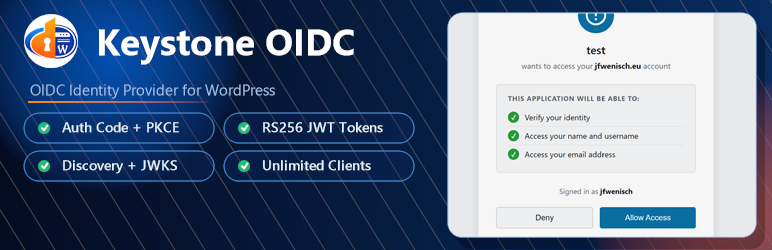
Keystone OIDC transforms your WordPress installation into a fully-featured OpenID Connect (OIDC) identity provider, allowing other applications to authenticate users via your WordPress user database.
Key Features
- OIDC Authorization Code Flow with PKCE support
- RS256 JWT signed access tokens and ID tokens
- Admin UI to create and manage multiple OIDC clients
- Client secret management – generate and reset secrets securely (shown only once)
- OIDC Discovery endpoint (
/wenisch-tech/keystone-oidc/.well-known/openid-configuration) for automatic client configuration - Standard scopes:
openid,profile,email - Refresh tokens for long-lived sessions
- Zero additional configuration after install – just create a client and you’re ready
Endpoints
Endpoint
URL
Discovery
/wenisch-tech/keystone-oidc/.well-known/openid-configuration
Authorization
/wenisch-tech/keystone-oidc/oauth/authorize
Token
/wenisch-tech/keystone-oidc/oauth/token
UserInfo
/wenisch-tech/keystone-oidc/oauth/userinfo
JWKS
/wenisch-tech/keystone-oidc/oauth/jwks
Compatibility aliases are also routed under /wenisch-tech/keystone-oidc/protocol/openid-connect/* for clients that still derive Keycloak-style paths from the custom issuer URI. These aliases are not advertised in discovery.
UserInfo Example
For openid profile email, /wenisch-tech/keystone-oidc/oauth/userinfo returns:
`json
{
“sub”: “42”,
“name”: “Jane Doe”,
“given_name”: “Jane”,
“family_name”: “Doe”,
“preferred_username”: “jane”,
“email”: “jane@example.com”,
“email_verified”: true
}
`
sub is the WordPress user ID as a string, `preferred_username` is the WordPress `user_login`, and `email` is the WordPress `user_email`.
Roles are not currently emitted. The plugin does not expose WordPress roles or capabilities in UserInfo or ID tokens.
Quick Start
- Install and activate the plugin
- Go to OIDC Provider Add Client in your WordPress admin
- Enter your application name and redirect URI(s)
- Copy the generated Client ID and Client Secret (shown once)
- Configure your OIDC client application with the discovery URL shown in the settings