
Klamra Book Builder Wordpress Plugin - Rating, Reviews, Demo & Download
Plugin Description
Klamra Book Builder helps site owners turn published WordPress posts or WooCommerce products into one organized, printable book file.
The plugin generates a standalone HTML file with a cover page, table of contents, chapter numbering, print stylesheet and browser-based Save as PDF support. It is useful for bloggers, writers, educators, artists, small publishers and content-heavy sites that want to turn an archive into a manuscript, booklet, printable collection or draft book.
The first public version focuses on safe HTML export rather than server-side PDF generation. This keeps the plugin lightweight and reduces hosting compatibility issues.
Features:
- Export published posts into one book-style HTML file
- Export WooCommerce products into a printable catalog-style book
- Choose all posts/products or a specific category
- Choose oldest-first or newest-first order
- Set an export limit to reduce server load
- Include dates, featured images and table of contents
- Choose LTR or RTL book direction
- Browser Print / Save as PDF support
- CSS page-number support for print engines that support CSS page margin boxes
- Safe mode to skip shortcodes, forms, scripts and heavy embeds while exporting
- Direct file writing to reduce memory usage
- Secure admin-only download links
- ASCII-only generated filenames for better hosting compatibility
Important PDF Note
Klamra Book Builder creates a printable HTML book. To create a PDF, open the generated book and use your browser’s Print / Save as PDF option.
Page numbers are added with CSS @page rules when the browser or PDF engine supports them. Browser support can vary.
Screenshots
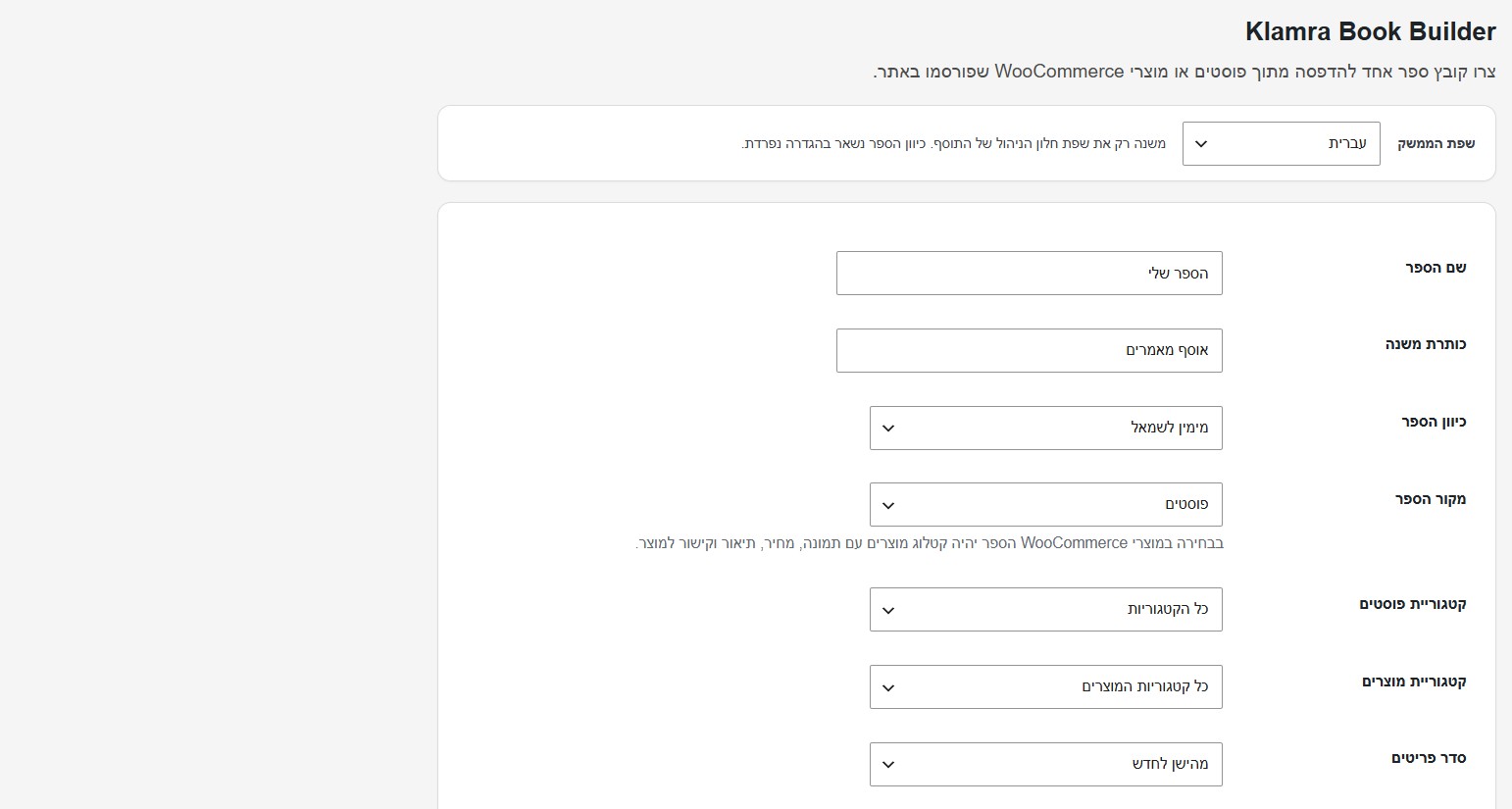
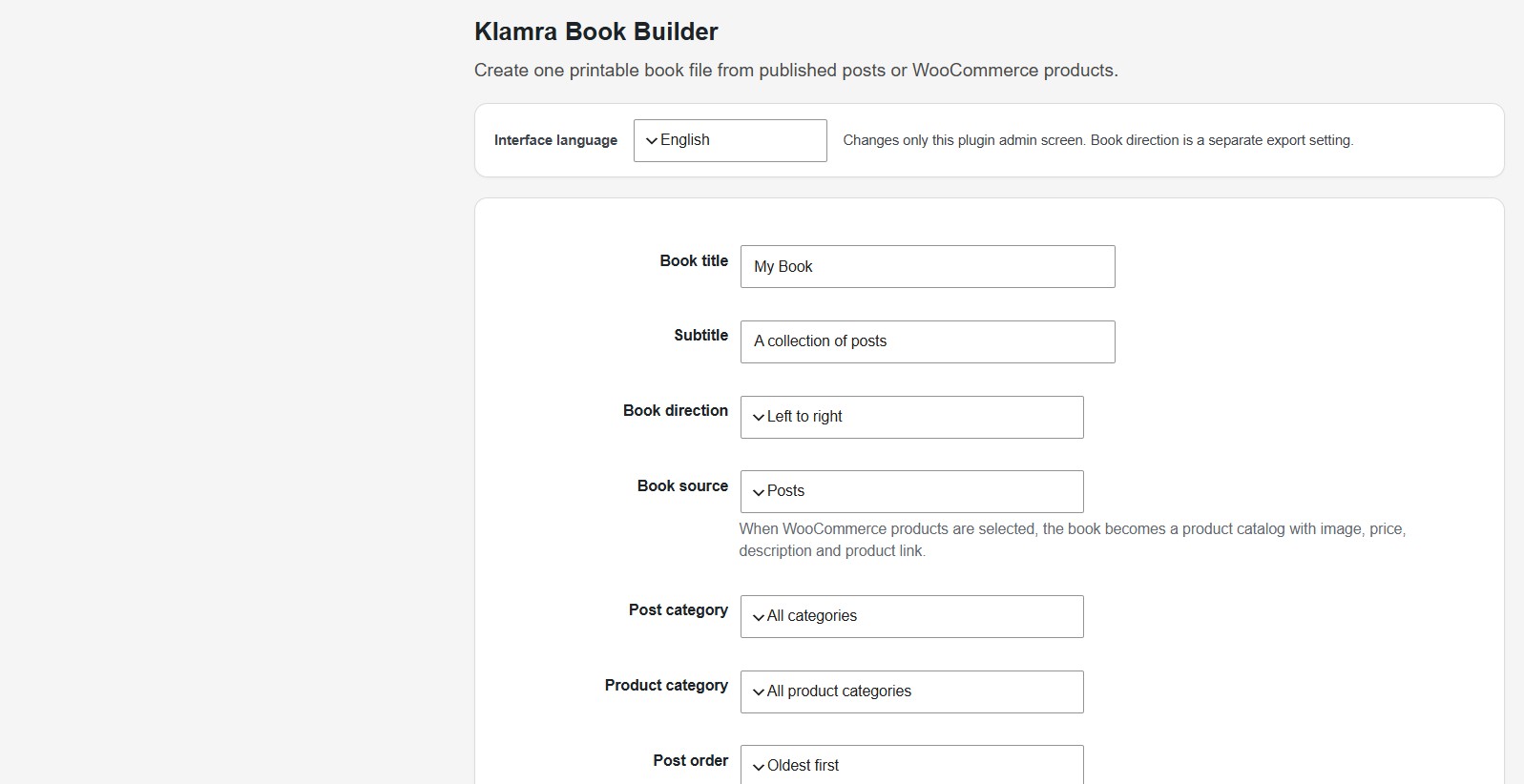
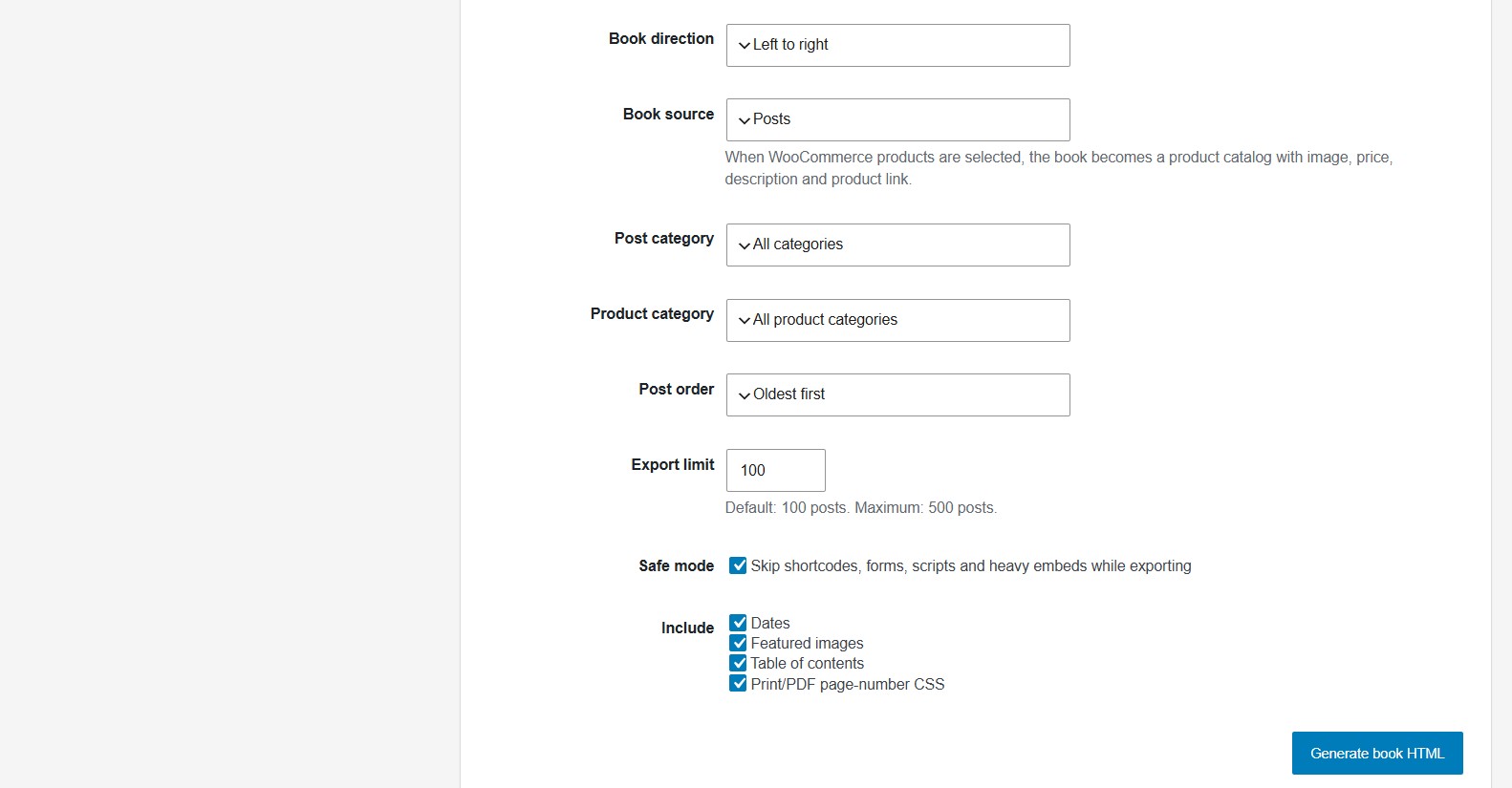
Book Builder admin screen.
Generated book cover and table of contents.
Browser Print / Save as PDF flow.


