
Kronolog – Extension Audit Log By Technoverse ID Wordpress Plugin - Rating, Reviews, Demo & Download

Plugin Description
Kronolog records every install, update, activation, deactivation, and
deletion event for plugins and themes on your WordPress site. Events are stored with a UTC
timestamp and displayed in the site’s configured timezone.
Features:
- Tracks installs, updates, activations, deactivations, and deletions — for both plugins and themes
- Timeline detail view per package showing the full event history
- Admin list table with sorting and filtering by type (plugin/theme)
- “View History” quick link injected into the Plugins screen
- Settings page: opt-in to delete all history data on plugin uninstall (off by default)
- All data stored in a dedicated database table; nothing is written to wp_options except one setting
Screenshots
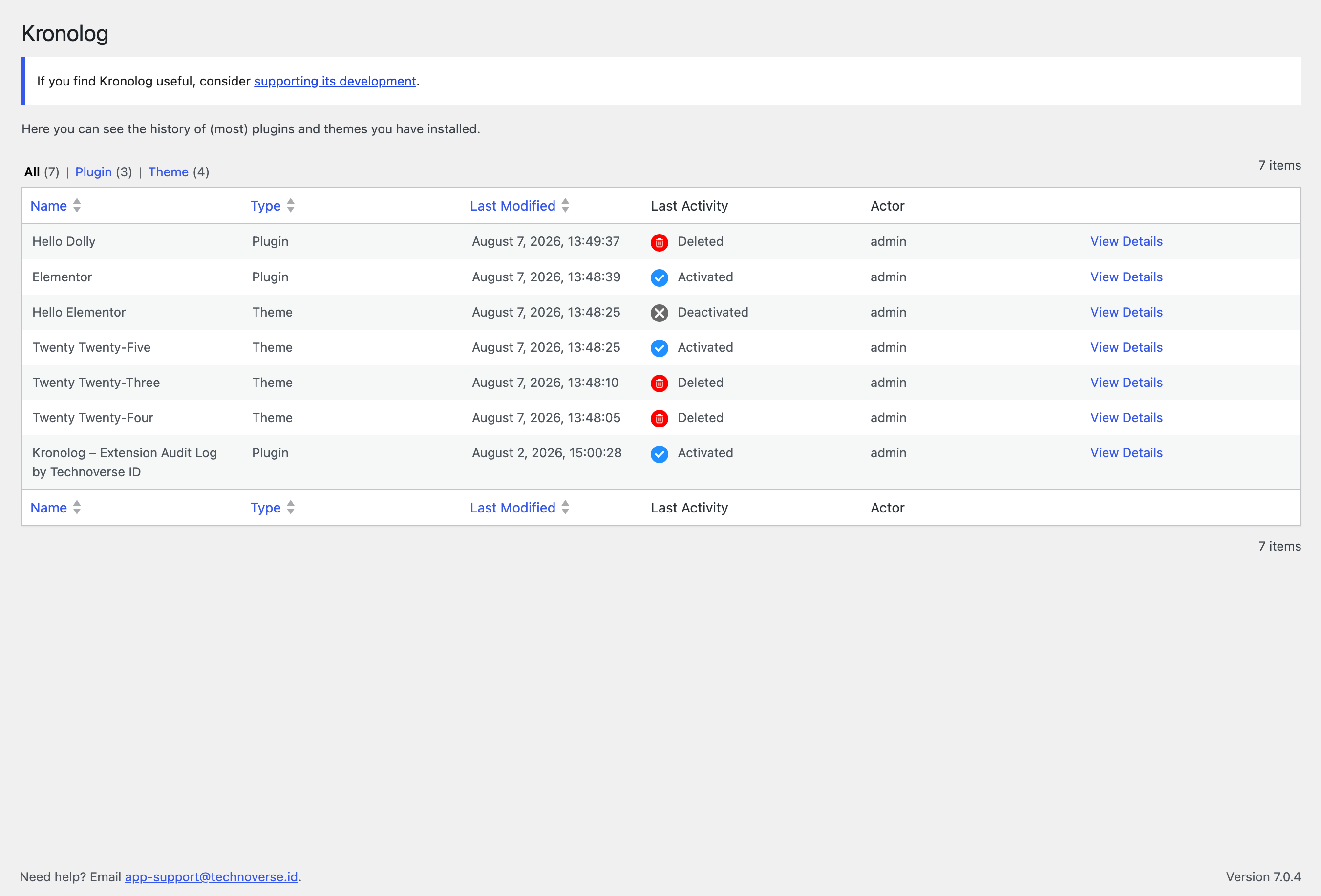
History list showing the latest event per package
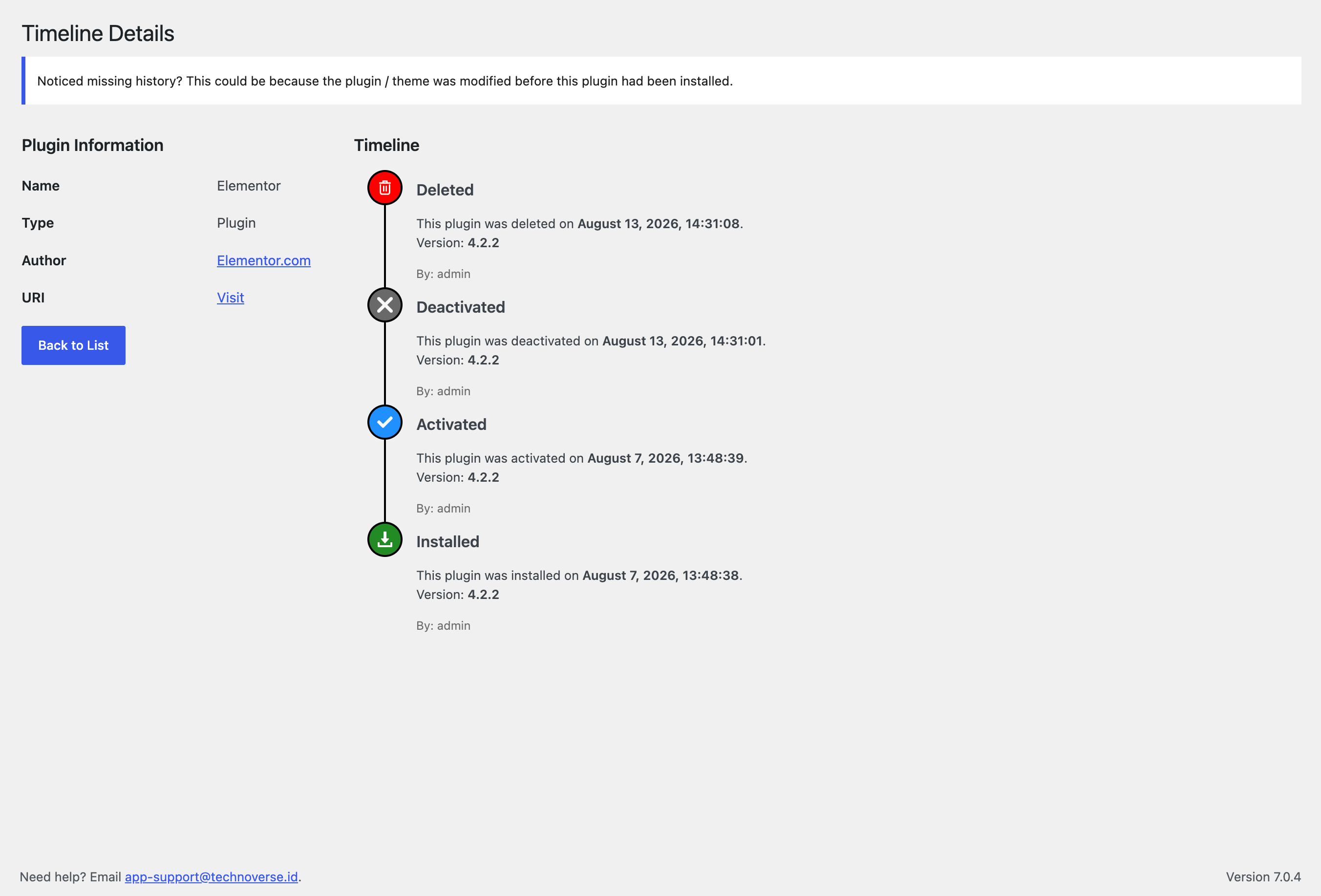
Timeline detail view for a single plugin
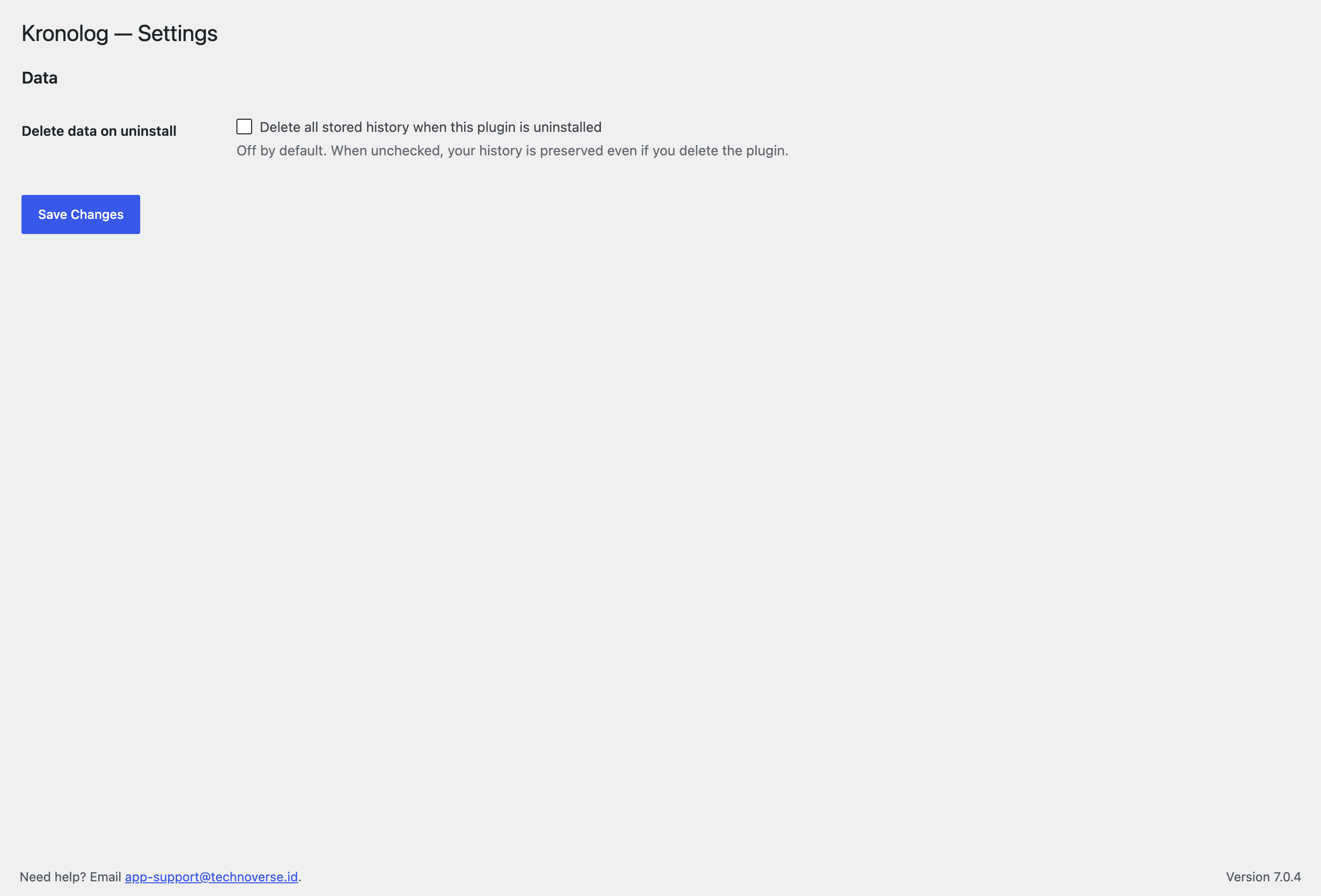
Settings page

