
Link Nacional File Browser Wordpress Plugin - Rating, Reviews, Demo & Download

Plugin Description
Link Nacional File Browser lets you create and manage a complete hierarchical file system within WordPress. It provides an admin interface to organize files into folders and a shortcode to display the file browser on the frontend.
Key Features:
- Hierarchical Folder System — Create nested folders organized like a file explorer
- Multiple File Uploads — Support for PDF, Word, Excel, PowerPoint, images, and more
- Search Interface — Quick file and folder search on the frontend
- Responsive Design — Grid or list layout, adaptable to mobile devices
- Breadcrumb Navigation — Intuitive folder browsing
- Flexible Shortcode — Multiple configuration options
Supported File Types:
* Documents: PDF, DOC, DOCX, XLS, XLSX, PPT, PPTX, TXT
* Images: JPG, JPEG, PNG, GIF
Technical Details
Database Structure:
* {prefix}linknacional_filebrowser_folders — Stores folder information
* {prefix}linknacional_filebrowser_files — Stores file information
Upload Directory:
Files are stored in /wp-content/uploads/linknacional-filebrowser/
Available Hooks:
* linknacional_filebrowser_before_upload — Fires before a file upload
* linknacional_filebrowser_after_upload — Fires after a file upload
* linknacional_filebrowser_before_delete — Fires before a file deletion
Support
For technical support, contact us:
* Email: contato@linknacional.com
* Website: https://www.linknacional.com.br
License
This plugin is licensed under GPL v2 or later.
Screenshots
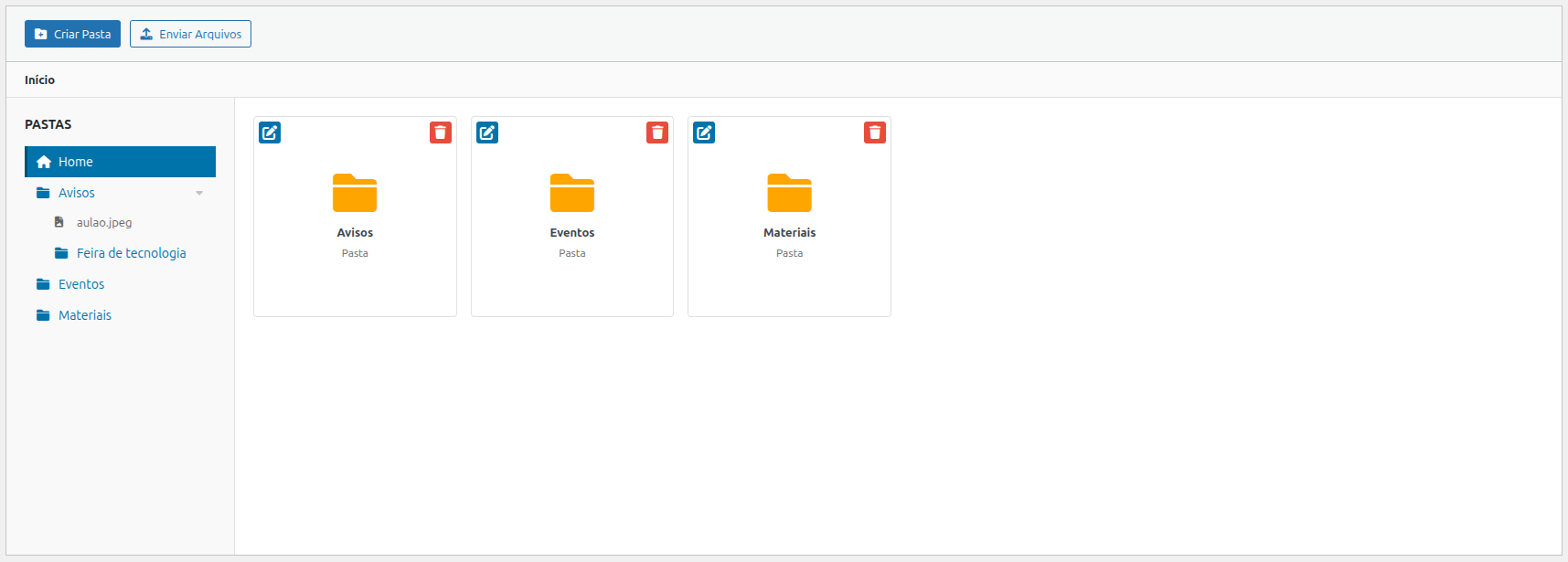
Admin interface — Main configuration page with folder tree and file grid
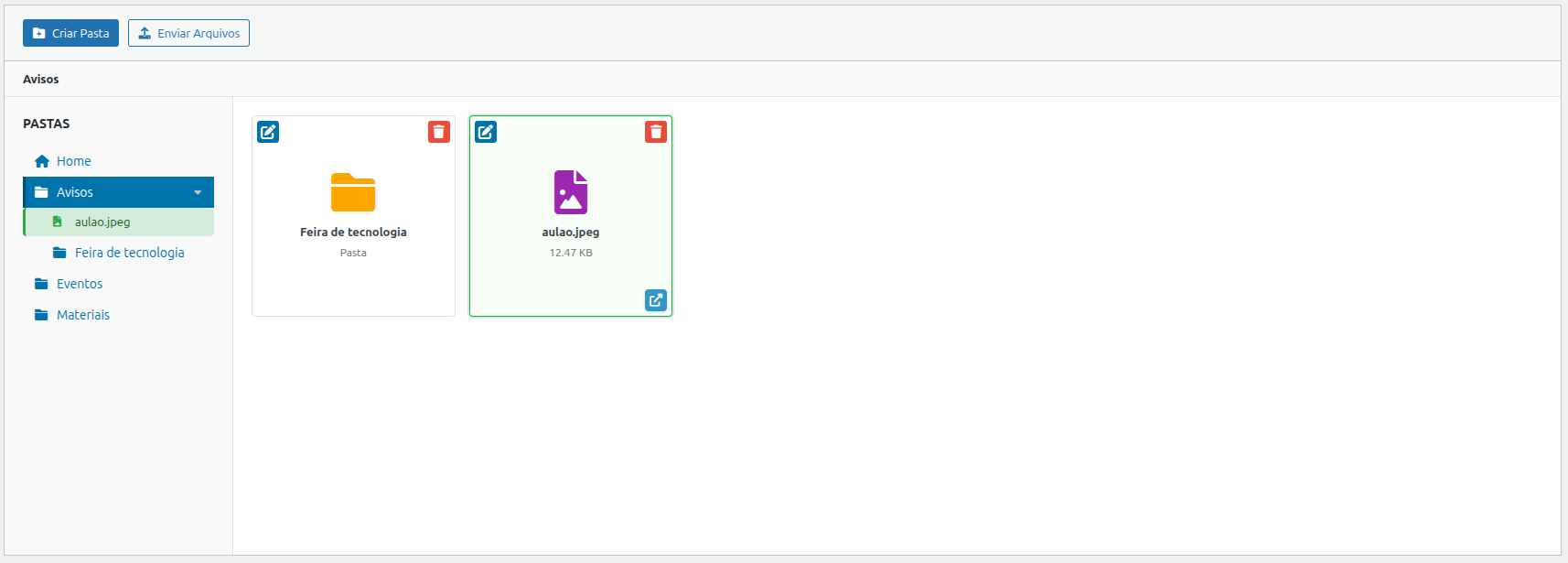
Admin interface — Selecting and managing files in a folder
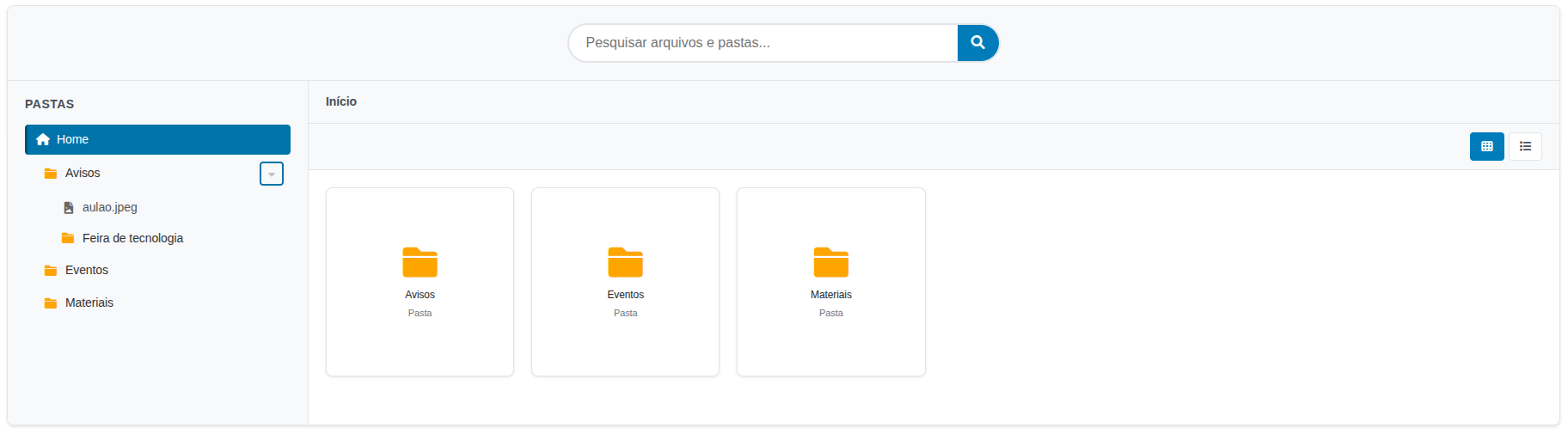
Frontend — File browser component displayed via shortcode
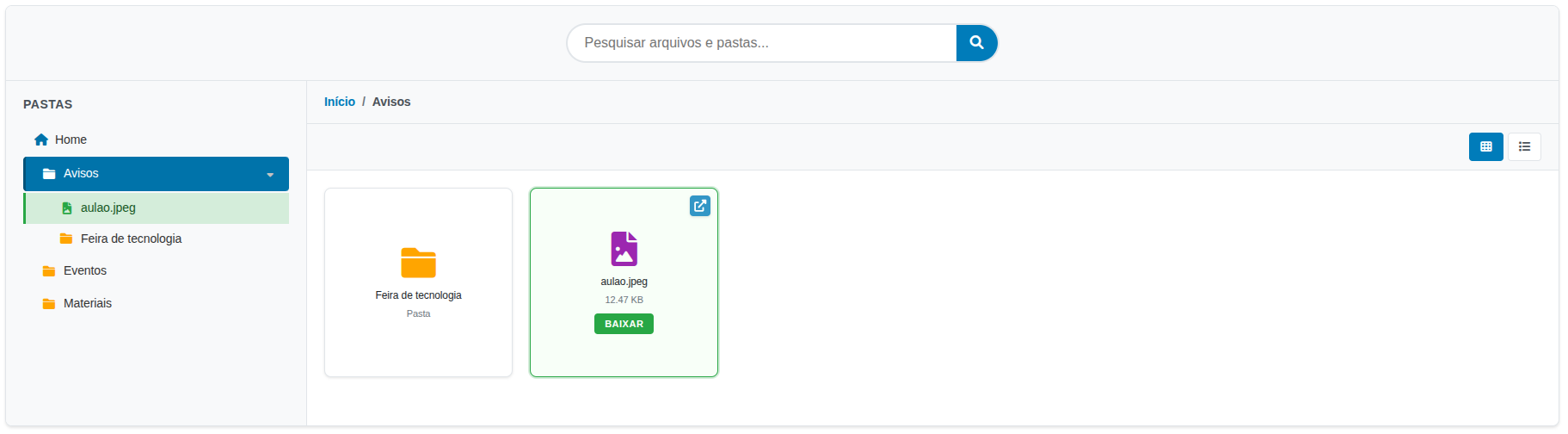
Frontend — Navigating and previewing files in grid layout
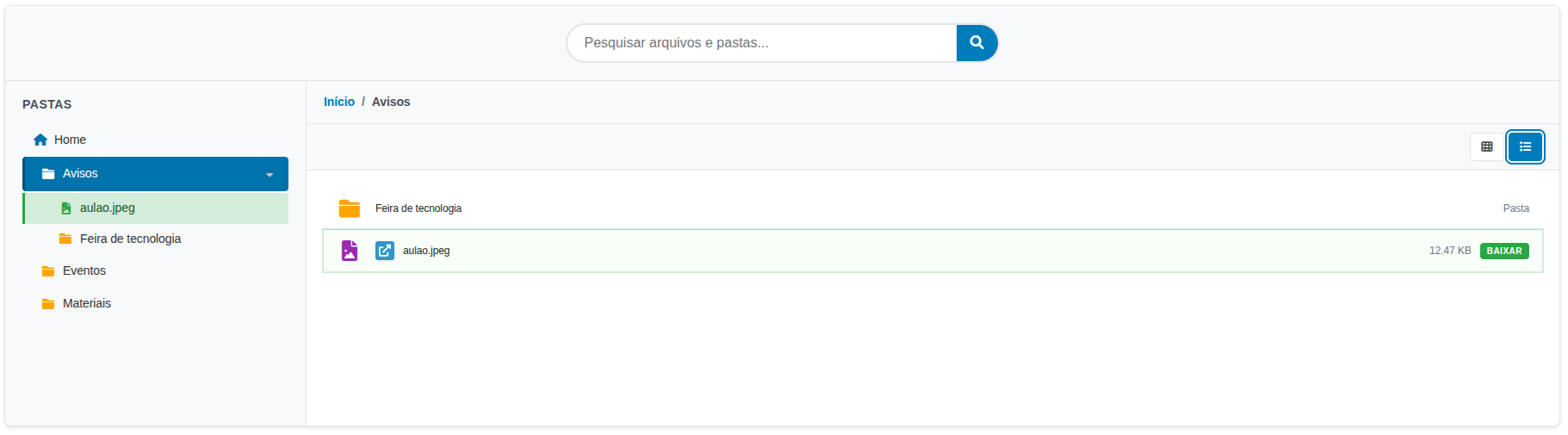
Frontend — File browser in list layout mode
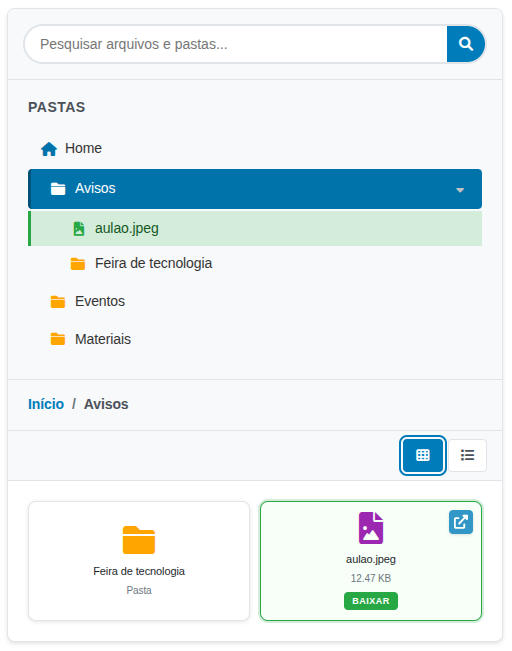
Frontend — Mobile responsive view
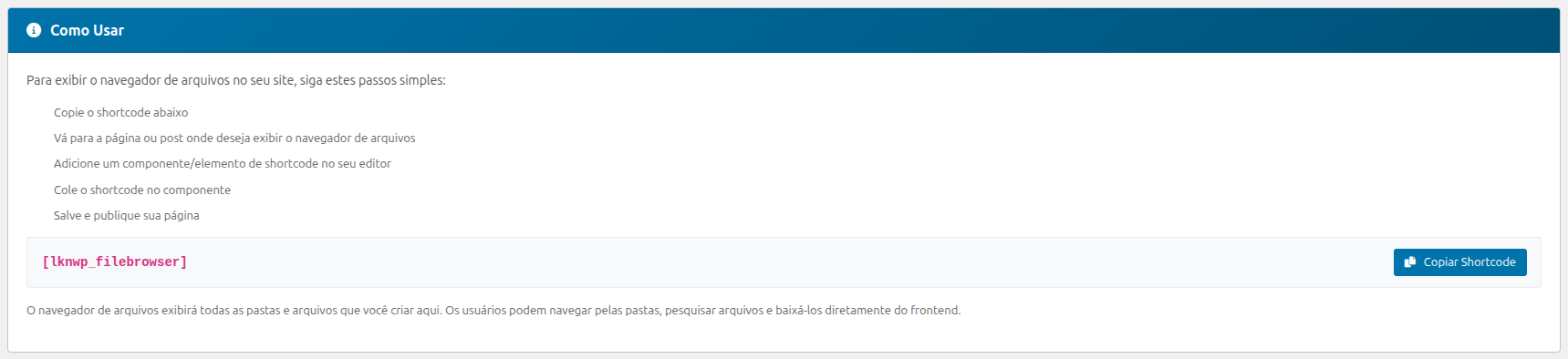
Admin interface — How to use the shortcode instructions panel

