Local PR Outbound UTM Tagger Wordpress Plugin - Rating, Reviews, Demo & Download
Plugin Description
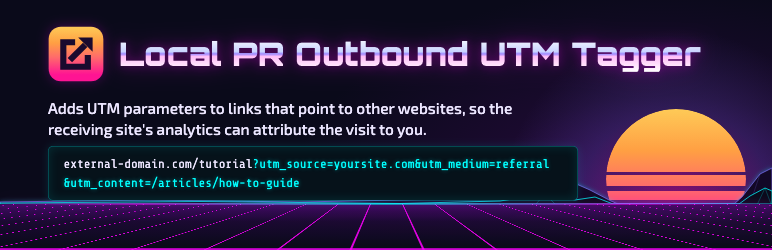
Outbound UTM Tagger adds UTM parameters (utm_source, utm_medium, utm_campaign, utm_term, utm_content) to links on your site that point to other websites. When someone follows a tagged link, the destination site’s analytics can see the visit came from you.
Links that already carry a utm_ parameter are never changed, and links to your own site are left alone.
Two ways to add the tags
- HTML mode: the tags are written into the page on the server (using the WordPress 6.9 HTML enhancement pipeline and the HTML API, so no fragile regular expressions). Works for every visitor, is visible in View Source, and is seen by search engines.
- JavaScript mode: the page keeps clean links and a small script adds the tags at the moment a link is activated. Crawlers and anyone copying a link get the clean version.
Placeholders let one setting adapt per page, for example {slug}, {path}, {post_type}, {category}, {author}, {link_text}, and {term:your_taxonomy}. Every placeholder describes the page, never the visitor, so it stays correct on cached pages.
Other details
- Tagging starts switched off: activating the plugin changes nothing until you turn it on and save.
- A per-site skip list excludes any domains you choose; your own domain is always skipped.
- Add the CSS class
noutmto a link (or a block containing it) to skip it. - On SiteGround, saving clears the Speed Optimizer cache automatically; elsewhere, clear your page cache after saving.
Screenshots

The settings screen: switch tagging on, choose HTML or JavaScript mode, set the UTM values and placeholders, and list domains to skip.