
LumaSwitch Wordpress Plugin - Rating, Reviews, Demo & Download
Plugin Description
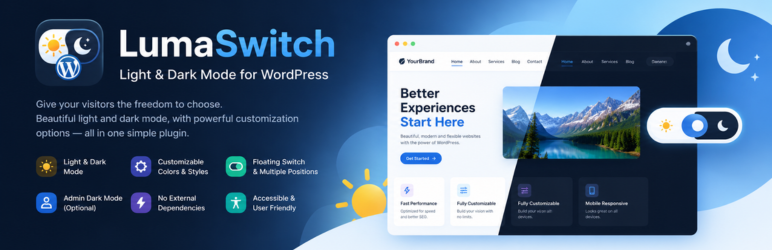
LumaSwitch provides a lightweight light/dark mode experience for WordPress sites. Visitors can switch between light and dark themes, follow their operating-system preference, and optionally remember their choice in the browser.
Administrators can configure the frontend switch, colors, positions, sizes, transitions, and a strong theme override. An optional administrator-only switch can also change the WordPress dashboard between light and dark mode.
The plugin does not require an external service, CDN, analytics platform, tracking script, or remote executable code.
Features
- Light, dark, and system modes.
- Optional remembered visitor preference using browser localStorage.
- Twelve fixed frontend toggle styles.
- Eight toggle positions and three sizes.
- Separate light and dark color controls.
- Background, surface, heading, text, muted, link, border, input, placeholder, button, hover, and accent colors.
- Strong theme override for common WordPress, Elementor, WooCommerce, form, card, navigation, and layout surfaces.
- Optional WordPress administrator light/dark theme switcher.
- AJAX settings saving without a full page reload.
- AJAX settings-tab navigation.
- Keyboard accessible frontend and administrator switches.
- Reduced-motion support.
- No external services or tracking.
Privacy
LumaSwitch does not send visitor data to external services. When Remember Visitor Choice is enabled, the visitor’s selected theme is stored locally in the visitor’s browser using localStorage. No personal information is collected by the plugin.
Support
Website: https://www.arifulrazib.com/
Email: smarifulrazib@gmail.com
WhatsApp: https://wa.me/8801717080638
Screenshots
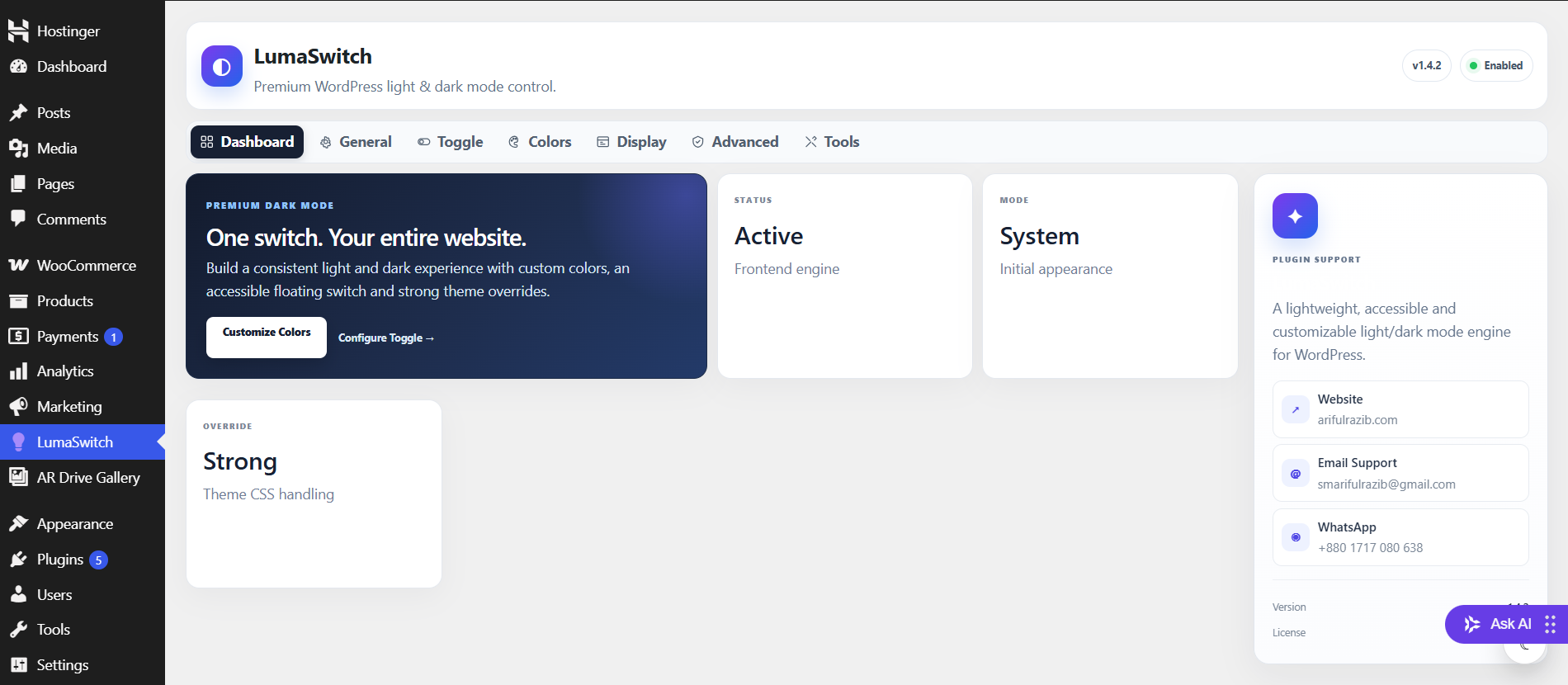
Plugin dashboard.
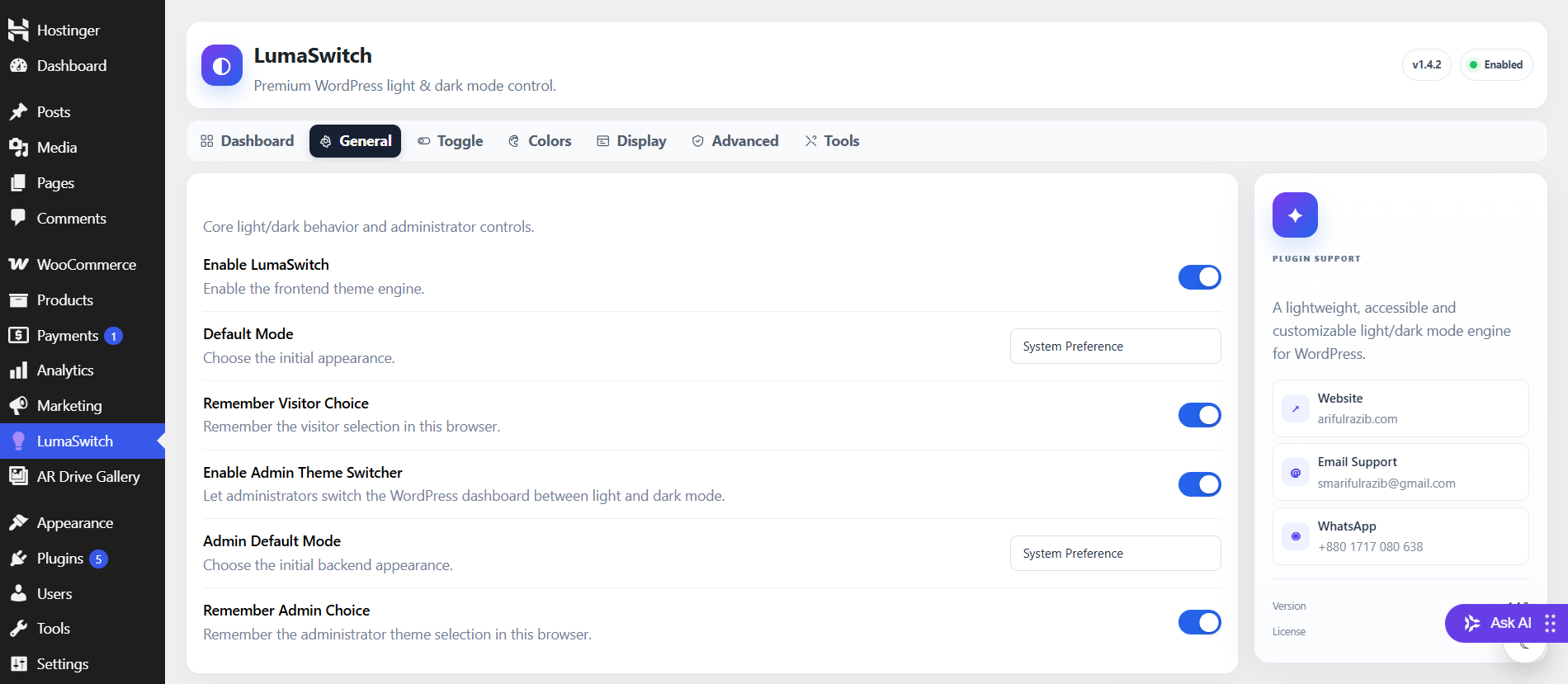
General settings.
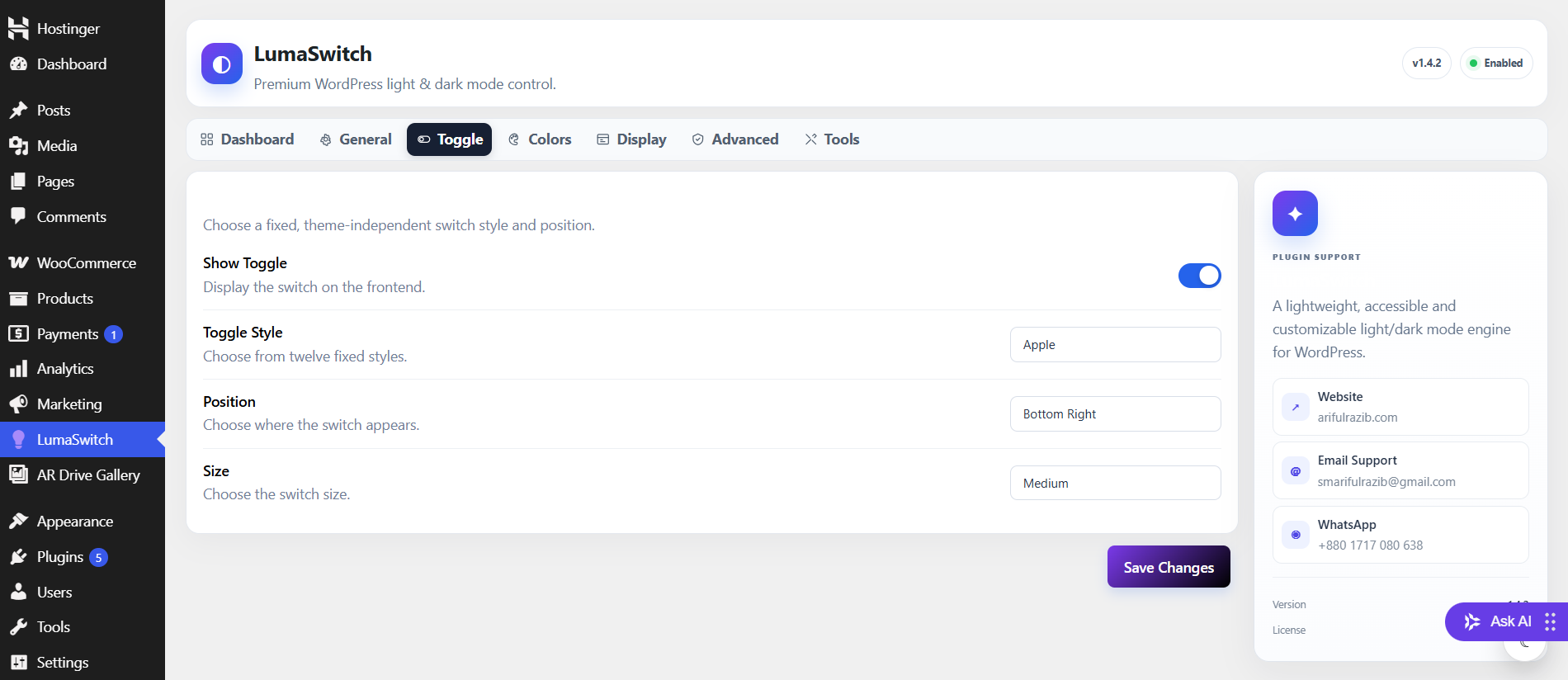
Toggle settings.
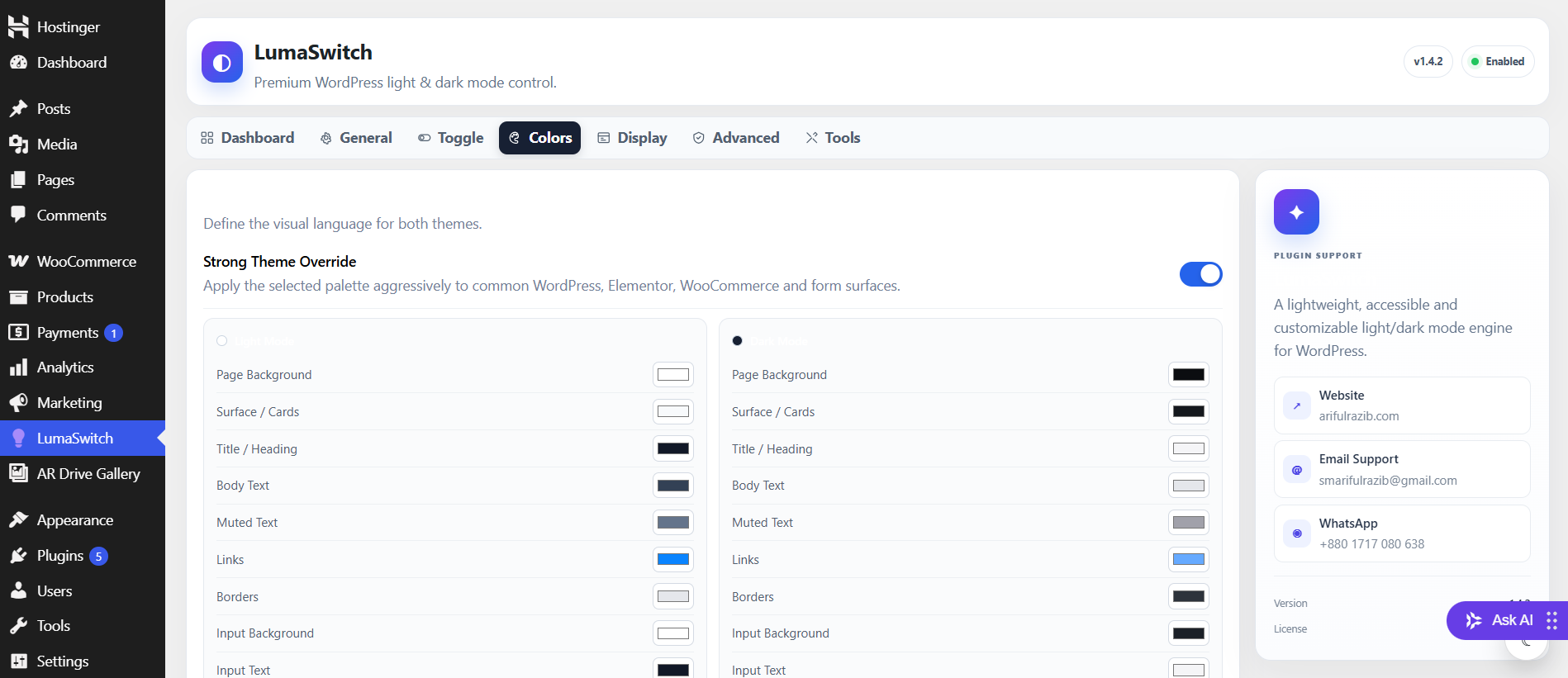
Colors settings.


