Lwakit Carbon Footprint Tracker Wordpress Plugin - Rating, Reviews, Demo & Download

Plugin Description
Lwakit calculates each page’s real-world environmental footprint using the Sustainable Web Design Model methodology (data transfer × energy intensity × grid carbon intensity), combining actual WordPress traffic data — not synthetic, one-off tests — with server-side metrics gathered natively in PHP.
Free version features:
- (Free) Real-Time Carbon Dashboard — An Eco-Score gauge (A–F letter grade) rendered with plain HTML5 Canvas, a 30-day graph of page views vs. estimated daily gCO2e, summary tiles (monthly gCO2e, data transferred, green-hosting status), and a “heaviest assets” breakdown of your top 5 largest media files.
- (Free) Per-Page Traffic Mapping — Measures real page weight on the front end: actual HTML byte count, local script/style file sizes, local image sizes, and database query overhead, accumulated per page with daily granularity.
- (Free) Per-Page Impact Ledger — Adds sortable “Page Weight”, “Traffic Vol.” and “Total Monthly CO2e” columns to your Posts and Pages list tables.
- (Free) Lightweight Frontend Trust Badge — A
[lwakit_eco_badge]shortcode and a matching Gutenberg block render an inline-SVG “Eco-Friendly Site” badge (zero extra image requests) in 3 style variants, with a settings-based default and a live-preview customizer. - (Free) Basic Actionable Recommendations — Plain-language alerts generated from your collected metrics and media library, e.g. oversized images not in a modern format, or large non-minified scripts.
- (Free) Settings — Pick your host from a bundled offline green-hosting provider list, optionally verify via the Green Web Foundation API, edit the assumed grid carbon intensity, and control whether data is removed on uninstall.
Every number Lwakit shows is a modeled estimate, not a metered measurement — the methodology and every constant used are documented in the plugin’s source code and summarized in the dashboard’s “About these estimates” note.
A separate premium version with deeper optimization tooling is planned for the future; this free version is a complete, standalone tracking and reporting tool on its own and does not require any premium add-on to function.
External services
Lwakit’s core features (dashboard, tracking, recommendations, badge) work entirely offline and make no external network requests.
Optional: Green Web Foundation API verification. If you explicitly enable “Verify via Green Web Foundation API” on the Settings Green Hosting tab (this setting is off by default), Lwakit sends your site’s domain name (e.g. example.com, taken from your WordPress Site Address, or a domain you enter manually) to:
https://api.thegreenwebfoundation.org/greencheck/{your-domain}
This is a GET request containing only the domain name — no visitor data, page content, or personal information is included. It is used solely to check whether your hosting domain appears on the Green Web Foundation’s public registry of verified green hosts, so Lwakit can display a “Verified” badge instead of relying on the bundled offline list. The result (a true/false flag) is cached locally in a WordPress transient for 30 days to minimize repeated requests, and the request is made only when an administrator views data that needs it — never on visitor-facing front-end page loads.
This service is operated by The Green Web Foundation, a third party independent of Lwakit. See their privacy policy and terms of service for how they handle this request.
No other external service is contacted by this plugin.
Screenshots
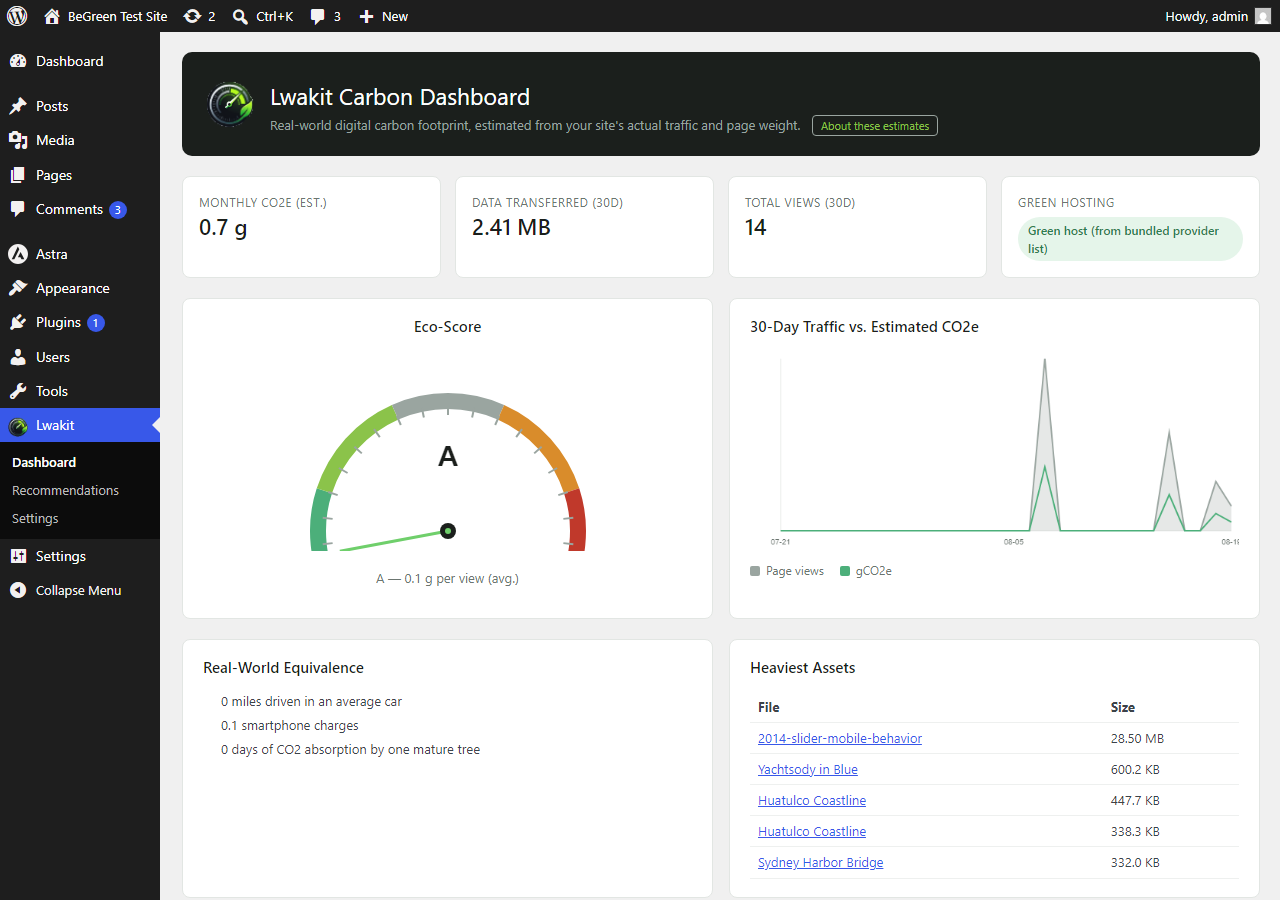
Lwakit dashboard with the Eco-Score gauge and 30-day traffic/CO2e chart.
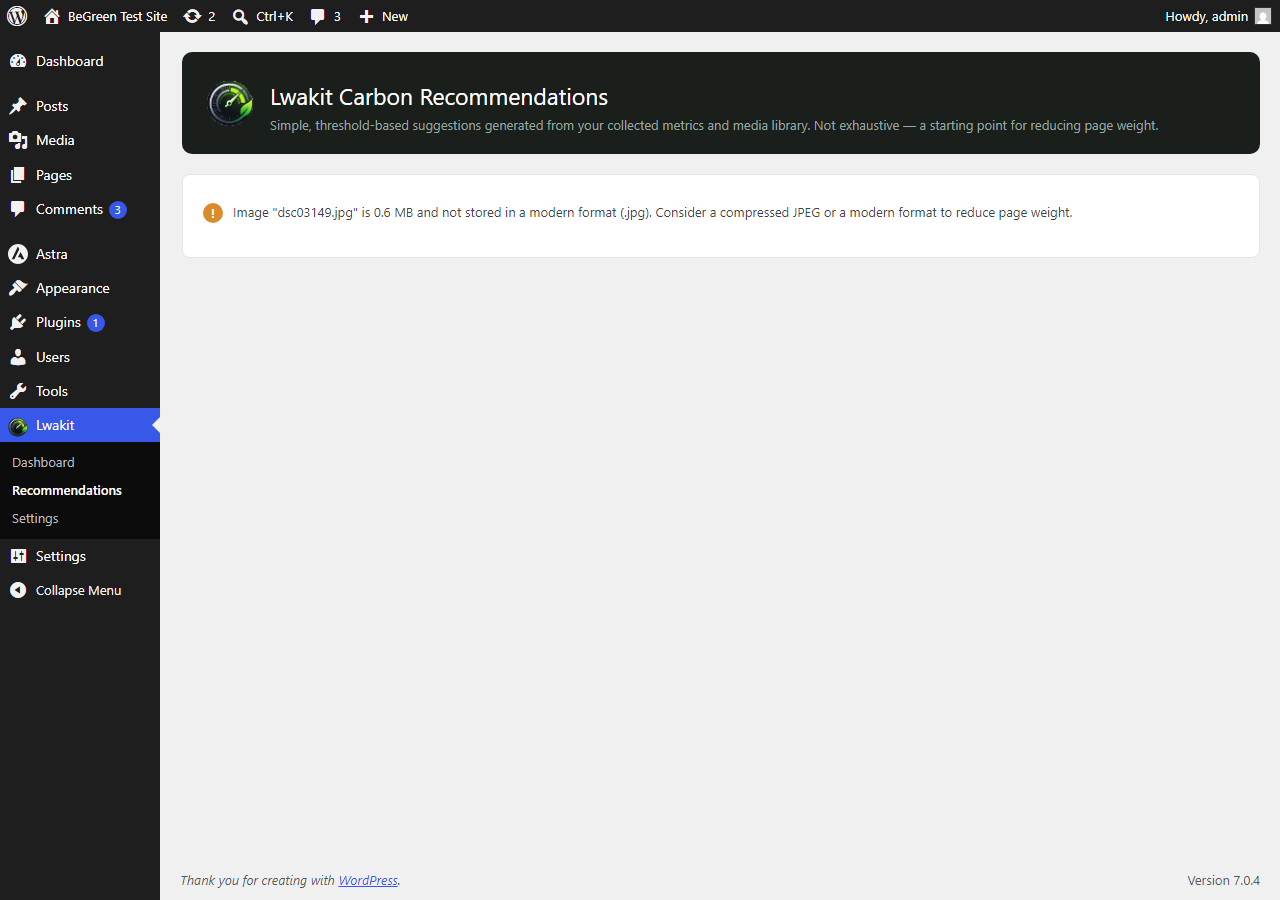
Recommendations page listing actionable, threshold-based alerts.
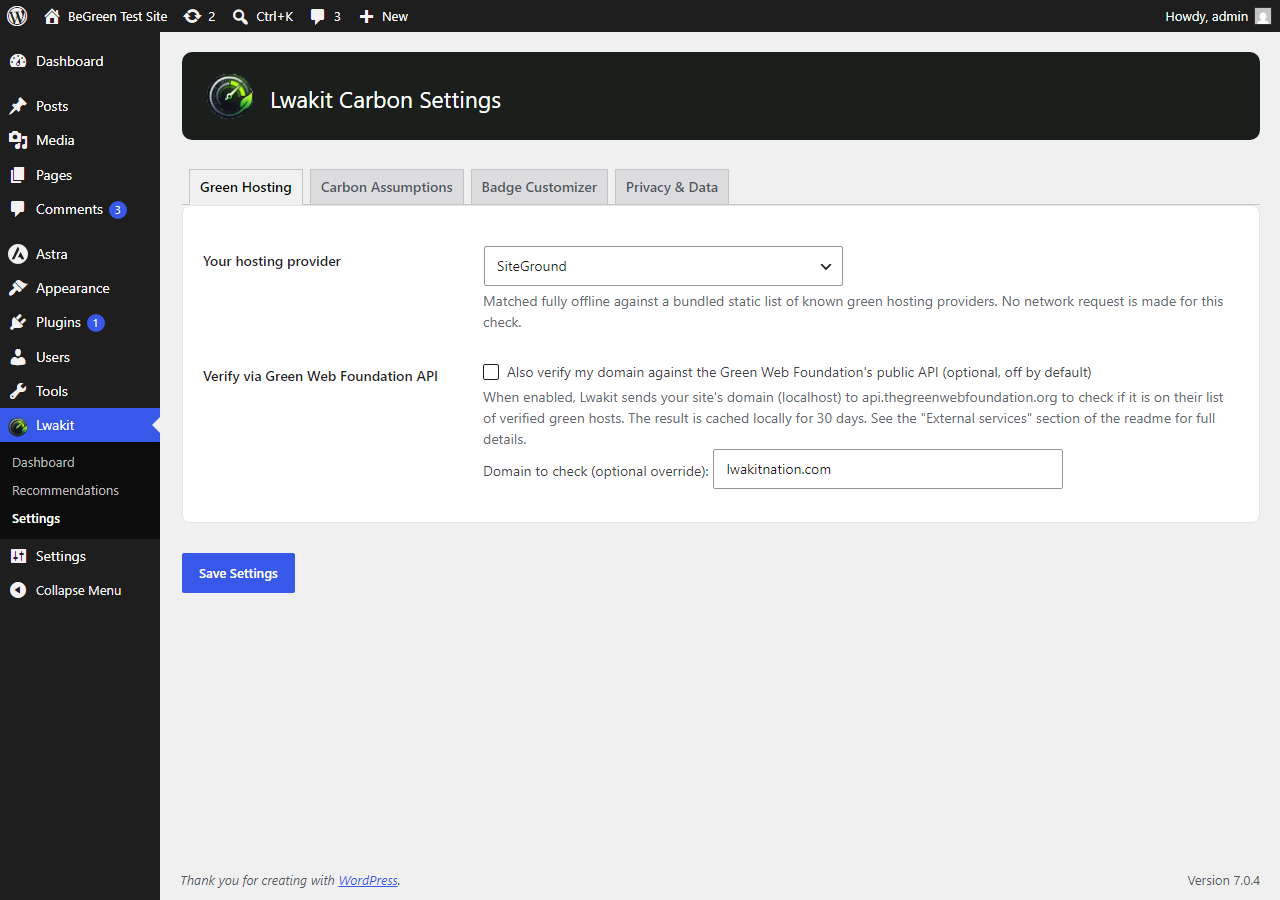
Settings page — Green Hosting tab with the offline provider dropdown.
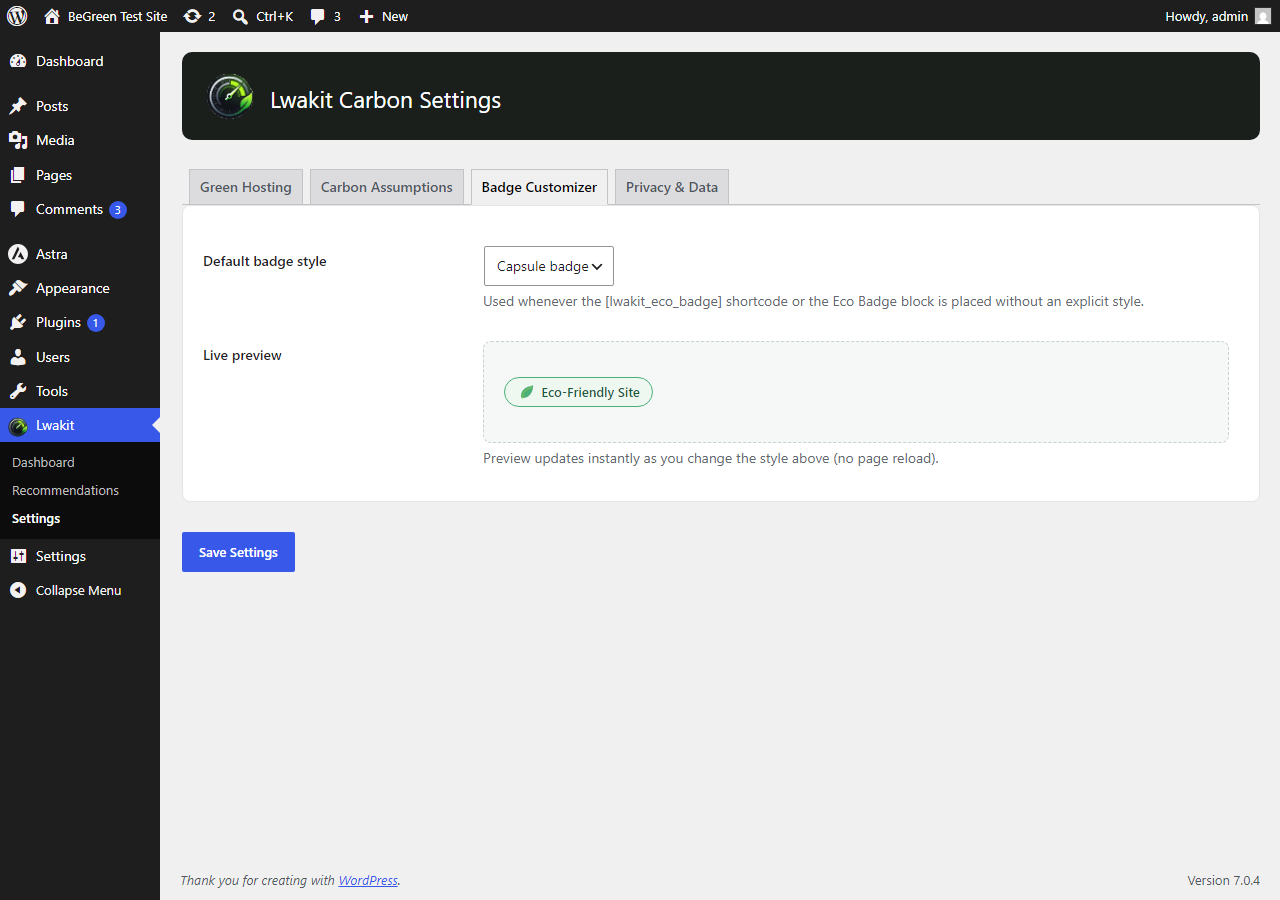
Settings page — Badge Customizer tab with live preview.

The Eco Badge in its capsule, minimalist, and dark-mode variants.
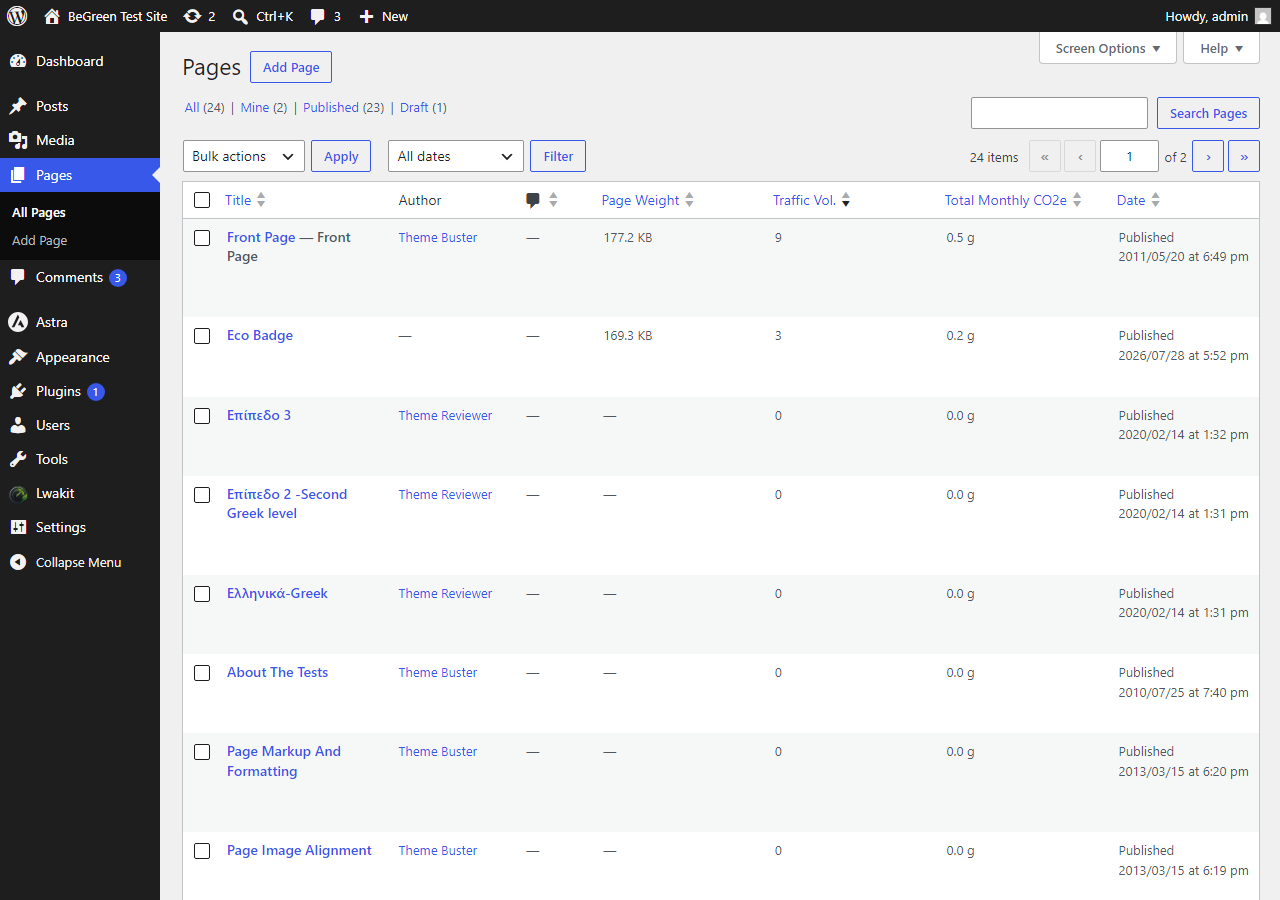
Pages list table showing the Page Weight, Traffic Vol. and Total Monthly CO2e columns (also available on Posts).