Maca Tjatt Wordpress Plugin - Rating, Reviews, Demo & Download

Plugin Description
Maca Tjatt adds a floating chat widget or inline shortcode to your site. Visitors can ask questions and get answers based on your website content.
-
Uses the WordPress 7.0 AI Client (no plugin-managed API keys)
-
Local search index — relevant website snippets are matched and sent with each question
-
Index pages, posts, and custom knowledge text
-
Floating widget or
[maca_tjatt]shortcode
Source code: https://github.com/maca59/maca-tjatt
External services
This plugin uses the WordPress AI Client introduced in WordPress 7.0. AI requests are routed through WordPress to whichever provider the site administrator has configured under Settings Connectors (for example the official AI Provider for OpenAI, Anthropic, or Google plugins).
No AI data is sent unless the chat is enabled and a visitor or administrator asks a question, or when an administrator builds the local search index.
AI providers (via WordPress Connectors)
Used when an administrator or visitor sends a chat question: the visitor question, a short chat history (last few turns), and relevant indexed text snippets as context are sent through the WordPress AI Client to the configured provider.
Data sent when an administrator builds the search index: website content is stored locally in a custom database table on your site. Indexing does not call an external AI service.
The exact provider, terms, and privacy policy depend on which AI provider plugin the site owner installs and connects. Common official options include OpenAI, Anthropic, and Google.
Screenshots
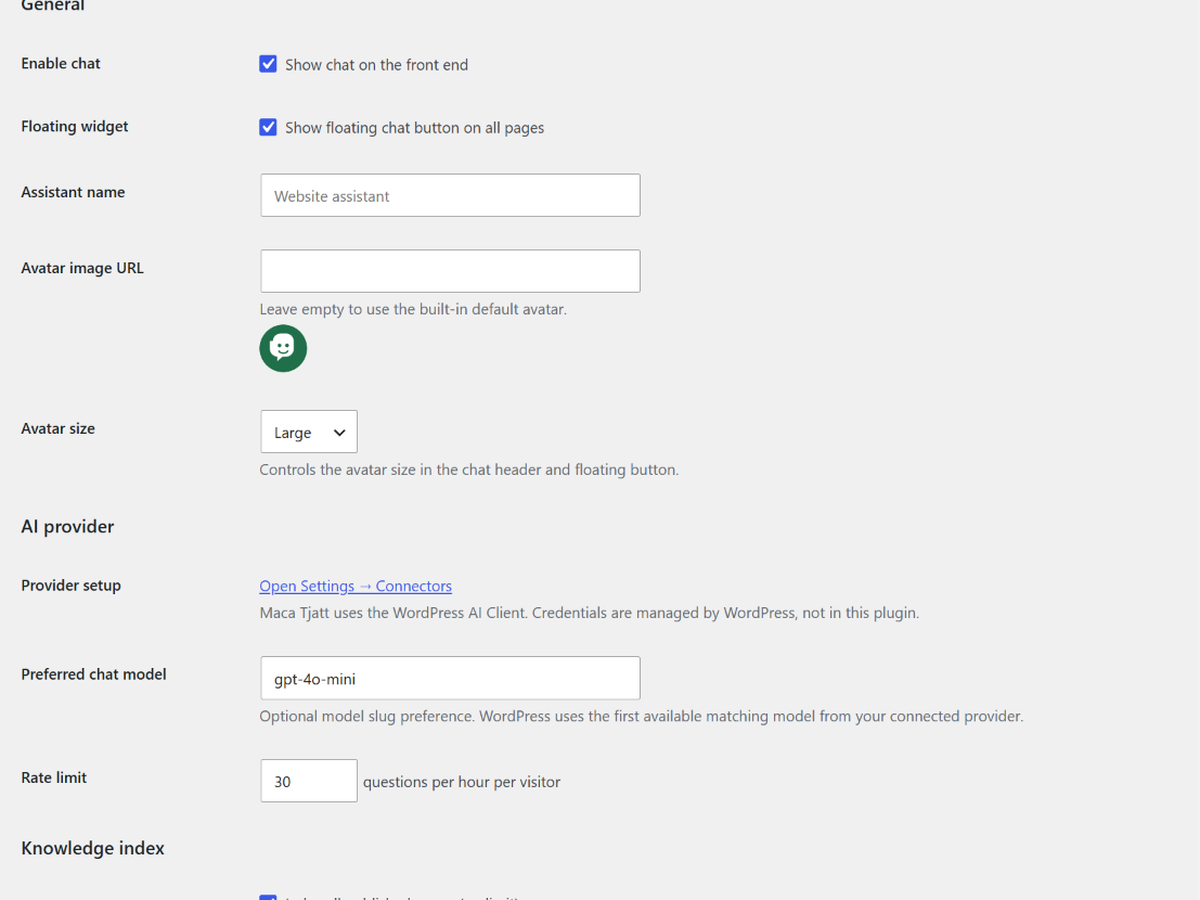
Maca Tjatt settings — enable chat, assistant name, and avatar
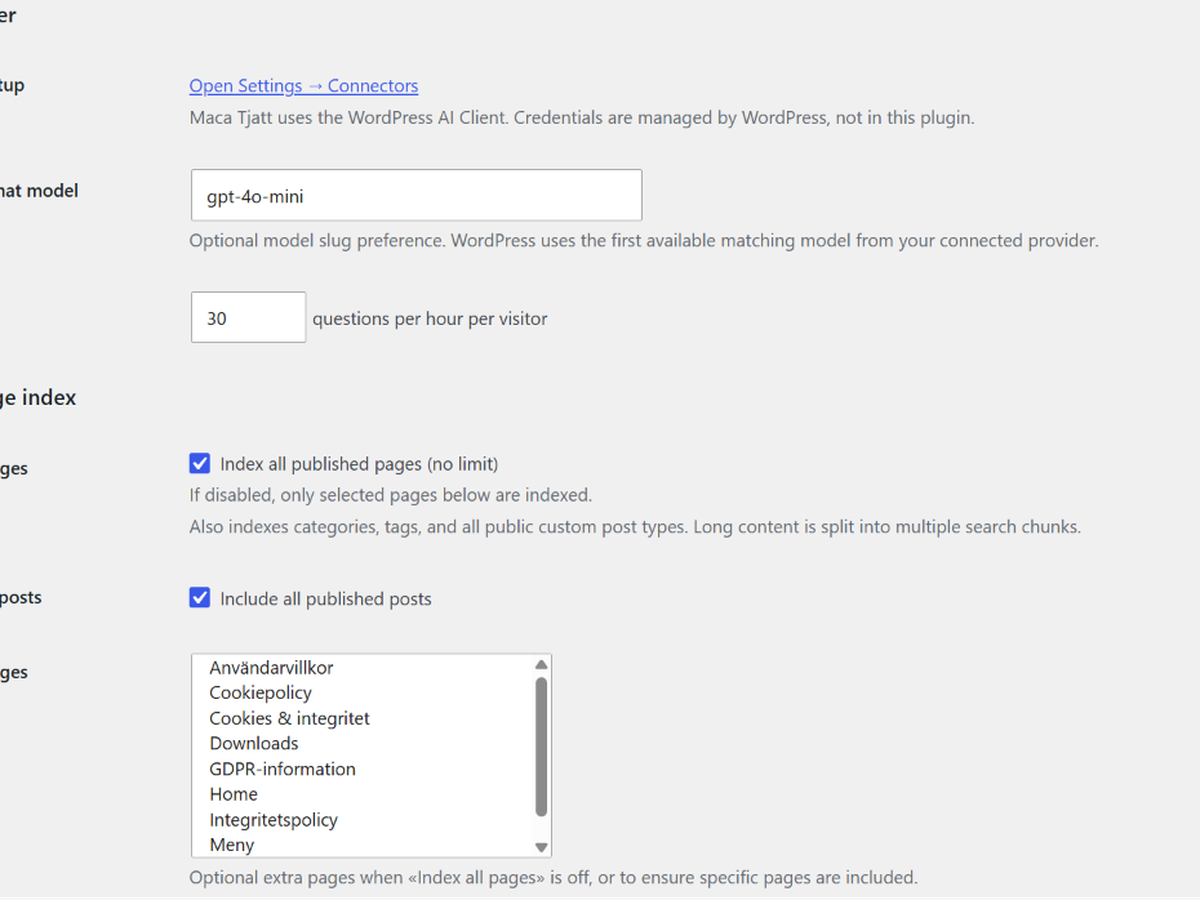
AI provider setup and preferred chat model
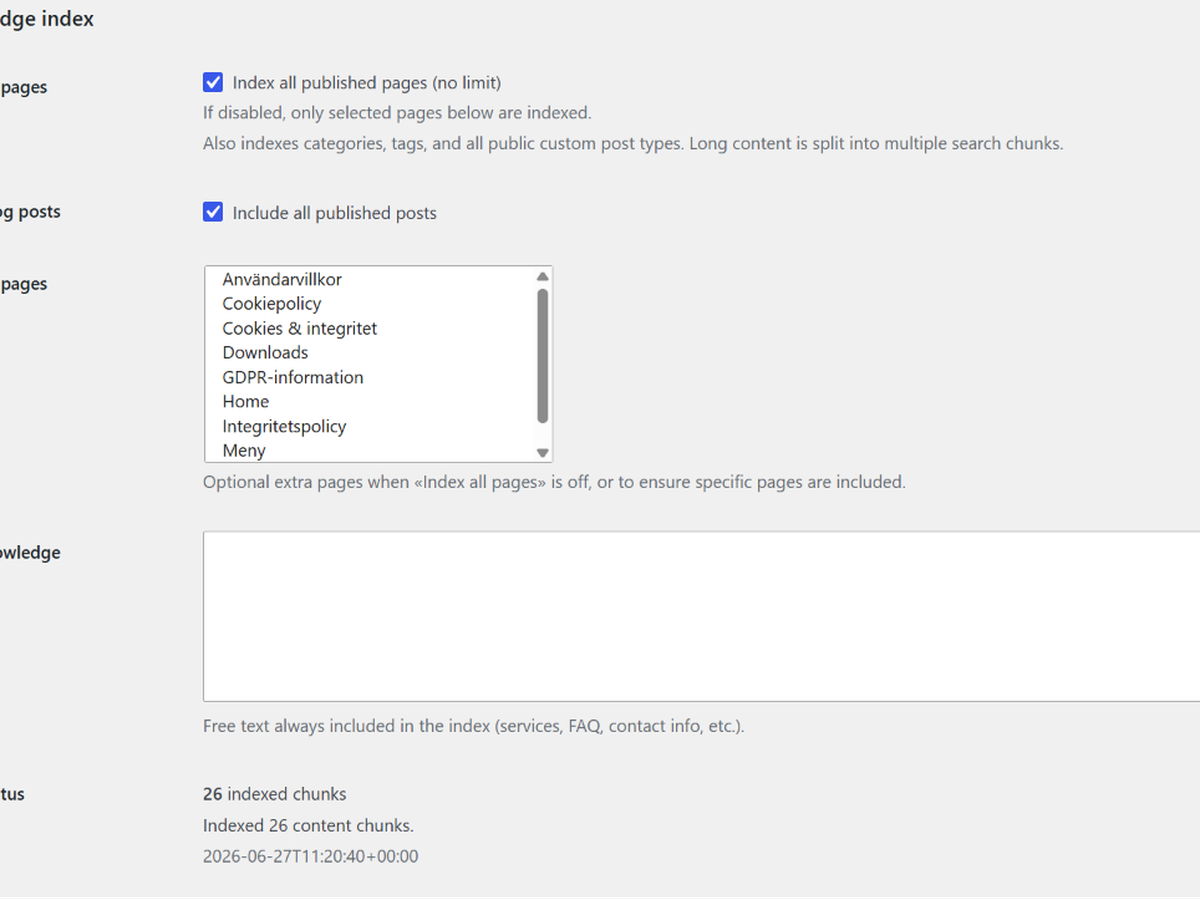
Knowledge index options and build index action
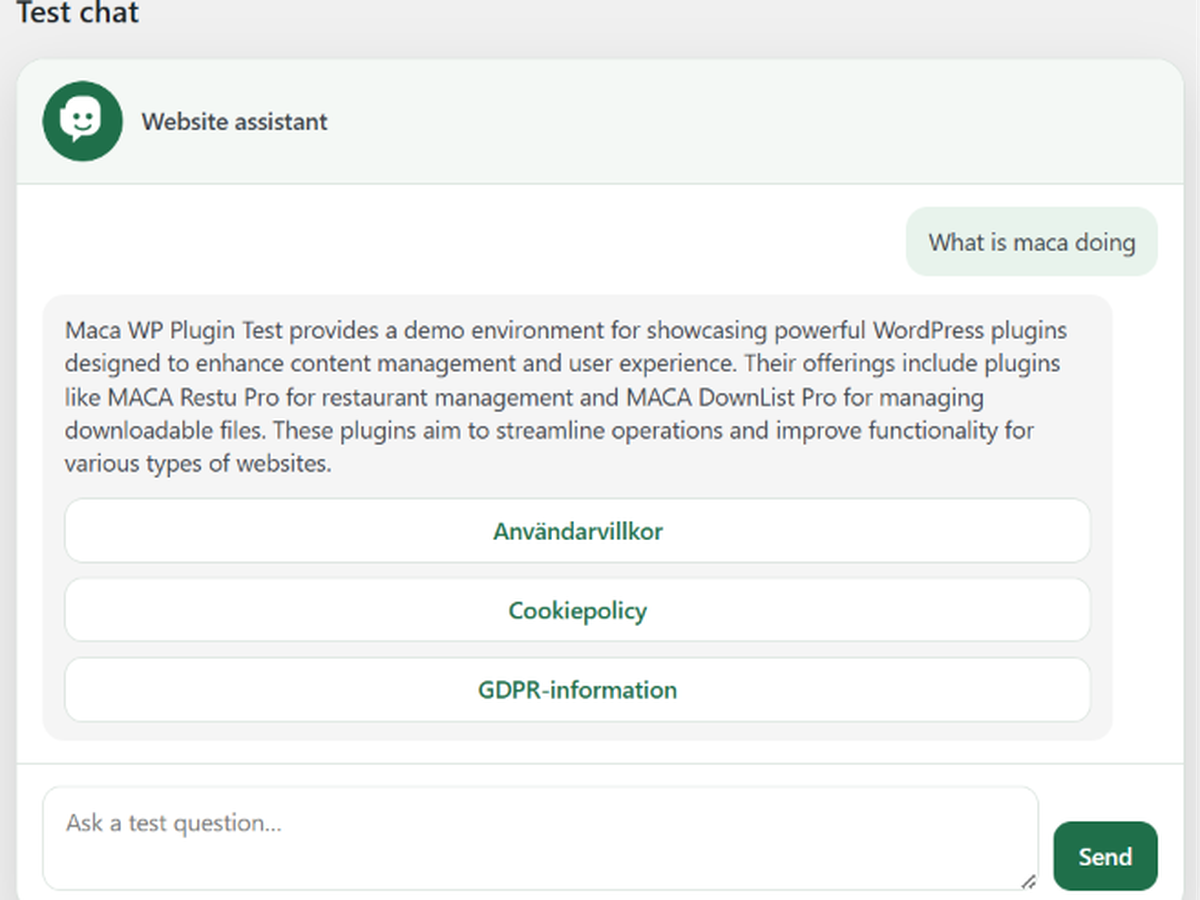
Admin test chat before publishing on the site

Floating chat widget on the front end
![<p>Inline chat embedded with the <code>[maca_tjatt]</code> shortcode</p>](https://ps.w.org/maca-tjatt/assets/screenshot-6.png?rev=3588095)
Inline chat embedded with the
[maca_tjatt]shortcode