
Marchnote Site Migration Wordpress Plugin - Rating, Reviews, Demo & Download

Plugin Description
Marchnote Site Migration packs your database and everything in wp-content into a single .mwp file, and restores it on any other WordPress site — rewriting URLs and server paths for you.
Features
- One-click export of the database, media, plugins and themes. Optionally leave out media, plugins, themes, inactive plugins or themes, must-use plugins, spam comments, post revisions, transients, or any folder you name.
- No import size limit. The browser uploads the archive in small chunks, so
upload_max_filesizeandpost_max_sizedo not limit you, and an interrupted upload resumes where it stopped. - Automatic find & replace of the old site URL and server paths — including inside serialized PHP data, JSON-escaped URLs used by page builders, and URL-encoded values. Add your own replacements too.
- Safe database restore. Tables are imported under a temporary prefix and swapped in with one atomic
RENAME TABLEat the end. If anything fails before that, your live database is untouched. - Different table prefix? Role and capability keys are rewritten automatically.
- Backups tab to download, restore or delete archives. Very large files can also be copied by FTP into
wp-content/marchnote-backups/and restored from there. - Resumable. Work runs in short steps, so it copes with low
max_execution_timelimits and retries automatically after a timeout. - WP-CLI:
wp marchnote export,wp marchnote import <file>,wp marchnote list. - Visitors see a short “maintenance” page while an import is running.
Privacy
Marchnote Site Migration does not contact any external server, does not track you, and does not collect any data. Archives stay on your own server until you download them.
Screenshots

Export your whole site in one click, with options to leave out media, plugins, themes, spam, revisions or any folder.
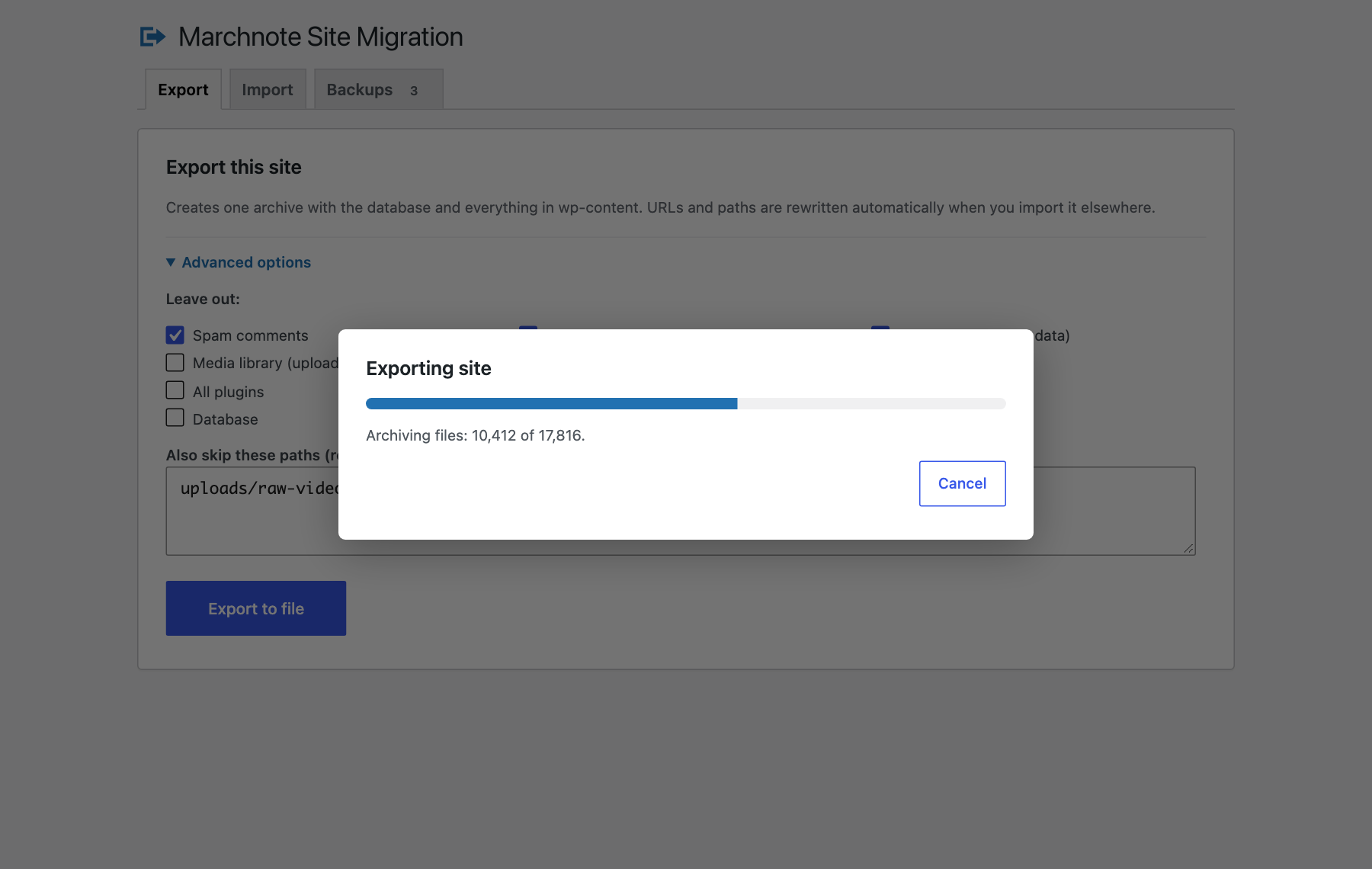
Exports run in short resumable steps, so slow hosts and short PHP time limits are not a problem.

Download the finished archive straight from the dialog.
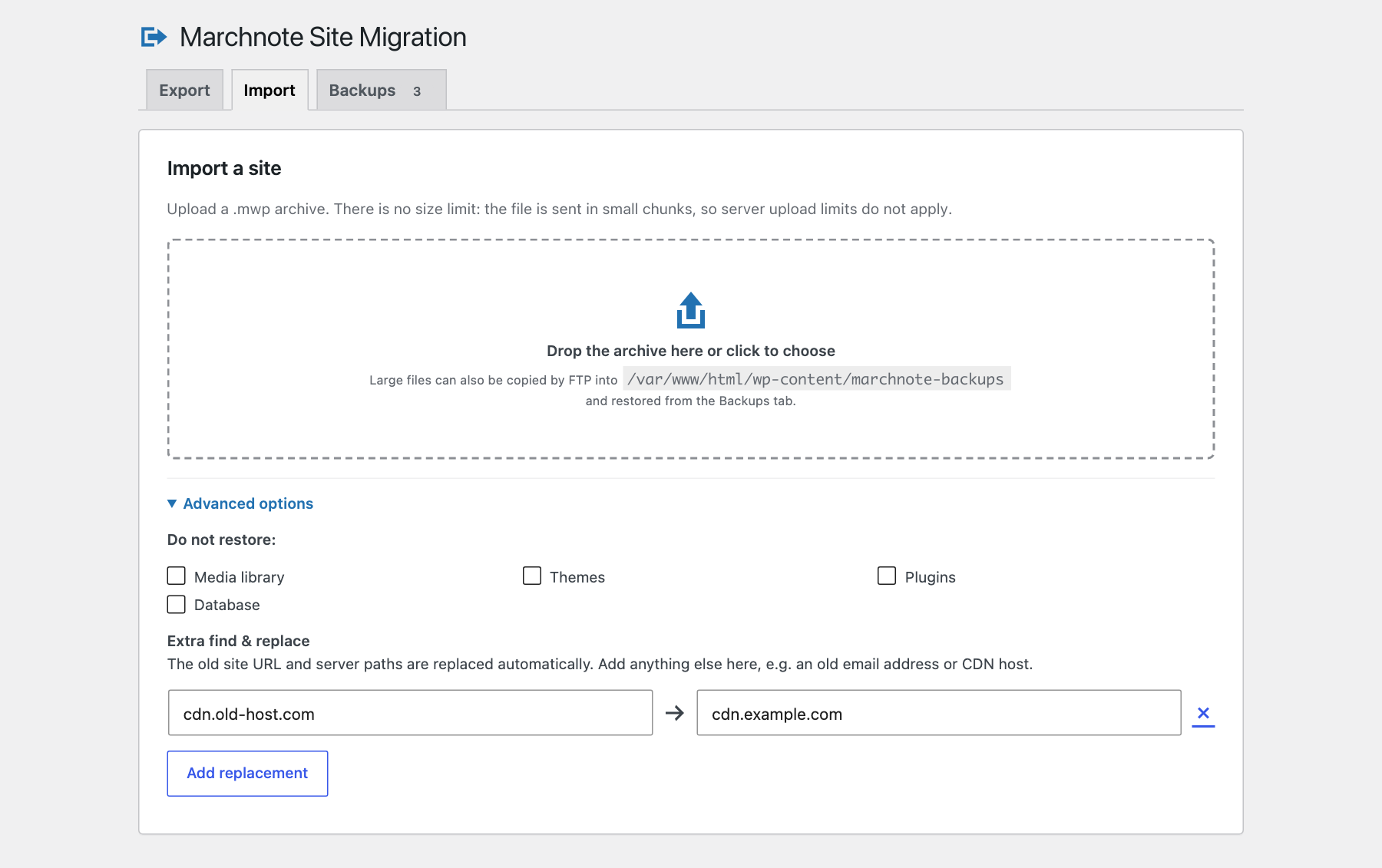
Drop an archive to import it. Add your own find & replace pairs on top of the automatic URL and path rewrite.

Uploads are sent in small chunks, so there is no size limit and an interrupted upload resumes.
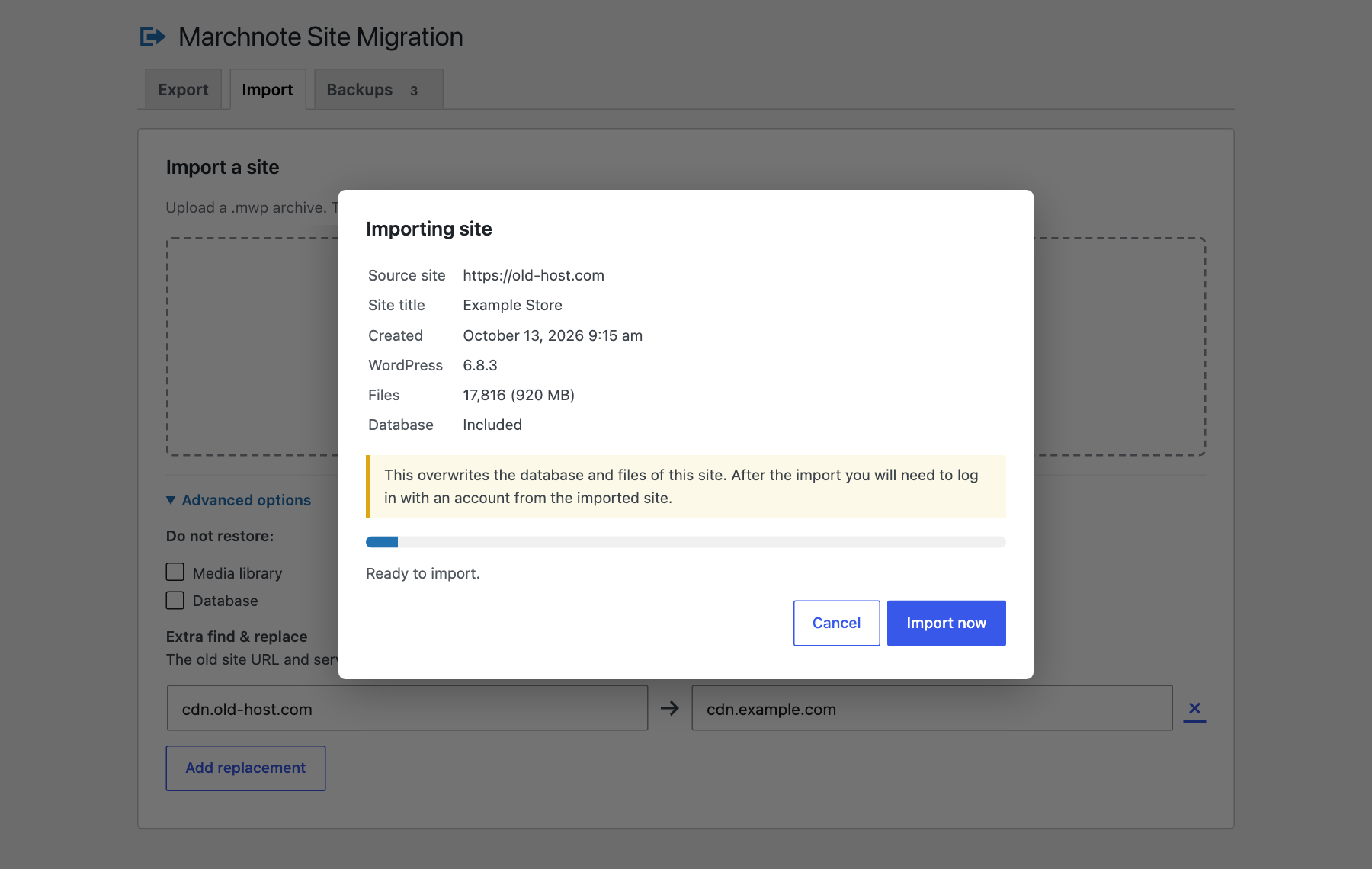
Check the source site before anything is overwritten.
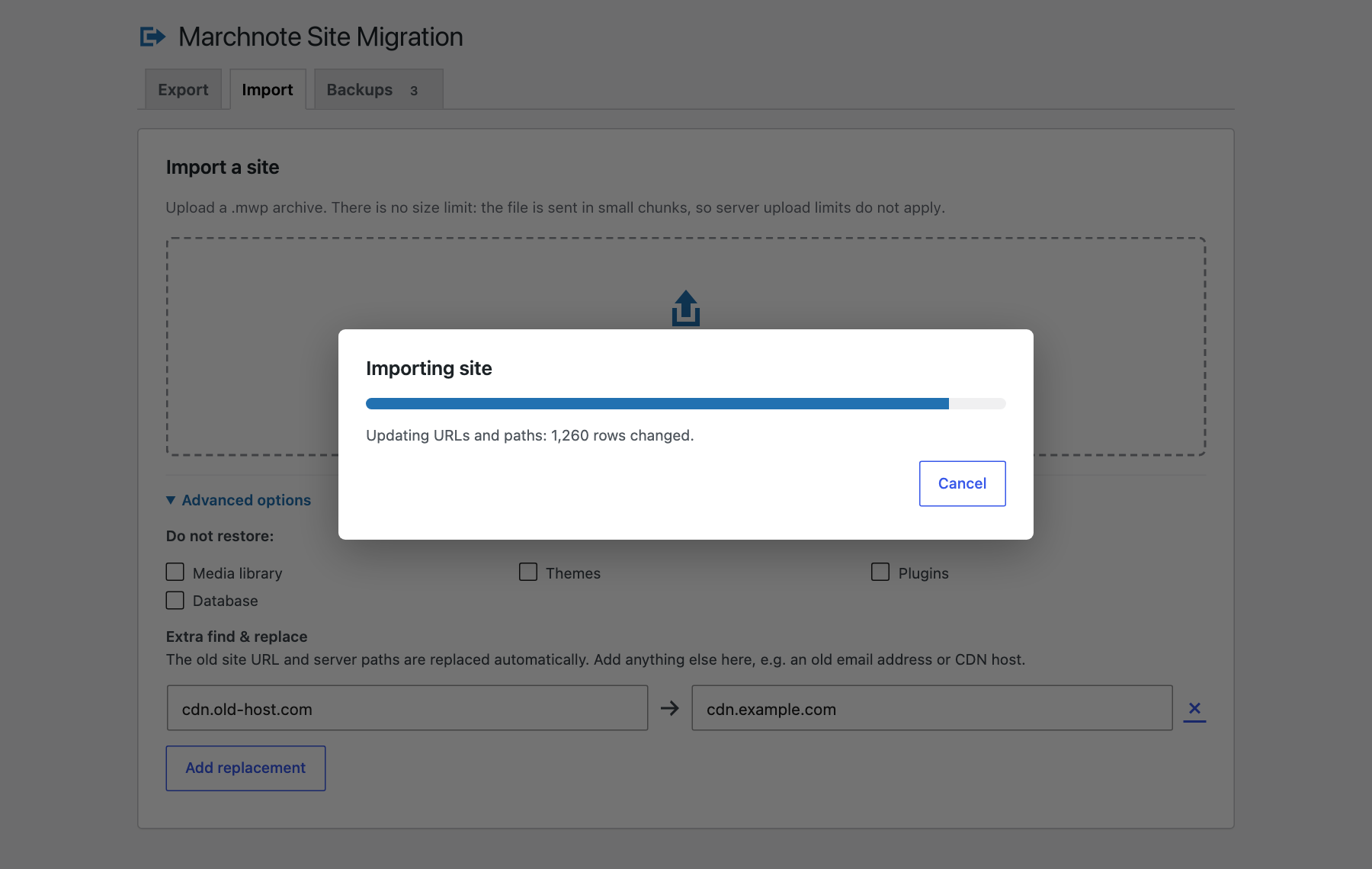
Old URLs and paths are rewritten everywhere, including serialized and page-builder data.
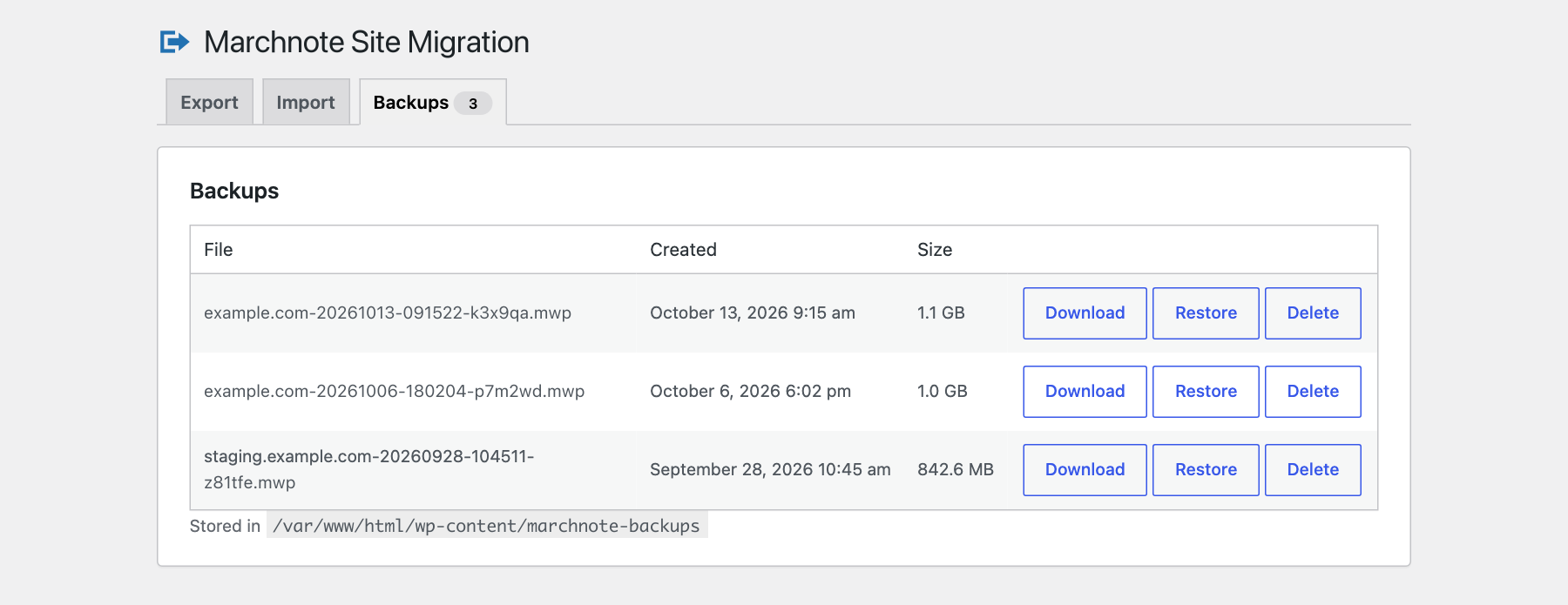
Download, restore or delete your backups.


