
Matchday Blocks Wordpress Plugin - Rating, Reviews, Demo & Download
Plugin Description
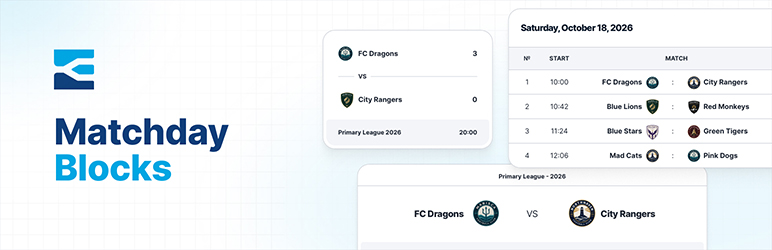
Matchday Blocks integrates with the MeinTurnierplan platform to let you embed live tournament data — match schedules, group standings and results — anywhere on your site using native Gutenberg blocks.
Features:
- Match Schedule block — list all matches grouped by round and date
- Standings block — show live group standings
- Latest Matches block — display the most recently played fixtures
- Upcoming Matches block — show the next scheduled fixtures
- Configurable cache to reduce external API requests
- Team logos downloaded and served locally (no third-party image requests from visitor browsers)
External Services
This plugin connects to MeinTurnierplan (https://www.meinturnierplan.de) to retrieve tournament data.
- Data sent: The Tournament ID you configured in the plugin settings.
- Data received: Match results, team names, group standings, final round fixtures and team logo URLs.
- When: Only on the server side — when the cache is empty or expired, or when you manually clear the cache. Visitor browsers are never used to contact MeinTurnierplan.
- Logo images: Team logos are downloaded to your WordPress uploads directory (
/uploads/matchday-blocks/logos/) and served from your own server.
Service terms of use: https://www.meinturnierplan.de/legal.php?t=tou&v=2019-04-20&l=en
Privacy policy: https://www.meinturnierplan.de/legal.php?t=privacy&v=2019-04-20&l=en
Development
Source code and build tools are available at https://github.com/danfisher85/matchday-blocks
Prerequisites: Node.js and npm. Blocks are compiled using @wordpress/scripts (webpack-based). CSS is processed using PostCSS with Tailwind CSS.
To install dependencies:
npm install
To build the plugin:
npm run build
To watch for changes during development:
npm run start
The build/ directory and assets/css/blocks.css are generated by these commands and should not be edited directly.
Screenshots

MeinTurnierplan Settings.

Add a New Latest Matches block.

Add a new Upcoming Matches block.

Add a new Match Schedule block.

Add a new Standings block.


