
Mimetic – Conversion Rate Optimization Wordpress Plugin - Rating, Reviews, Demo & Download
Plugin Description
Mimetic audits your storefront and shows you what is hurting conversion. It reviews your products, pages, theme, performance, and tracking, then groups findings by severity so you know what to fix first, right from your WordPress dashboard.
Each issue includes a plain-English explanation. The full report on Mimetic adds estimated revenue impact, a prioritized roadmap, and recommended fixes you approve before anything changes. Your site is never modified without your approval.
This is a thin, open-source client: it starts the audit through Mimetic’s API, polls for results, and links you to your report. The audit engine runs on Mimetic’s servers. No analysis code or credentials are bundled in the plugin.
What it checks
- Storefront issues across products, pages, theme, performance, and tracking
- Findings grouped by severity with plain-English explanations
- Core Web Vitals and performance signals
- SEO and metadata gaps
Free vs. full report
Running an audit is free and shows your prioritized findings. The full report, with estimated revenue impact, a phased roadmap, complete pass/fail results, and recommended fixes, is unlocked through your Mimetic account at trymimetic.com.
External Services
This plugin relies on a third-party service to function: it connects to the Mimetic API (trymimetic.com) to run your storefront audit. The audit is performed on Mimetic’s servers and the plugin links you to the result.
What it sends, and when:
- When you click “Run free audit”, the plugin sends the site URL you choose to audit and the email address you enter to the Mimetic API to start the audit.
- While the audit runs, the plugin sends the resulting audit ID to poll for completion status.
- No data is sent to Mimetic unless you start an audit.
This service is provided by Mimetic Inc:
- Service & API: https://trymimetic.com
- Terms of Service: https://trymimetic.com/terms
- Privacy Policy: https://trymimetic.com/privacy
Screenshots
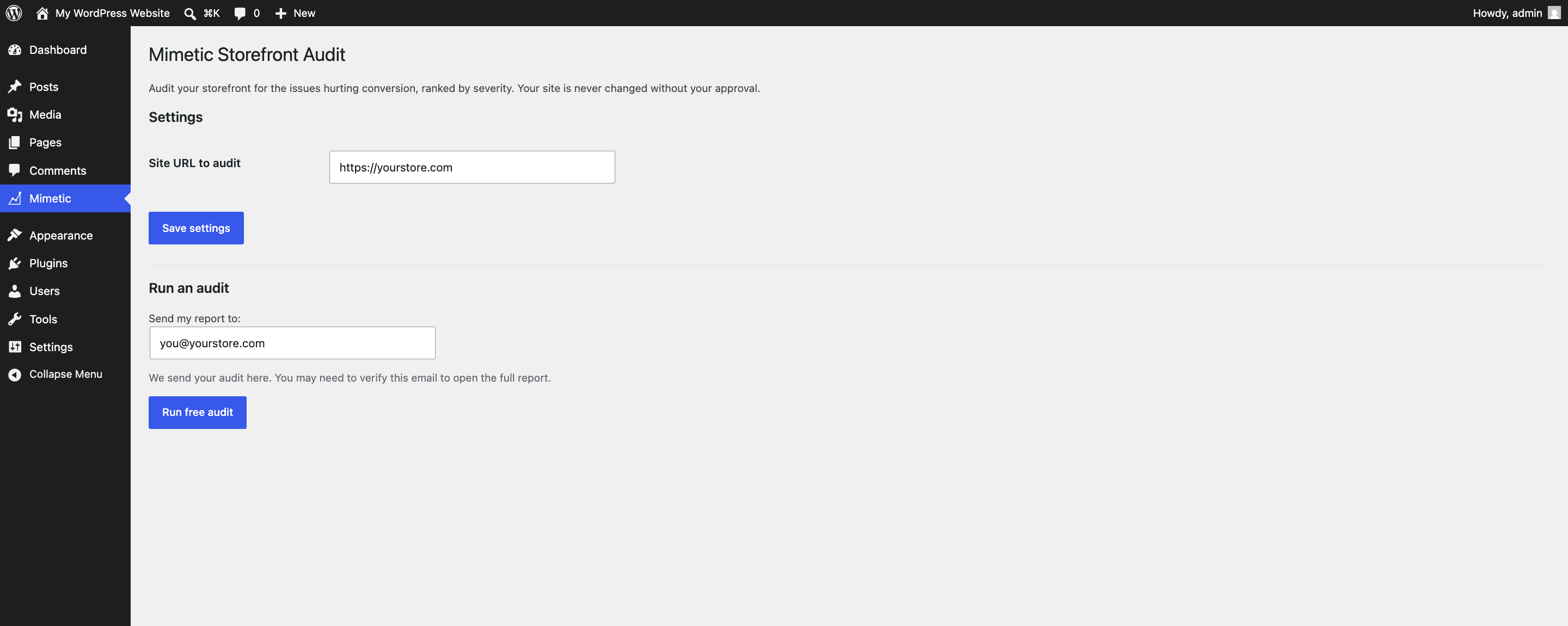
Run a free storefront audit from your WordPress admin. Pick the site URL and where to send the report.
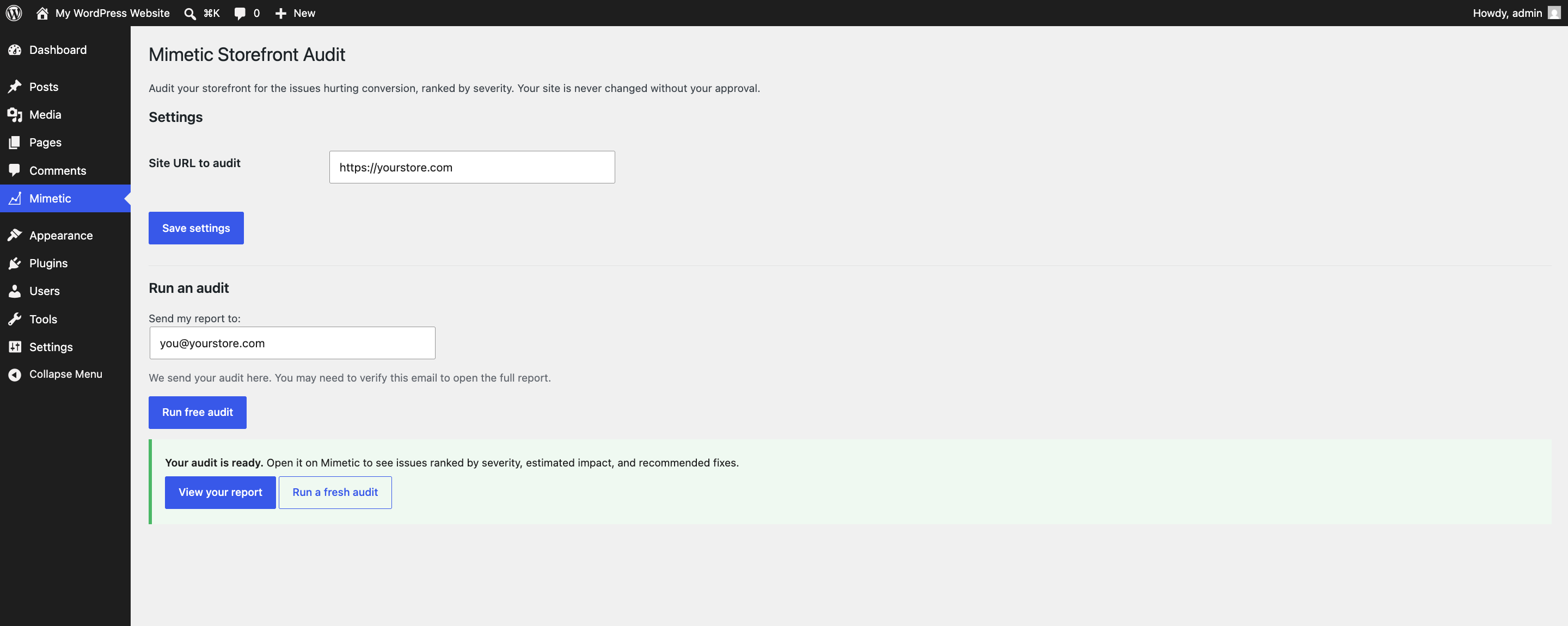
When the audit is ready, open the severity-ranked report on Mimetic or run a fresh audit.


