
Miniature Earth Wordpress Plugin - Rating, Reviews, Demo & Download
Plugin Description
Build a globe in the visual configurator, start from one of 24 presets and add markers, icons, text, routes or HTML overlays. Customize maps, colors, rotation, backgrounds and click content.
Manage your saved globes from the Miniature Earth menu. Duplicate, import or export projects, and embed a globe with the Miniature Earth block or a shortcode. Developers can also use the miniature_earth( ID ); template function.
The configurator includes visual controls for the globe, objects, content and tooltips. The optional Developer Kit provides scripting documentation, examples, a Mesh converter and support.
Source Code
Each readable JavaScript source is included beside the minified file loaded by WordPress:
admin.jsbuildsadmin.min.js(WordPress admin interface and configurator translations).frontend.jsbuildsfrontend.min.js(saved globe rendering and interactions).block/editor.jsbuildsblock/editor.min.js(Gutenberg editor).library/miniature-earth.jsbuildslibrary/miniature-earth.min.js(MIT globe runtime).library/configurator/ui/editor.jsbuildslibrary/configurator/ui/editor.min.js(MIT visual configurator).
To regenerate all five minified files, run npm install then npm run build in source/ using Node.js 22 or newer. The supplied build script and embedded shader/HTML/CSS minifier use esbuild 0.28.2, acorn 8.19.0 and html-minifier-terser 7.2.0. Build dependencies are only needed when rebuilding; the installed plugin has no external runtime dependencies. No third-party JavaScript runtime is bundled.
Credits
See LICENSING.md and library/assets/ASSETS.md for software licenses and asset sources. See Source Code above for the exact file mapping and rebuild instructions.
Screenshots
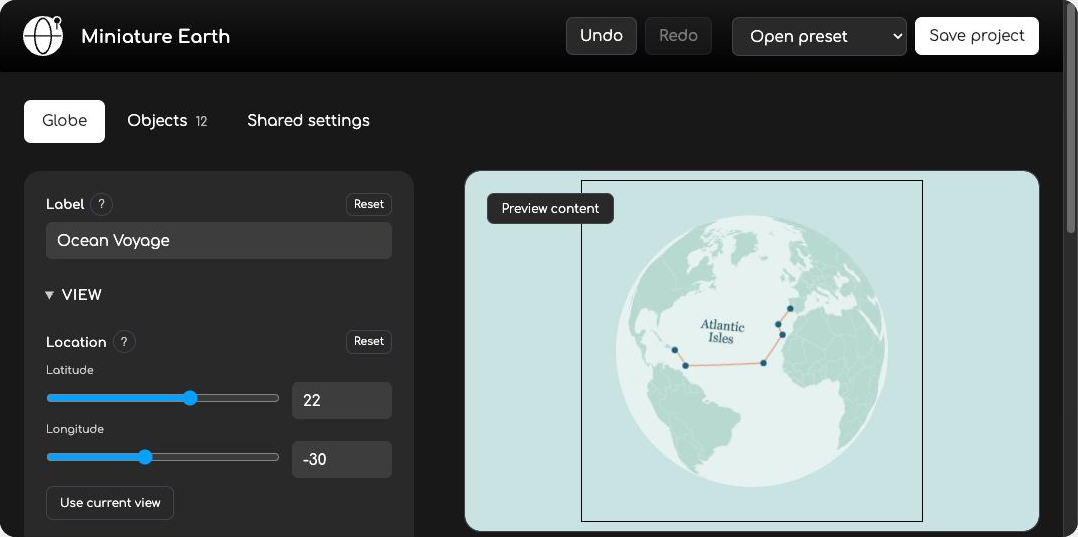
Customize your globe in the visual configurator, starting from one of 24 presets.
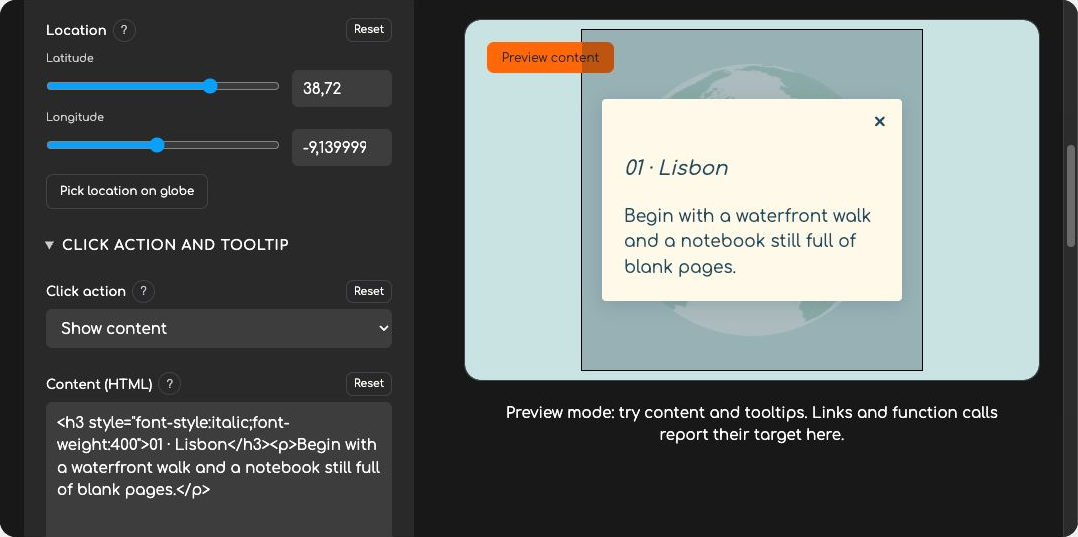
Add click content and tooltips to individual locations and test them in the preview.
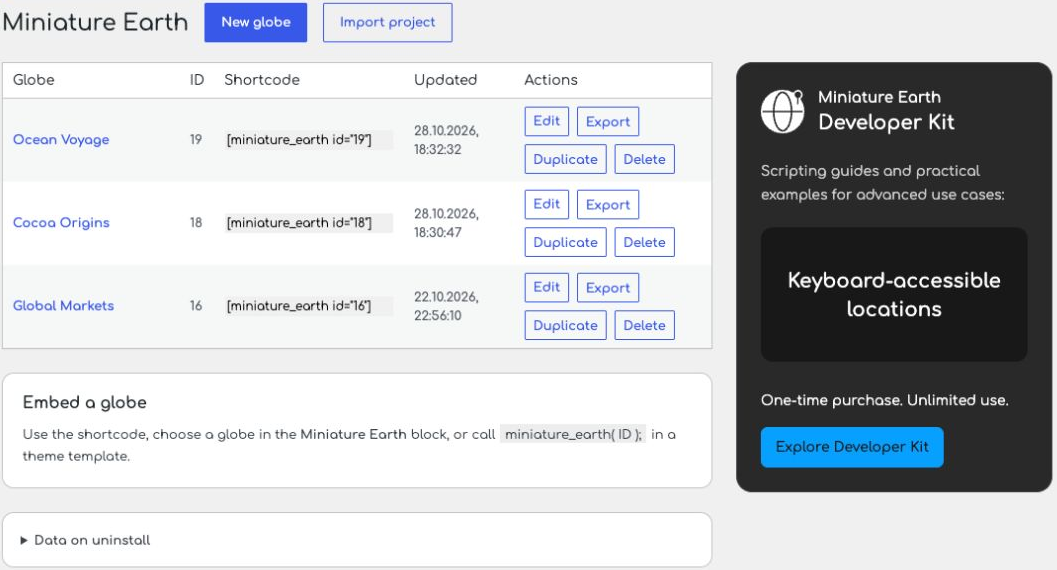
Manage saved globes, copy shortcodes, and duplicate, import or export projects.


