
MorPOS For WooCommerce Wordpress Plugin - Rating, Reviews, Demo & Download
Plugin Description
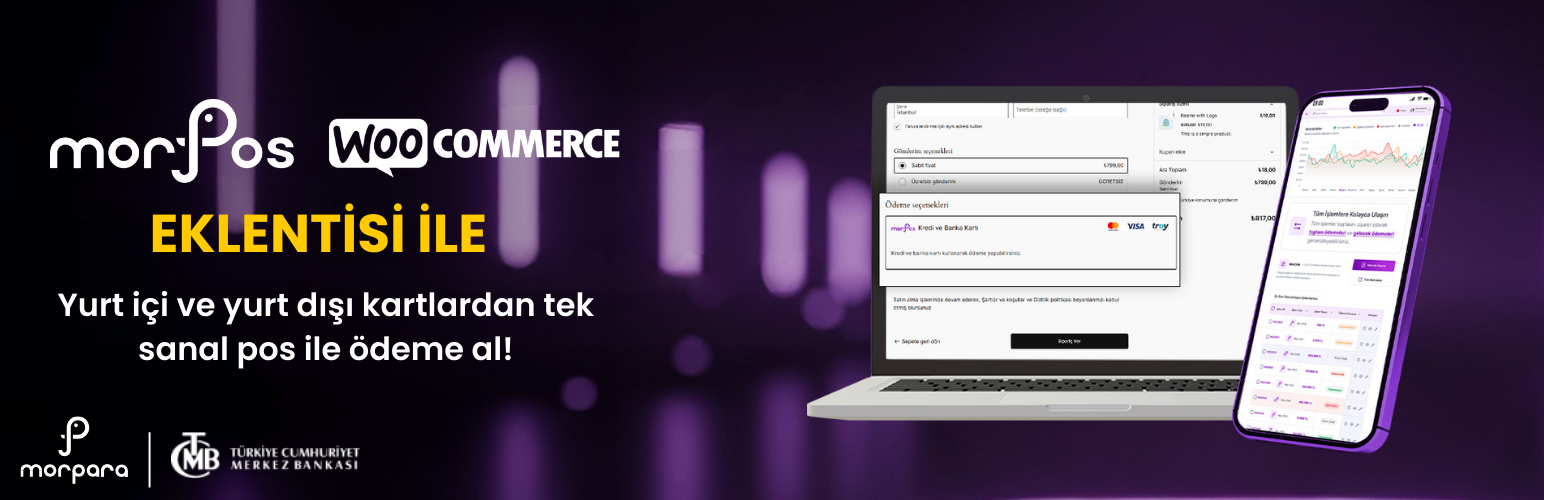
MorPOS for WooCommerce is a secure and easy-to-use payment gateway plugin that integrates the Morpara MorPOS payment system with WooCommerce stores.
Features
- WooCommerce Integration – Seamlessly adds MorPOS as a payment method
- Secure Payments – Hosted Payment Page (HPP) for maximum security
- WooCommerce Blocks Support – Compatible with new Cart and Checkout blocks
- Multi-Currency – Supports TRY, USD, EUR currencies
- Multiple Payment Options – Credit cards, debit cards, and installment payments
- Sandbox Mode – Test environment for development
- Easy Configuration – Simple admin panel setup
- Security Features – TLS 1.2+ requirement, signed API communication
Requirements
- WordPress 6.0 or higher
- WooCommerce 9.0 or higher
- PHP 7.4 or higher (8.2+ recommended)
- TLS 1.2 or higher
- PHP extensions: cURL, json, hash, openssl
External services
This plugin connects to the Morpara MorPOS payment gateway API to process credit and debit card payments on your WooCommerce store.
What the service is
MorPOS is a payment gateway service provided by Morpara that enables e-commerce websites to securely accept credit and debit card payments, including installment payments. The plugin communicates with the MorPOS API to initiate, process, and verify payment transactions.
What data is sent and when
When a customer initiates a payment during checkout, the plugin sends the following data to the MorPOS API:
- Order amount and currency
- Merchant credentials (Merchant ID, Client ID, Client Secret, API Key)
- A unique conversation identifier for transaction tracking
The customer’s payment card details are entered directly on the MorPOS hosted payment page or embedded payment form and are handled entirely by MorPOS — card data is never stored or transmitted by this plugin.
The plugin communicates with the MorPOS API in the following scenarios:
- During checkout: To create a payment session and redirect the customer to the payment page, or to generate an embedded payment form.
- After payment: To verify the payment status via a server-side check.
- On the admin settings page: To test the API connection when the merchant clicks “Test Connection” or saves settings.
Service endpoints
- Production:
https://sale-gateway.morpara.com - Sandbox (test mode):
https://finagopay-pf-sale-api-gateway.prp.morpara.com
Service links
Screenshots
No screenshots provided


