
Mortar Wordpress Plugin - Rating, Reviews, Demo & Download
Plugin Description
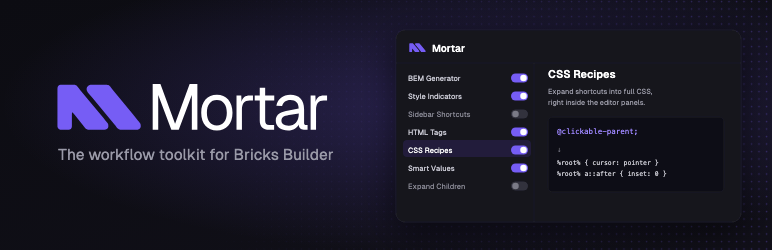
Mortar is a suite of workflow tools that extend the Bricks Builder editor. It adds a master–detail settings panel where every module is explained with a live example, so you always know what each tool does before enabling it. Each module can be toggled on or off independently.
Included modules
- BEM Generator — generate and rename CSS classes with BEM naming in bulk.
- Style Indicators — a coloured bar per element (blue = styled via CSS class, red = styled via ID).
- Sidebar Shortcuts — a configurable quick-insert rail (add, remove and reorder elements).
- HTML Tags — change an element’s semantic tag from the structure panel.
- Auto-Select Class — selects the class automatically after create/rename.
- Export ID Styles to Class — move ID-level styles to the first CSS class.
- CSS Recipes — expand shortcuts like
@clickable-parent;into full CSS. - Expand Children — expand or collapse an element’s entire subtree at once.
- Smart Values — press Enter to turn
--space-mintovar(--space-m), andvar(--x) * 2intocalc(var(--x) * 2).
Every module follows one clean settings panel (dark theme, purple accent) with a description and a live example, plus visible focus rings, ARIA labels and keyboard activation.
Independence / trademark
Mortar is an independent project. It is not affiliated with, endorsed by, or sponsored by Bricks Builder or its makers. “Bricks” is a trademark of its respective owner and is used here only to describe compatibility.
Screenshots

The Mortar settings panel inside the Bricks editor — every module with a description and a live example.

BEM Generator — bulk-create and rename classes with BEM naming, right from the structure panel.

CSS Recipes — type a shortcut like
@clickable-parent;and it expands into full CSS.
Smart Values — turn
--space-mintovar(--space-m)with one keypress.
HTML Tags — change an element’s semantic tag from the structure panel.

Style Indicators — a coloured bar per element (blue = styled via CSS class, red = via ID).

Sidebar Shortcuts — a quick-insert rail for your most-used elements.


