MultiLipi: Multilingual SEO Wordpress Plugin - Rating, Reviews, Demo & Download

Plugin Description
Easily Translate Your Website with MultiLipi – India’s #1 Multilingual SEO Platform!
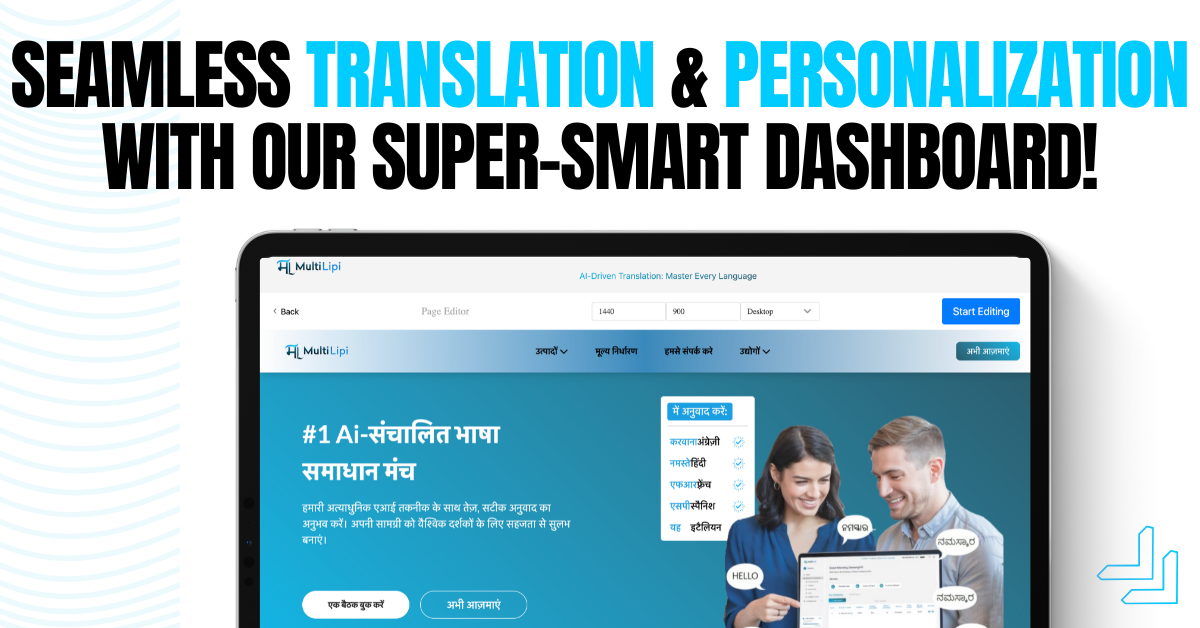
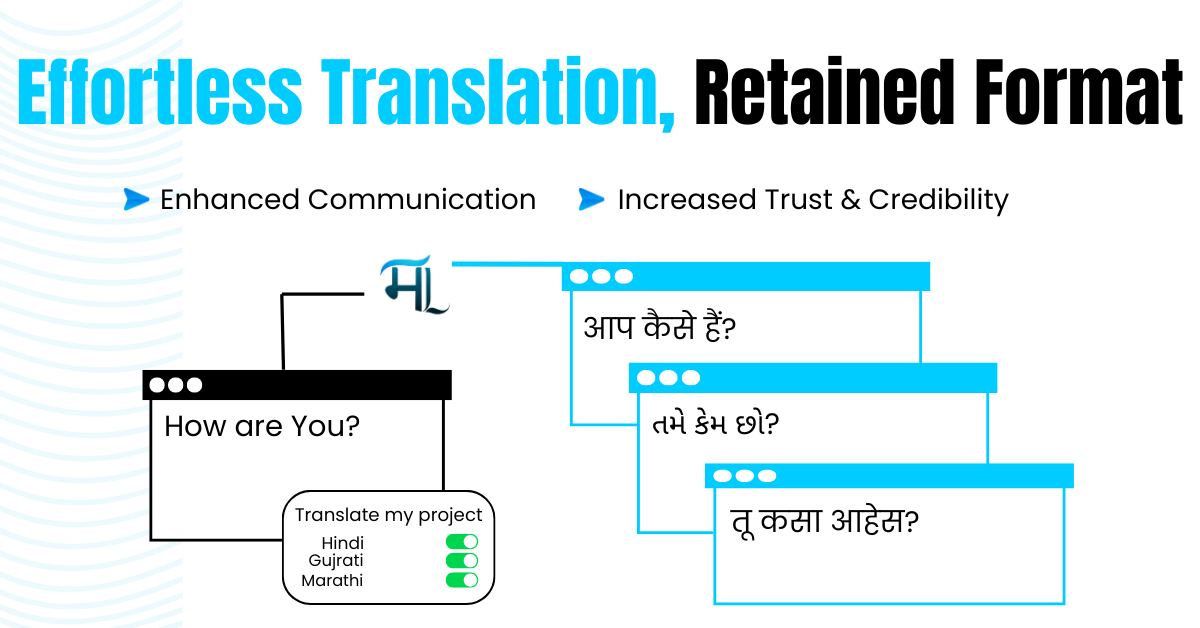
MultiLipi is your all-in-one multilingual WordPress translation plugin, trusted by organizations and businesses across industries. Translate your WordPress website into 70+ languages and make your website accessible to millions of users in just minutes—no coding required.
Enhance your visibility, boost conversions, and grow your audience by adding automatic translations to your website, with full editing control. MultiLipi is fully optimized for multilingual SEO, with every translated page indexed by Google. Speak to your audience in their native language with high-quality translations powered by AI.
Discover how MultiLipi simplifies website translation with a 1-month free trial. Continue using the plugin for free after the trial, or upgrade to a plan that meets your needs. Visit https://multilipi.com/ to learn more!
Features:
1. AI-Powered Translation
MultiLipi uses cutting-edge AI to translate your website into over 70 languages. Enjoy fast, accurate, and context-aware translations tailored to your
2. SEO Optimization
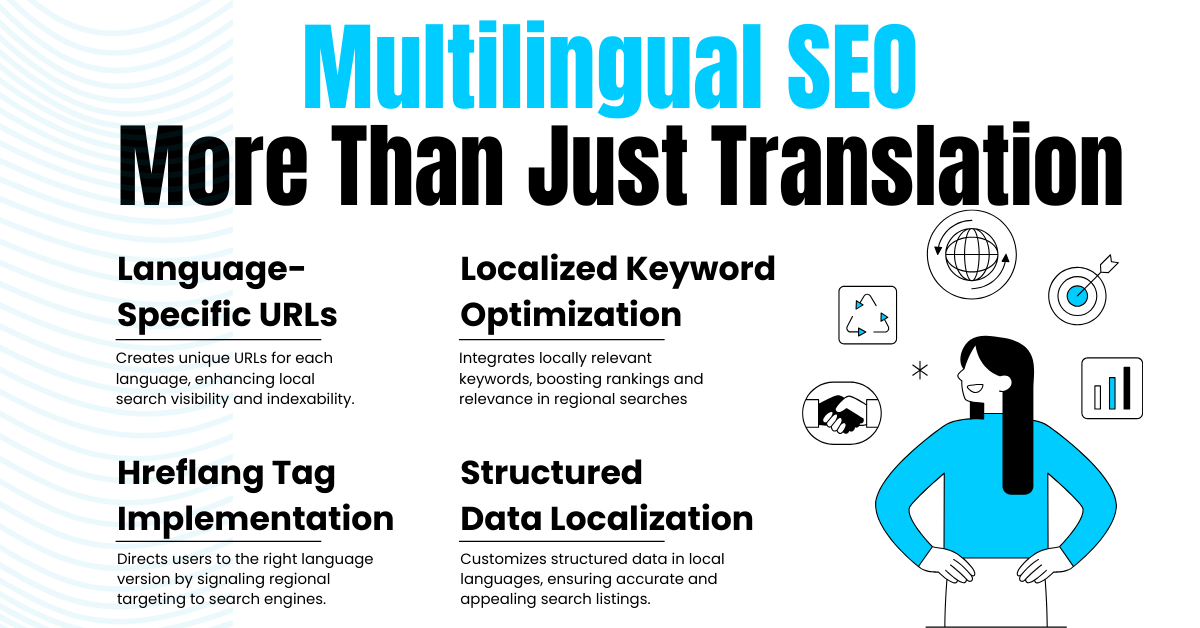
Optimized for multilingual SEO with translated URLs, meta descriptions, and more, ensuring your site ranks higher on search engines.
3. Custom Glossary Control
Define specific translations for industry-specific terms or brand names to maintain consistency across languages.
4. Subdomain or Subdirectory Hosting
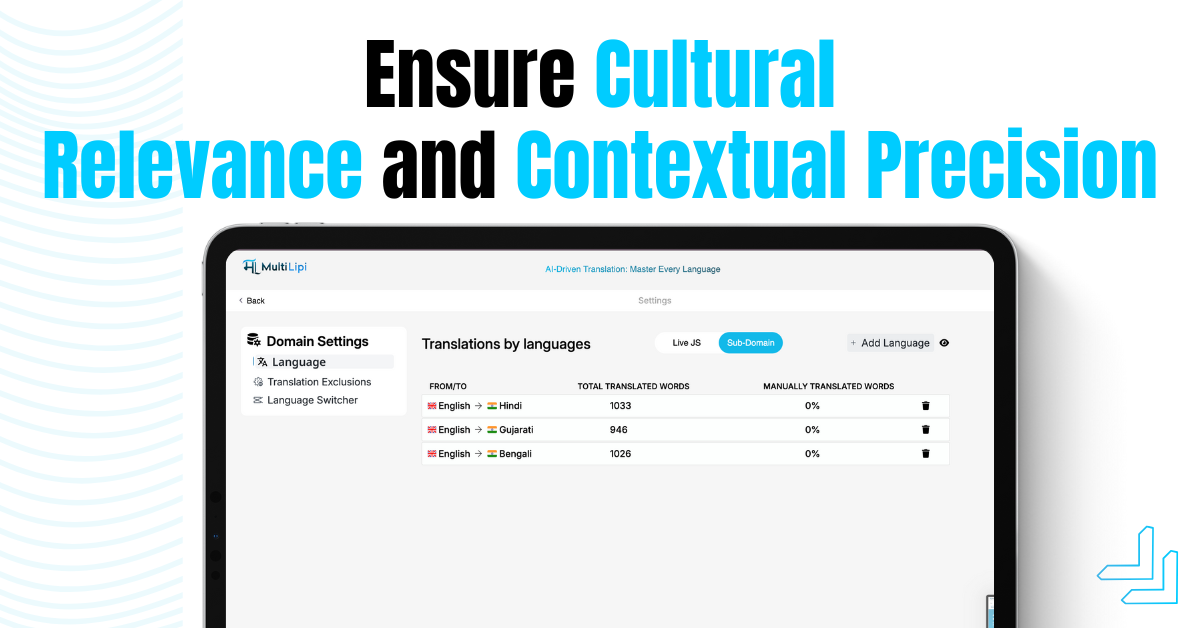
Choose between language-specific subdomains or subdirectories for a structured, SEO-friendly multilingual setup.
5. Visitor Language Redirection
Automatically detect and redirect visitors to their preferred language version of your site.
6. Media Translation
Translate images, PDFs, and videos along with your website’s textual content to offer a fully localized experience.
7. Collaboration Ready
Add team members to your MultiLipi dashboard, allowing seamless collaboration on translations and SEO enhancements.
8. Pro Translators Access
Not just automated – collaborate with professional translators for proofreading or custom translation requests.
9. Analytics Dashboard
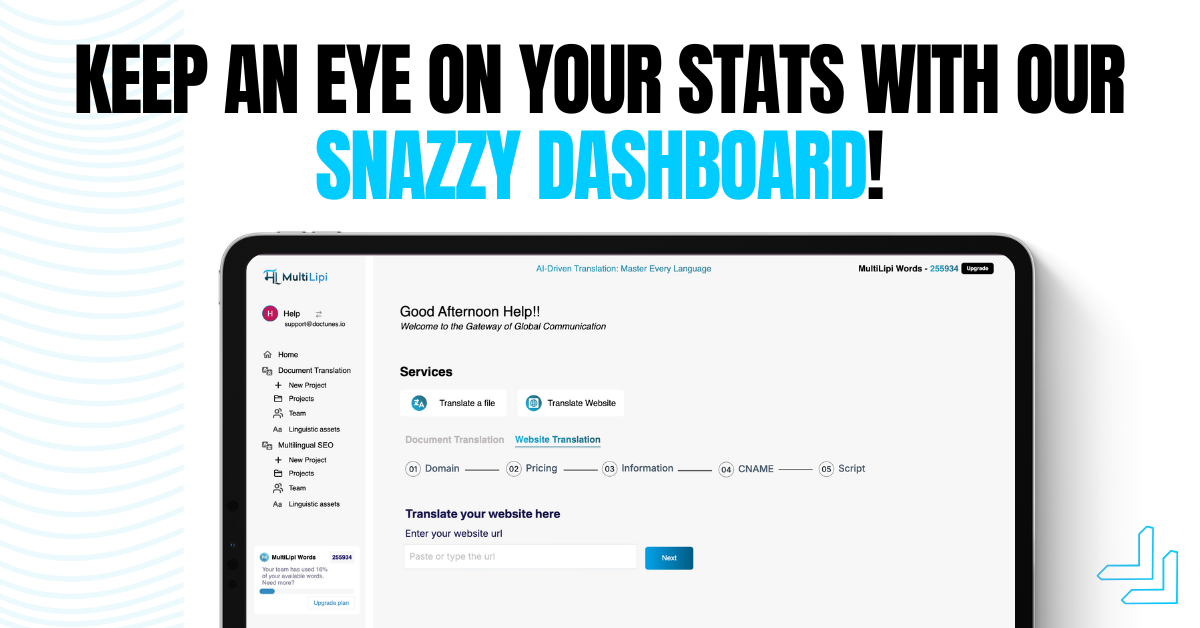
Track translation performance, visitor statistics, and page views to gain valuable insights into your multilingual strategy.
10. Easy Integration
Integrate seamlessly with all types of websites including WordPress, Shopify, React, Django, and more.
Why Choose MultiLipi?
- 90% of internet users in India prefer searching in local languages. MultiLipi helps you cater to these users
- Get set up in less than 5 minutes with our automated platform.
- Trusted by businesses and government agencies to scale their reach.
Pricing
MultiLipi offers flexible plans starting at just $39/month. Enjoy a 1-month free trial exclusively for WordPress users!
Use Cases:
- Dynamic content translation for different languages.
- Script loading optimization for SEO and performance.
- Multilingual site enhancements.
How It Works:
- Admins can add dropdown options per page in the WordPress admin.
- Selected dropdown values control which scripts or translations are applied.
- Fully compatible with modern WordPress standards and translation workflows.
Plugin Dependency on Multilipi
This plugin relies on MultiLipi, a third-party translation service, to provide multilingual support for your website.
Multilipi allows you to translate your website content into multiple languages seamlessly and efficiently.
By using this plugin, a JavaScript file will be enqueued in your website, that will dynamically sent text contents
from your website to MultiLipi’s servers for translation and then embed translated text back to your site.
Important Links
By using this plugin, you agree to MultiLipi’s terms and policies.
Please review these documents to understand how your data and content are managed and protected.
Screenshots

Screenshots

Screenshots

Screenshots
Screenshots

Screenshots
Screenshots
Screenshots
Screenshots
Screenshots

Screenshots