
Neo Draw – Create Diagrams & Icons Without Leaving WordPress - Rating, Reviews, Demo & Download
Plugin Description
Implement creative ideas with drawings directly in WordPress!
Impress your website visitors with striking charts, icons and sketches! You create and edit these directly in the backend without having to leave WordPress. This gives your site a unique look.
With neoDraw you can implement your creative ideas quickly and easily!
🏝️ Sandbox for neo Draw
Try neo Draw directly in the browser without having to install it.
🚀️ Main Features of neo Draw
- ✅ Unleash your creativity with advanced drawing tools in WordPress 🎉
- ✅ Create diagrams with shapes, icons and freehand drawings
- ✅ Unlimited drawings like charts, symbols and other graphics
- ✅ Paint on existing images or add text overlays
- ✅ SVG export and import on other sites
- ✅ Image editing with Apple Pencil to quickly write annotations and create scribble drawings
- ✅ Convert CSV files into a chart
- ✅ Interactive image areas through linked overlays
- ✅ Professional fonts with a large font selection
- ✅ Export as SVG vector graphic or PNG file
- ✅ Integration with Bricks, Elementor, Gutenberg, the Classic Editor and the WordPress Media Library
- ✅ Large catalog of symbols and icons
- ➡️ Create drawings, diagrams and sketches directly in WordPress.
🎉 Be the king of neoUniverse
Get the ultimate bundle!
- 🗂️ neoLibrary
Bring order to your media library and see where your images are used! - ✏️ neoRename
Maximize your image SEO with AI efficiently. Free or with your own API connection. - 💬 neoAlt
Create alt texts and image titles directly in WordPress using AI – includes 300 free image alt text generations every month! - 🔄 neoReplace
Easy replace with drag and drop! - 🖇️ neoDuplicate
Duplicate images for SEO to have page-specific alt texts. - 🚀 neoOptimize
Optimize your image SEO by serving images at the resolution they are displayed in the browser. - 🎨 neoDraw
Bring creative ideas to life with drawings directly in WordPress! - 🎬 neoAnimate
Make an impression with animated path-line effects! - 🏃♂️ neoMotion
Impress with fascinating stop-motion animations! - ✨ neoPlugins
All free neoMedia plugins for WordPress.
❤️ Our Drive
Feedback on neo Draw from WP pros that drives us every day:
- … A very intuitive and powerful drawing tool. The whole design looks very coherent and well thought out.
Florens Bach ⭐⭐⭐⭐⭐ - … The plugin is super fast and perfectly integrated into WordPress. Editing drawings is possible directly in the page builder.
Jonas Gruber ⭐⭐⭐⭐⭐ - … You can easily draw anything: logos, icons, tables, decorations, … Drawing and painting over existing images is also possible.
Sasha Simonova ⭐⭐⭐⭐⭐
🎁 Help us, neo Draw get even better! Your opinion matters. ➔ Send us feedback
🔮 Glimpse into the future
We are currently developing these features:
- Exclusive pro icon libraries for better design
🔍 Related Plugins
We learned from the best to develop the Whiteboard plugin. If you’re looking for an alternative to neo Draw check out the following plugins:
- WP Paint – WordPress Image Editor – Features: Image editor, media, media editor, photo, photo editor
- Painterro – Features: crop, image, paint
- Sketch Block – Features: block, blocks, drawing, freehand, sketch
- Interactive Image Map Plugin – Draw Attention – Features: floor plan, hotspot, Image Map, image maps, interactive images
- Vision – Interactive Image Map with Hotspots Builder – Features: hotspots, infographics
🤝️ Compatibility
The Whiteboard plugin offers maximum compatibility:
- Tested from WordPress 6.2 and PHP 8.0. Optimized for WP 7.1.
- Multilingual support for e.g. English, German, …
- The Whiteboard plugin integrates seamlessly into the WordPress backend and is compatible with WooCommerce.
- Compatible media file types: SVG, JPG, JPEG, WEBP, AVIF, PNG, GIF, TIF, BMP, MP4, MOV, WEBM, AVI, MP3, WAV, PDF, TXT, ZIP, …
- The Whiteboard plugin is compatible with all major page builders and has been tested with: Bricks, Elementor, Divi, Gutenberg, Classic Editor, …
🛡️ Security & Performance
The Whiteboard plugin keeps your data secure and your website fast:
- Regular updates for maximum reliability and security
- Productive testing of new plugin updates by WordPress experts
- Resource-efficient for a fast WordPress backend
- SEO optimized for higher search engine rankings
- Clean uninstallation without leftover database entries
- German security according to EU standards GDPR and DSGVO
🌍 Our Community & Support
We continuously develop the Whiteboard plugin. If you have questions or problems, we are here for you – in the WordPress forum or for Pro users on our website.
- WordPress Forum: https://wp.org/support/plugin/neo-draw
- Ideas & Requests: https://neo-wp.com/feedback/
- Free Support: https://neo-wp.com/contact/#free
- Pro Support: https://neo-wp.com/contact/#pro
neo Draw – Introduce. Illustrate. Amaze. – by neoWP
Technology knows no borders. We are proud that our software is used worldwide. image • editor • draw • diagram • Bild • Editor • zeichnen • Diagramm • image • éditeur • dessiner • diagramme • imagen • editor • dibujar • diagrama • immagine • editor • disegnare • diagramma • afbeelding • editor • tekenen • diagram • picha • mhariri • kuchora • mchoro • 图像 • 编辑器 • 绘制 • 图表 • 画像 • エディター • 描く • 図 • छवि • संपादक • आरेखण • आरेख
Screenshots
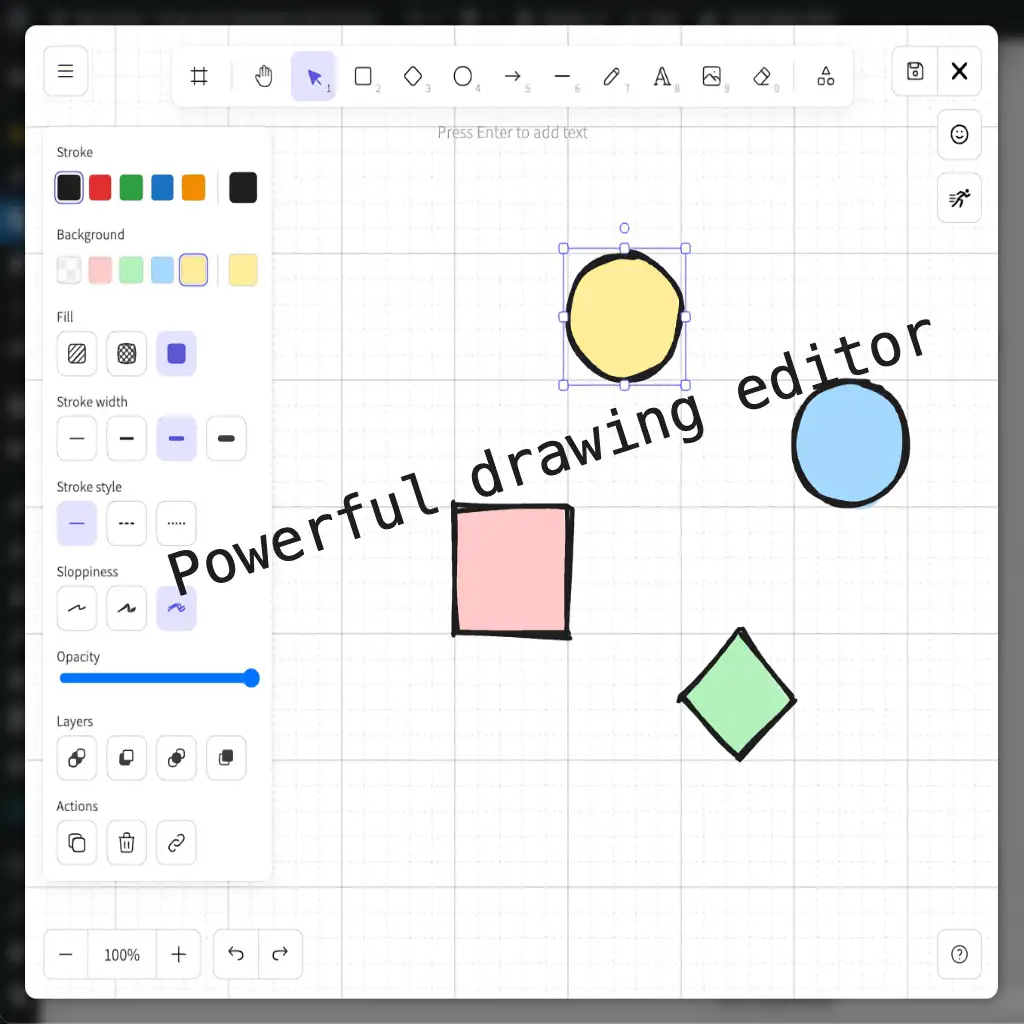
neo Draw – Advanced drawing tools for shapes, pen sketches, text, images, and creative graphics directly in WordPress
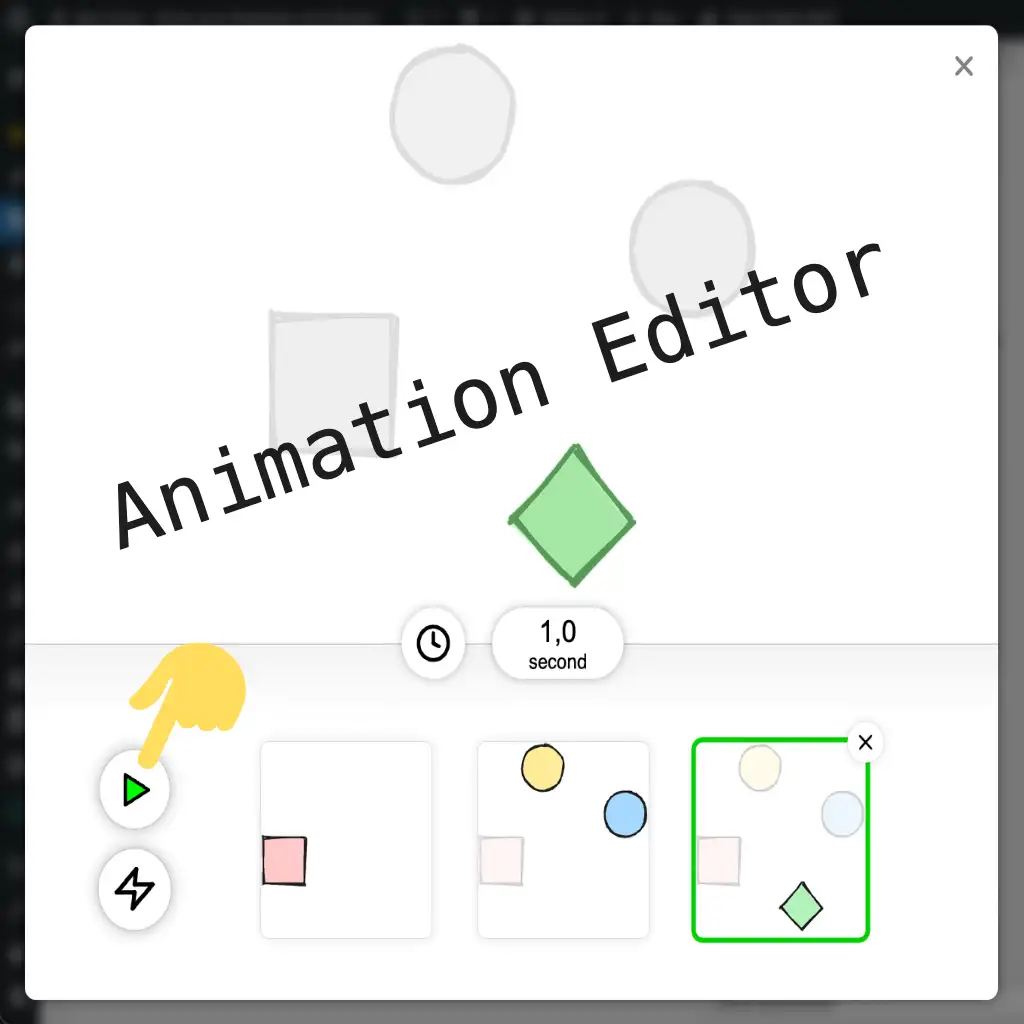
neo Draw – Animation editor for SVG drawings with stroke path effects, line animations, and live preview of motion
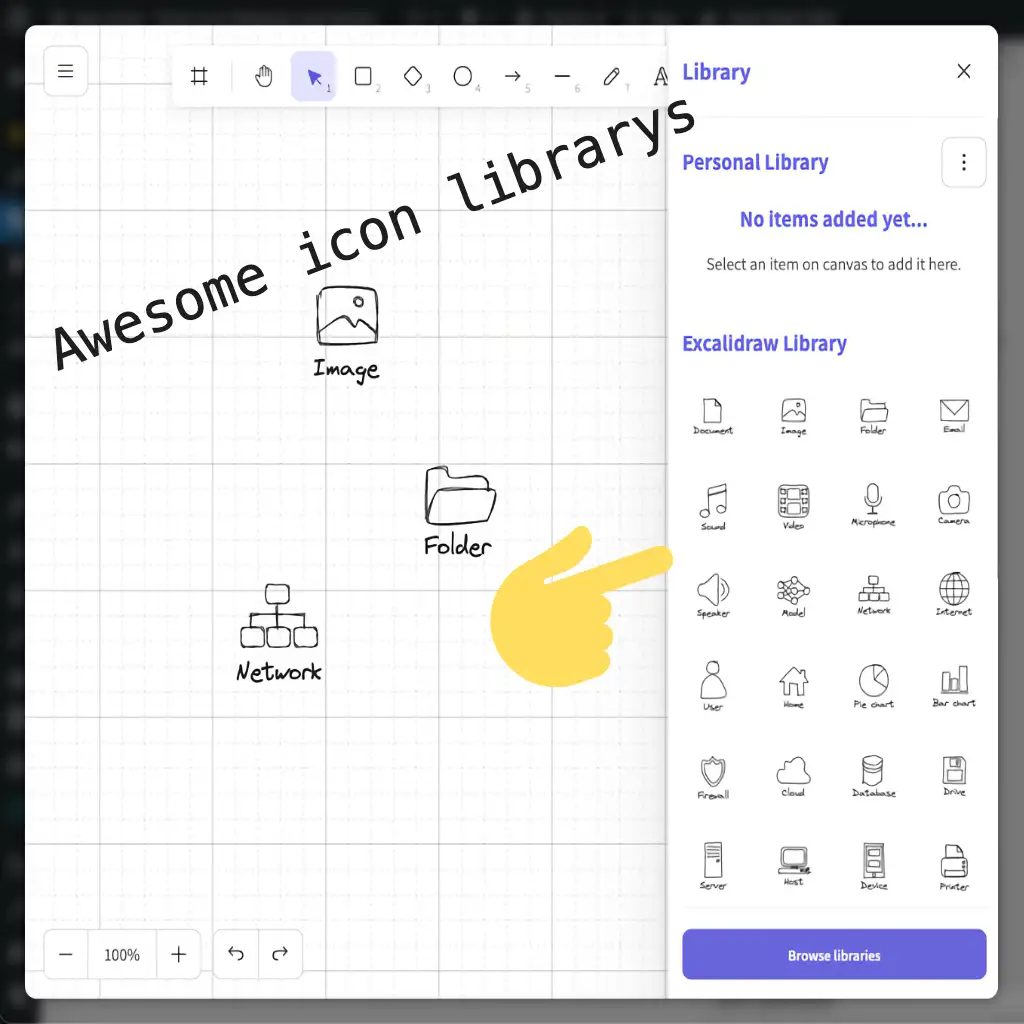
neo Draw – Icon library with symbols, emojis, and graphics for quickly creating charts, sketches, and illustrations
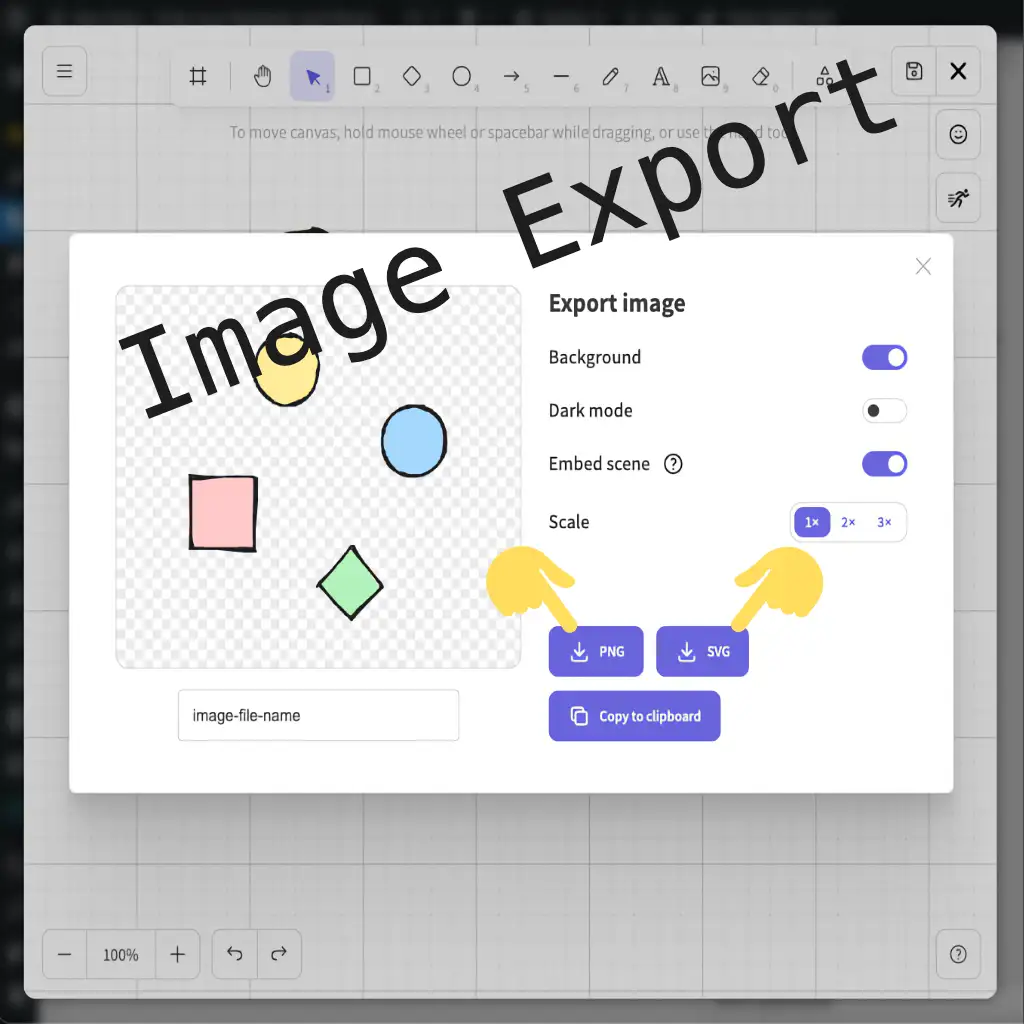
neo Draw – Export drawings as SVG or PNG with transparent background and embedded editor data for later editing
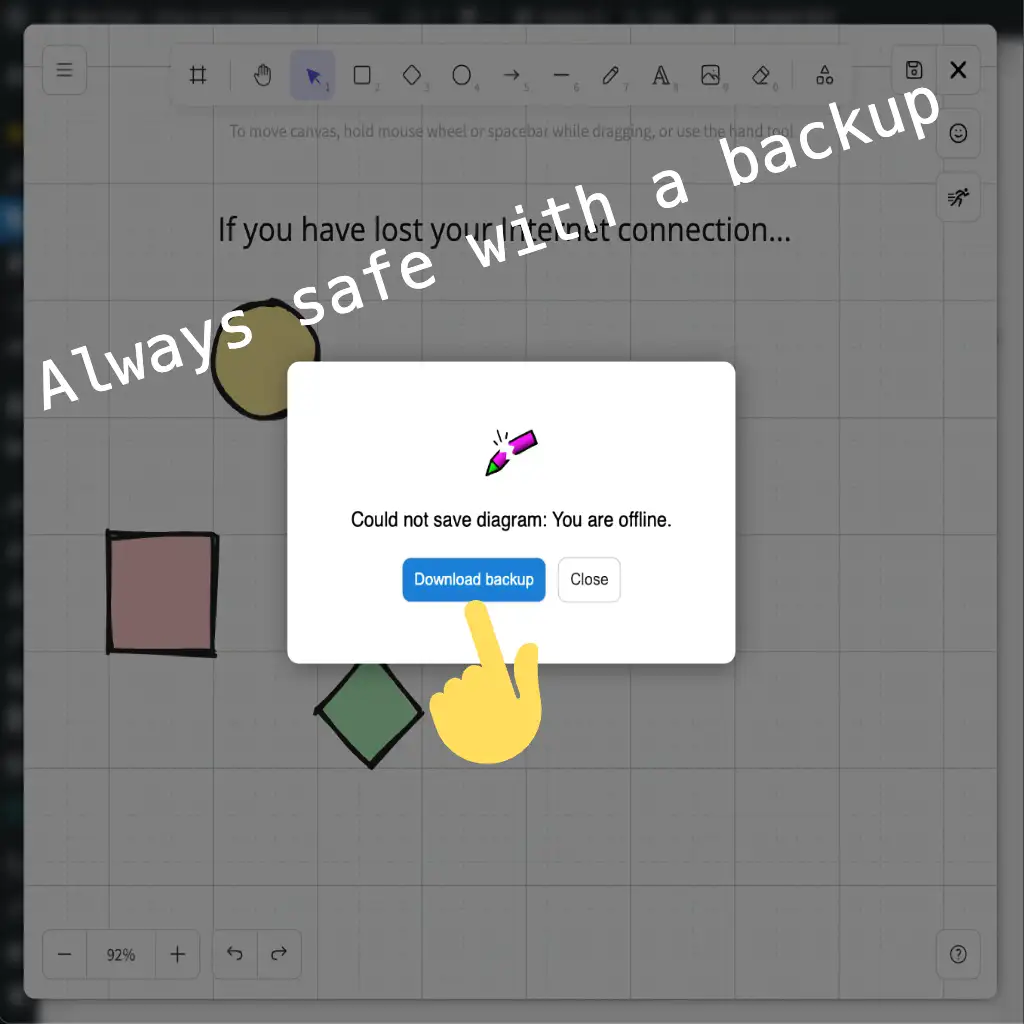
neo Draw – Automatic saving of the drawing during internet connection issues so drafts are not lost and can be restored
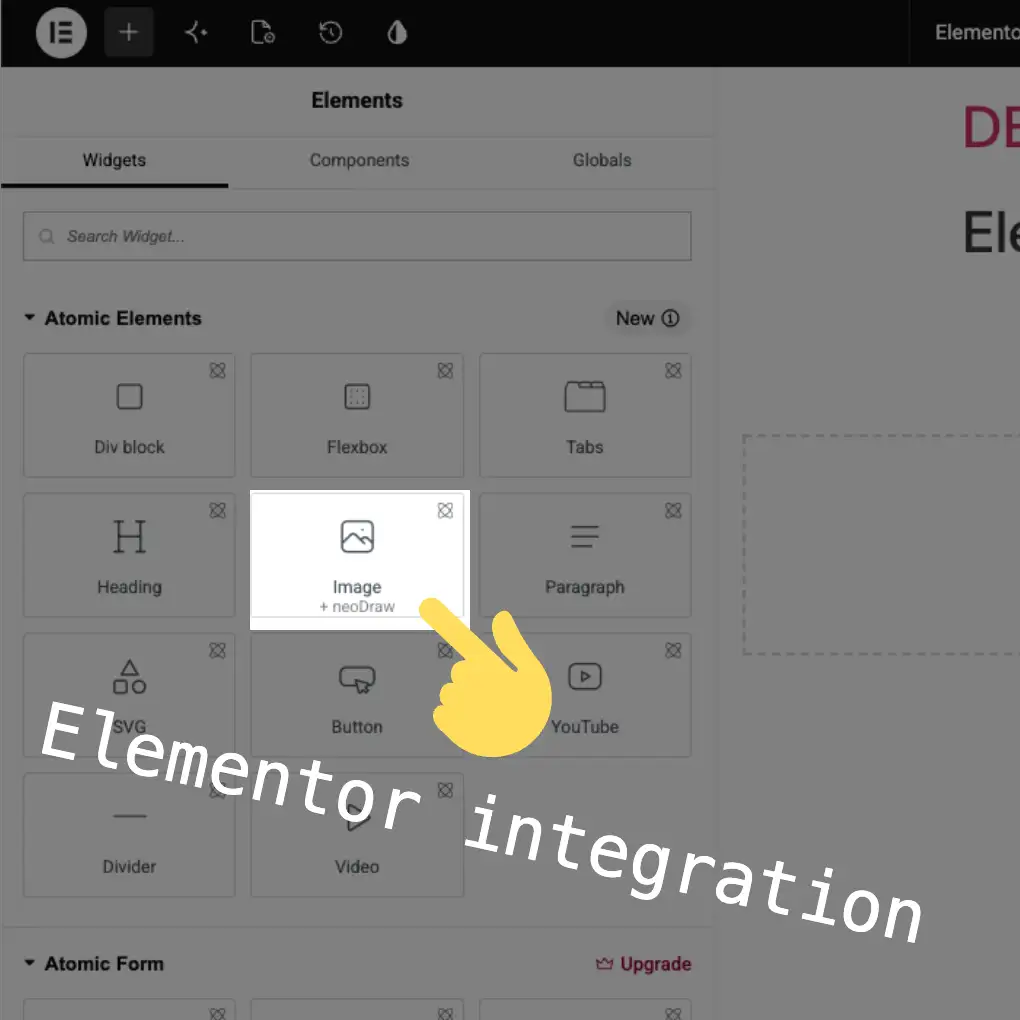
neo Draw – Pagebuilder integration in Elementor to create, edit, and insert drawings without leaving the editor
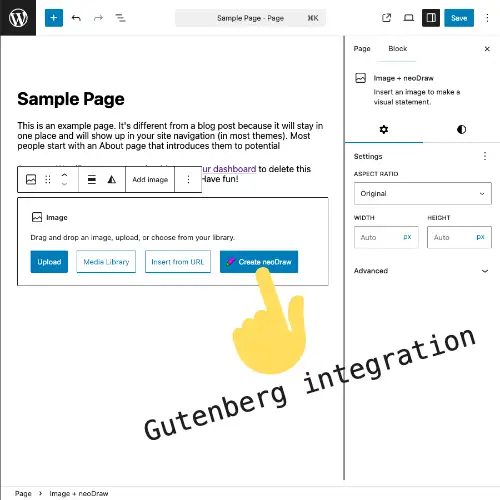
neo Draw – Pagebuilder integration in Gutenberg to create, edit, and insert SVG drawings directly in the block editor
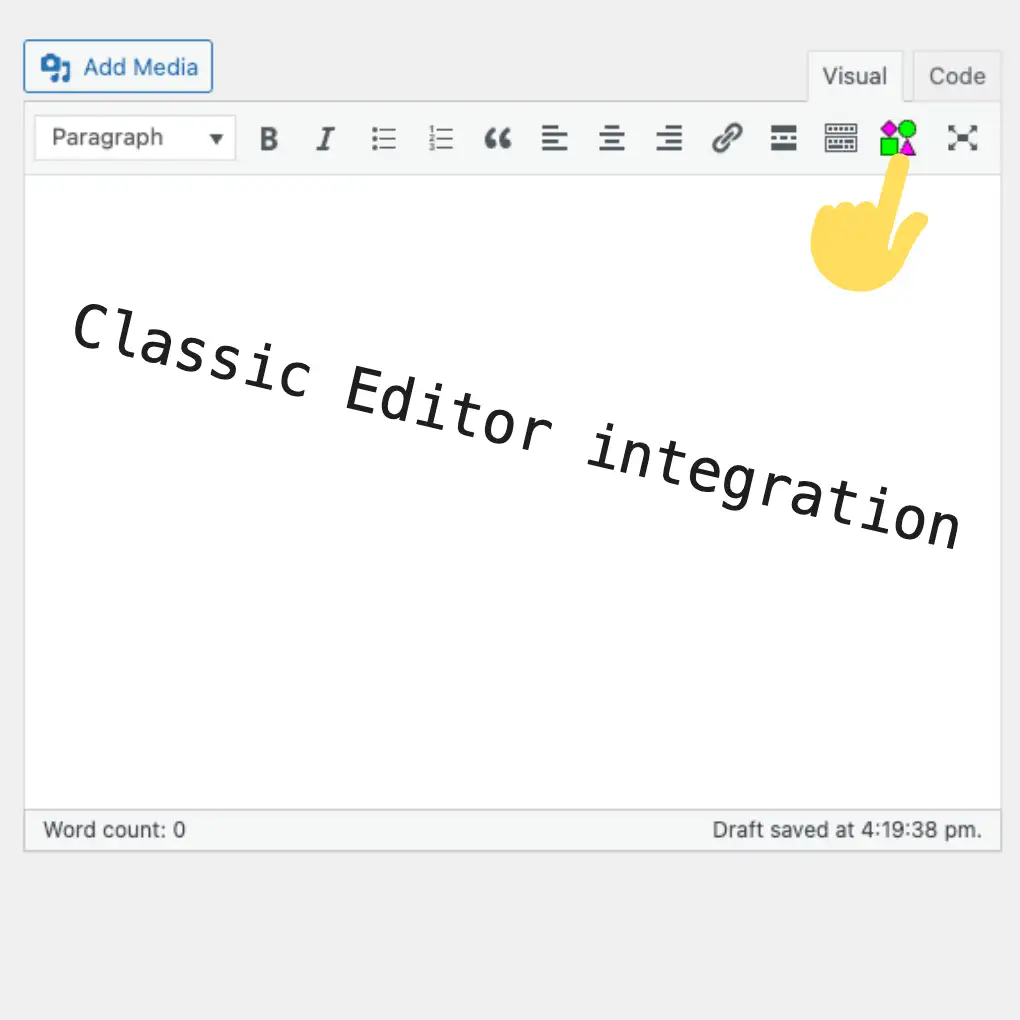
neo Draw – Pagebuilder integration in the Classic Editor to create and insert drawings via a button in the editor toolbar
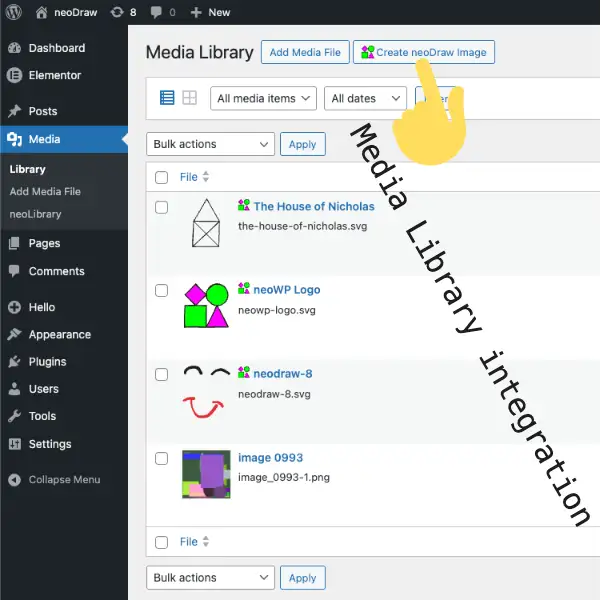
neo Draw – Integration into the WordPress media library to create new drawings that are managed like regular image files
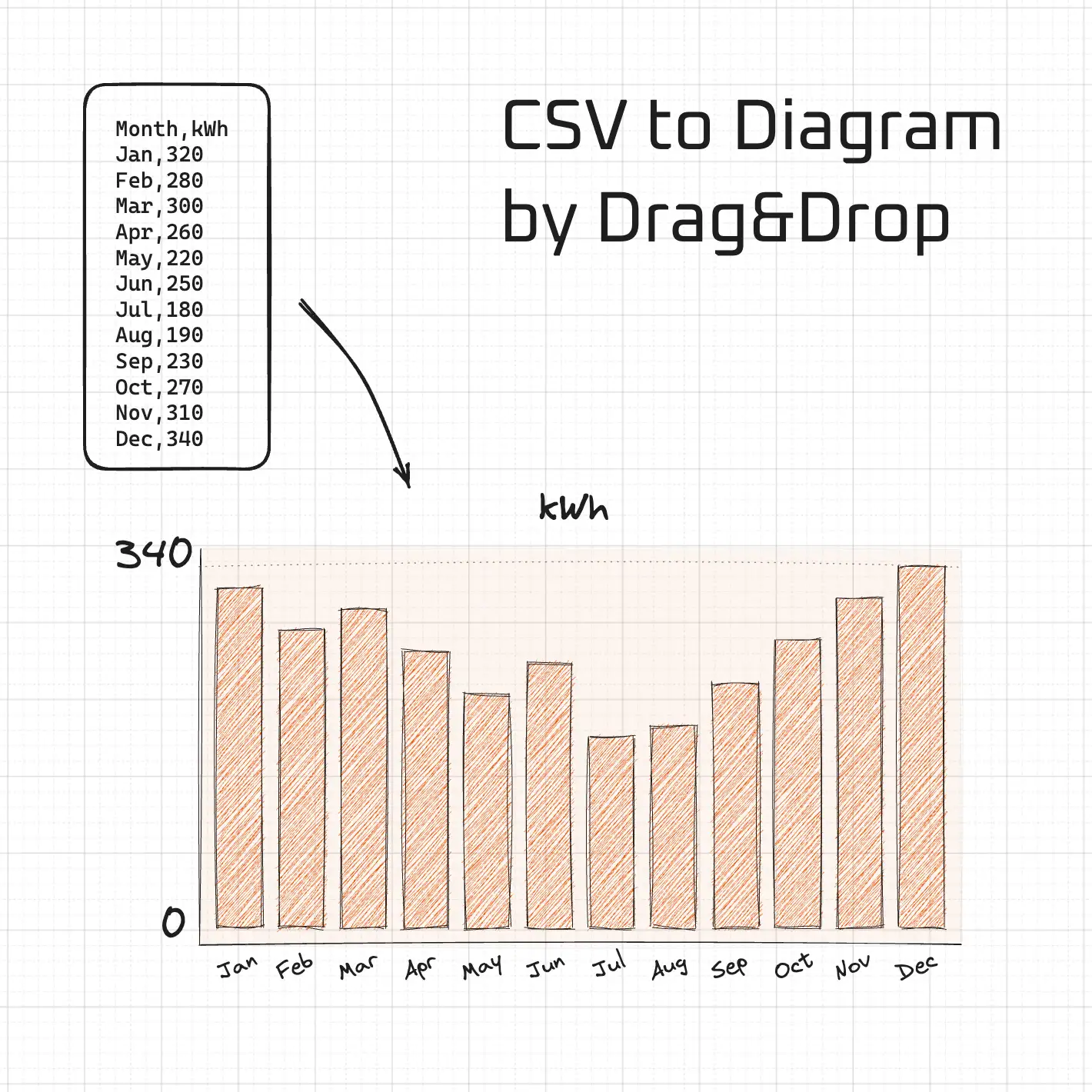
neo Draw – Insert CSV files and tables by drag and drop as a bar chart into an editable SVG drawing
Similar Plugins:
 Ajax Based Clear Cache For WP Super Cache, With This You Can Clear WP Super Cache From Any Place In WordPress Dashboard Without Leaving The Present Page
 Internal Post Linker – Link Internal Posts, Pages, Products Without Leaving The Page
 Rating Widget: Post Rating, 5 Star Rating, Reviews, Thumbs Up & Down, Reaction