
NewsletterMaker Lite Wordpress Plugin - Rating, Reviews, Demo & Download

Plugin Description
NewsletterMaker Lite lets you build beautifully laid-out newsletters directly inside WordPress, without touching a single line of code. Perfect for membership organisations, clubs, associations, and community groups that publish regular newsletters.
Build your newsletter with a visual editor:
- Add sections with a choice of layouts — text only, image left, image right, image above and below
- Choose image sizes to suit your content — small portrait shots for reports, medium for articles
- Add headlines, body text, captions and image galleries
- Auto-generated Table of Contents from your section headings
- Reorder sections by dragging and dropping
- Section templates for common report types — Chairman’s Report, Editor’s Report, and more
Preview and export:
- Full-screen preview showing exactly how your newsletter will look
- Print to PDF directly from the browser — no additional software required
Manage your newsletters:
- Newsletter list with issue number, date and section count at a glance
- Keep a skeleton newsletter as a reference for your regular standing sections
NewsletterMaker Pro adds powerful publishing features:
- Generate print-quality PDFs server-side using the mPDF library
- Publish newsletters as standalone web pages on your site — outside your theme, beautifully formatted
- Copy Forward — create next month’s issue from this month’s in one click
- Continuation sections — flow long articles across multiple sections with different image layouts
- Featured image caption and Editor’s Note
- Half-page and full-page advertisement layouts
- Save PDF directly to your server archive folder
- Published Issues admin screen — manage all your live newsletters
Upgrade to NewsletterMaker Pro
Screenshots
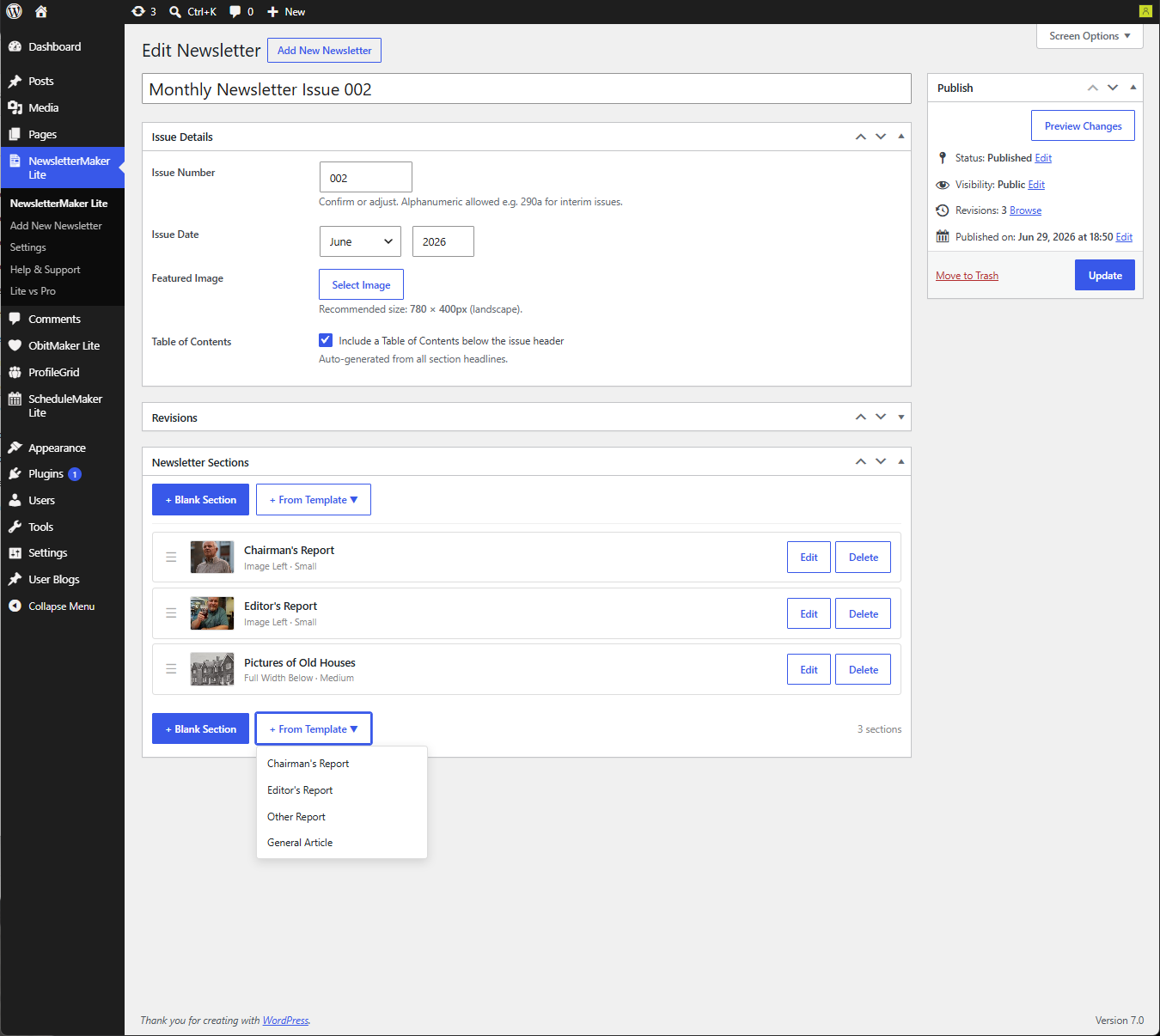
The newsletter editor showing Issue Details and Sections panel
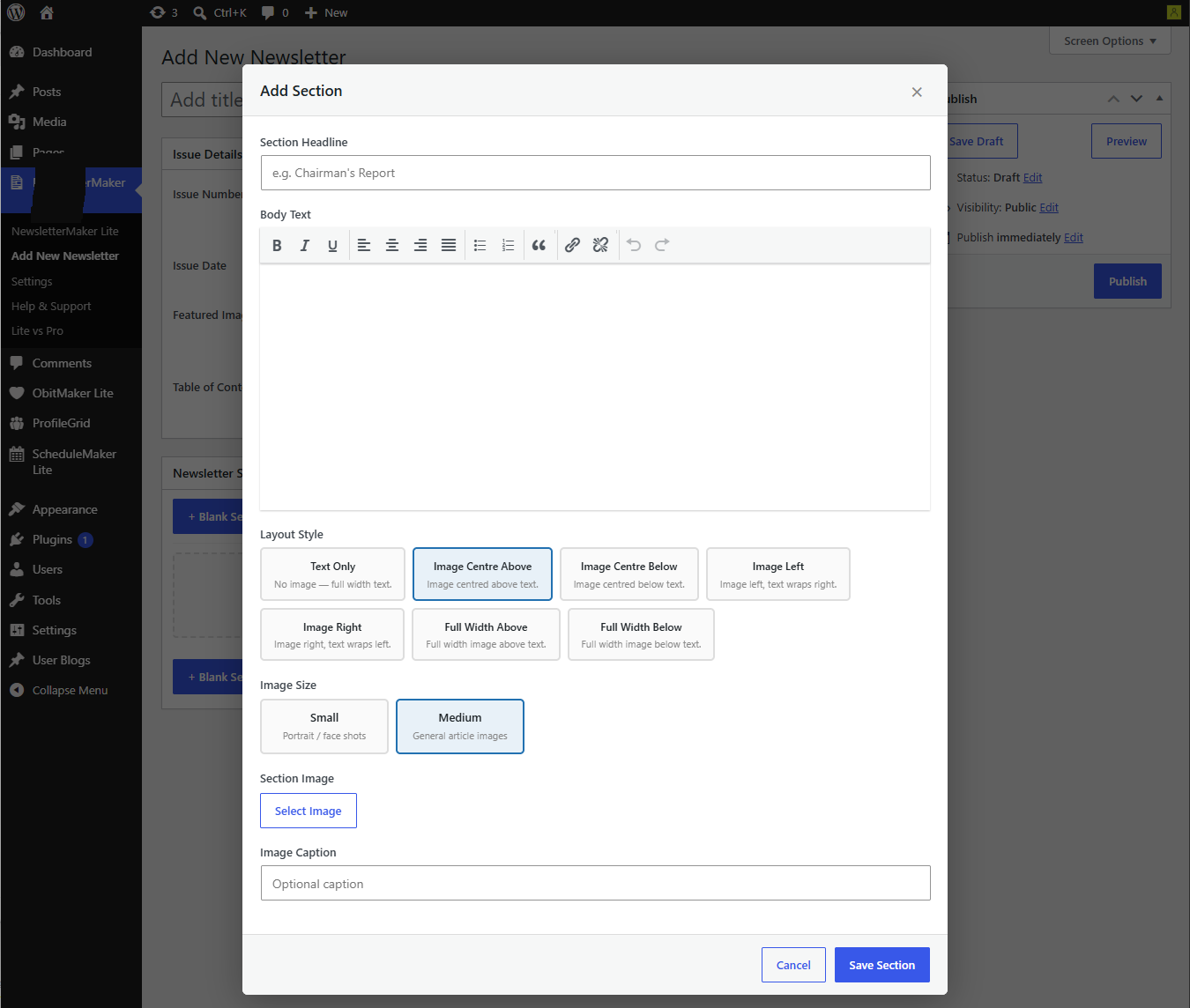
Section editor modal with layout picker and image options
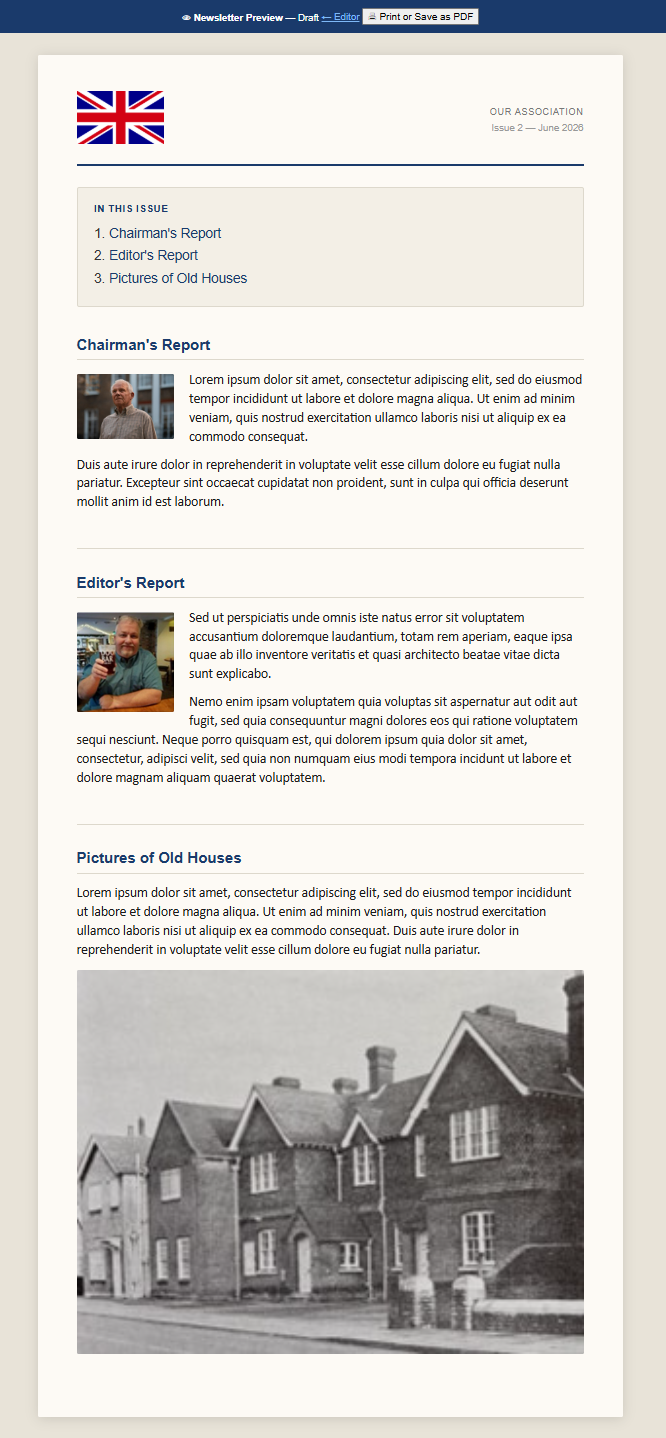
Full-screen newsletter preview
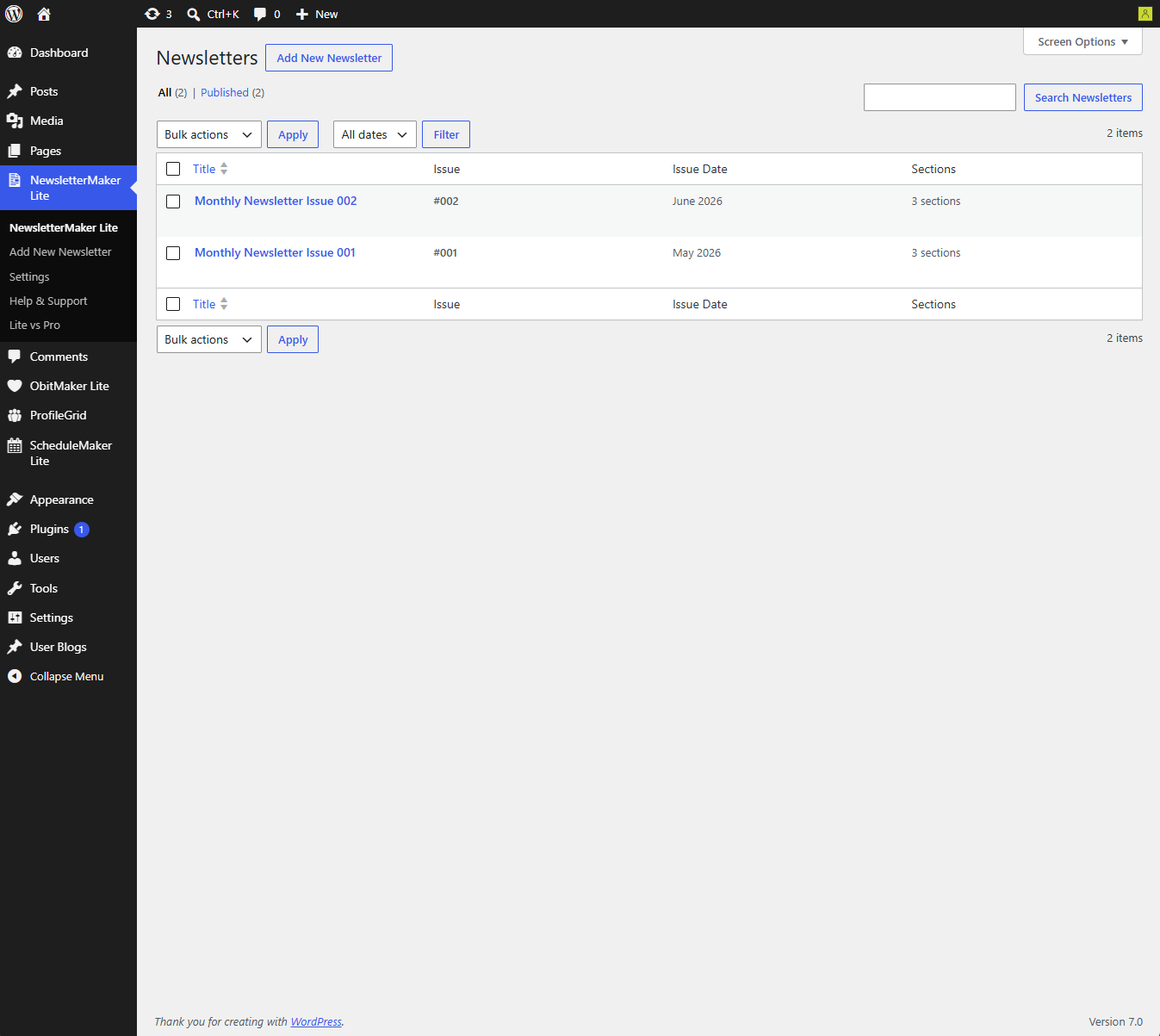
Newsletter list screen showing issue number, date and section count


